
Alright, let’s get straight to the point about your Dragon Quest I HD Remake save files on the Switch.
**Regarding Dragon Quest I & II HD-2D Remake and Nintendo Switch 2:**
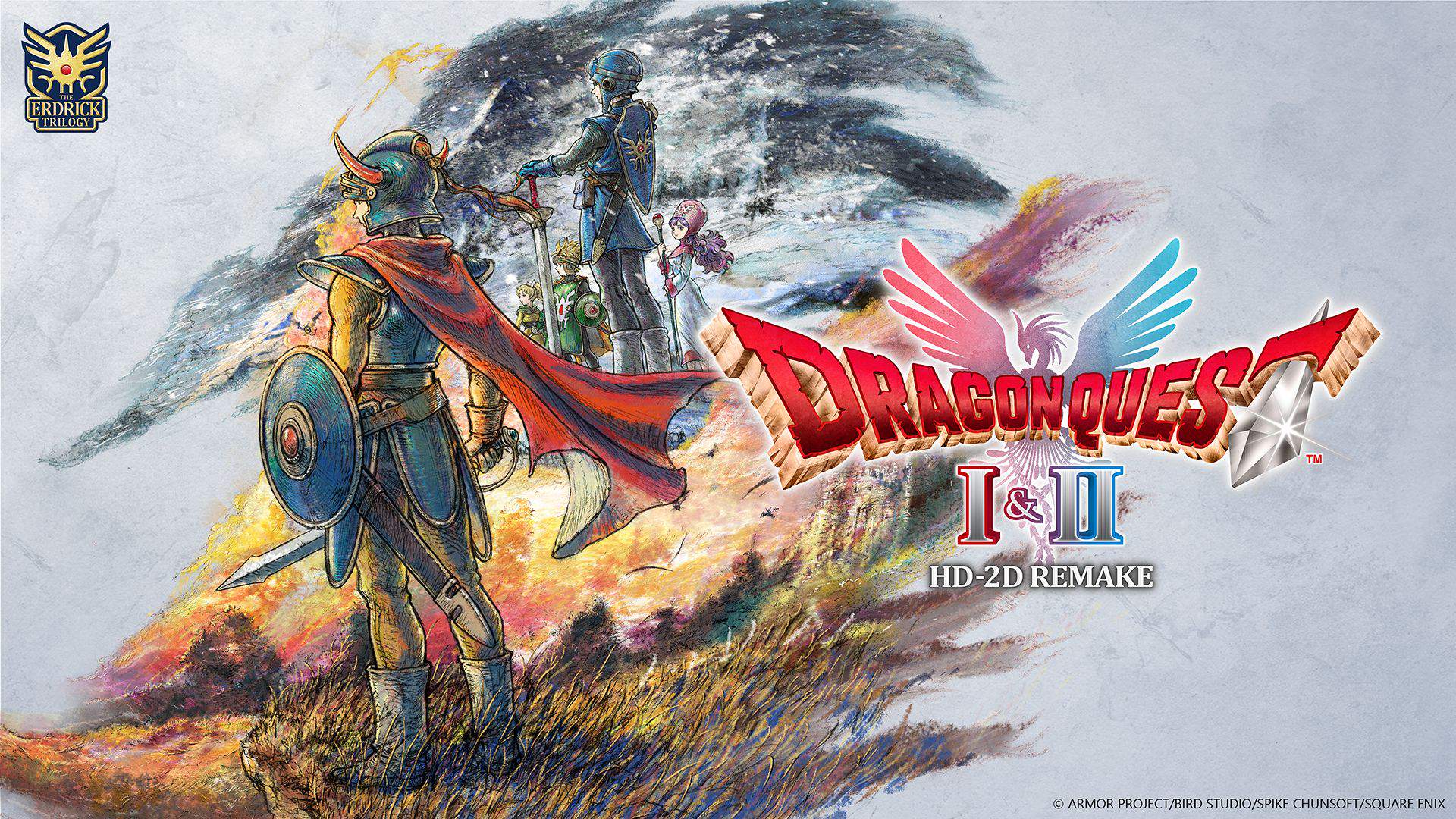
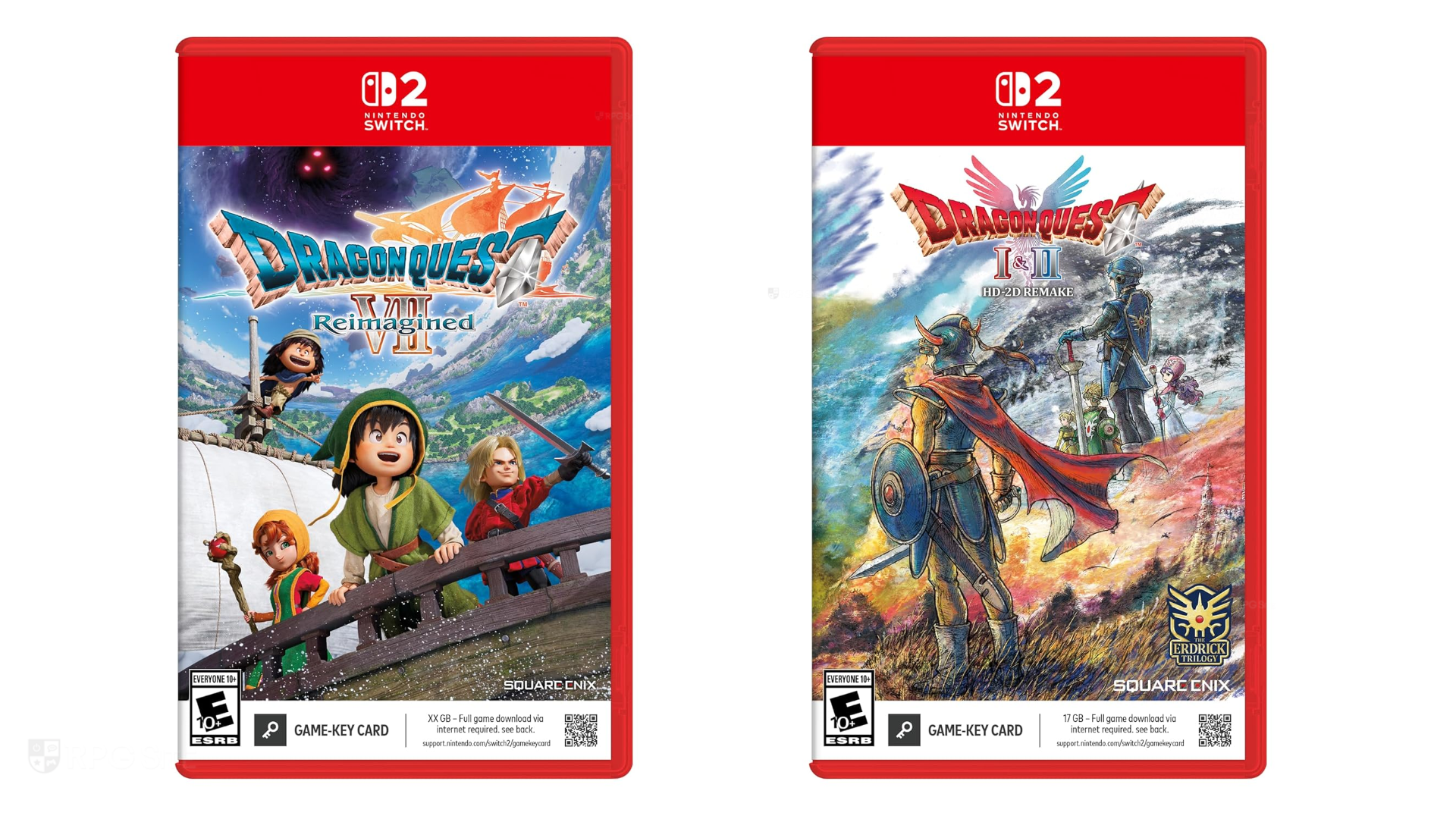
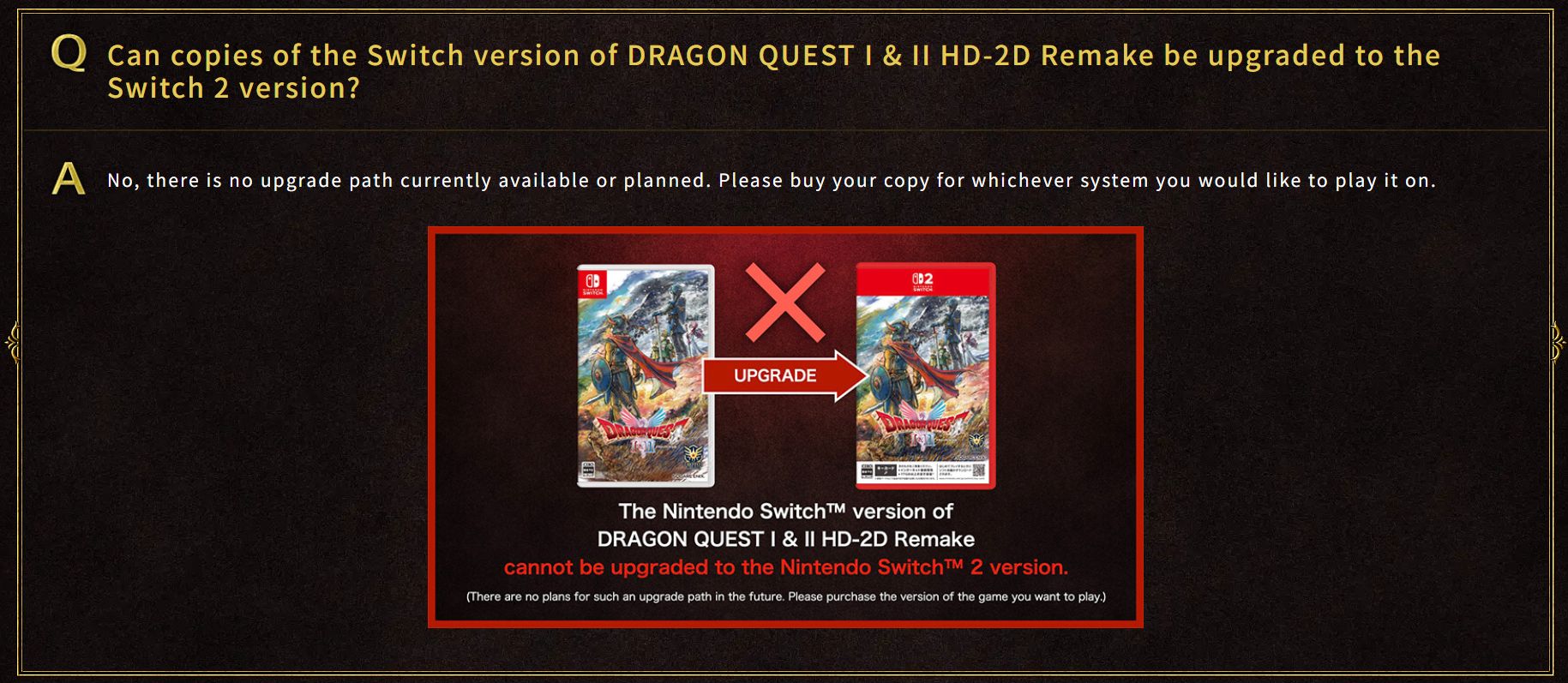
It’s crucial to understand that if you are referring to transferring save files from the **Nintendo Switch version** of *Dragon Quest I & II HD-2D Remake* to the **Nintendo Switch 2 version** of the same game, the answer is unfortunately **no**. Square Enix has officially confirmed that there will be no save data transfer or cross-save support between the Nintendo Switch and Nintendo Switch 2 versions of *Dragon Quest I & II HD-2D Remake*. They are treated as entirely separate titles, meaning you cannot carry your progress from one version to the other. If you play the Nintendo Switch version of the game on a Nintendo Switch 2 via backward compatibility, it will perform as it would on a Nintendo Switch, and its save data will remain tied to that specific version.
**General Save Data Transfer Between Nintendo Switch Consoles (e.g., Switch 1 to another Switch 1, or Switch 1 to Switch 2 for backward compatible games):**
If your question is about transferring save data for the *Nintendo Switch version* of *Dragon Quest I HD Remake* (or any other compatible game) between two Nintendo Switch consoles (e.g., an original Switch to an OLED model, or to a Switch 2 playing the original Switch version), then yes, you generally have a few methods available:
1. **Using Nintendo Switch Online Cloud Saves (Requires Subscription):**
This is the most convenient method for many games, including *Dragon Quest I HD Remake*, as it automatically backs up your save data online.
* **On your original Switch:** Ensure you have an active Nintendo Switch Online subscription. Highlight *Dragon Quest I HD Remake* on your Home Menu, press the Plus (+) button, select “Save Data Cloud,” and then choose your user profile to back up the save data to the cloud. You can also enable automatic save-data backup in System Settings > Data Management > Save Data Cloud Backup.
* **On your new Switch:** Sign in with the same Nintendo Account linked to your user profile. When you launch *Dragon Quest I HD Remake* for the first time, the system should prompt you to download the cloud save data. If not, go to System Settings > Data Management > Save Data Cloud, select the game, and choose “Download Save Data.”
2. **Local Save Data Transfer (No Subscription Required):**
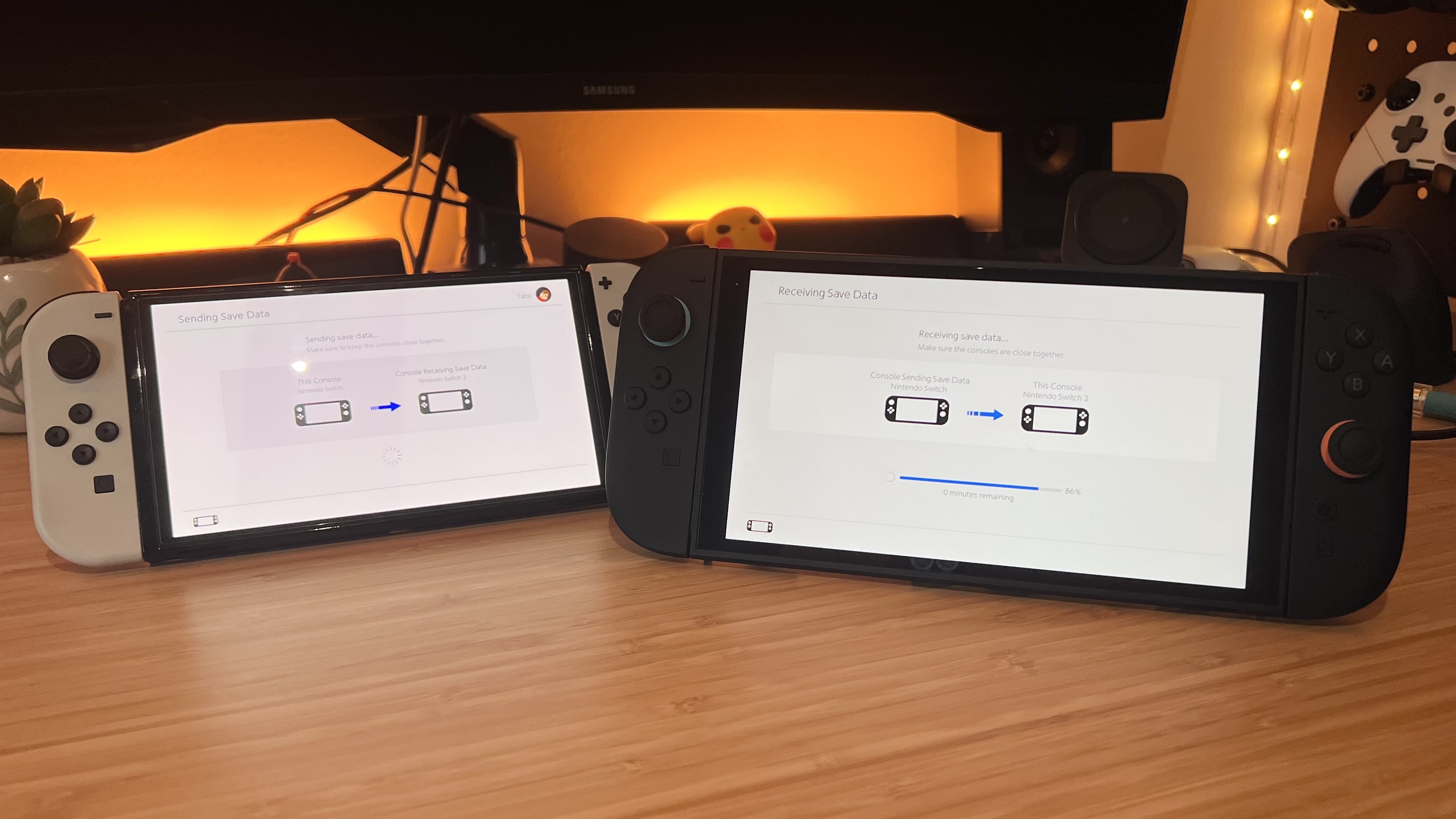
This method allows you to transfer save data directly between two nearby Switch consoles. The save data will be moved from the source console and deleted from it.
* **On both consoles:** Ensure both Switches are updated to the latest system software, connected to the internet, and in close proximity.
* **On the source Switch (the one with the save data):** Go to System Settings > Data Management > Transfer Your Save Data > Send Save Data to Another Console. Select the user account and the save data for *Dragon Quest I HD Remake* you wish to transfer.
* **On the target Switch (the one you want to transfer to):** Go to System Settings > Data Management > Transfer Your Save Data > Receive Save Data.
* Follow the on-screen prompts to complete the transfer.
3. **Transfer Your User and Save Data (For Moving an Entire Profile):**
This method is used when you want to transfer an entire user profile, including all associated save data, digital game purchases, and settings, from one Switch to another. The user profile and its data will be removed from the source console.
* **On both consoles:** Ensure both Switches are updated to the latest system software, plugged into an AC adapter, and in close proximity.
* **On both consoles:** Go to System Settings > Users > Transfer Your User and Save Data.
* Follow the on-screen instructions, designating one console as the “Source Console” and the other as the “Target Console.” You will need to sign in to your Nintendo Account on the target console.
Remember, while general Switch save data transfer methods work for the *Nintendo Switch version* of *Dragon Quest I HD Remake* between compatible consoles, the key takeaway is that you cannot transfer save data *between the distinct Nintendo Switch and Nintendo Switch 2 versions* of the game. So, choose your platform wisely, adventurer!

Leave a Reply