
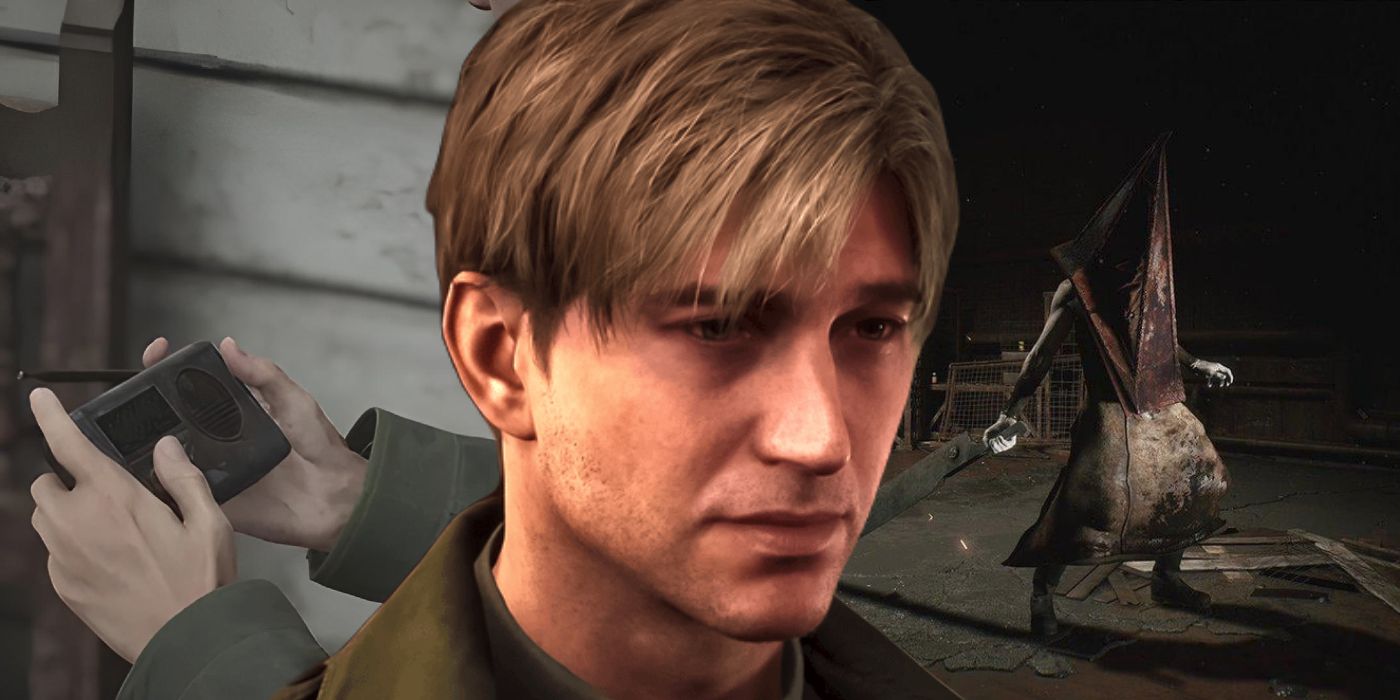
In Silent Hill 2, the portable radio serves as a vital mechanic for players, particularly for navigating the disturbing and claustrophobic environment populated with surreal horrors. This feature, manifesting as static noise, alerts protagonist James Sunderland to the presence of enemies in the vicinity, enhancing the tension and survival aspect of gameplay.
Function of the Radio
The radio’s primary role is to emit a static noise when enemies are nearby. This auditory cue becomes immediately crucial in areas where visibility is compromised, such as dimly lit hallways or narrow passages where threats can lurk unseen. Initially, in the original version of Silent Hill 2, the radio’s static functioned as a more critical component due to the game’s fixed camera angles, which often limited the player’s perspective and heightened the vulnerability to ambushes.
In the Silent Hill 2 Remake, while the static remains part of the experience, the introduction of a free third-person camera significantly reduces the dependency on auditory cues, allowing players a broader view of the environment. Nonetheless, the static still functions as an important alert system amidst the inhospitable terrain.
Interpreting the Static
Understanding the radio’s signals can improve gameplay strategy:
– Static Sound: The presence of static indicates that an enemy is close. However, it does not provide specific directional cues. Players should be attentive and rotate the camera to locate the threat causing the noise.
– Absence of Static: When the static fades, it suggests that no enemies are within the range of the radio. This can be a momentary relief, but players must remain vigilant as it does not equate to absolute safety.
– Accessibility Feature: The Silent Hill 2 Remake introduces a crucial accessibility feature, enabling visual indicators to signal when the radio emits static. This enhancement supports players who may have difficulty detecting audio cues, ensuring a more inclusive gaming experience.
Using the Radio Effectively
To maximize the effectiveness of the radio during gameplay, consider the following tips:
1. Stay Attuned to Static: Regularly listen for static while exploring. This creates heightened awareness about enemy proximity.
2. Visual Scanning: Upon hearing static, take the time to survey your surroundings carefully using the camera. This practice can prevent ambushes by allowing for strategic positioning against approaching enemies.
3. Exercise Caution: Should the static stop, always remain vigilant, particularly when in uncharted areas or before entering new environments.
Additional Notes
– Radio Silence Achievement: In the remake, players can achieve the “Radio Silence” trophy by completing the game without utilizing the radio. This challenges players to rely solely on visual observation and instinct, elevating the difficulty.
– Audio Balance: Some players have expressed concerns about the radio sound effects being excessively loud in the remake, especially from the DualSense controller’s speaker. Since there are no in-game options to adjust the volume of the radio, using headphones can allow for a more balanced audio experience, improving immersion and overall gameplay.
In conclusion, while the radio’s static in Silent Hill 2 serves as an essential tool for detecting threats within the atmosphere of dread, understanding how to interpret and effectively utilize this mechanic can significantly enhance the playing experience. Whether in the original game or the remake, mastering its functions is key to navigating the haunting world of Silent Hill.

Leave a Reply