
Gear Management and Upgrade Guide for Dragon Age: The Veilguard
In “Dragon Age: The Veilguard,” efficiently managing and upgrading your party’s gear is vital for enhancing the effectiveness of your companions in combat. This guide provides a comprehensive overview of how to equip new gear, upgrade items, and optimize your companions for success.
Equipping New Gear on Companions
To equip new gear for your companions, follow these steps:
1. Access the Companion Menu
– Navigate to the Menu: Press the “Options” button (or “Select” on PS5) on your controller.
– Scroll to “Companions”: Move over twice to reach the Companion management screen.
2. Choose the Companion
– Select the specific companion whose gear you wish to update.
3. Edit Equipment
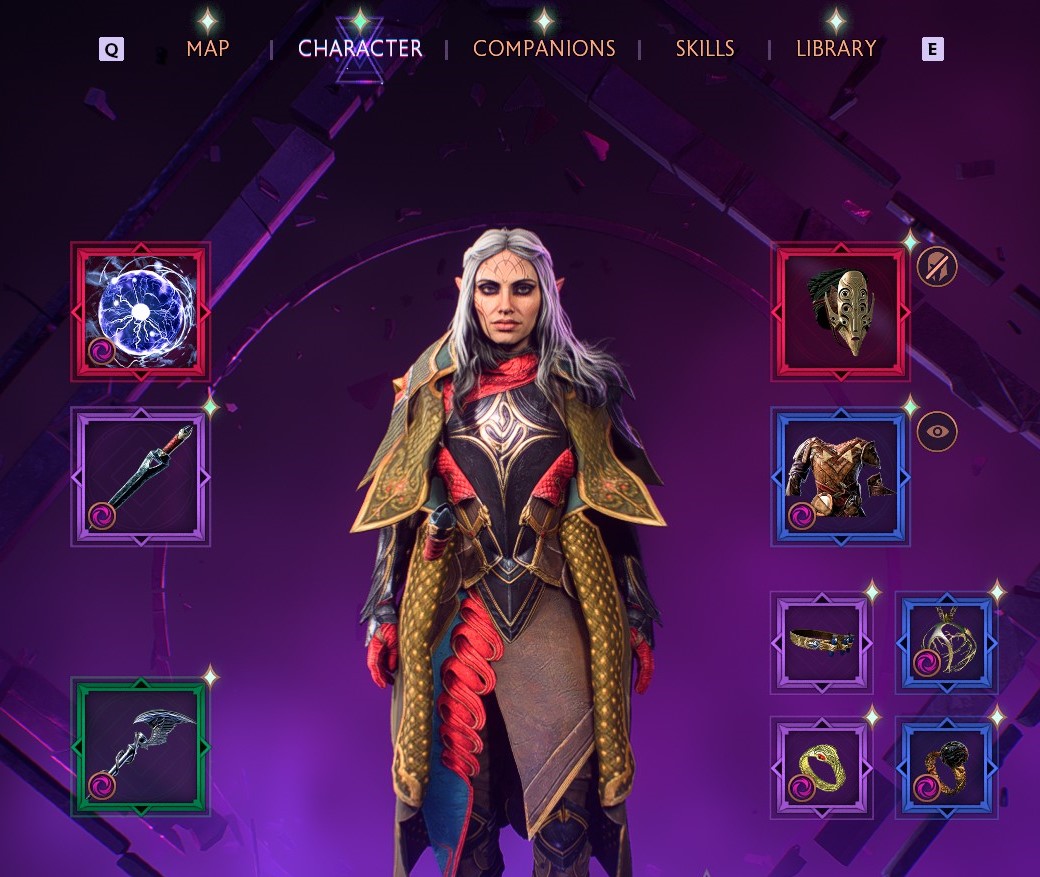
– Select an Item: Click on an item currently equipped by the chosen companion.
– Swap Items: Choose a new item from their inventory to replace the existing one.
Upgrading Gear
Upgrading gear in “The Veilguard” can be done primarily through two methods: utilizing the Workshop at the Lighthouse and purchasing upgrades from Faction Merchants.
Using the Workshop
1. Locate the Workshop
– Find the Workshop situated under the giant wolf statue within the Lighthouse courtyard.
2. Interact with the Caretaker
– Speak with the Caretaker to access the upgrade menu for your gear.
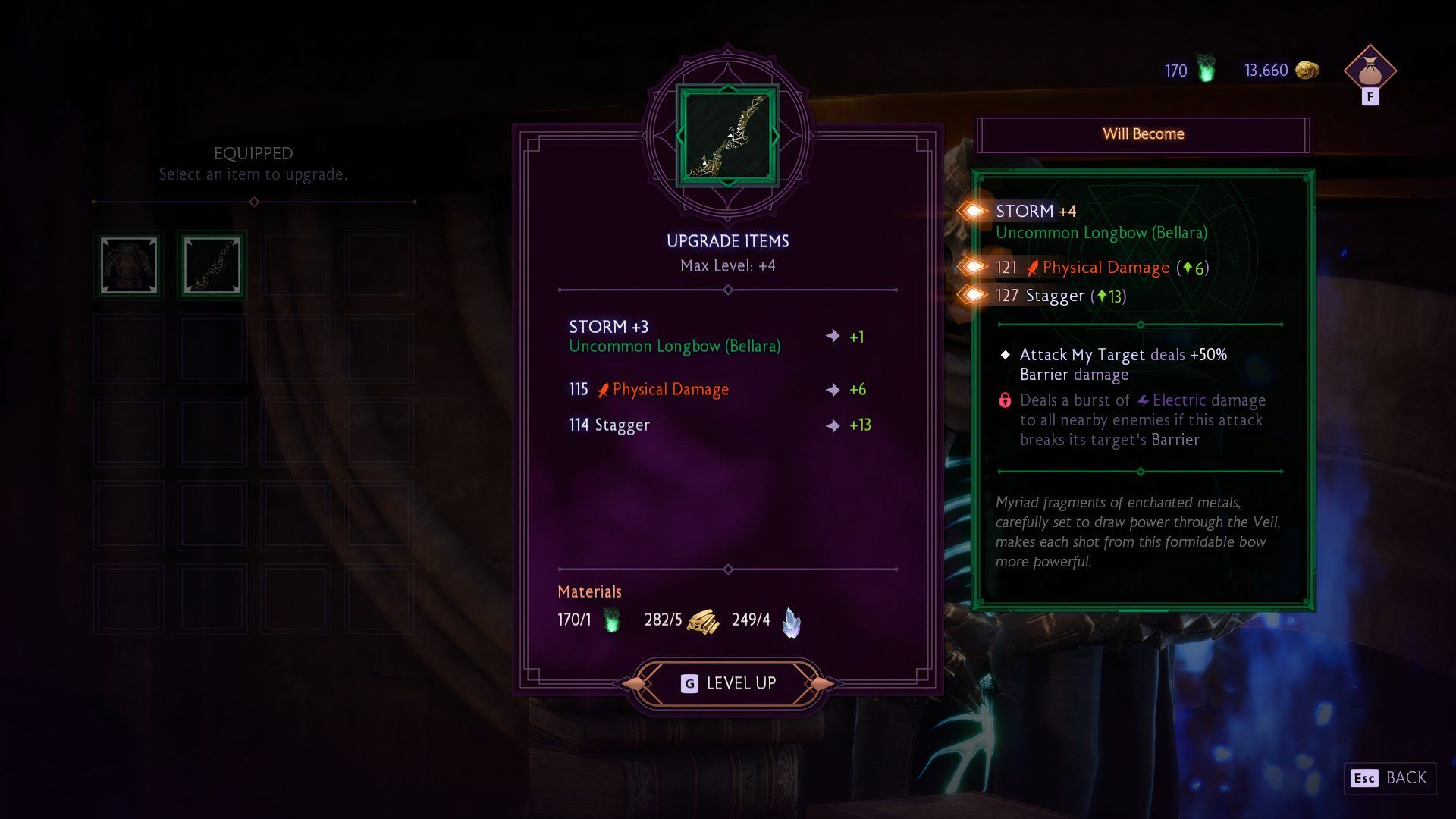
3. Select Items to Upgrade
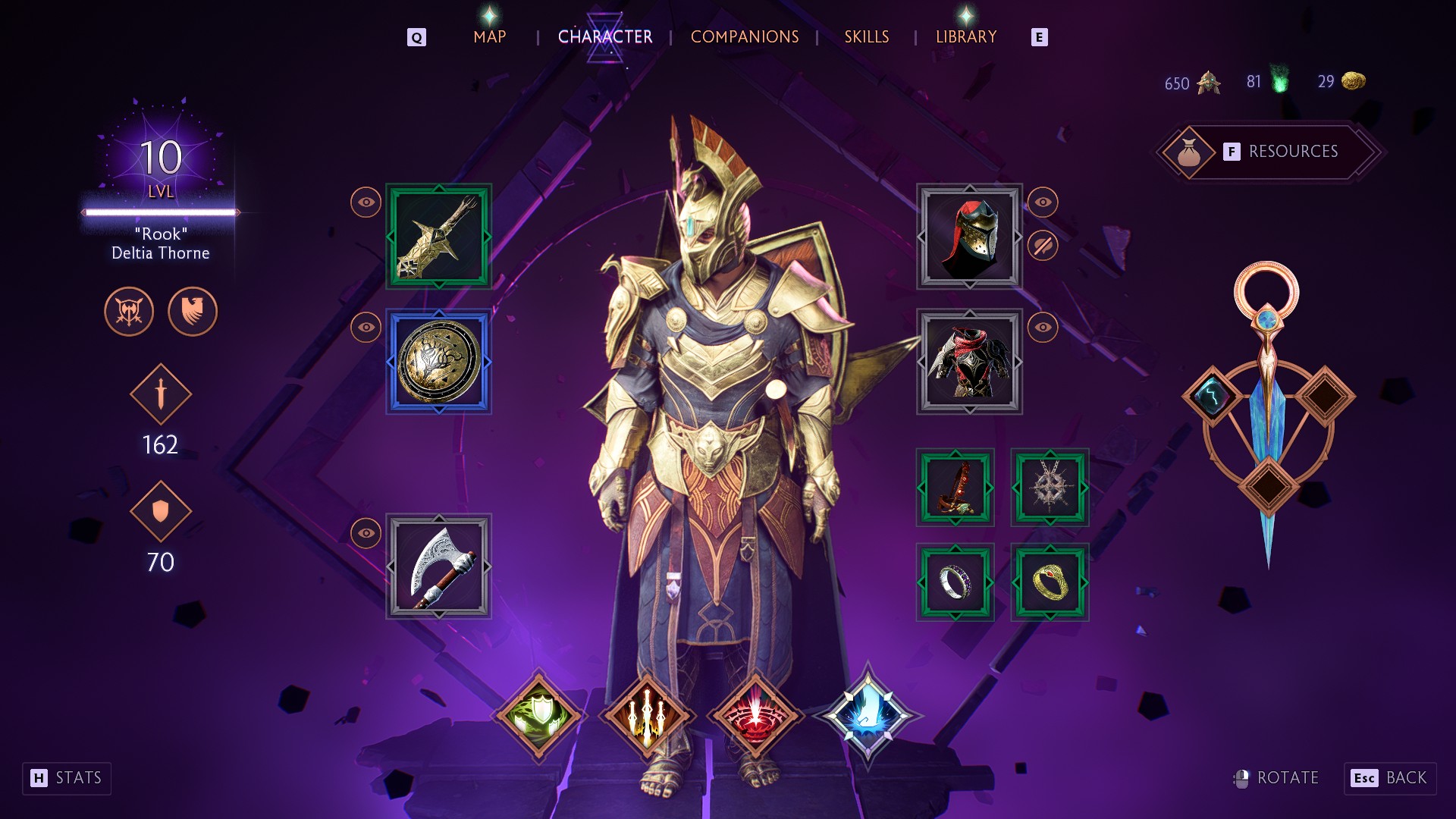
– Choose from items belonging to Rook or any of your companions. Note that not all items are eligible for upgrades; Rook’s rings and amulets cannot be upgraded.
4. Check for Required Materials
– Verify that you have the necessary materials for upgrades, such as:
– Heartwood
– Imperial Weave
– Flawless Crystals
– Ore
5. Upgrade Items
– Select “Level Up” to enhance the chosen item, and review the improvements to its stats.
Upgrading Workshop Capabilities
To enhance the capabilities of the Workshop for more robust upgrades:
1. Collect Mementos
– Gather Mementos found throughout Thedas to increase the Workshop’s rank.
2. Rank Up the Workshop
– Return to the Workshop and select “Rank Up” from the right side of the menu.
3. Unlock New Enchantments
– Advancing the Workshop’s rank grants access to new enchantments and higher-level item upgrades.
Purchasing Duplicates for Rarity Upgrades
To increase the rarity of non-unique items for better performance:
1. Find Item Duplicates
– Locate or purchase duplicates of items from various merchants.
2. Combine Duplicates
– Use duplicates to enhance existing gear, improving their rarity and effectiveness.
Faction Merchants
Faction Merchants provide specialized upgrades tailored to companions affiliated with their respective factions. Ensure that the relevant companion is in your party when visiting these merchants to access faction-specific gear enhancements.
Tips for Managing and Upgrading Gear
– Resource Gathering: Keep an eye out for lootable containers and resources to facilitate upgrades.
– Prioritize Skills and Roles: Ensure companions have a balanced set of skills—focusing on Primer and Detonator abilities for enhanced party synergy.
– Focus on Key Items: Concentrate upgrading critical items like main-hand weapons and armor that significantly impact combat effectiveness.
– Thorough Exploration: Search comprehensively for Mementos and other resources to maximize Workshop functionalities.
By following this guide, you’ll effectively manage your party’s gear and upgrade their equipment in “Dragon Age: The Veilguard.” This proactive approach will empower your companions, making them significantly more formidable in combat and amplifying your overall gameplay experience.


Leave a Reply