
Field Upgrades in Call of Duty: Black Ops 6 serve as game-changers during matches, offering strategic advantages tailored to enhance gameplay in both Multiplayer and Zombies modes. Here’s a comprehensive breakdown of how to equip, activate, and optimize the use of Field Upgrades.
Equipping Field Upgrades
1. Accessing the Loadout Menu
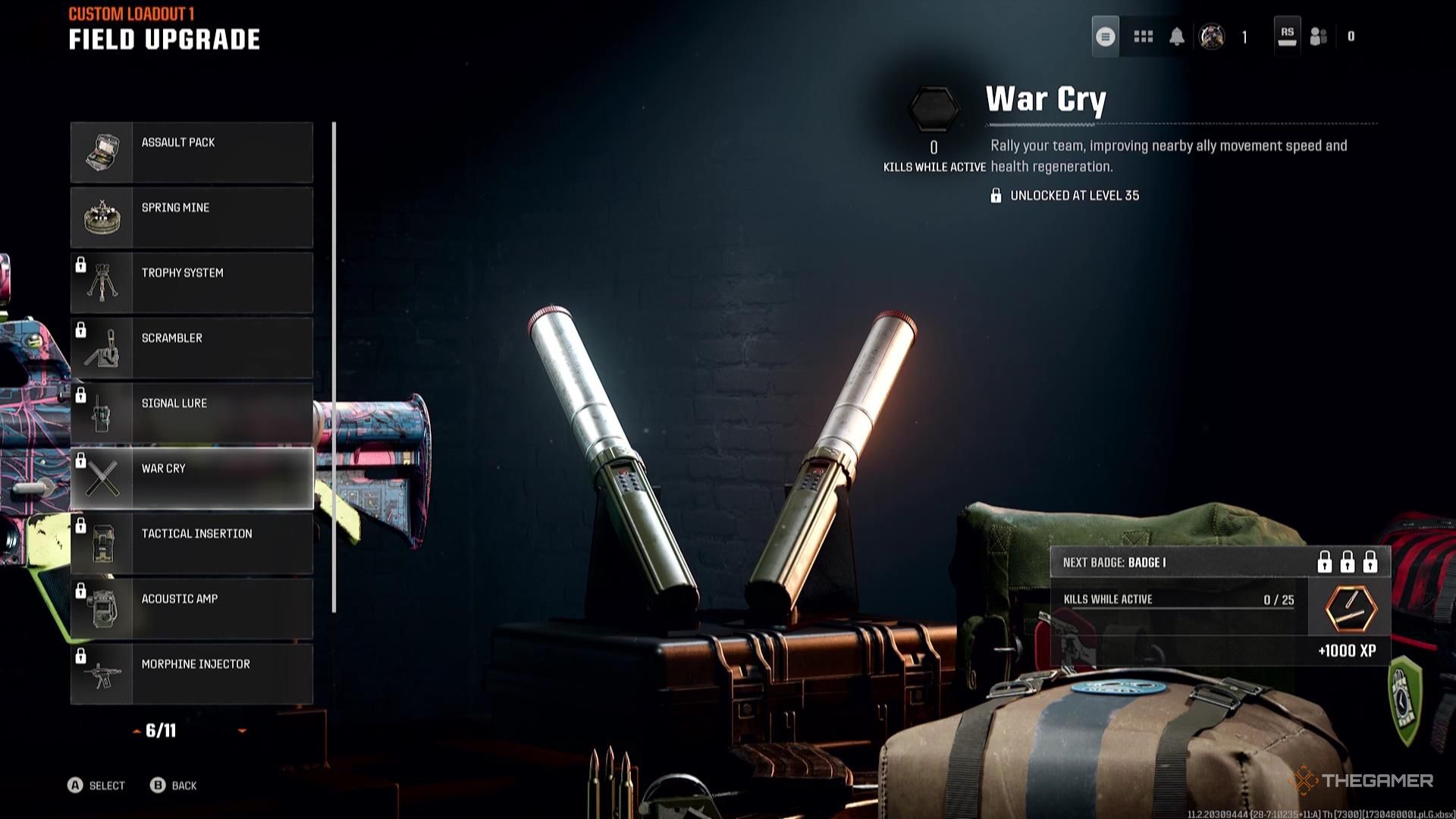
To begin equipping a Field Upgrade, navigate to the Loadout Menu within the game’s main menu. Here, you will find a section dedicated to Field Upgrades, displaying those you have unlocked through gameplay progression.
2. Selecting Field Upgrades
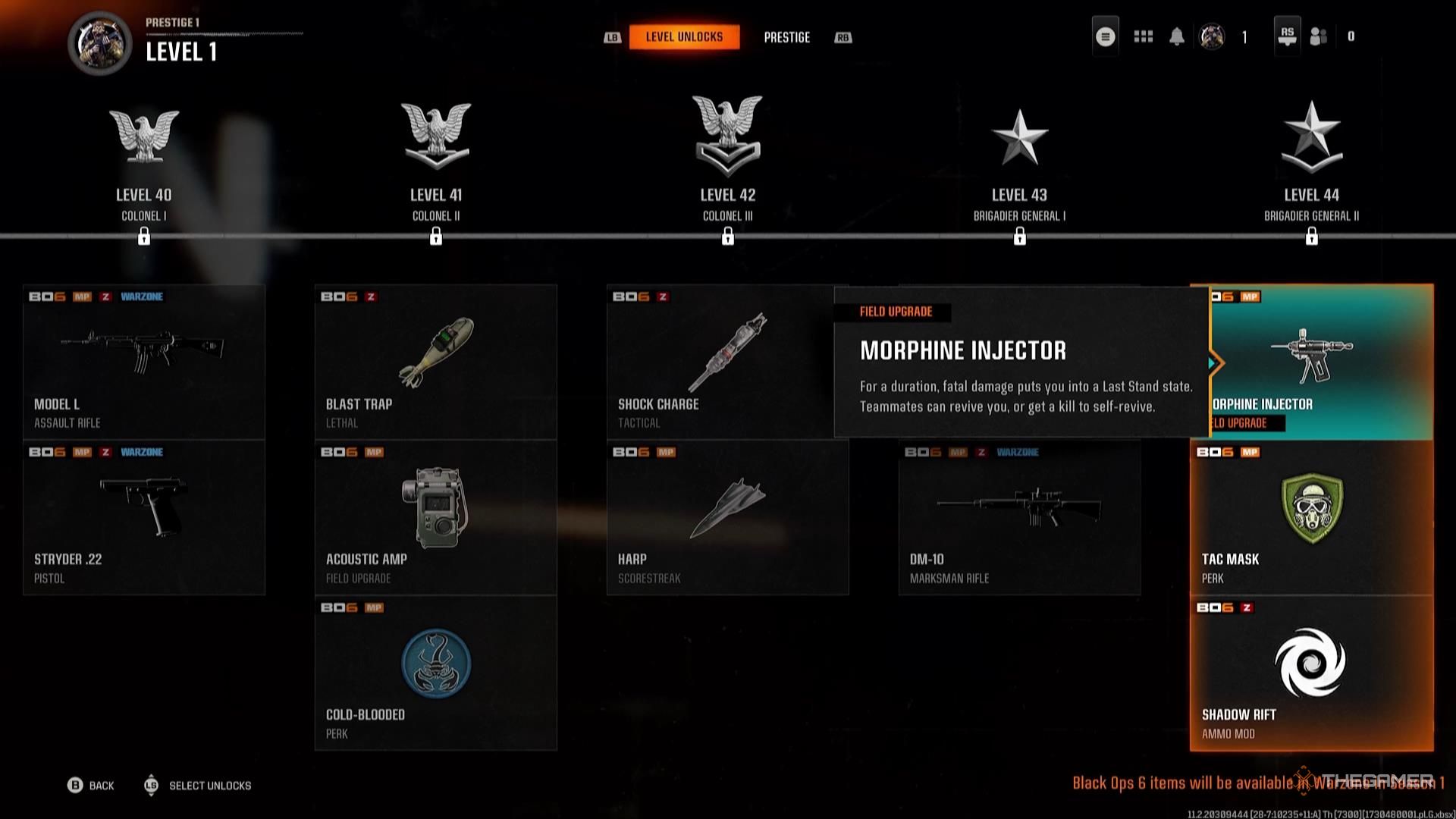
From the available list of Field Upgrades, select the one you wish to equip. It is essential to note that certain upgrades are gated by player levels, so ensure you have reached the required level to access specific upgrades.
3. Choosing the Right Loadout
Once you have selected your Field Upgrade, move on to customize your loadout. Each loadout can be tailored to different game modes—whether it’s for aggressive playstyles or defensive strategies—by choosing appropriate Field Upgrades that complement your overall game plan.
Using Field Upgrades in Multiplayer
1. Activating Field Upgrades
Field Upgrades require a fully charged Energy Bar to be activated. This charge is accumulated by scoring points through actions such as kills, capturing objectives, or completing challenges during matches.
2. Strategic Deployment
Every Field Upgrade presents unique advantages. For instance, you can use the Scrambler to interfere with enemy radar, whilst the Morphine Injector provides valuable health boosts. Recognizing the distinct benefits of each upgrade allows for tactical deployment based on the flow of battle.
3. Tactical Use
Timing is critical when using Field Upgrades. Deploy upgrades during pivotal moments, like checkpoint defenses or heavy enemy assaults. For example, placing a Trophy System can shield you from incoming grenades and projectiles, turning the tide in close engagements.
Using Field Upgrades in Zombies Mode
1. Activating in Zombies
Similar to Multiplayer, Field Upgrades in Zombies mode become available once you have charged your Energy Meter. This is achieved by killing zombies and completing round-related objectives.
2. Loadout Customization
Before launching into a Zombies match, carefully select your Field Upgrade from the pre-set loadouts. This customization allows you to align your upgrades with your playstyle—whether you prefer offensive tactics or supporting teammates.
3. Augmenting Field Upgrades
Zombies mode introduces a layer of depth to Field Upgrades with the option to apply Augments. These Augments enhance the effectiveness of your Field Upgrades; for example, increasing the damage output of a defensive upgrade or providing additional utility for healing devices, tailored to improve survivability in the face of hordes.
Conclusion
Mastering the mechanics and strategic applications of Field Upgrades in Call of Duty: Black Ops 6 can vastly enhance your gameplay. By understanding how to equip, activate, and utilize these upgrades effectively, players can not only fortify their tactics in Multiplayer matches but also dominate the relentless challenges posed in Zombies mode. Whether it’s through disrupting enemy strategies or supporting your team with vital resources, the prudent use of Field Upgrades is key to achieving victory in the ever-intense battles of Black Ops 6.



Leave a Reply