
In Astro Bot, the camera system plays a pivotal role in enhancing the gameplay experience by balancing automatic following with options for more personalized interaction, especially through the inclusion of Photo Mode. This dual functionality caters to both casual players and those seeking deeper engagement with the game’s environment.
Basic Camera Functionality
The game’s default camera settings are designed to automatically track Astro Bot, adjusting dynamically based on his movements in relation to the player’s perspective. This ensures players have a consistent view of Astro without the need for manual adjustments, allowing for a seamless gameplay experience.
For players utilizing accessibility controllers, an important feature included is Camera Assist. This feature allows players to recenter the camera with the O button or control its positioning with the left analogue stick while holding the O button. Such functionality ensures that all players, regardless of their controller setup, can enjoy a comfortable and accessible gaming experience.
Photo Mode
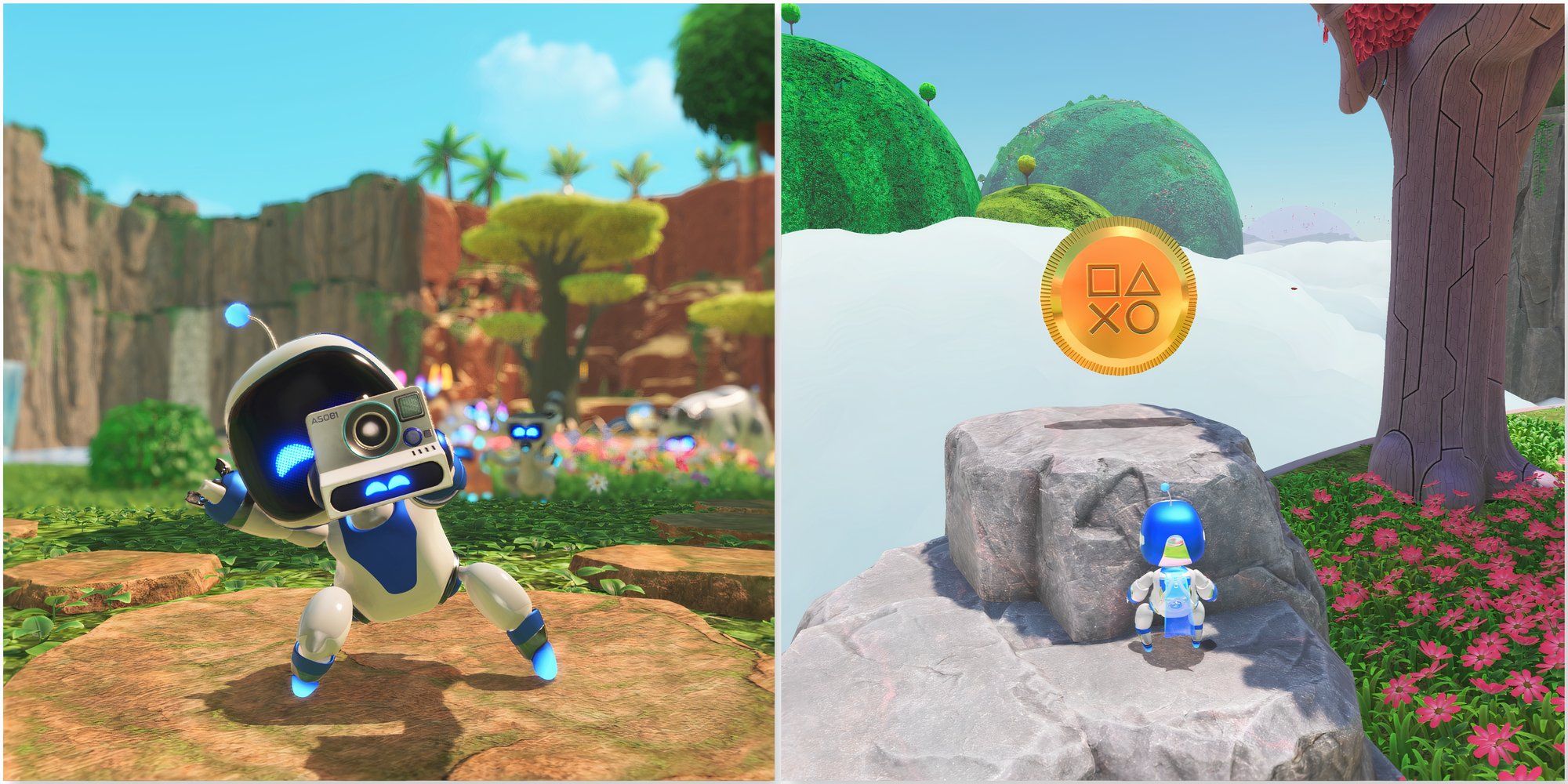
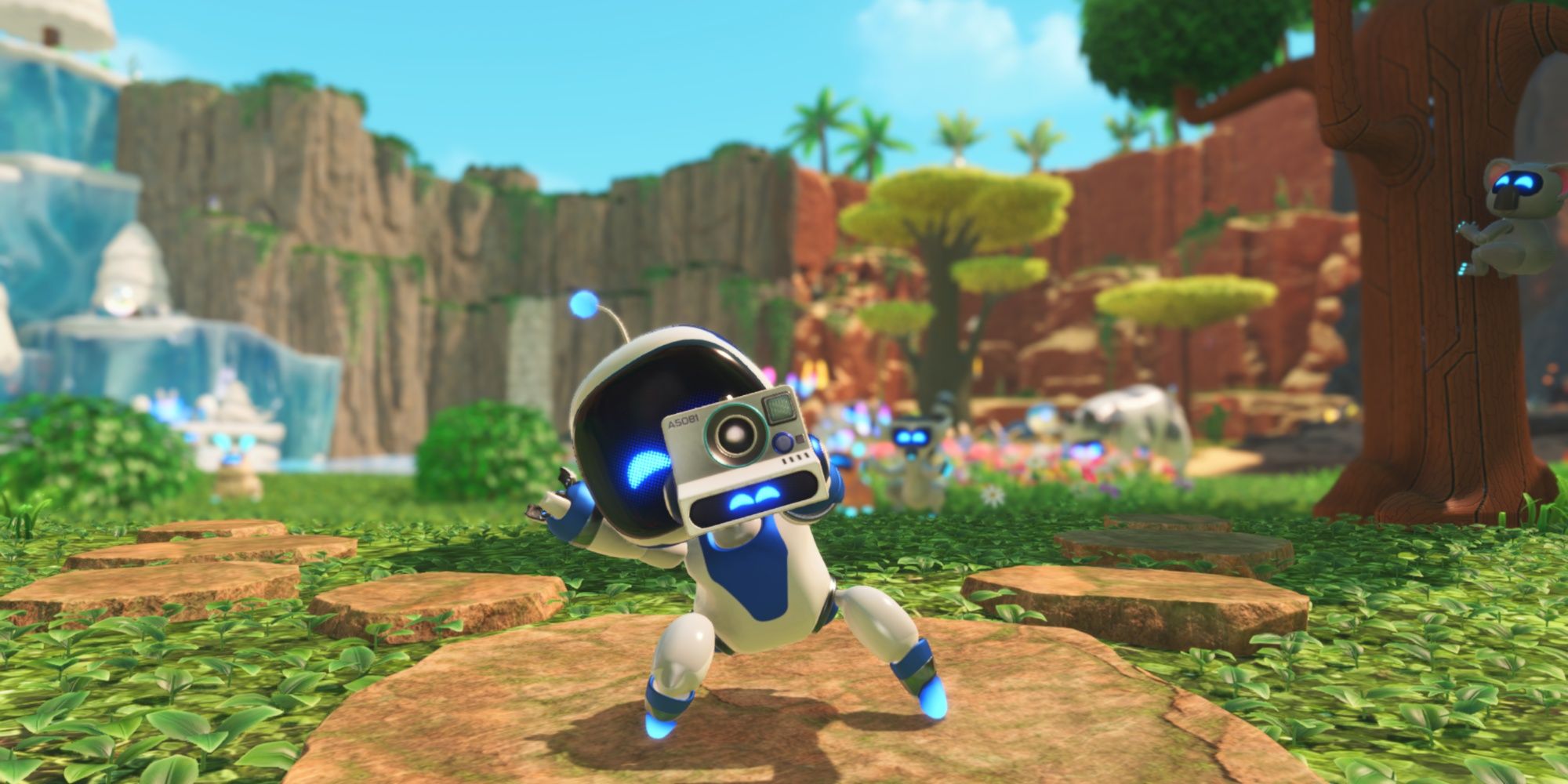
To access the Photo Mode, players must first unlock the Safari Park within the Crash Site hub by collecting various puzzle pieces. Once this area is unlocked, accessing Photo Mode is straightforward—players can do so by pressing up on the D-pad.
Controls and Features in Photo Mode:
– Camera Movement: Players can adjust the camera’s position using the left and right shoulder buttons (L1 and R1) for vertical movement, while the left stick (LS) provides lateral movement and pan controls.
– Camera Roll and Motion Controls: The controller’s motion sensors enable limited camera roll, enhancing the creative process of taking photographs with the extent of less than 20°.
– Auto-focus and Depth of Field: Engaging the camera’s auto-focus feature is done by half-pressing R2, indicated by a green reticle when focus is locked. A full press captures the photo, applying a depth of field effect that blurs the background, accentuating the subject.
– Emotes: Players can infuse personality into their snapshots by pressing X to change Astro’s facial expressions, allowing for a humorous and varied visual output.
– Capture and Gallery: All photos taken are saved in the Media Gallery, giving players the opportunity to revisit and appreciate their creative captures later on.
Controlling the Camera for Better Visibility
While the primary camera remains automated to track Astro, there are instances where players might want to gain a better view of their surroundings or Astro himself. In such cases, players can utilize the Photo Mode’s features to reposition the camera for improved visibility. Outside of this mode, players may need to alter Astro’s position or shift their viewing angle by moving in the environment, as the camera continuously adapts to follow his movements.
Summary
In summary, Astro Bot integrates an automated camera system that effectively follows Astro’s actions while providing enhanced control through the Photo Mode for capturing memorable moments. This combination not only enriches gameplay visibility but also offers a creative outlet, allowing players to engage with the game’s vibrant atmosphere in a fun and innovative manner. The thoughtful inclusion of accessibility features further underscores the game’s commitment to inclusivity, ensuring that all players can enjoy the rich visual storytelling Astro Bot has to offer.


Leave a Reply