
Guide to Using the In-Game Camera in Lorelei and the Laser Eyes
Mastering the camera function in “Lorelei and the Laser Eyes” is essential for solving complex puzzles, especially in the numbered rooms where attention to detail is critical. This guide outlines how to effectively utilize the camera, including specific tasks for various rooms and general strategies to enhance your gameplay.
Understanding the Camera Functionality
1. Activation: The camera can be activated in certain rooms to inspect various objects and shapes. Align elements within the camera’s viewfinder to uncover vital clues that may be pivotal in progressing through puzzles.
2. Zoom and Focus: Utilize the zoom function to get a clear view of specific shapes or details. Adjusting the focus will help center on elements, often revealing numbers linked to those shapes. This is key to deciphering the clues presented in each room.
Examples by Room
Room 1932
– Task: Identify shapes corresponding to the numbers 1, 9, 3, and 2.
– Method:
– Draw Shapes: Begin by noting down the unique shapes visible in the room.
– Camera Use: Use the camera to focus on each shape individually, centering it within the lens.
– Recording Numbers: After focusing on a shape, exit the camera view. A number related to the shape will be displayed. Disregard shapes that show multiple numbers; concentrate on those that align with the target figures (1, 9, 3, and 2).
– Puzzle Box Input: Once identified, input the recorded numbers into the puzzle box in the correct sequence to solve the puzzle.
Room 1938
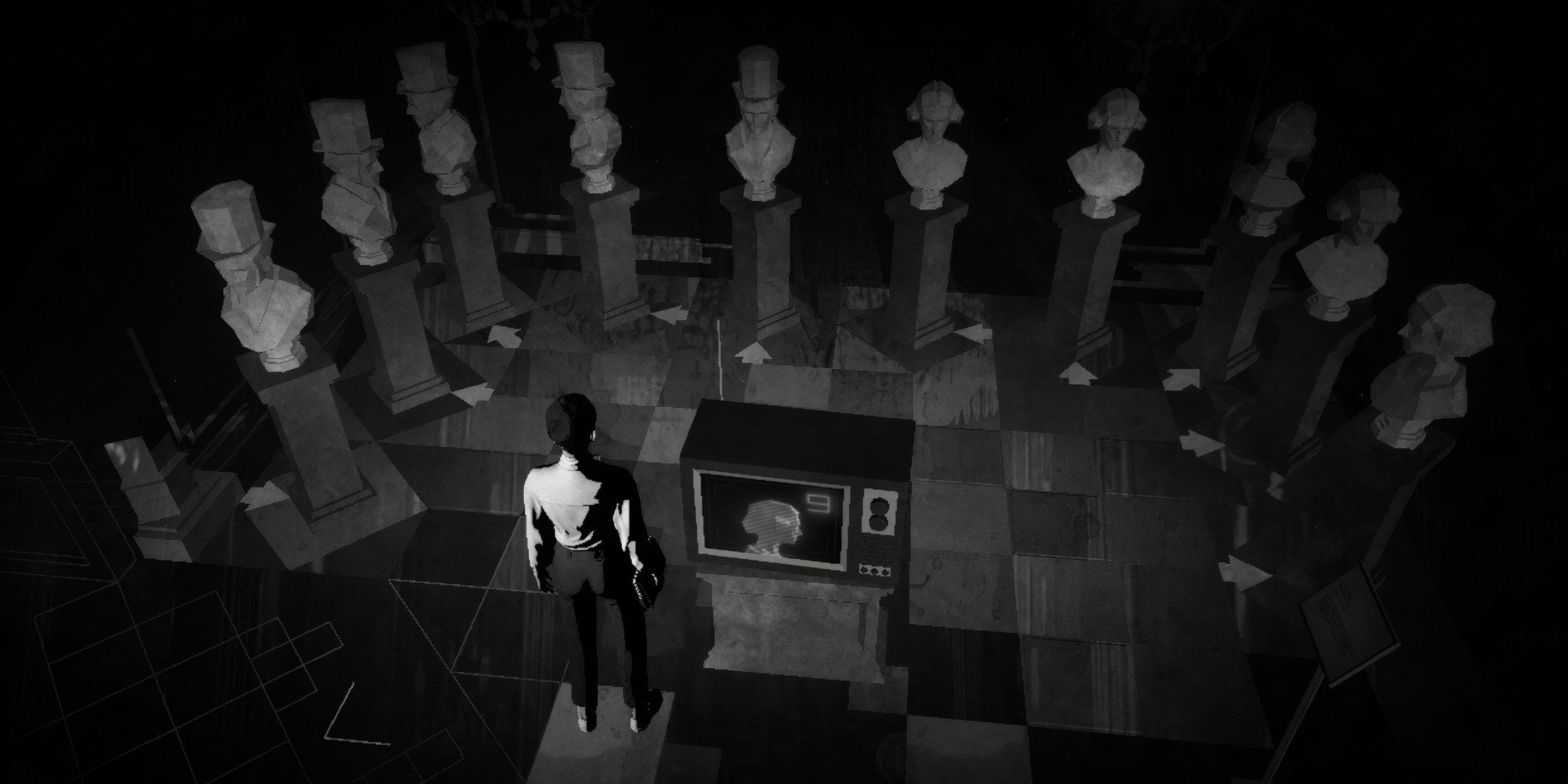
– Task: Locate paintings denoting the numbers 1, 9, 3, and 8.
– Method:
– Camera Use: Start by zooming in on the sculpture representing “1” until it perfectly fits within the camera’s frame. Note its position on the wall.
– Repeat Process: Continue this process for the sculptures representing “9,” “3,” and “8,” ensuring to record each position.
– Puzzle Box Input: Utilize the documented positions to determine which buttons to press on the puzzle box, resolving the challenge successfully.
Room 1973
– Task: Identify artworks depicting the numbers 1, 9, 7, and 3.
– Method:
– Camera Zoom: Zoom in to focus on the artworks, specifically aligning elements like a red paint stroke with specific shapes to assemble complete numbers.
– Recording Positions: Keep track of the positions where you observe these artworks within the frame.
– Puzzle Box Input: Enter the identified numbers in the order you discovered them to unlock the box.
General Tips
– Observation: Stay vigilant while using the camera; the shapes and numbers displayed are crucial to solving the puzzles.
– Note-Taking: Keep a notepad handy to write down the shapes, corresponding numbers, or positions. This practice will enhance accuracy when entering data into puzzle boxes.
– Consistency: Employ a methodical approach. Use similar techniques and observations in different rooms to streamline your puzzle-solving process.
Conclusion
By mastering the use of the in-game camera and following these techniques across the various rooms, players can successfully navigate through intricate puzzles in Lorelei and the Laser Eyes. Leveraging the camera’s functionality not only aids in identifying critical elements but also enhances your overall gaming experience. Happy puzzling!


Leave a Reply