
In Assassin’s Creed Shadows, utilizing tools like smoke bombs, kunai, and distraction gadgets is crucial for successfully navigating combat situations and executing stealth strategies, especially for the character Naoe. Here’s an elaborate breakdown of how to effectively use these tools, their benefits, and some strategic tips.
Using Smoke Bombs
Unlocking:
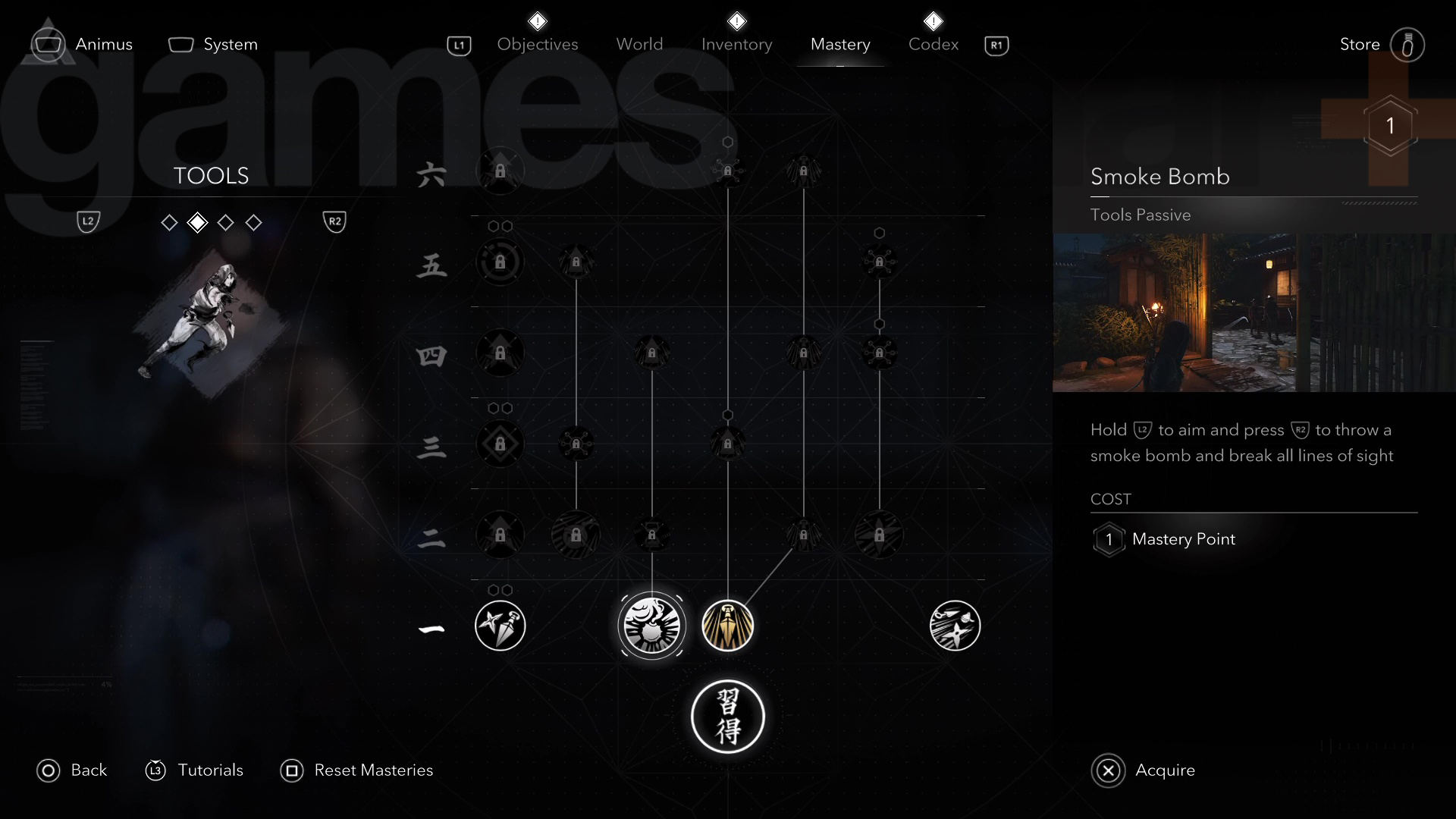
– The Smoke Bomb is a passive tool ability available through Naoe’s Tool Mastery Path. It becomes accessible at Knowledge Rank 1, requiring 1 Mastery Point to activate.
How to Use:
1. Aiming Mode: Hold the appropriate aim button (LT on controllers or Right-Click on PC) to enter aiming mode.
2. Throwing: While in aiming mode, press the throw/attack button (RT on controllers or Left-Click on PC) to throw the smoke bomb.
Effectiveness:
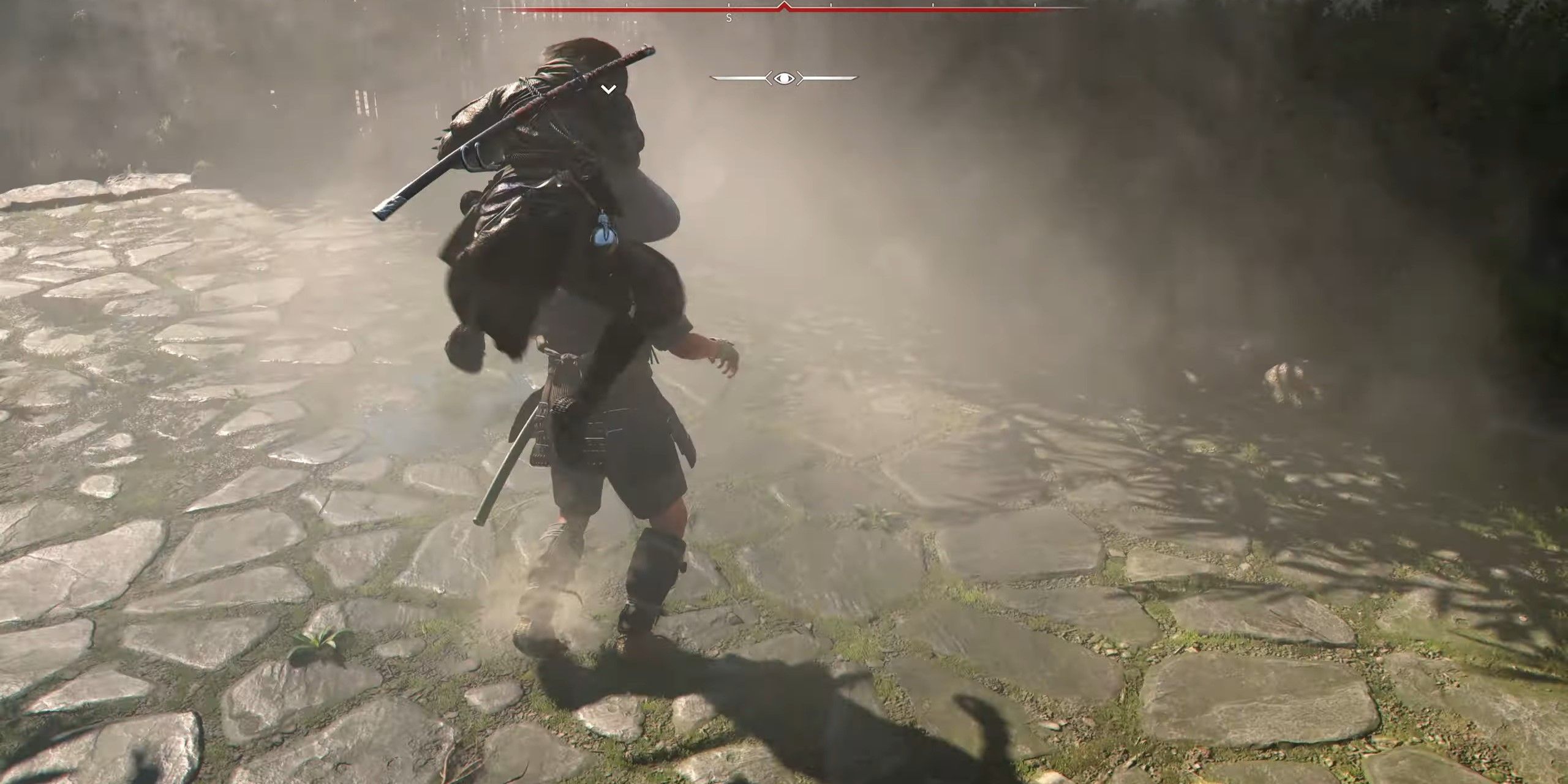
– The smoke bomb is especially advantageous when faced with groups of enemies, enabling stealth maneuvers or quick escapes. Investing more Mastery Points into the Smoke Bomb’s ranks increases its effectiveness.
Additional Tip:
– After performing a weak point strike, you can drop a smoke bomb for free, which provides a tactical edge in combat without needing to unlock the smoke bomb skill[4].
Using Kunai and Other Ranged Tools
Kunai (Throwing Knives):
– Kunai serve as effective ranged weapons.
How to Use:
1. Aiming Mode: Again, hold the aim button (Right-Click on PC or the equivalent controller button).
2. Selection: Choose the kunai from your inventory or quick-select menu.
3. Throwing: Press the attack button (Left-Click on PC) to launch the kunai at a target.
Effectiveness:
– Kunai are beneficial for silent ranged kills or as distractions, allowing for stealthy play that doesn’t alert enemies.
Using Distraction Gadgets
How to Use:
1. Aiming Mode: Enter aiming mode by pressing LT or Right-Click.
2. Selection and Deployment: Choose the distraction gadget and deploy it with the attack button (RT or Left-Click).
Effectiveness:
– Distraction gadgets serve to divert enemy attention, creating opportunities to bypass them or set up for an assassination.
Summary Table
| Tool Type | How to Use | Effect/Purpose |
|————————–|—————————————————-|————————————————————-|
| Smoke Bomb | Hold LT/Right-Click to aim, press RT/Left-Click to throw | Creates smoke to break enemy line of sight, enhancing stealth or enabling escape |
| Kunai (Throwing Knives) | Aim with LT/Right-Click, select kunai, press RT/Left-Click to throw | Facilitates silent ranged kills or diversions |
| Distraction Gadgets | Aim with LT/Right-Click, select gadget, press RT/Left-Click to deploy | Distracts enemies to allow stealthy movement |
Gameplay Tips
– Ensure that these tools are equipped in your inventory or quick-item slots before engaging in combat.
– Always enter focus mode to aim carefully and ensure precision when deploying these items.
– Utilize the unique advantages of each tool strategically—whether to initiate stealth or to provide yourself with breathing space in tense situations.
By mastering these tools and their applications, players can enhance Naoe’s effectiveness in both combat and stealth scenarios, maximizing their potential in Assassin’s Creed Shadows.

Leave a Reply