
To successfully buy and upgrade properties in GTA Online, following a structured approach can significantly enhance your gameplay experience and profitability. Here’s a detailed guide that will help you navigate through purchasing and upgrading various types of properties effectively.
—
Step 1: Purchasing Properties
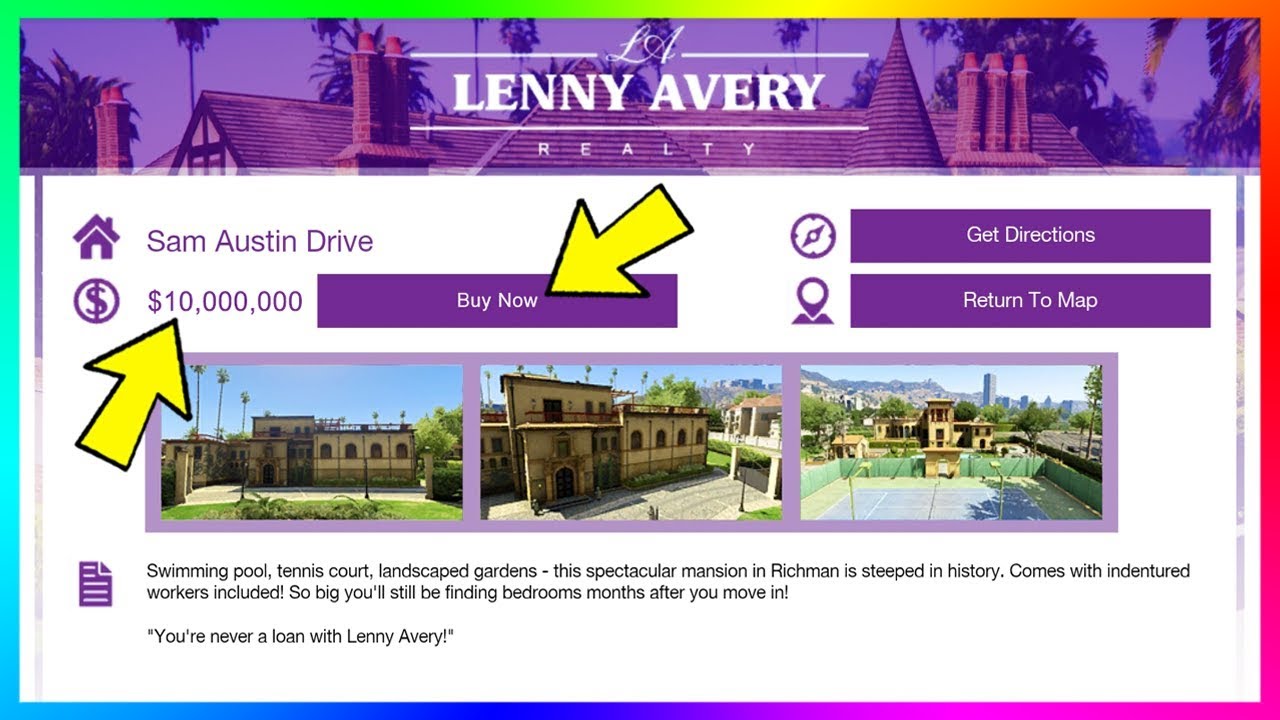
Accessing the In-Game Internet
– Open your phone or computer within GTA Online to browse available properties.
Property Types
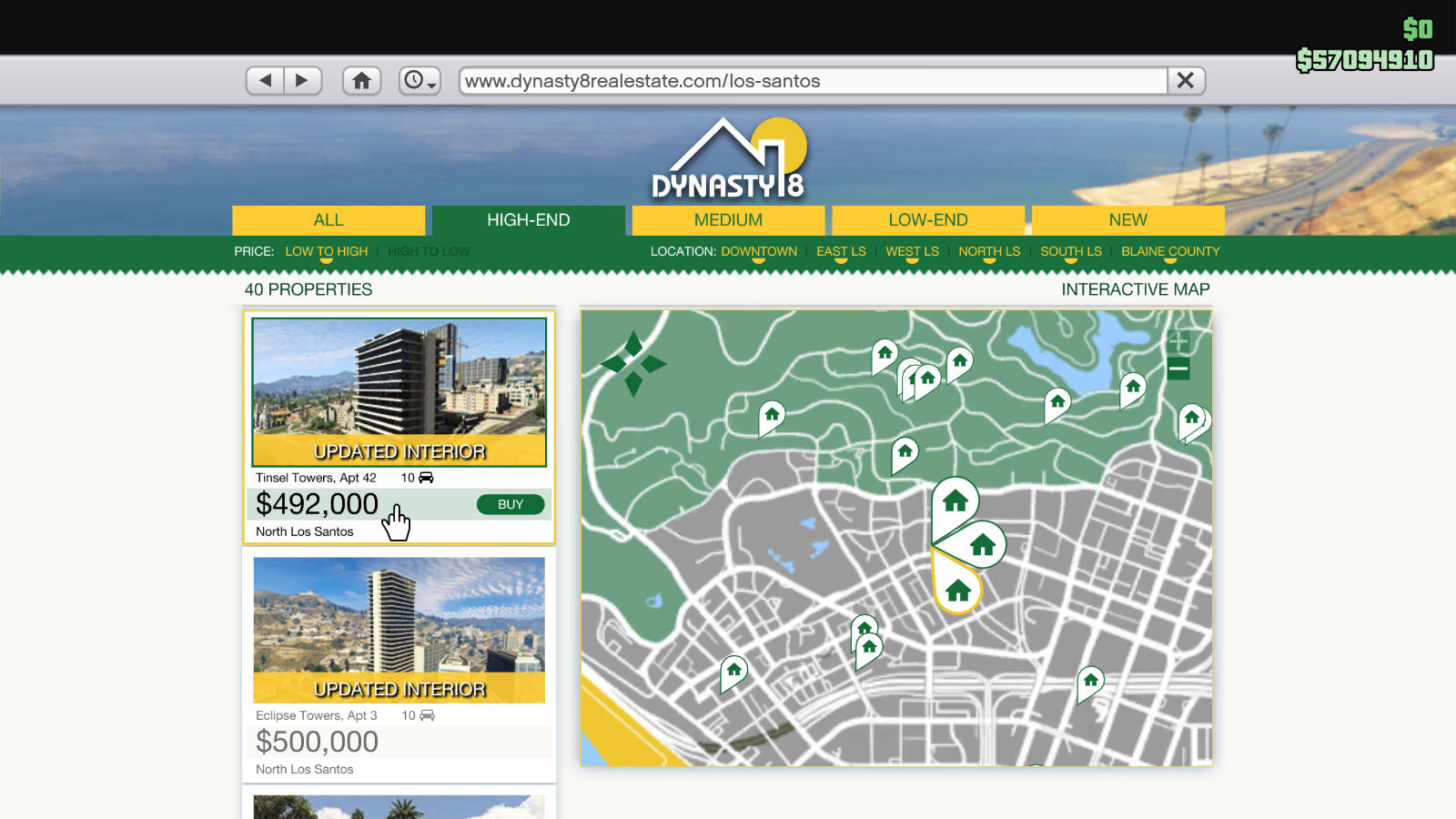
1. High-End Apartments
– Purchase via: Dynasty 8 website.
– Benefits: These come equipped with heist-planning rooms and spacious 10-car garages, making them essential for heists.
2. CEO Offices
– Purchase via: Dynasty 8 Executive.
– Benefits: Acquiring an office unlocks crate/cargo warehouses and vehicle warehouses, which are vital for business operations.
3. Bunkers
– Purchase via: Maze Bank Foreclosures.
– Location Considerations: Opt for locations like Chumash or Farmhouse for increased mission efficiency and reduced travel time during operations.
4. Businesses
– Motorcycle Clubhouses: Purchase through Maze Bank Foreclosures to access various illegal businesses (e.g., cocaine labs, meth labs).
– Nightclubs: Buy via Maze Bank Foreclosures for passive income and integration with other businesses you might be operating.
—
Step 2: Upgrading Properties
Unique Upgrades for Each Property Type
1. Apartments & Garages
– Upgrades: Typically, apartments lack functional upgrades. Focus on strategic locations for better accessibility (e.g., Eclipse Towers).
– Garage Expansions: Consider purchasing additional 10-car garages through Dynasty 8 for increased vehicle storage options.
2. CEO Offices
– Garage Expansions: You can add up to 60 parking spaces, accommodating 20 cars per floor.
– Mod Shop: Unlocks vehicle customization features for cars stored here.
– Avoid: Non-functional upgrades like office safes and cosmetic decorations, as they don’t enhance gameplay.
3. Bunkers
– Essential Upgrades:
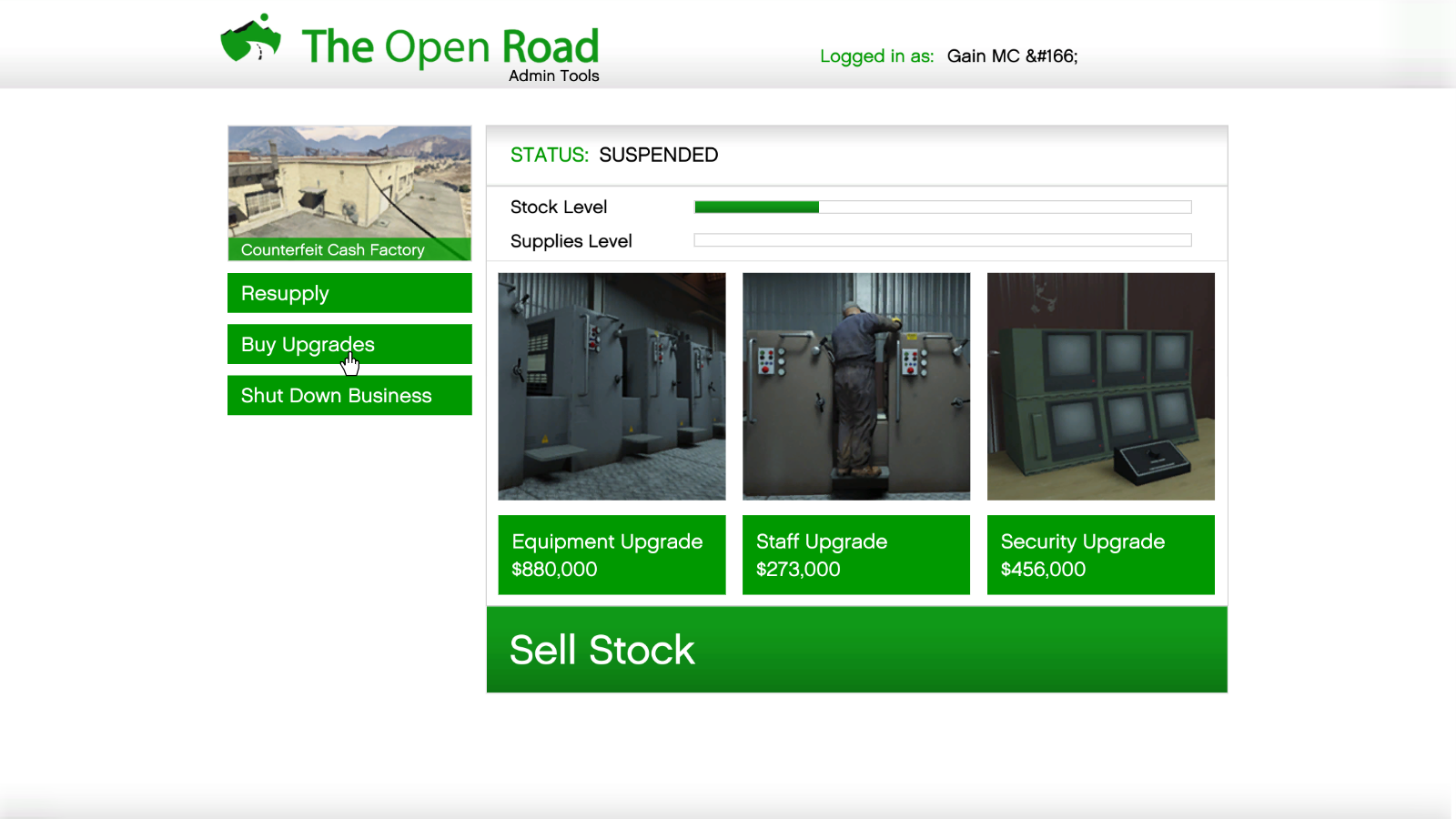
– Equipment Upgrade: Increases product speed and value.
– Staff Upgrade: Improves efficiency in research and production endeavors.
– Security Upgrade: Provides protection against raids.
– Location Priority: Choose bunkers closer to Los Santos, such as Chumash.
4. Motorcycle Club Businesses
– Upgrades: Invest in Equipment, Staff, and Security upgrades through the nightclub computer or property terminals.
– Production Boost: Enhanced equipment speeds up the manufacturing of illegal goods.
5. Auto Shops
– Access: Unlocked via LS Car Meet; offers a 10-car garage and a discount on vehicle modifications (5% off).
– Key Feature: Allows you to bypass level locks for all vehicle upgrades.
—
Key Considerations
– Cost vs. ROI: Prioritize investments in properties that yield passive income, like Nightclubs, which can generate revenue with minimal active involvement.
– Location Efficiency: Choose centrally located properties (e.g., La Mesa for a Vehicle Warehouse) to minimize mission idle time and enhance productivity.
– Heist Requirements: Remember that high-end apartments are necessary for participating in original heists, so secure one early in your gameplay.
—
Best Starter Properties
| Property Type | Recommended Purchase | Key Benefit |
|——————|————————-|—————–|
| Apartment | Eclipse Towers | Access to heists + central garage |
| CEO Office | Maze Bank West | Low initial cost + garage expansion |
| Bunker | Chumash | Proximity to Los Santos for mission efficiency |
| Auto Shop | La Mesa | Early-game vehicle upgrades and mod incentivization |
—
For long-term profitability, prioritize upgrading your bunkers and nightclubs first, as they not only facilitate active participation but also provide continuous revenue streams with less required player oversight. By following this structured approach, players can effectively maximize their investments and enjoy a rich gameplay experience in GTA Online.
Leave a Reply