
To effectively use Passive Mode in GTA Online and enhance your experience by avoiding hostile players, especially during your missions, follow the detailed guidelines below:
Enabling Passive Mode
Passive Mode offers temporary protection from being attacked by other players, which can be crucial during missions and free roam sessions.
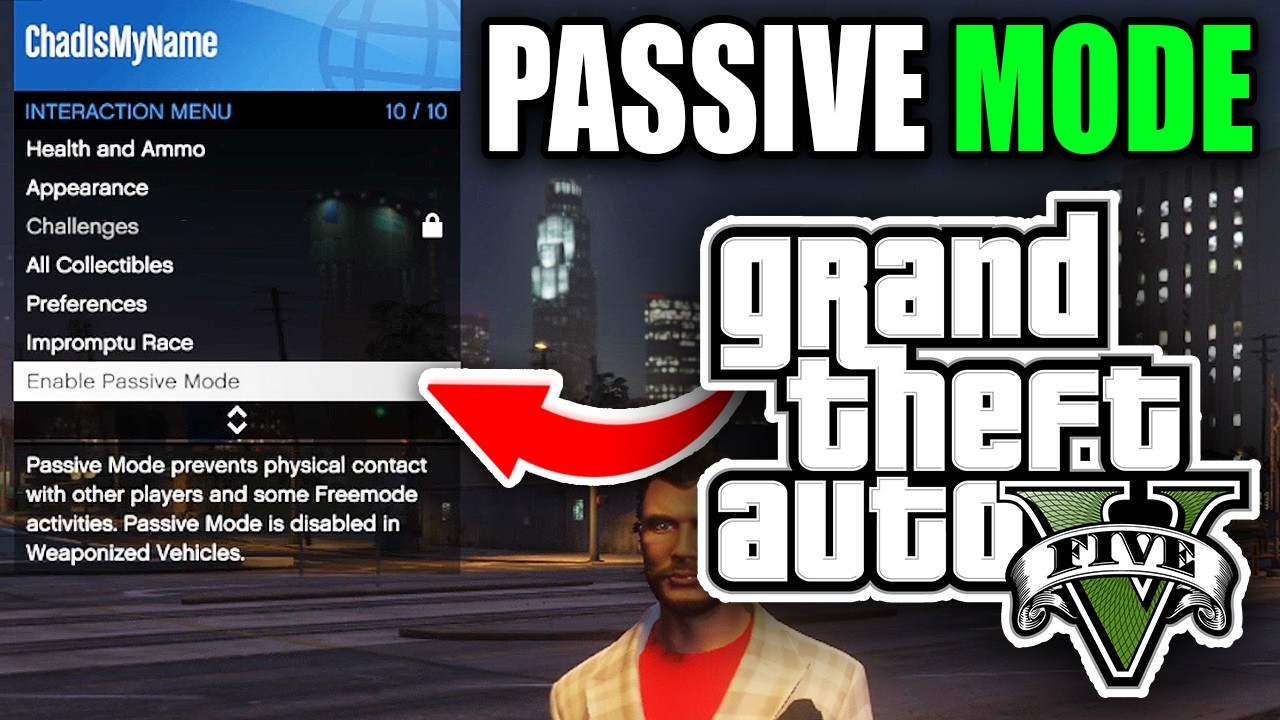
How to Activate Passive Mode:
1. Via Interaction Menu:
– PC: Press `M` to open the Interaction Menu.
– PlayStation: Press left on the D-pad.
– Xbox: Press the View button (the button with two rectangles).
– Scroll down to find Passive Mode and toggle it on.
2. Via Pause Menu:
– Pause the game and navigate to the Online tab.
– Select Options.
– Toggle Passive Mode to activate it.
Important Mechanics & Restrictions
Mission Compatibility:
– Passive Mode is automatically disabled during most missions, including Heists, Contact Missions, and Business Battles.
– Use Passive Mode primarily in free roam to help evade “griefers” between missions.
Weaponized Vehicles:
– You cannot activate Passive Mode while inside weaponized vehicles (such as the Oppressor Mk II or the APC).
– Exit the vehicle first to enable Passive Mode.
Ghost State:
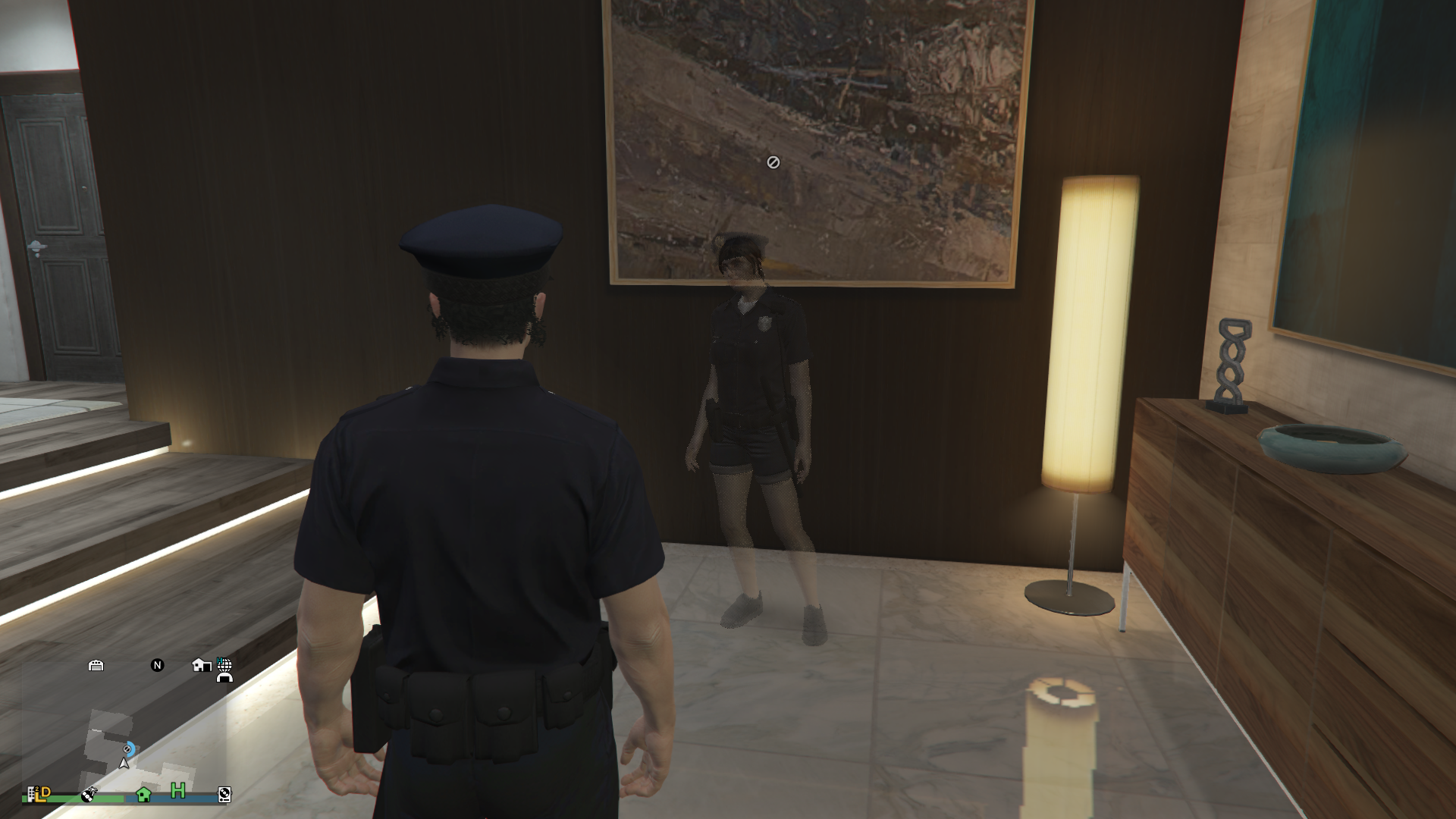
– While in Passive Mode, you appear as a translucent figure to other players, making it impossible for them to lock onto you.
– However, note that you remain vulnerable to environmental hazards such as explosions and falls.
Disabling Passive Mode & Cooldowns
1. You can disable Passive Mode using the same menus (Interaction or Pause Menu).
Cooldown Rules:
– If you turn off Passive Mode, there is a 5-minute cooldown before you can re-enable it.
– If you kill another player while in active mode, the cooldown can extend significantly, potentially up to 30 minutes or more.
Troubleshooting
If Passive Mode doesn’t toggle as expected:
– Glitches: Try entering a weaponized vehicle and then exiting, or consider switching sessions.
– Persistent Issues: If problems continue, restart the game entirely.
Mission Workaround:
– Since Passive Mode is disabled during missions, consider recruiting allies or forming an invite-only session to avoid hostile encounters entirely.
Strategic Use Cases
1. Free Roam Safety:
– Use Passive Mode during CEO/MC work, managing property, or when simply exploring the game world.
2. Non-PvP Activities:
– It’s perfect for customizing vehicles, shopping, or organizing your inventory without the threat of attack.
By understanding and mastering these mechanics, you can significantly reduce disruptions from hostile players and focus on important aspects of your gameplay, whether it’s mission preparation or engaging in downtime activities. Keep in mind that Rockstar designed the limitations around Passive Mode during missions to maintain an essential balance in gameplay.
Happy gaming, and may your time in Los Santos be as peaceful as possible!



Leave a Reply