
Fast Travel Mechanics in Monster Hunter Wilds
Fast travel in Monster Hunter Wilds is a pivotal feature that enhances exploration and efficiency during hunts. The mechanics are designed to facilitate seamless movement across the expansive environments of the game.
—
Fast Travel Basics
1. Activation Process:
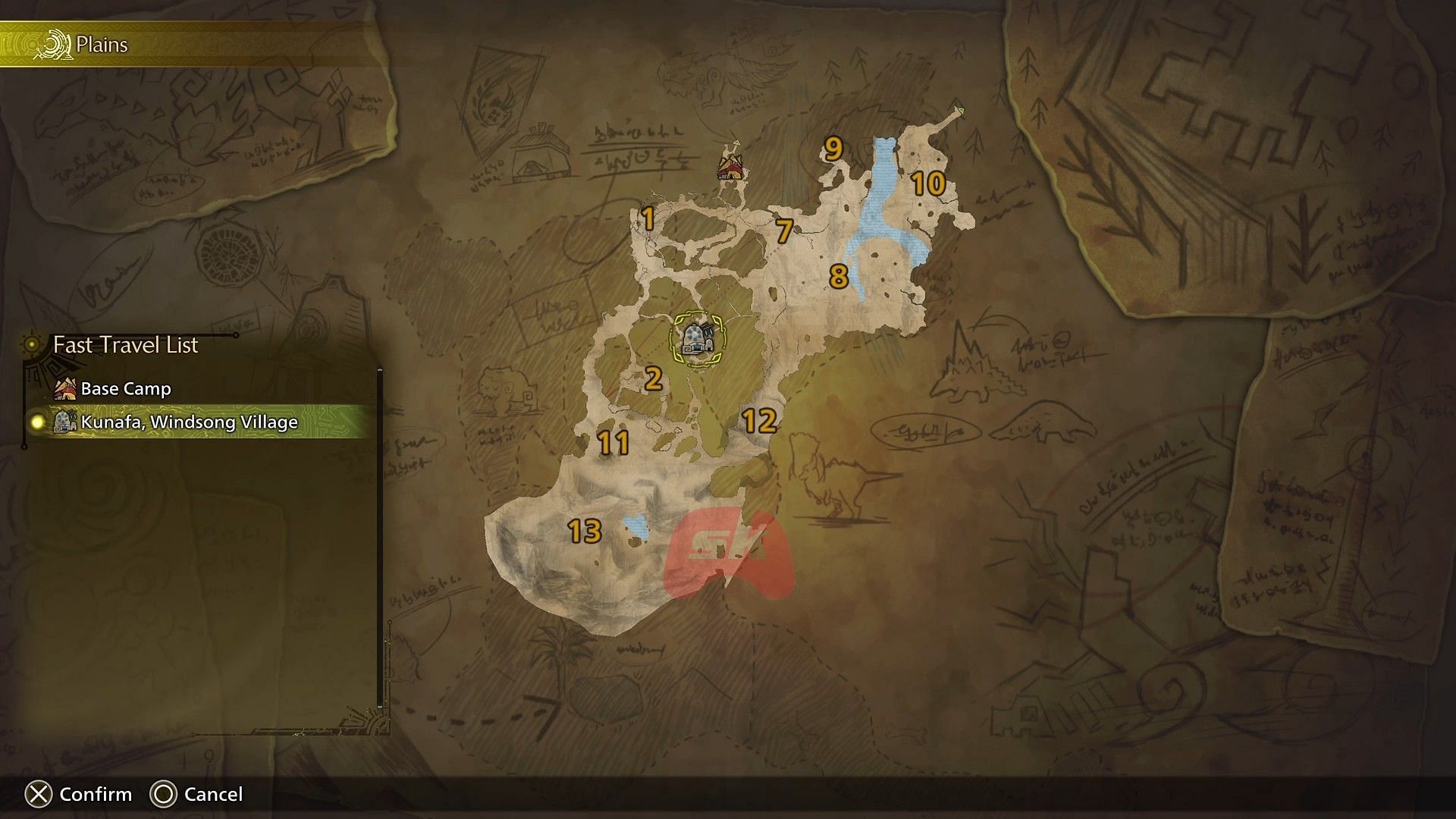
– To initiate fast travel, players must access the Detailed Map by pressing the Start/Options button.
– Navigate using the cursor to highlight either Base Camps or Pop-Up Camps on the map.
– Press X (for Xbox/PC) or the corresponding button for other platforms to activate the fast travel.
2. Types of Camps:
– Base Camps: These are permanent fixtures within the game world, offering full amenities and services. Players unlock these through the progression of story missions.
– Pop-Up Camps: These temporary camps can be placed by players during hunts but are limited to a maximum of five active camps at a time.
—
Mission-Specific Mechanics
– Intra-Locale Travel:
– Players can fast travel between camps that exist within the same region without restriction.
– Inter-Locale Travel:
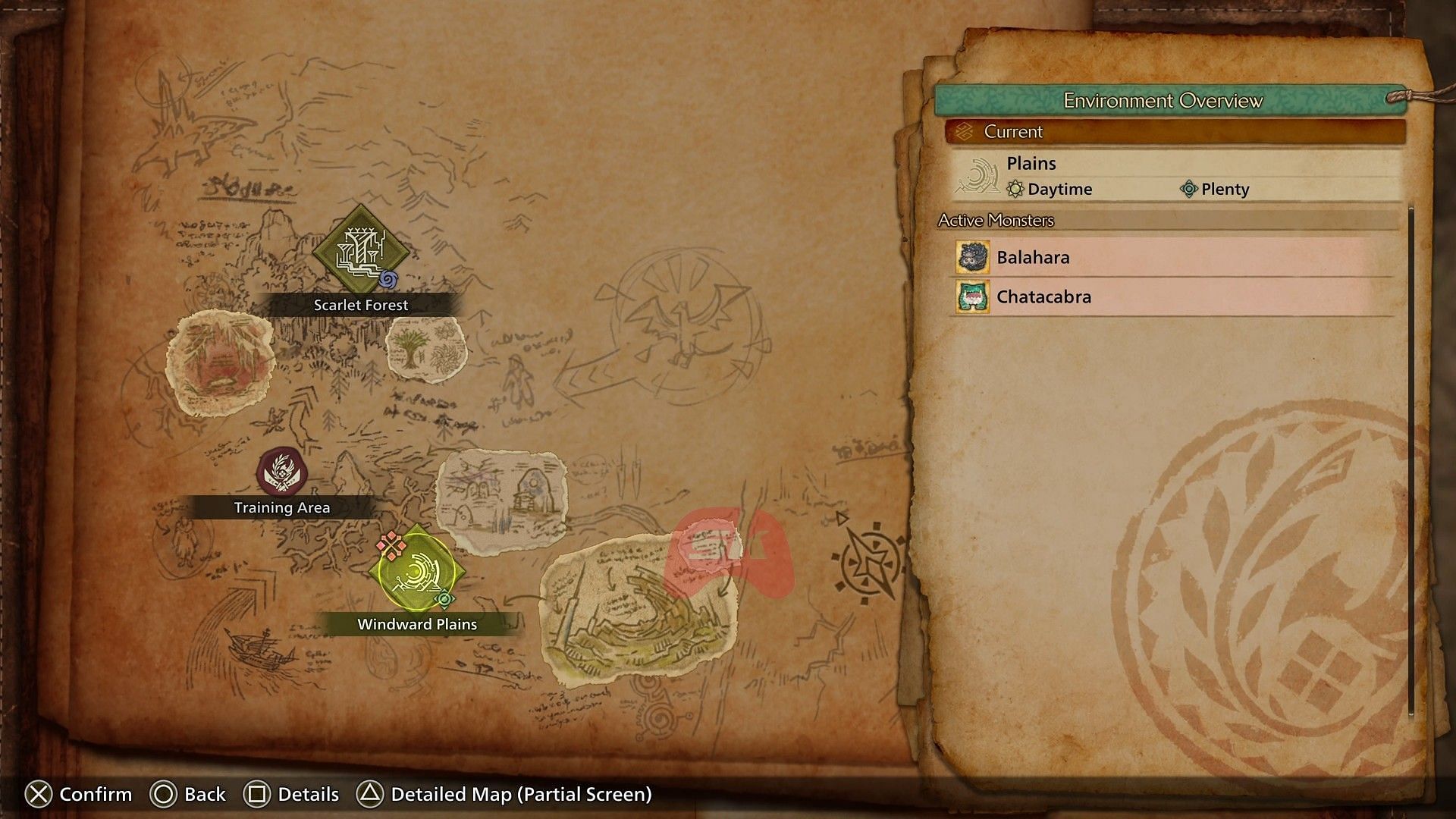
– Moving between distinct regions (e.g., from Windward Plains to Scarlet Forest) is restricted during active story missions. This prevents any travel that could bypass essential mission events.
– Combat Restrictions:
– Players cannot initiate fast travel while they are engaged in combat with large monsters or if they are located in areas defined by the game as restricted zones during story progression.
—
Pop-Up Camp Setup
Setting up a Pop-Up Camp effectively allows for greater flexibility in your hunting strategy.
1. Locating Campsites:
– Players should look for wooden signs that display tent icons on the map. Additionally, Quatreflies (glowing bugs) can guide players to potential campsite locations.
2. Deployment Process:
– To deploy a bug camp, the player must use the Camping Kit from their inventory at the designated location.
– It is important to review the deployment options, which include:
– Safety Level: Indicates the frequency of monster attacks (lower levels attract more aggression).
– Cost: Variable based on the specific location.
– Remaining Camp Slots: Ensure you have open slots to avoid hindrances.
3. Management:
– Players can manage their Pop-Up Camps by rebuilding or removing them through the Pop-Up Camp Meowster found at base locations.
– Customization options are offered through NPCs at the Support Desk.
—
Pro Tips
– Resource Optimization: Strategically place camps near mining nodes and bone piles for optimal resource collection efficiency.
– Emergency Preparations: Maintain one camp slot available at all times for emergency deployments, which can be crucial during unexpected encounters or urgent hunts.
– Risk Management: Prioritize high-safety camps (those rated over 70%) as they are significantly less likely to be destroyed during monster encounters.
—
Common Issues and Troubleshooting
– If you encounter issues where camps are not functioning as expected:
– Confirm you are not currently mid-combat, as this will inhibit travel.
– Check if you have hit the maximum limit of five active camps.
– Ensure that there are no story missions currently blocking your ability to fast travel.
– Alternative Navigation: In situations where fast travel is unavailable, consider utilizing your mount’s auto-navigate feature to reach camps more quickly.
—
Understanding these mechanics will greatly enhance your gameplay experience in Monster Hunter Wilds, allowing for greater efficiency in missions and key resource-gathering efforts throughout your adventures.



Leave a Reply