
Monster Hunter Wilds: Comprehensive Guide to Tracking Monsters
In Monster Hunter Wilds, the tracking system introduces a hybrid approach that combines environmental clues, Seikret-mounted exploration, and scoutfly guidance, enhancing the experience while preserving an investigative element. Below is a detailed breakdown of the tracking mechanics and features, along with practical examples and expert tips for maximizing your hunting efficiency.
—
Core Tracking Mechanics
1. Initial Encounter Requirement
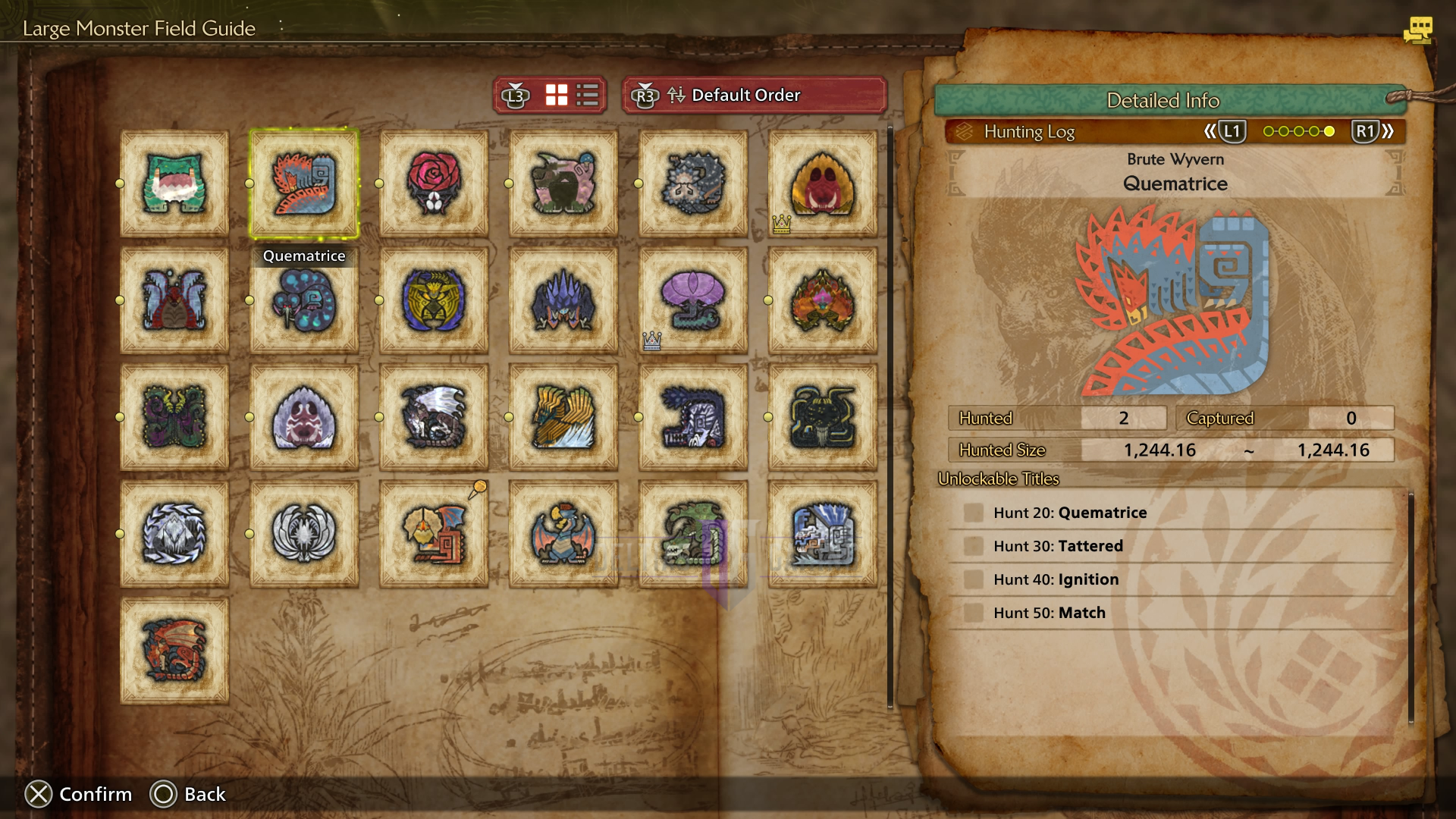
Before a monster’s location is shown in the Environmental Overview, hunters must encounter it organically in a specific environment (e.g., Windward Plains). This change streamlines the tracking process, moving away from the previous “tracking level” grinds seen in Monster Hunter: World, resulting in a more natural discovery of monster habitats.
2. Environmental Overview Usage
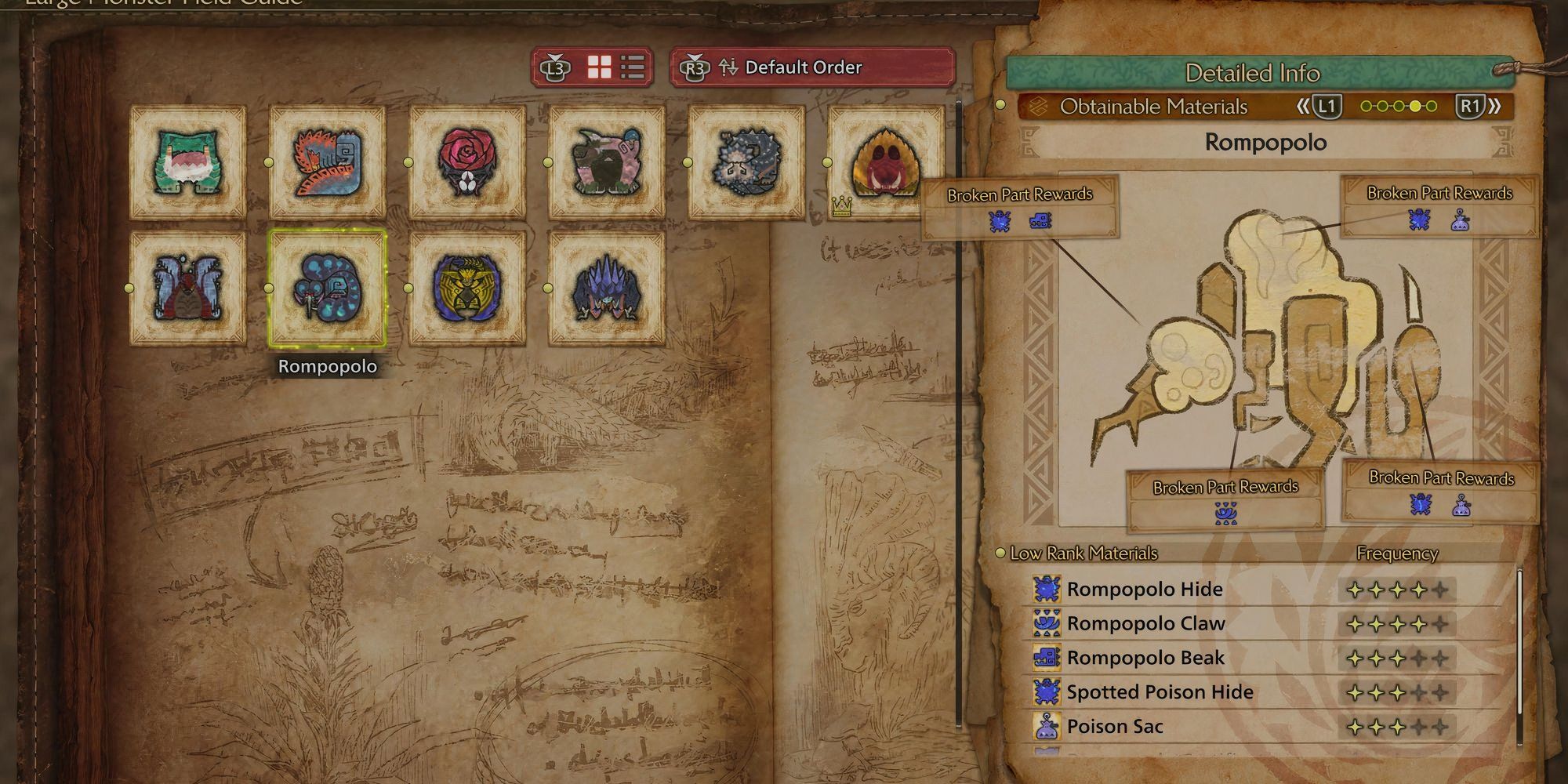
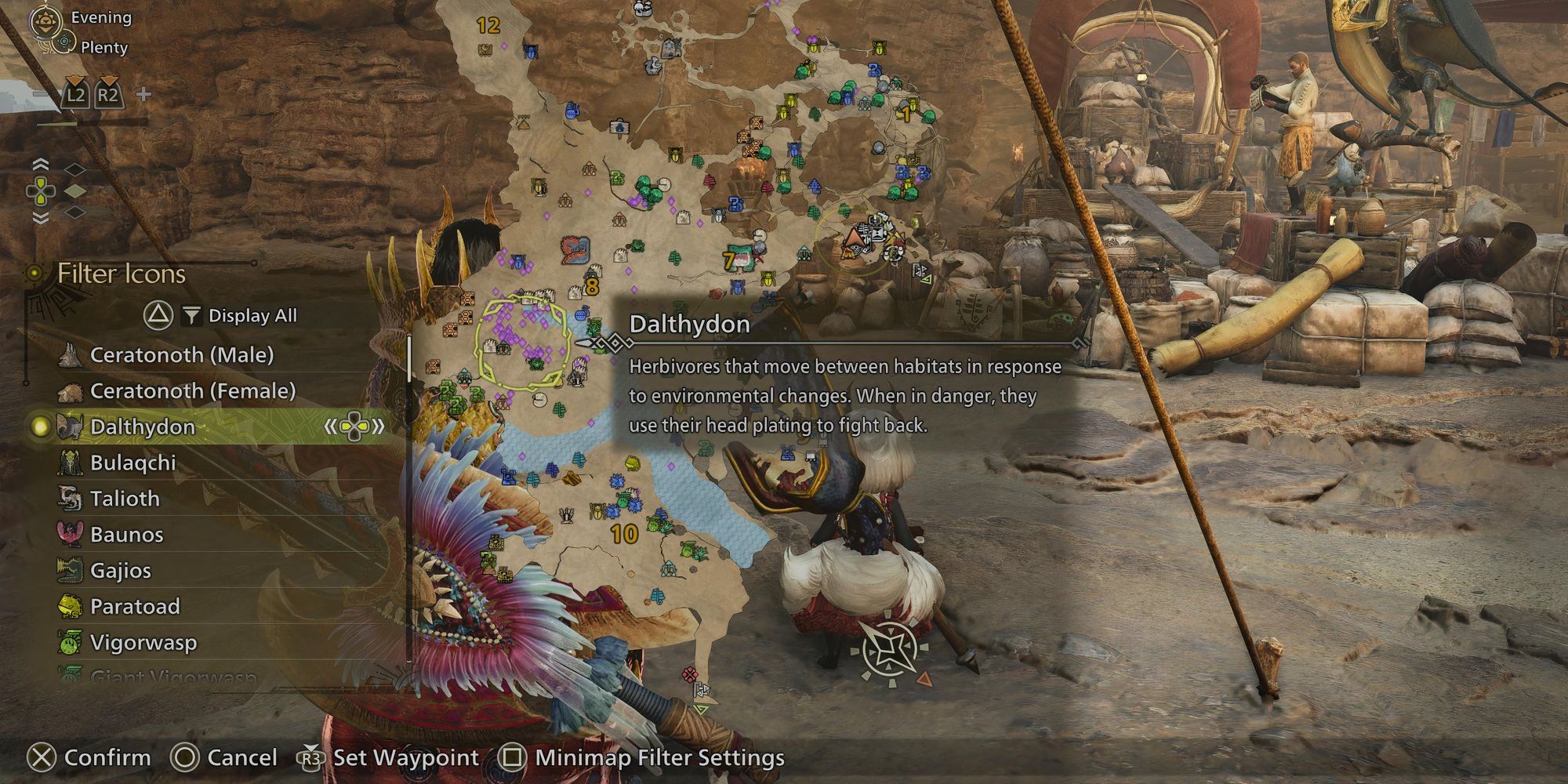
– Access the Environmental Overview through the map interface to view encountered monsters represented as dynamic icons.
– By hovering over a monster’s icon and selecting Field Survey, you can create a hunt-specific quest that includes bonus objectives tailored to the target monster.
3. Scoutflies and Clues
– Like Monster Hunter: World, Scoutflies assist in leading hunters to their target after initiating a Field Survey.
– Players can discover environmental clues, such as Tar Excretions for the Black Flame, which become interactable objects. Interacting with these updates the map with a “???” marker, facilitating waypoint navigation towards your target.
—
Practical Example: Tracking the Black Flame
1. Locate Clues:
Travel to Area 7 (North) in the Basin to find Tar Excretions. Interacting with these confirms the presence of the Black Flame.
2. Waypoint Setup:
Open the map to highlight the “???” location. Utilize your Seikret for auto-navigation to Area 15.
3. Palico Support:
Your Palico might suggest establishing a camp in Area 9 during your journey, allowing for item restocks and strategic advantages.
—
Advanced Features
– Seikret Auto-Move: Engage Auto Move during story hunts for hands-free navigation. However, in free-roam expeditions, manual control is recommended, enabling deeper exploration of the environment and hidden resources.
– Investigations: Field Surveys can be converted into repeatable Investigation Quests via Alma, maintaining bonus rewards and prerequisites, thus encouraging ongoing engagement with the hunting mechanics.
– Map Realism: After encountering a monster, its location becomes permanently marked on the map. This feature blends the immersion of World with the accessibility found in Rise, enhancing navigational clarity.
—
Controversies and Criticisms
The tracking system has sparked mixed reactions among players:
– Loss of “Hunting”: Some critics argue that the over-simplified tracking reduces the incentive to explore environments thoroughly, leading to a less immersive hunting experience.
– Scoutfly Redundancy: There are concerns about the necessity of Scoutflies, as monsters are auto-marked on the map post-encounter, prompting some to question their role in the tracking process.
—
Pro Tips
– Optimize Performance: Consider using tools like LagoFast to reduce lag during intense hunts, ensuring smoother gameplay and faster reaction times.
– Camp Strategically: Position camps near high-traffic monster zones to minimize downtime, allowing for quicker access to the battlefield and essential resources.
– Hybrid Play: Blend the Auto Move feature for efficiency with manual control to uncover hidden resources and engage in more nuanced exploration of the environment.
This hybrid tracking system in Monster Hunter Wilds prioritizes accessibility while retaining essential tracking mechanics to avoid excessive hand-holding. While it reflects a shift for veterans from World’s detail-oriented approach, it maintains pace with the faster rhythm of Rise, providing a fresh yet familiar gameplay experience. Embrace these mechanics to enhance your hunting adventures!

Leave a Reply