
Street Fighter 6 introduces an expansive crossplay feature, allowing players across PlayStation, Xbox, and PC platforms to engage in competitive online matches. This functionality enhances the multiplayer experience by uniting players from different systems, ensuring seamless matchmaking and reducing wait times. Below is a comprehensive breakdown of how to effectively utilize crossplay in Street Fighter 6.
Crossplay Setup and Configuration
1. Default Activation:
– Crossplay is enabled by default, allowing players to find matches with others regardless of their platform. However, some matchmaking menus may impose platform-specific restrictions.
2. Manual Settings Adjustments:
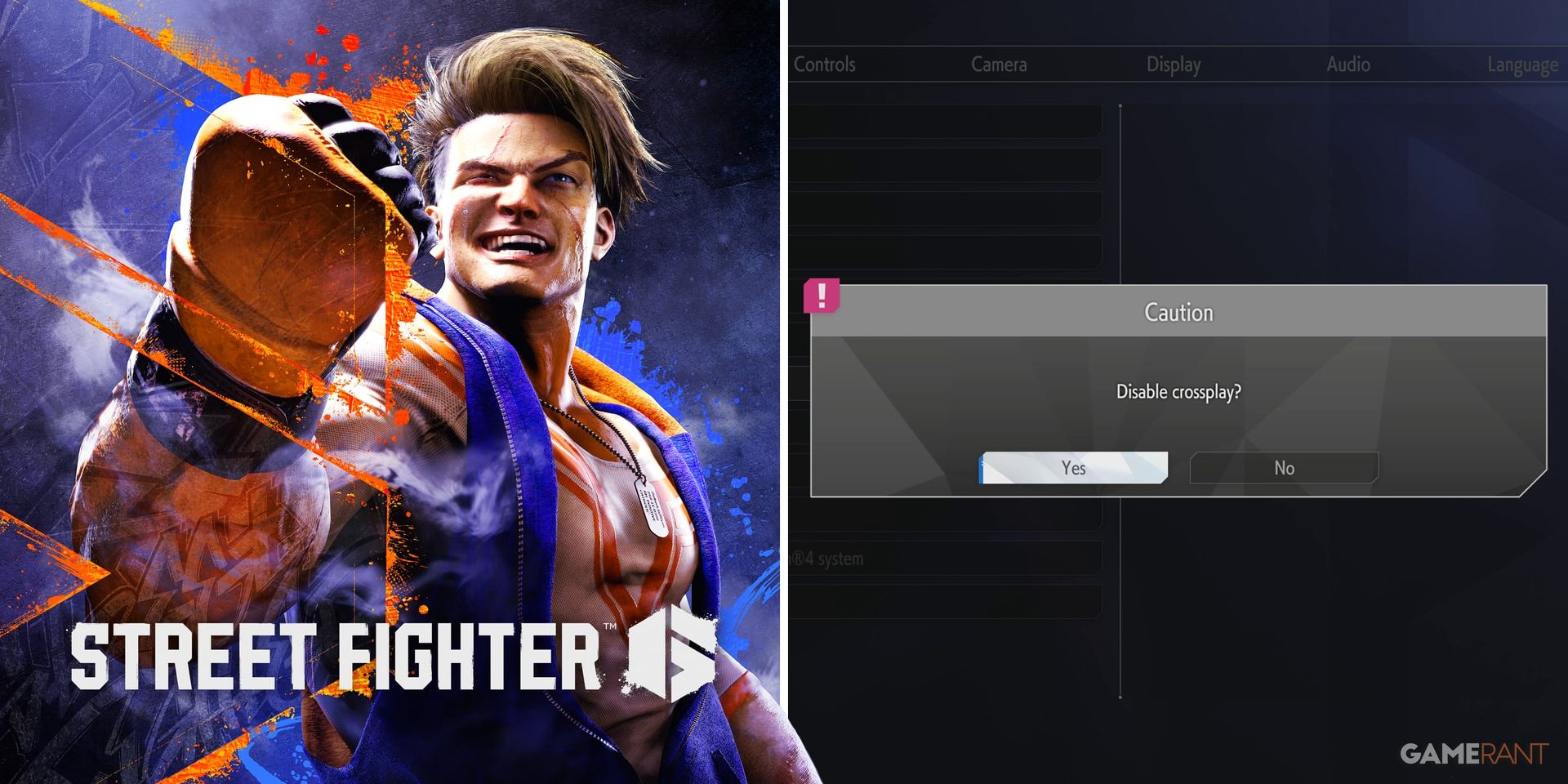
– Accessing Options: Players can customize crossplay settings via the Options Menu. Navigate to Game → Crossplay to turn the feature on or off for your system.
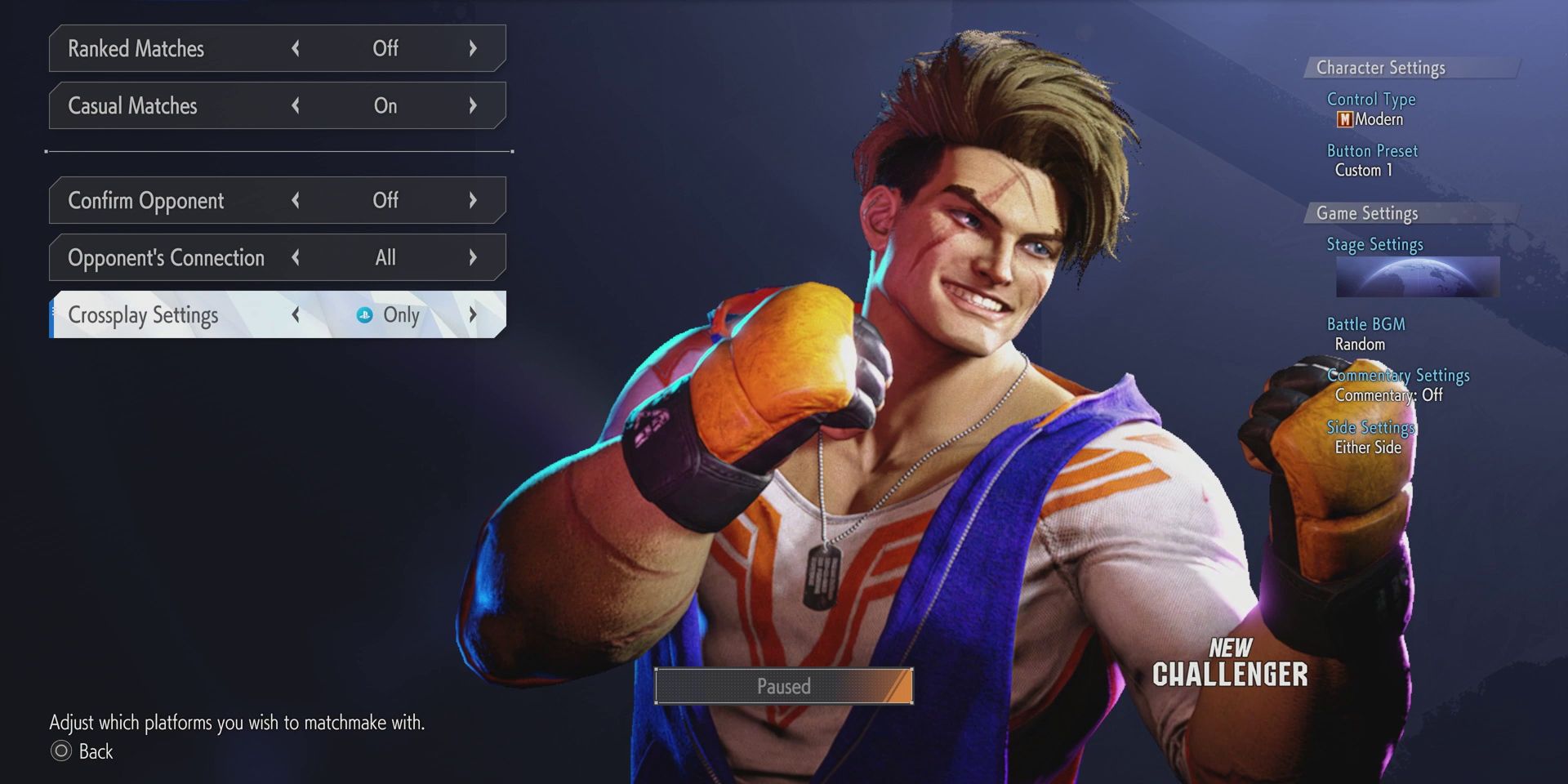
– Battle Hub Matchmaking: By default, matchmaking may restrict players to their own platform (e.g., “PlayStation Only”). To enable matchmaking across all platforms, players must select “All” under the Crossplay Settings in the Battle Hub.
Crossplay Functionality
– Private Matches:
– To host or join private matches, players need to link their CAPCOM IDs. This applies to all opponents in a match.
– Players can create custom rooms in either the Fighting Ground or Battle Hub modes by inviting friends using their CAPCOM IDs.
– It is crucial for participants to be on the same regional server for a successful connection.
– Ranked and Casual Matchmaking:
– Crossplay is fully integrated into both ranked and casual matchmaking pools if the settings are adjusted to “All,” allowing for a rich and diverse player pool.
– The integration of players from different platforms is expected to significantly reduce queue times, making matches quicker to find.
Limitations and Considerations
– Control Scheme Filtering: Players cannot filter potential opponents based on their control schemes, such as Modern or Classic controls. The crossplay settings only apply to the platforms themselves.
– Cross-Progression: Currently, there is no confirmation of cross-progression. Player progress appears to be tied to the individual platform, meaning achievements and unlocks will not carry over between systems.
– Server Consistency: To ensure successful invites and join requests, players must utilize the same regional server. This is particularly important for maintaining a stable connection between friends.
Troubleshooting Tips
– Friend Invites: If crossplay is not functioning as expected, verify that CAPCOM IDs are properly linked and that all players are on matching server regions.
– Matchmaking Delays: Check to ensure that the Crossplay Settings are set to “All” in the Battle Hub to mitigate any delays in finding matches.
Conclusion
The crossplay feature in Street Fighter 6 is designed to create a flexible and unified competitive gaming environment. By allowing players to engage with a broader audience, the game aims to enrich the online experience while providing options for each player’s preferences. Whether participating in private matches or competing in ranked or casual play, players are encouraged to explore this functionality for a truly interconnected gameplay experience.

Leave a Reply