
Guide to Repairing Tram Lines and ADS Cannon in Dead Space
In “Dead Space,” performing repairs on crucial systems like the tram lines and the ADS (Anti-Ship Defense) cannon is essential for advancing through the game and overcoming environmental challenges. Below is a comprehensive guide highlighting the necessary steps and interactions for these repairs.
Repairing the Tram Lines
Objective: Repairing the tram lines is a vital task in Chapter 1: New Arrivals, particularly emphasized in the remake. Follow these steps to successfully complete the repair:
1. Access the Tram Repair Room:
– Navigate through the corridor leading to the Tram Repair Room. You will encounter a Save Station and a Stasis Recharge Station. Make sure to utilize these stations to save your game and replenish your stasis energy, as they will be critical when facing upcoming challenges.
2. Activate the Tram Repair Console:
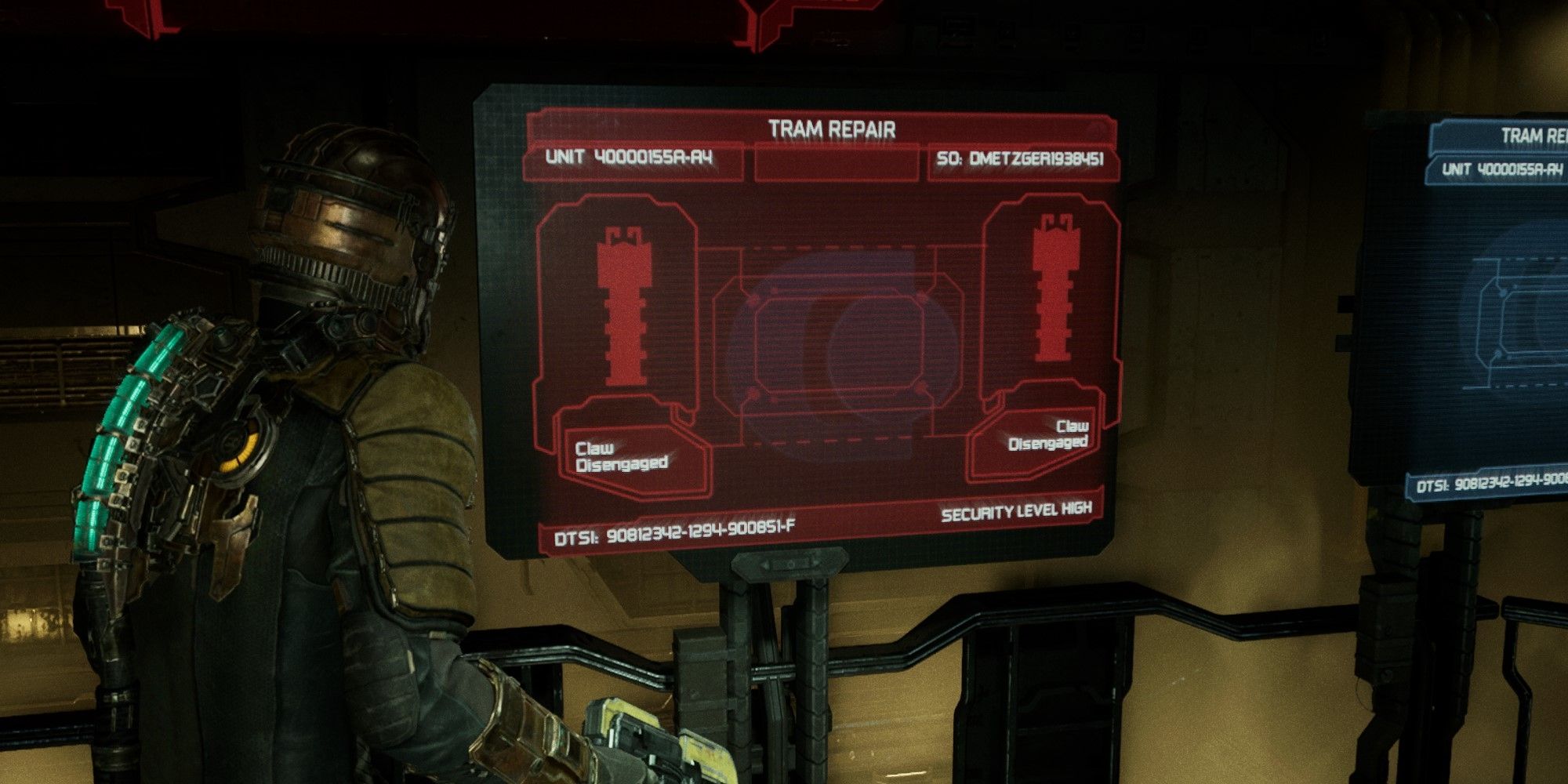
– Once inside the Tram Repair Room, locate the Blue Screen console. Interact with it to initiate the repair sequence. The screen will provide visual instructions for manually attaching the tram claws.
– Be aware that one of the claws may need to be put in stasis to prevent it from malfunctioning during the attachment process. Use your stasis ability accordingly to control its movement.
3. Complete the Repair Process:
– After successfully attaching the claws, interact with the main repair console to finalize the repairs. This action will retract the claws and commence the tram replacement.
– Expect Necromorphs to spawn from both ends of the room once the repair process is underway. Utilize your stasis ability to immobilize them temporarily, allowing you to eliminate them without being overwhelmed.
4. Complete Additional Objectives:
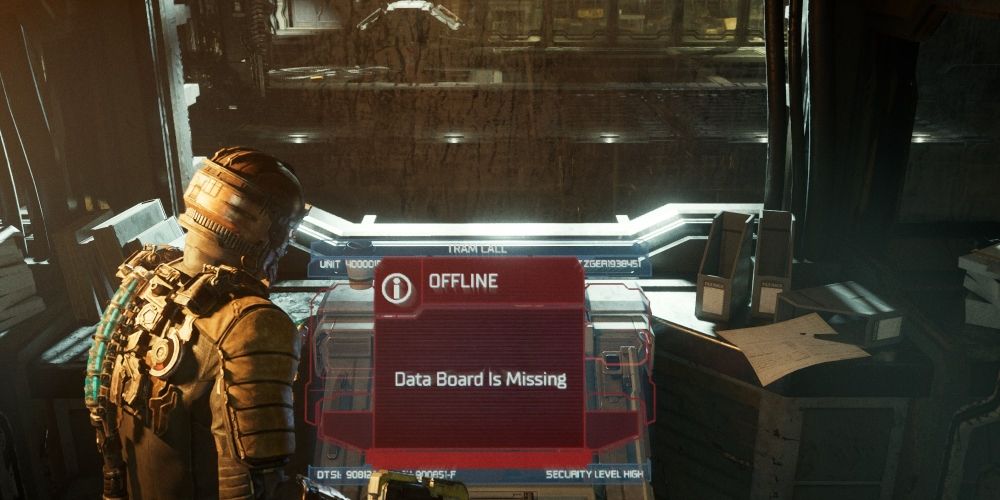
– Upon repairing the tram, your next task is to locate the Data Board. This is essential for bringing online consoles that enable the control of other systems in the area.
Repairing the ADS Cannon
Although the ADS cannon doesn’t require direct repair like the tram lines, general system repair and management in “Dead Space” involves several important steps:
1. Accessing Control Panels:
– Many systems throughout “Dead Space,” including the ADS cannon, require interaction with control panels or consoles. Engaging with these often involves solving puzzles or using specific items to unlock further repairs.
2. Using Power Nodes:
– Explore the environment to find Power Nodes, which are crucial for upgrading your weapons and equipment. While not directly employed for repairing the ADS cannon, these upgrades are essential for enhancing your combat effectiveness against Necromorphs.
3. Collecting Items and Logs:
– Pay attention to collectible items, audio logs, and schematics scattered throughout the game. These can provide valuable details or materials necessary for repairing various game systems.
4. Facing Challenges:
– Be prepared for ambushes from Necromorphs or other threats during your repair missions. Maintain vigilance and utilize your inventory wisely to fend off hostile creatures while completing system repairs.
Conclusion
Repairing systems in “Dead Space” demands a blend of environmental interaction, effective use of stasis, and preparedness for hostile encounters. By following the outlined steps for both the tram lines and the general principles for system repairs, you will successfully navigate the challenges presented by the game while progressing through its haunting narrative. Remember to utilize stations wisely and keep your inventory stocked for the encounters ahead.



Leave a Reply