
Using Kinesis in Dead Space: A Comprehensive Guide
Kinesis is a powerful tool in the Dead Space universe, allowing players to manipulate the environment to their advantage. Here’s a detailed breakdown of how to use Kinesis effectively during combat and puzzle-solving scenarios.
Combat Usage of Kinesis
1. Grabbing and Throwing Objects:
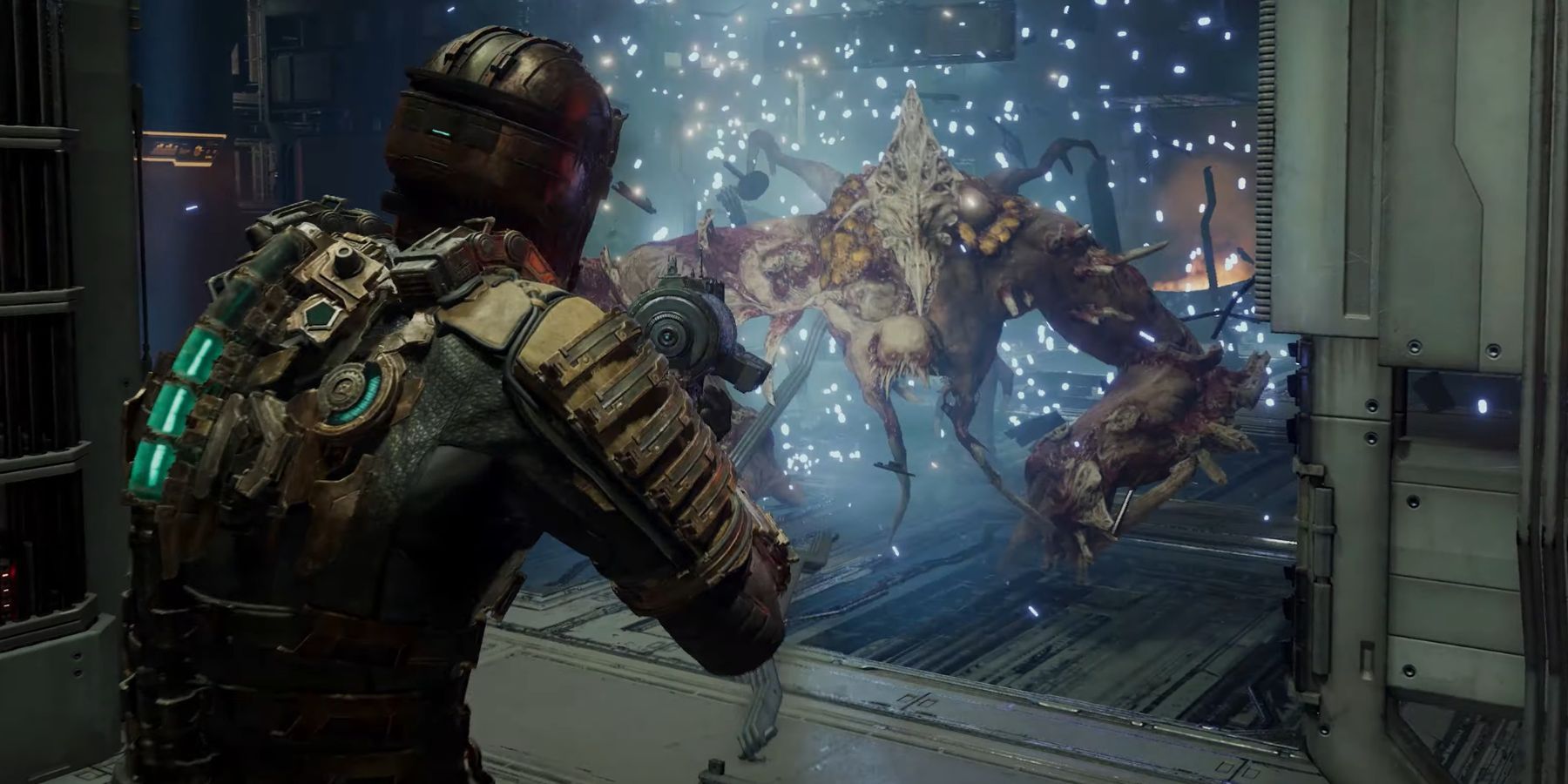
– Utilize Kinesis to pick up a variety of items such as explosive canisters, heavy furniture, or sharp debris scattered throughout the environment. Launch these objects at attacking Necromorphs to inflict significant damage while conserving your ammunition.
– Tip: Light up the Kinesis targeting reticle on enemies and quickly toss those items for maximum impact.
2. Strategic Object Placement:
– Use Kinesis to position objects in strategic locations. Creating barriers can slow down or redirect enemy movements, which allows you to set up for follow-up attacks more effectively.
– Example: Pushing a large piece of furniture in a narrow corridor can funnel enemies directly toward you, making them easier to hit.
3. Utilizing Environmental Hazards:
– Look for environmental hazards like explosive barrels, electrified areas, or sharp machinery. Kinesis enables you to pull these elements closer to your combat zone, creating opportunities for chaotic damage.
– Example: Moving an explosive barrel next to a horde of Necromorphs before detonating it can clear the area quickly.
Puzzle Solving with Kinesis
1. Moving Obstacles:
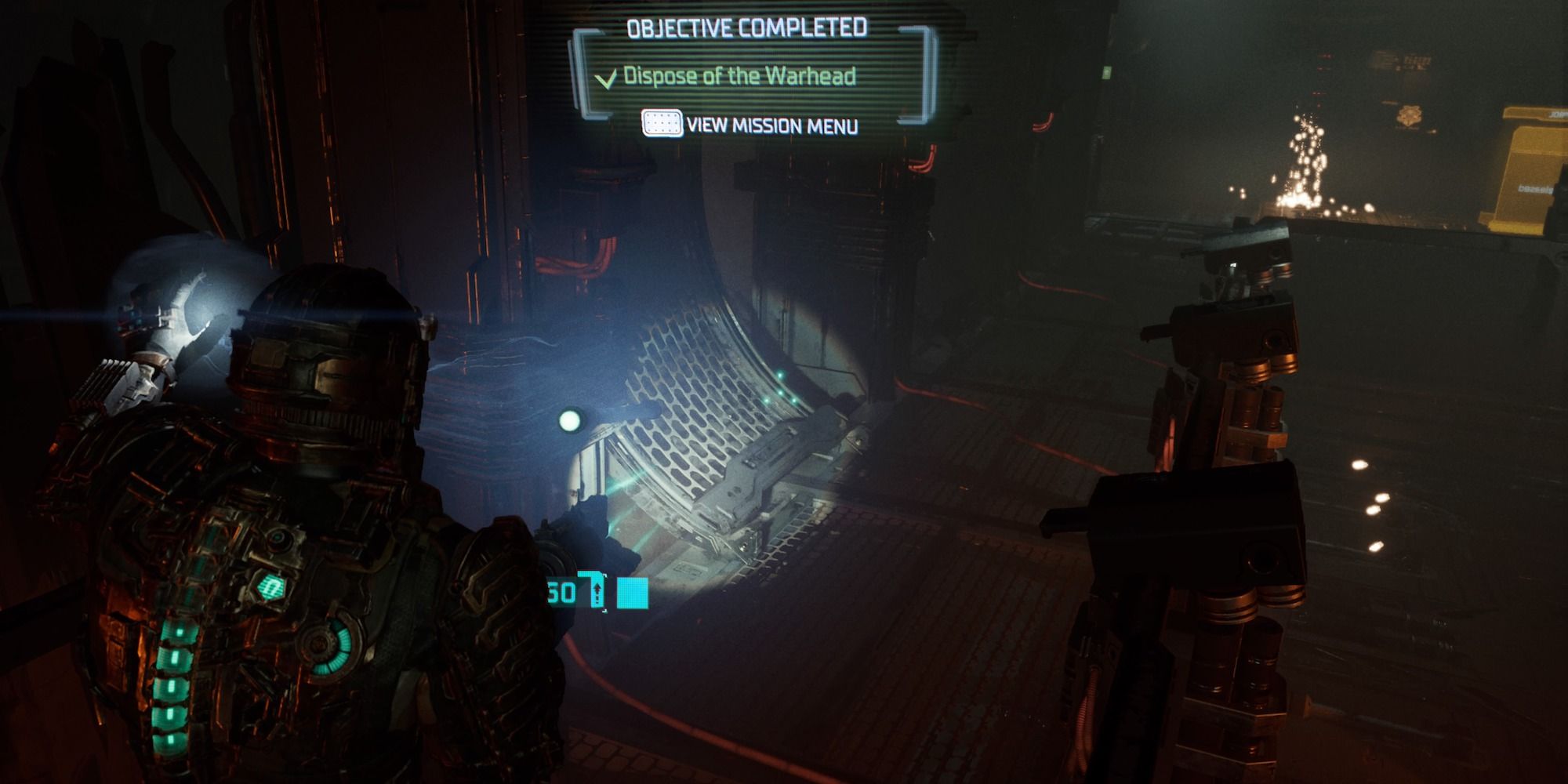
– Encountering blocked paths? Use Kinesis to clear debris or move crates blocking your way. Many areas include obstacles that can be shifted to access hidden zones or vital objectives.
– Tip: Always scan your surroundings; some paths may seem impenetrable until you employ Kinesis.
2. Placing Objects:
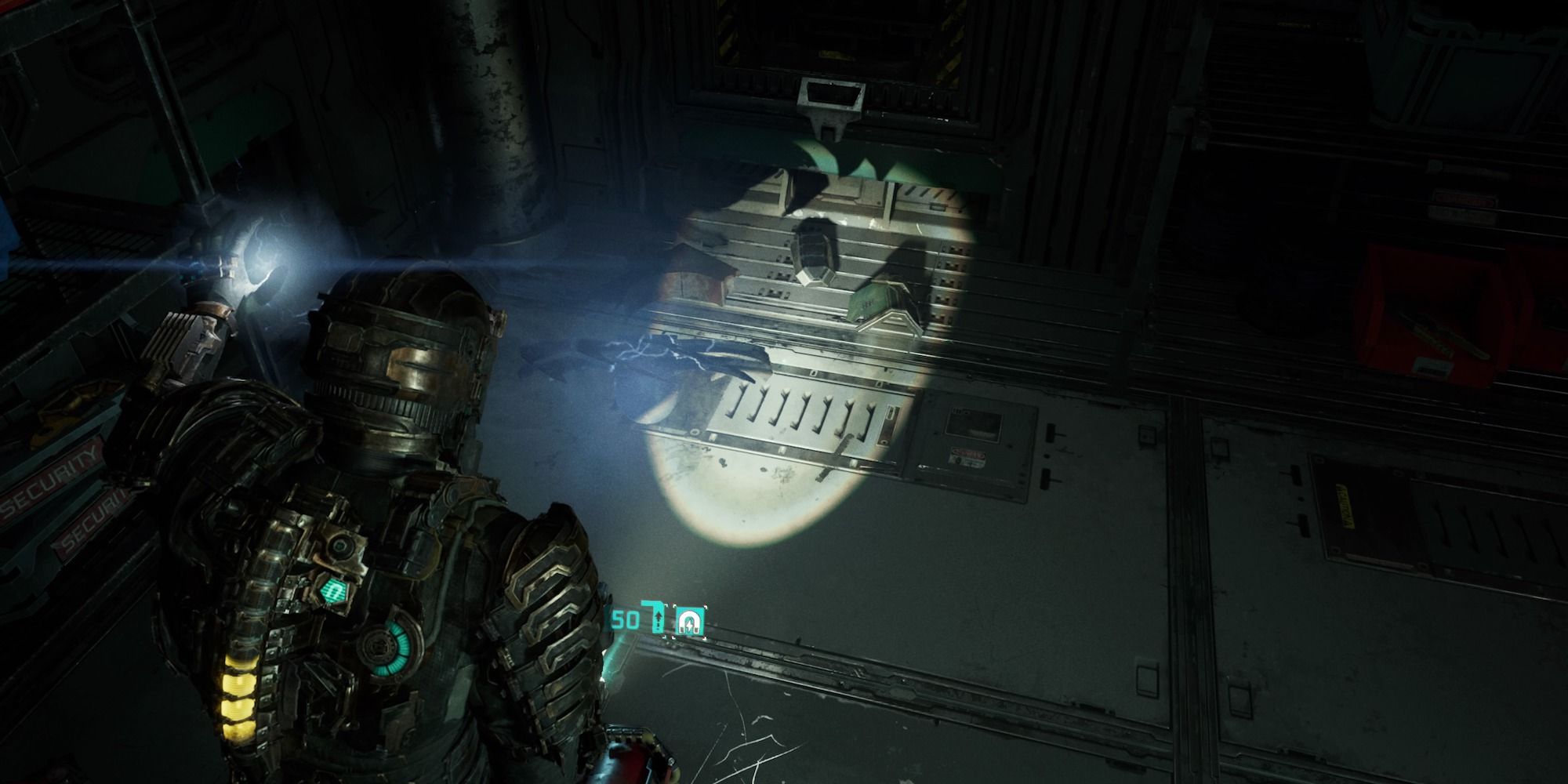
– Certain puzzles require the placement of specific items such as batteries or manual levers. Look for objects that have a magnetic symbol, indicating they can be manipulated with Kinesis.
– Strategy: Carefully maneuver and position these items without disrupting other puzzle components to maintain progress.
3. Reaching Distant Items:
– Kinesis allows you to collect items that may be situated just out of your physical reach, such as loot crates or other collectible resources. This saves valuable time and increases your inventory without needing to traverse hazardous areas.
– Efficiency: Use Kinesis to gather items while maintaining a safe distance from dangers.
Basic Controls for Kinesis
– Activation: Press the designated Kinesis button to activate the ability and target desired objects.
– Object Manipulation: After targeting an object, move it by adjusting your aim or throw it using the fire button.
– Dropping Objects: Release a targeted object by pressing the Kinesis button again, allowing for controlled deployment.
Tips for Effective Kinesis Usage
– Explore Thoroughly: Always keep an eye out for potential objects to utilize in both combat and puzzle contexts. Environmental awareness can drastically enhance your effectiveness.
– Conserve Ammo: Leverage Kinesis to minimize ammunition use, relying on the environment as a weapon against your foes.
– Strategic Placement: Mindfully position objects to create barriers for enemies or traps that could lead to advantageous combat scenarios.
Conclusion
Mastering Kinesis can significantly elevate your experience in Dead Space. By blending strategic combat techniques with efficient puzzle-solving methods, players can navigate the chilling environment of Dead Space with increased confidence and ingenuity. Embrace the power of Kinesis and transform your gameplay into a dynamic journey through the terrifying depths of space.

Leave a Reply