
Unlocking and Using Special Attacks in Hi-Fi Rush
In Hi-Fi Rush, special attacks provide players with unique ways to enhance combat effectiveness. They can be unlocked, equipped, and utilized to execute strategic moves against enemies. Below is a comprehensive guide on how to unlock, equip, and effectively use these powerful abilities.
Unlocking Special Attacks
To unlock special attacks, players need to purchase them from Peppermint’s Shop. Follow these steps:
1. Access Peppermint’s Shop: Progress through the game until you reach Peppermint’s Shop. This shop becomes available as you advance in the story.
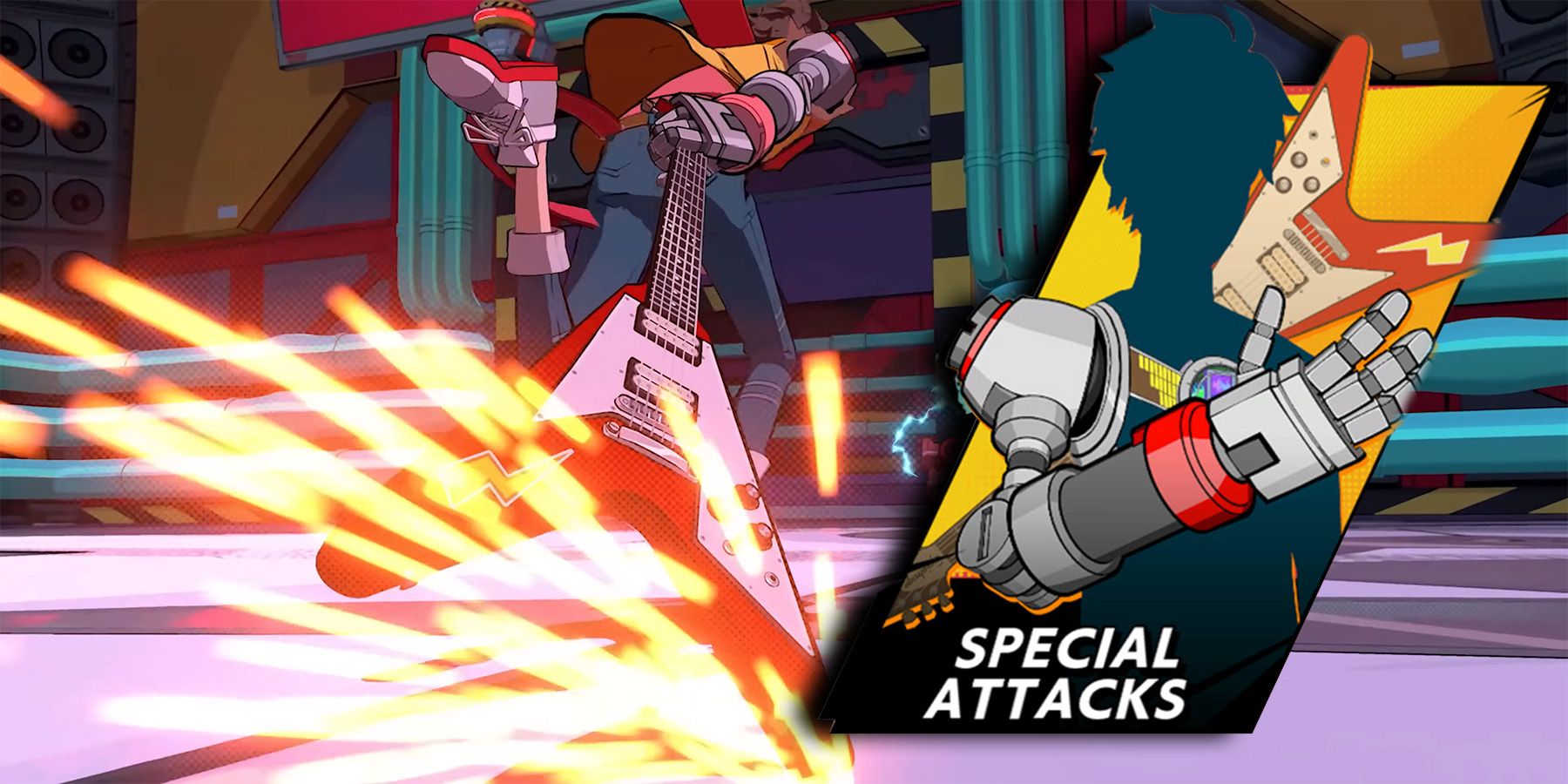
2. Purchase Special Attacks: Inside the shop, navigate to the “Special Attacks” tab. Use your in-game currency to buy the special attacks you want to acquire.
Equipping Special Attacks
After purchasing a special attack, it must be equipped for use in combat. Here’s how:
1. Open the Shop Again: Return to Peppermint’s Shop whenever you wish to manage your special attacks.
2. Navigate to Special Attacks: Select the “Special Attacks” option in the shop.
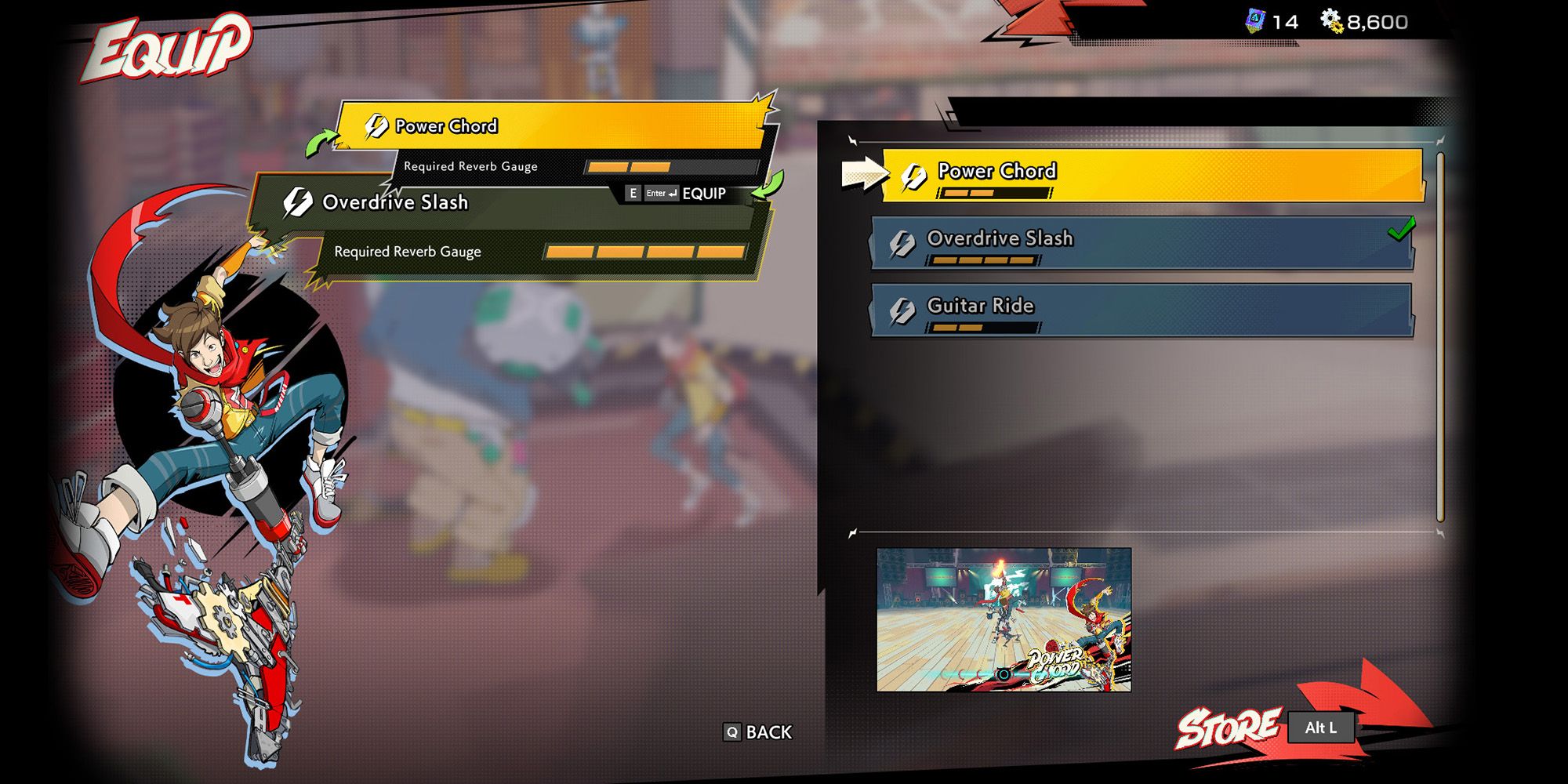
3. Switch to Equip Menu: On Xbox, press the Left Trigger; on PC, press the Shift key to access the Equip menu.
4. Equip Your Special Attack: Choose the special attack you wish to equip. This action will replace any currently equipped attack in the designated slot.
Using Special Attacks in Battle
To unleash your special attacks during combat, ensure the following:
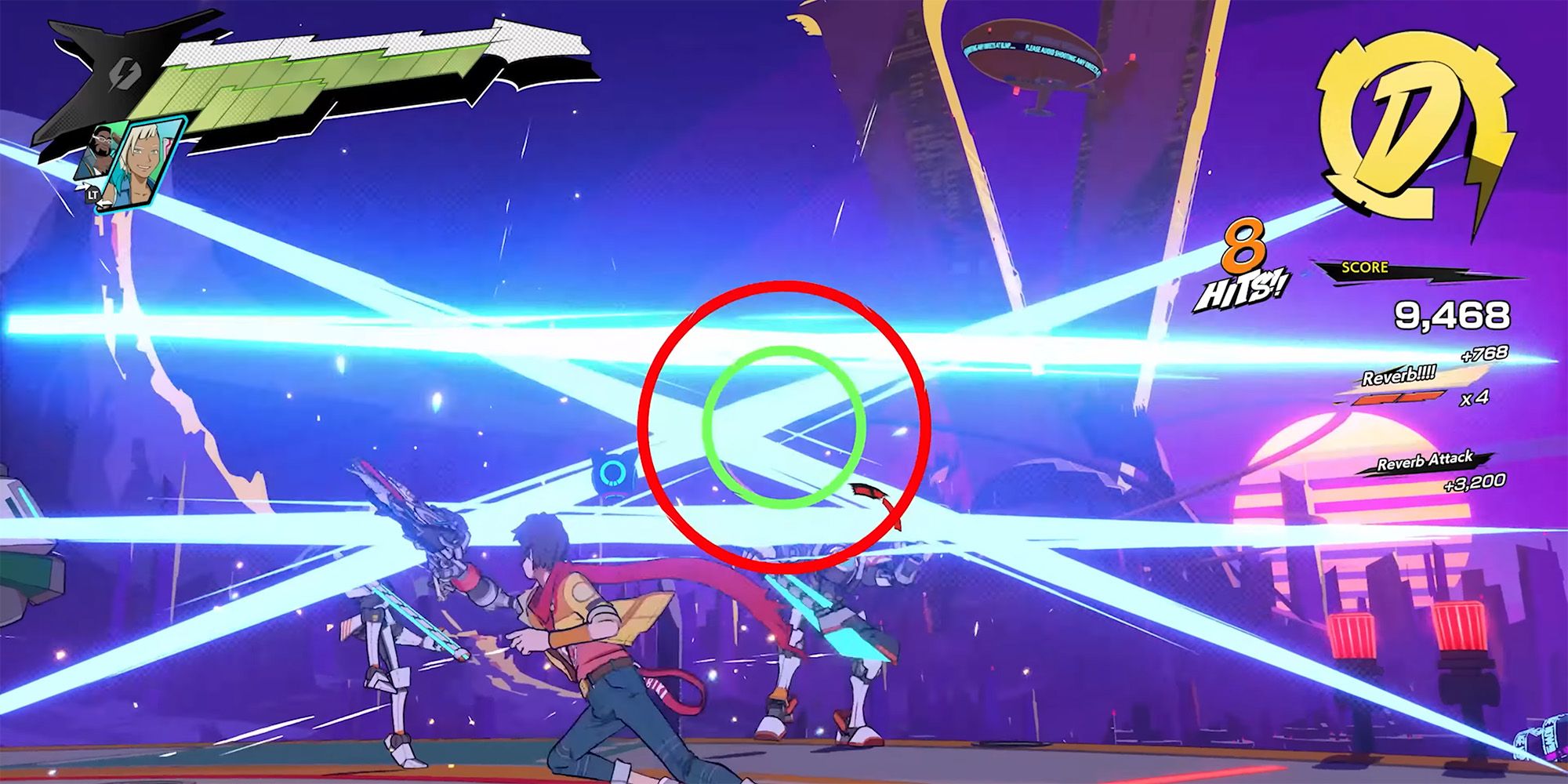
1. Reverb Gauge: You must have sufficient charge in your Reverb Gauge. Different special attacks consume varying amounts of this resource.
2. Activate the Special Attack: Use the left and right analog sticks on a controller or press the R key on your PC to perform the special attack.
3. Switching Special Attacks: If you’ve upgraded your special attack slots to hold two attacks, quickly switch between them mid-battle by pressing the Up button on your D-pad or the “2” key on your keyboard.
List of Available Special Attacks
Here’s a rundown of some special attacks you can purchase and utilize:
– Power Chord: Causes massive damage to nearby foes, with enhanced damage for successful Beat Hits.
– Overdrive Slash: A high-damage frontal attack with a mid-range reach.
– Hibiki: Inflicts damage on enemies in all directions.
– Air Guitar: Targets enemies in the air while granting a 2x score bonus.
– Double Riff: Long-range frontal damage with a 2x score bonus.
– Rip and Tear: Long-range frontal attack dealing 3x score bonus.
– Guitar Ride: Focused frontal damage with a 2x score bonus.
– Steal The Show: Stuns all surrounding enemies.
– Twin Assault: Standard frontal damage attack.
– High Pitch Punch: Close-range air-lift attack.
– Holo-Chai: An attack that distracts enemies.
– Pick Slide: Mid-range attack that stuns.
– Pick Me Up: Heals Chai.
– Barrier Wall: Provides protective shielding for Chai.
– CNMANIAC: Requires completion of arcade challenges to unlock.
Tips for Using Special Attacks
– Timing: Perfectly timing your special attacks in sync with the game’s rhythm can maximize their effectiveness and impact.
– Resource Management: Always keep an eye on your Reverb Gauge to ensure you have enough charge to execute special attacks when needed.
– Versatility: Choose your special attacks wisely according to the combat situation. For instance, use Pick Me Up when healing is necessary or Steal The Show to momentarily incapacitate enemies.
With these strategies, you’ll be well-equipped to maximize the effectiveness of special attacks in Hi-Fi Rush and elevate your gameplay experience.


Leave a Reply