
Creating a competitive avatar in Street Fighter 6 is an intricate yet rewarding process that enhances your gameplay experience in the Battle Hub. Below is a comprehensive guide that outlines the steps required to create, customize, and effectively utilize your avatar in competitive play.
Step 1: Creating Your Avatar
1. Start your Journey:
– Begin by launching Street Fighter 6 and selecting either the World Tour mode or the Battle Hub.
– If you’re new to the game, World Tour mode will prompt you to create an avatar. Alternatively, you can directly enter the Battle Hub to create or modify an avatar.
2. Avatar Creation:
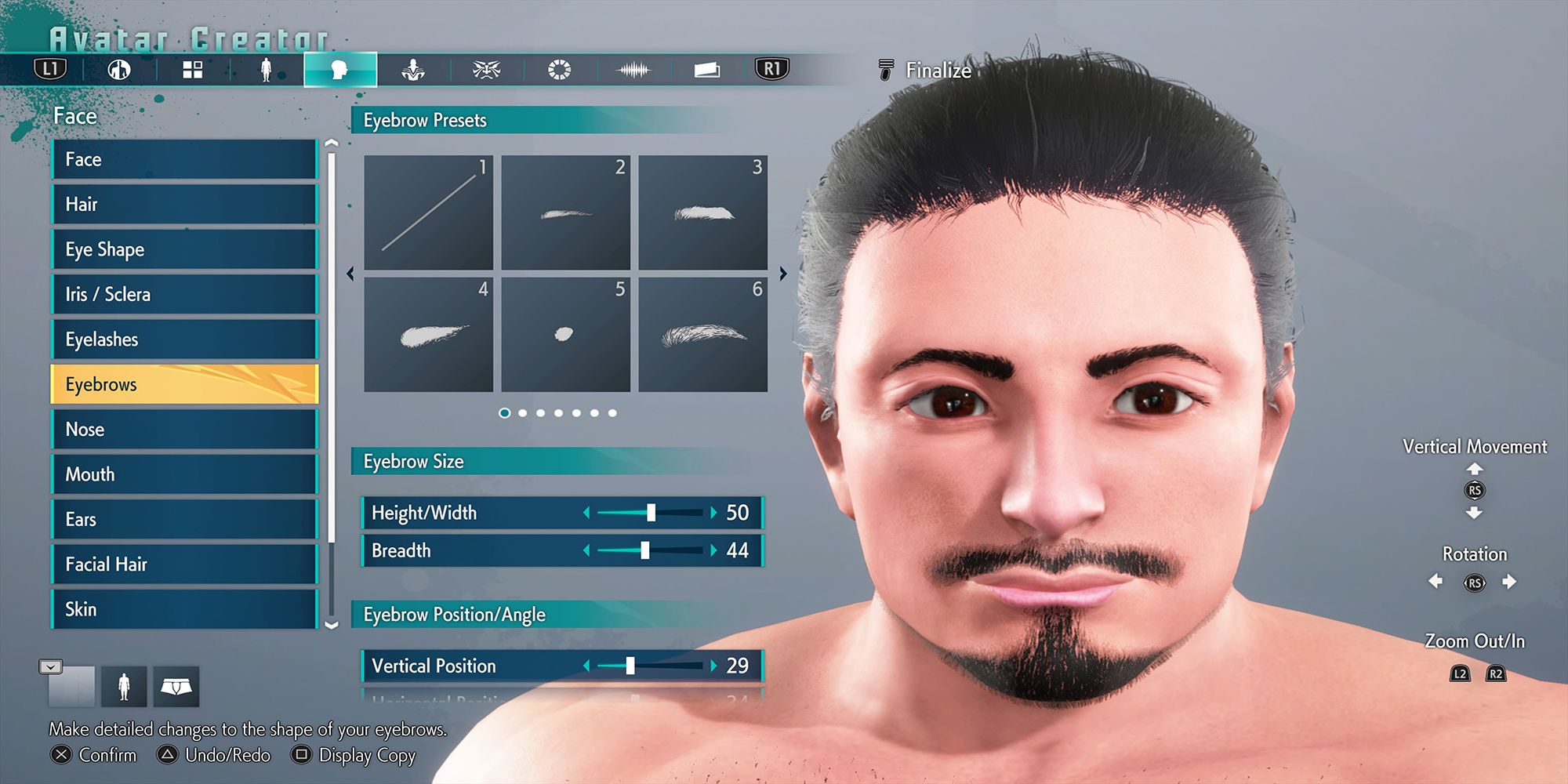
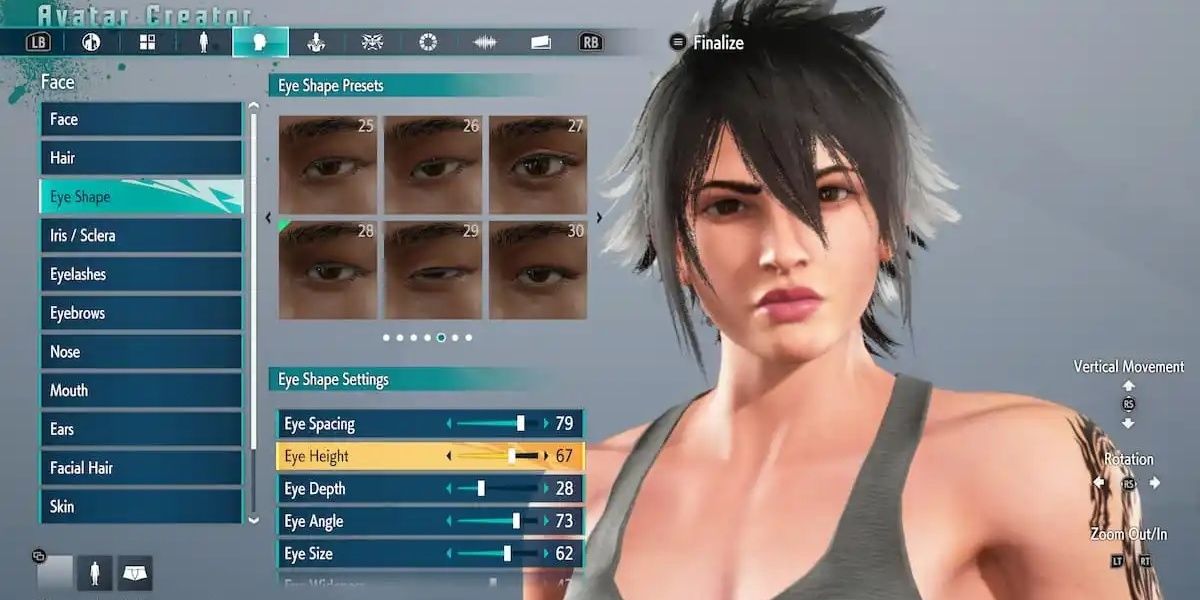
During the initial setup, you have a wide range of customization options at your disposal:
– Body Type: Decide whether you want to choose an AMAB (assigned male at birth) or AFAB (assigned female at birth) body type.
– Identity: Choose your avatar’s gender based on your preference.
– Presets: You have options to either select from complete avatar presets or apply various body presets for a unique character.
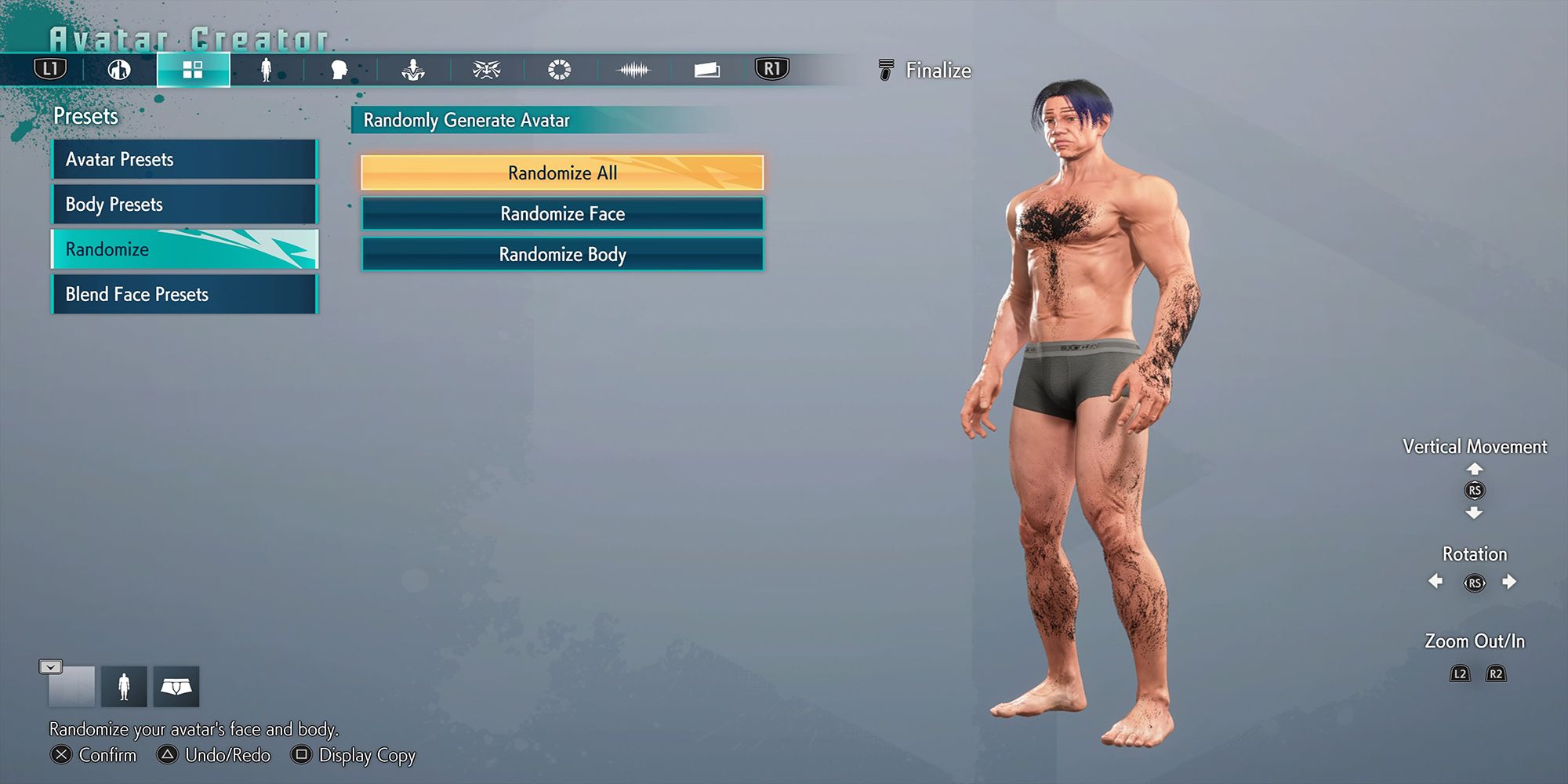
– Randomization: Utilize the randomization feature to generate a face, body, or both randomly.
– Face Blending: Combine two existing face presets to craft a unique facial appearance.
Step 2: Customizing Your Avatar’s Appearance
1. Modify Appearance in Body Shops:
Once your avatar is created, you can further tweak its appearance through the Body Shops available in both World Tour and the Battle Hub.
– Location: In the Battle Hub, the Body Shop is situated at the back, conveniently placed near the Extreme Battle cabinets.
2. Cost of Modifications:
– Drive Tickets vs. Zenny: Modifying your avatar in the Battle Hub requires 50 Drive Tickets, whereas in World Tour mode, it costs 1,000 Zenny.
3. Recipe Creation and Saving:
– You’re free to create and save new avatar design recipes without any cost, giving you the flexibility to experiment and refine your avatar’s look.
Step 3: Equipping Competitive Moves
1. Move Selection:
Street Fighter 6 allows for a dynamic approach to move sets by enabling you to choose moves from a diverse array of characters:
– Customization Process: This customization occurs during either avatar creation or later modifications.
2. Understanding Move Synergy:
– Combination Exploration: The essence of competitive gameplay lies in the synergy of selected moves. Take time to experiment with various combinations to find a setup that complements your personal playstyle.
3. Practice Opportunities:
Once you have your avatar tailored to your liking, engage in practice sessions within the Battle Hub. This allows you to refine your techniques and test your chosen move sets against real opponents.
Step 4: Engaging in Battles
1. Battle Hub Navigation:
– Move into the Battle Hub to engage in combat. The hub offers a vibrant arena filled with opportunities for competitive play.
2. Finding Opponents:
– Open yourself up to Fight Requests in the central area of the Battle Hub. This will allow you to challenge and be challenged by other players eager for battles.
3. Strategy Development:
– Utilize the feedback from your experiences in matches to continually adapt and optimize your move sets and strategies. Analyzing your performance is key to elevating your competitive chances.
Conclusion
By following these structured steps, you can expertly craft a custom avatar complete with competitive moves tailored for intense gameplay in Street Fighter 6. Engage, adapt and conquer in the Battle Hub, leveraging every battle as a learning opportunity to boost your skills and refine your strategies against fellow players. Happy fighting!

Leave a Reply