
Unlocking and Customizing Alternate Costumes in Tunic
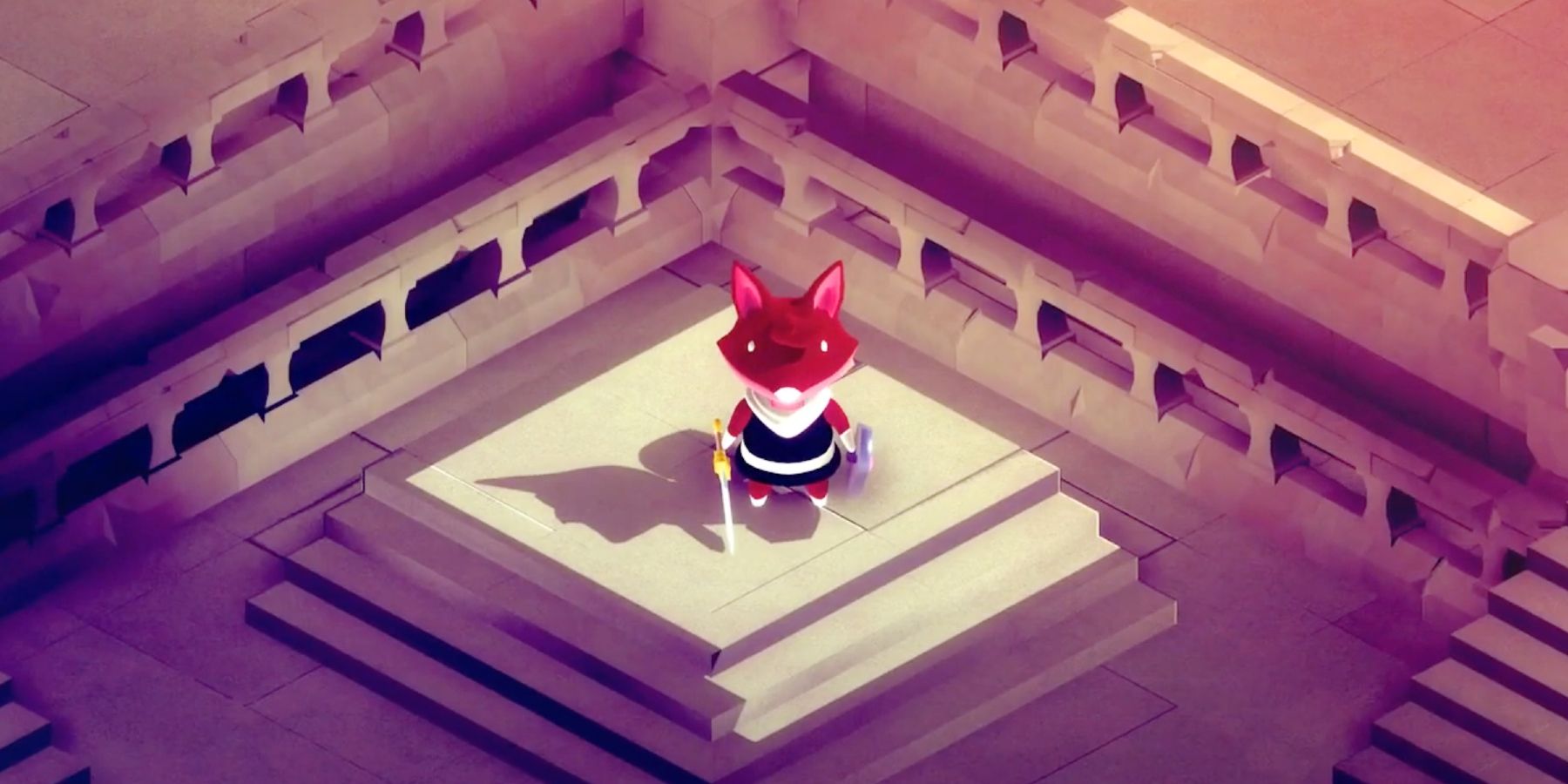
In Tunic, players have the exciting opportunity to personalize their fox protagonist through various cosmetic alterations. Here’s a detailed guide on how to unlock and customize these alternate costumes effectively:
1. Accessing the Customization Room
To begin your customization journey, locate the customization area within the game. This special room can be found past a chest in a designated area. Upon entering, you will encounter:
– Four Dividers: Each divider is equipped with a bell in front of it, corresponding to different customization options.
– Central Pedestal: This is where your customization choices will take effect.
2. Changing Appearance
Once you’re in the customization room, interact with each of the dividers to change various aspects of your fox’s appearance. The available customization options include:
– Fur Color: Personalize your fox’s main fur tone.
– Paws and Nose Color: Alter the colors of your fox’s paws and nose to complement or contrast with the fur.
– Tunic Color: Change the color of the tunic, allowing for a mix of vibrant or muted shades.
– Scarf Color: Customize the scarf to add a unique flair to your fox’s outfit.
To change an appearance feature, simply walk behind the relevant divider and make your selections.
3. Resetting Changes
If you decide that you want to revert any part of the fox’s appearance back to its original state, this is easily done. Simply ring the bell located in front of the specific divider you wish to reset. This action will restore that part to its default color.
Gameplay Advantages
It’s important to note that the alternate costumes available in Tunic serve exclusively aesthetic purposes. While these customizations can enhance your visual experience and allow for personal expression, they do not confer any gameplay advantages. The core mechanics of the game—including exploration and puzzle-solving—remain unaffected by the appearance of your character.
Conclusion
In summary, the customization options available in Tunic greatly enrich the gameplay experience by allowing players to express their individuality through aesthetic choices. By following the steps outlined above, you can effectively unlock and customize your fox’s look, making your adventure in Tunic feel uniquely personal. Enjoy the creativity and self-expression as you embark on your quest!



Leave a Reply