
Overview of the Interlink System in Xenoblade Chronicles 3
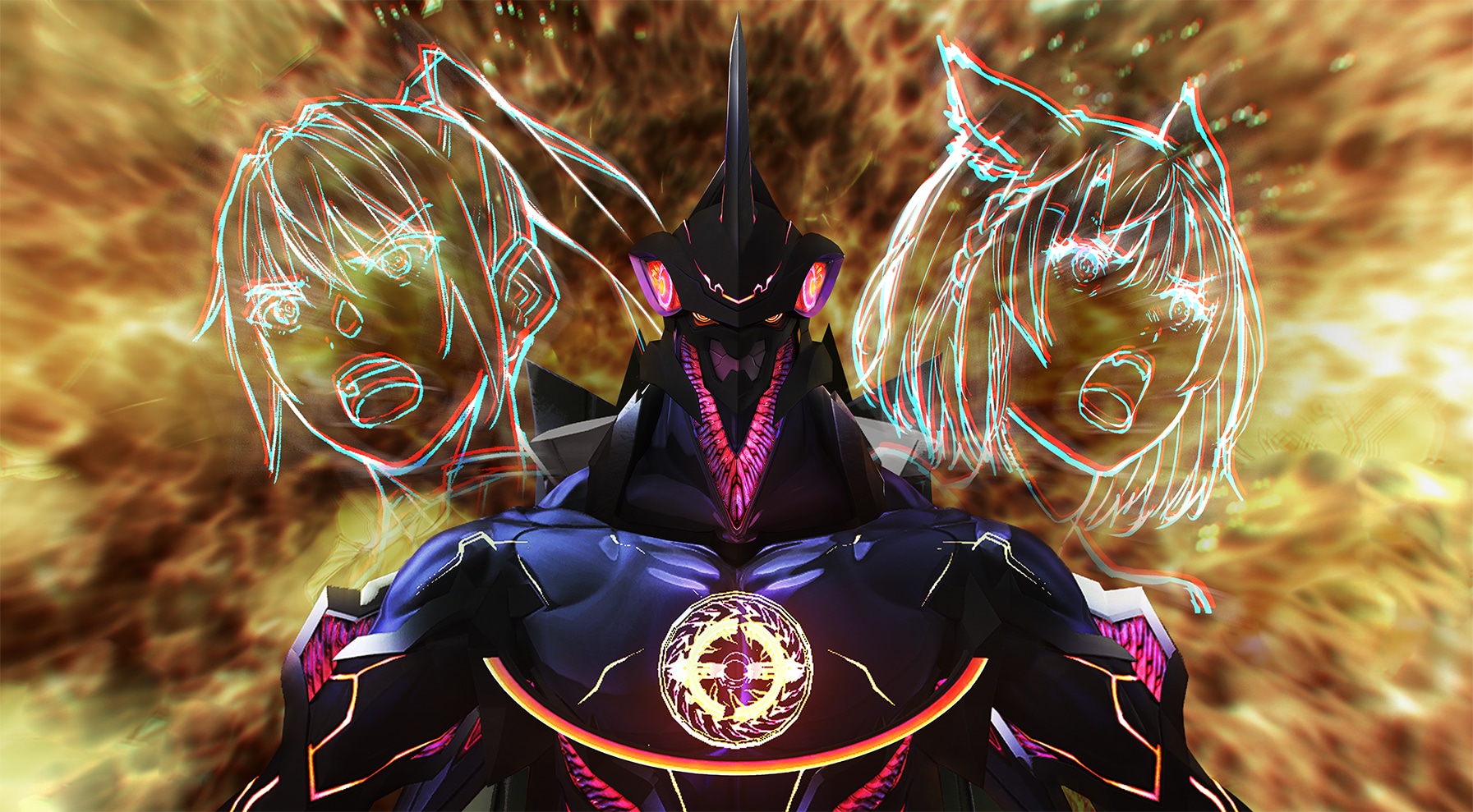
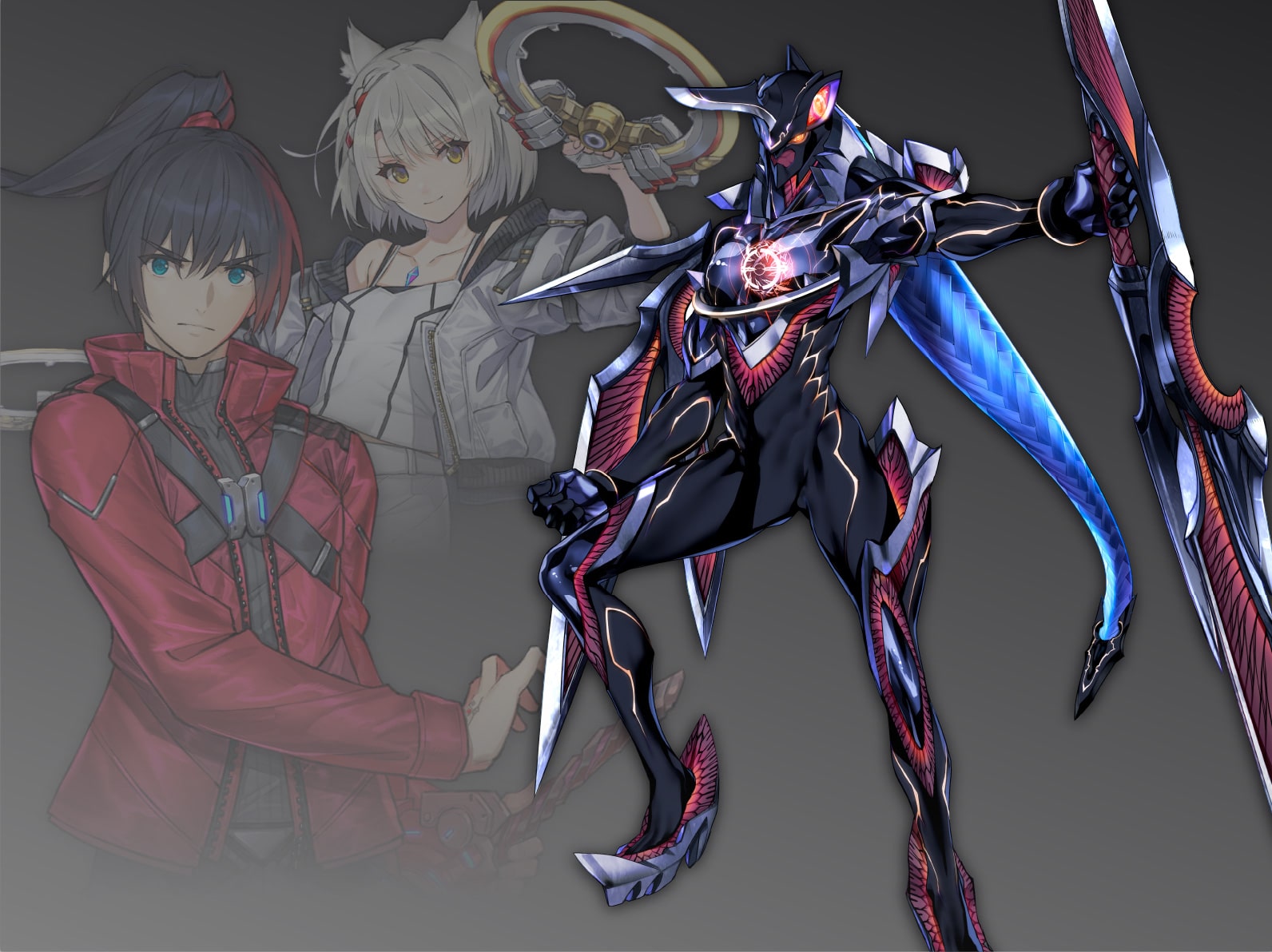
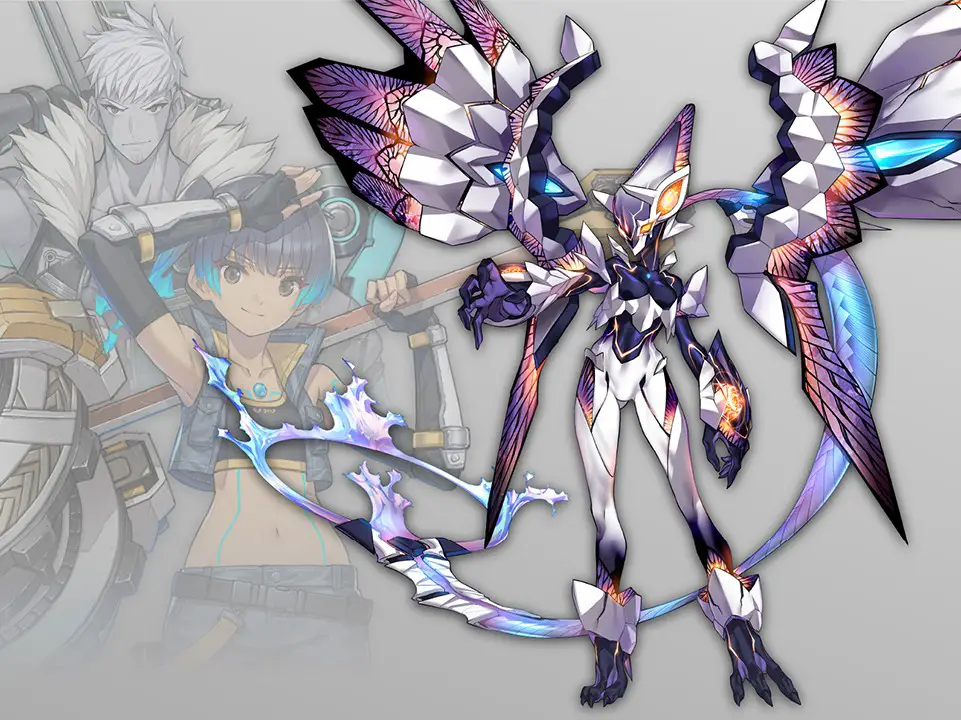
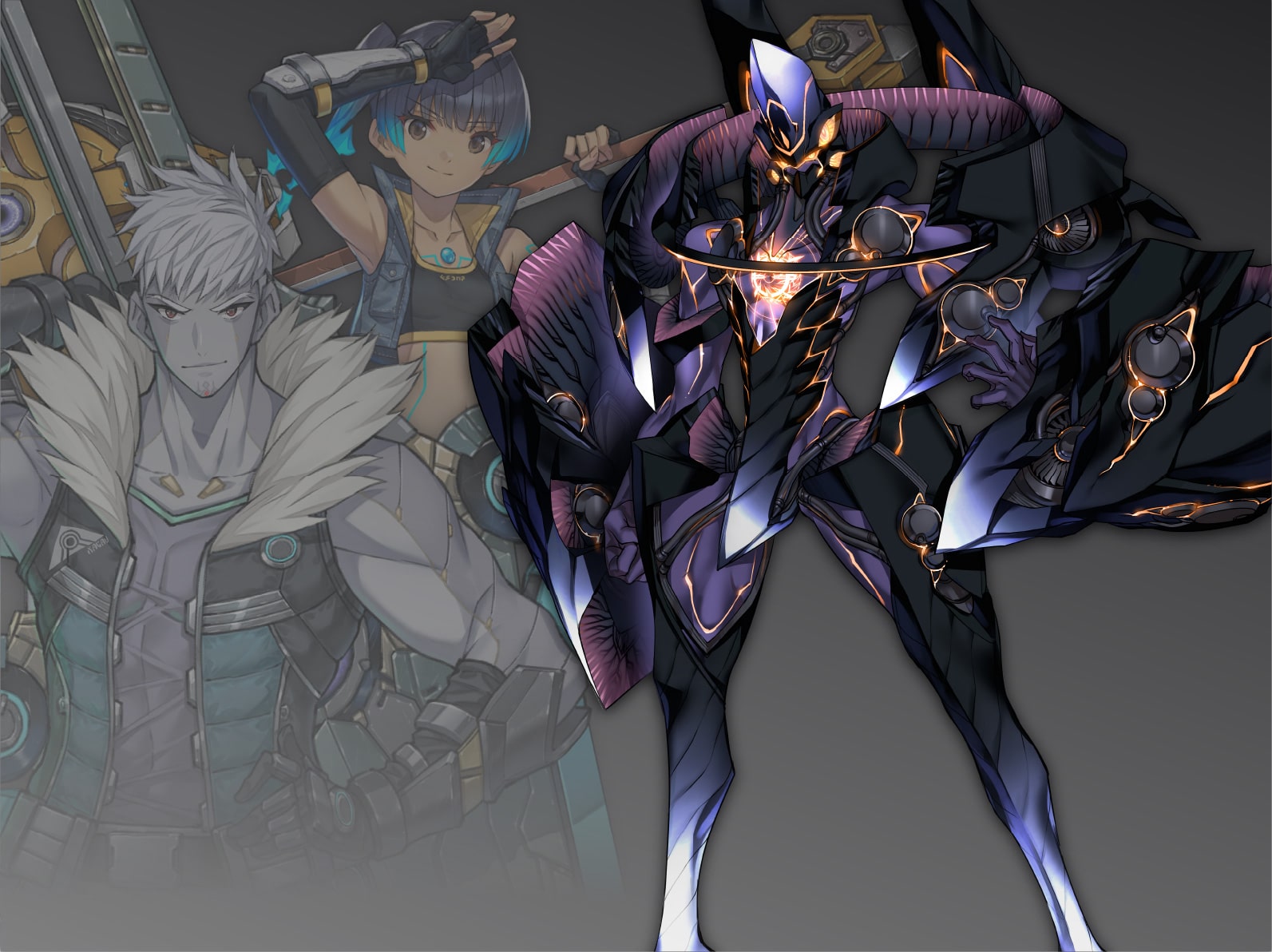
The Interlink system is a dynamic and integral gameplay mechanic in Xenoblade Chronicles 3, allowing pairs of characters to fuse into a more formidable entity known as Ouroboros. This transformation not only amplifies their combat abilities but also introduces strategic depth to battles. Mastering the intricacies of the Interlink system is vital for players aiming to maximize their combat efficiency and effectiveness.
Engaging the Interlink
To activate the Interlink and transform into an Ouroboros, follow these steps:
1. Select the Characters: Utilize the Left D-Pad to navigate and choose the pair of characters you wish to combine.
2. Activate Interlink: Press the designated button (commonly linked to Interlink activation) to initiate the transformation into Ouroboros.
Ouroboros Combat Arts and Talent Art
Within the Ouroboros form, players gain access to unique abilities:
– Ouroboros Combat Arts: These are special combat abilities available exclusively while in this enhanced form. Players can trigger these arts by pressing specific action buttons during battles.
– Ouroboros Talent Art: A powerful, high-impact ability that can be unleashed once it’s fully charged, typically requiring a combination of combat actions to activate.
Heat Gauge
While in Ouroboros form, players must pay attention to the heat gauge, which fills gradually during combat. If the gauge reaches its limit, the Ouroboros will overheat, forcing a return to the normal character forms. This system underscores the need for careful management, balancing the power of the Ouroboros with the risk of overheating.
Ouroboros Arts
The abilities available in Ouroboros form, termed Ouroboros Arts, consist of Combat Arts and the Talent Art. Each character pair possesses distinct abilities that can inflict significant damage or apply advantageous effects against adversaries.
Interlink Level
The Interlink Level is critical for enhancing the capabilities of Ouroboros. It can be advanced up to level 3, which unlocks additional benefits. To increase the Interlink Level, players should:
– Activate Master Arts: Ensure Master Arts are available in the combat menu.
– Match Abilities: Hold the ZR button to synchronize abilities when both characters’ arts are fully charged. Successfully creating a Fusion Art not only bolsters attached stats but also contributes to leveling up the Interlink.
Benefits of Higher Interlink Levels
Achieving higher Interlink Levels grants players several advantages:
– Extended Ouroboros Duration: Increased levels allow the Ouroboros form to persist for longer periods, providing extended opportunities for strategic maneuvers in combat.
– Powerful Attacks: At Interlink Level 3, players can execute Ouroboros Chain Attacks, which deliver devastating damage to foes.
Control and Management
Players can switch between different Ouroboros forms while in the Ouroboros mode by pressing the Up D-Pad button. There are also options within the menu to dictate whether the Ouroboros form is controlled by the player or AI, facilitating more tactical decisions during engagements.
Conclusion
The Interlink system in Xenoblade Chronicles 3 is a robust feature that significantly enhances gameplay through character fusion into the Ouroboros form. By effectively managing the heat gauge, leveraging Ouroboros Arts, and improving the Interlink Level, players can unlock the full potential of this strategic system, leading to a more immersive and engaging combat experience.

Leave a Reply