
In Immortality, the transitions between real-world footage and film segments are a key feature that enhances the interactive storytelling experience. The game employs a distinctive “match cut” mechanic, which allows players to engage actively with the narrative by clicking on specific elements — such as objects, characters, or animals — that bridge various clips. This mechanism facilitates a nonlinear narrative structure where players uncover the story by tracing visual or thematic links across different types of footage.
How to Handle Transitions
1. Match Cut Mechanic:
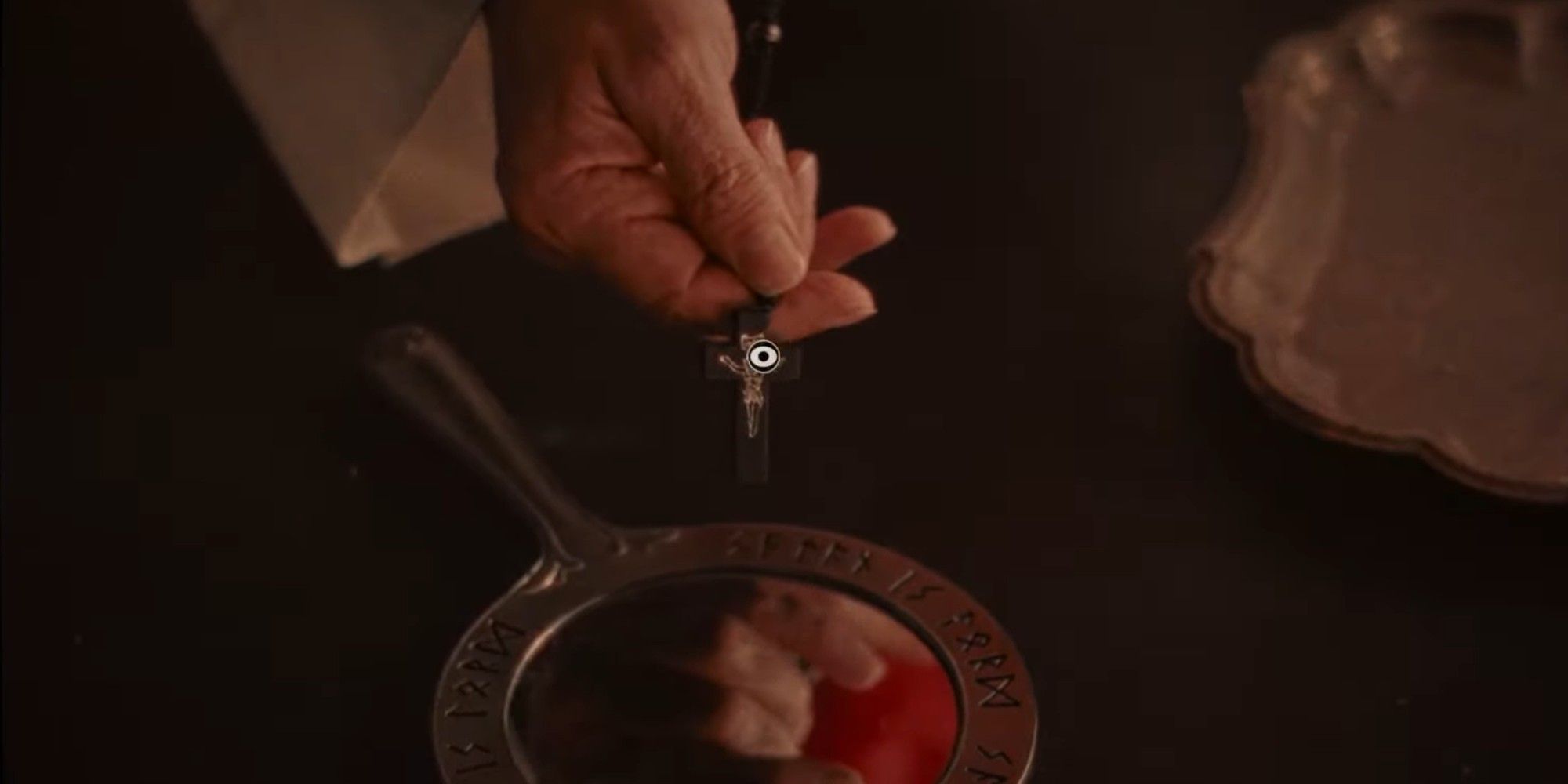
– When players interact with elements on the screen (for example, a cross necklace or a character’s gaze), they trigger a transition that zooms into the clicked object and then zooms out into a new related scene. This could either be another film segment or a piece of real-world footage, such as interviews or behind-the-scenes clips. The mechanic is designed to create seamless links between the assorted types of footage, enhancing the player’s engagement and curiosity.
2. Navigating Footage:
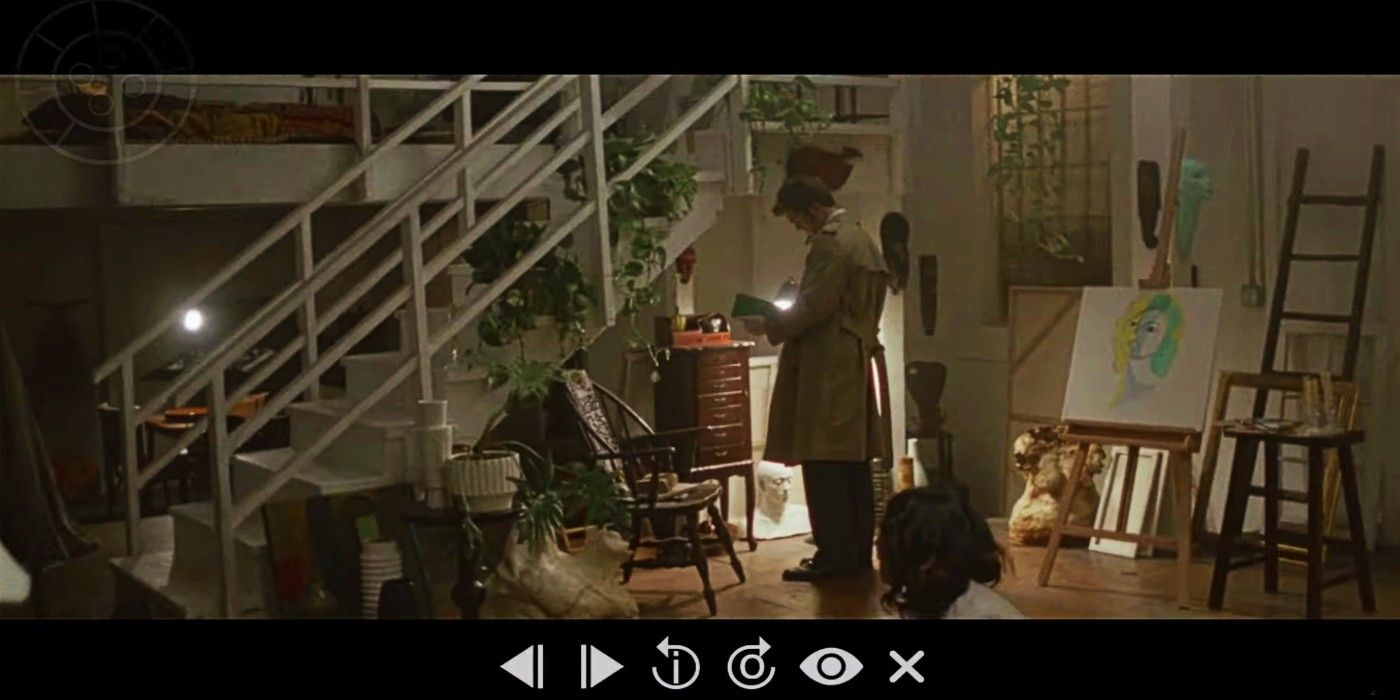
– The game utilizes a Moviola-style interface, enabling players to rewind, fast-forward, and pause the footage using either analog controls or a game controller. This control scheme empowers players to explore and discover new scenes by locating and clicking on elements that act as transition points.
3. Subverted/Phantom Footage:
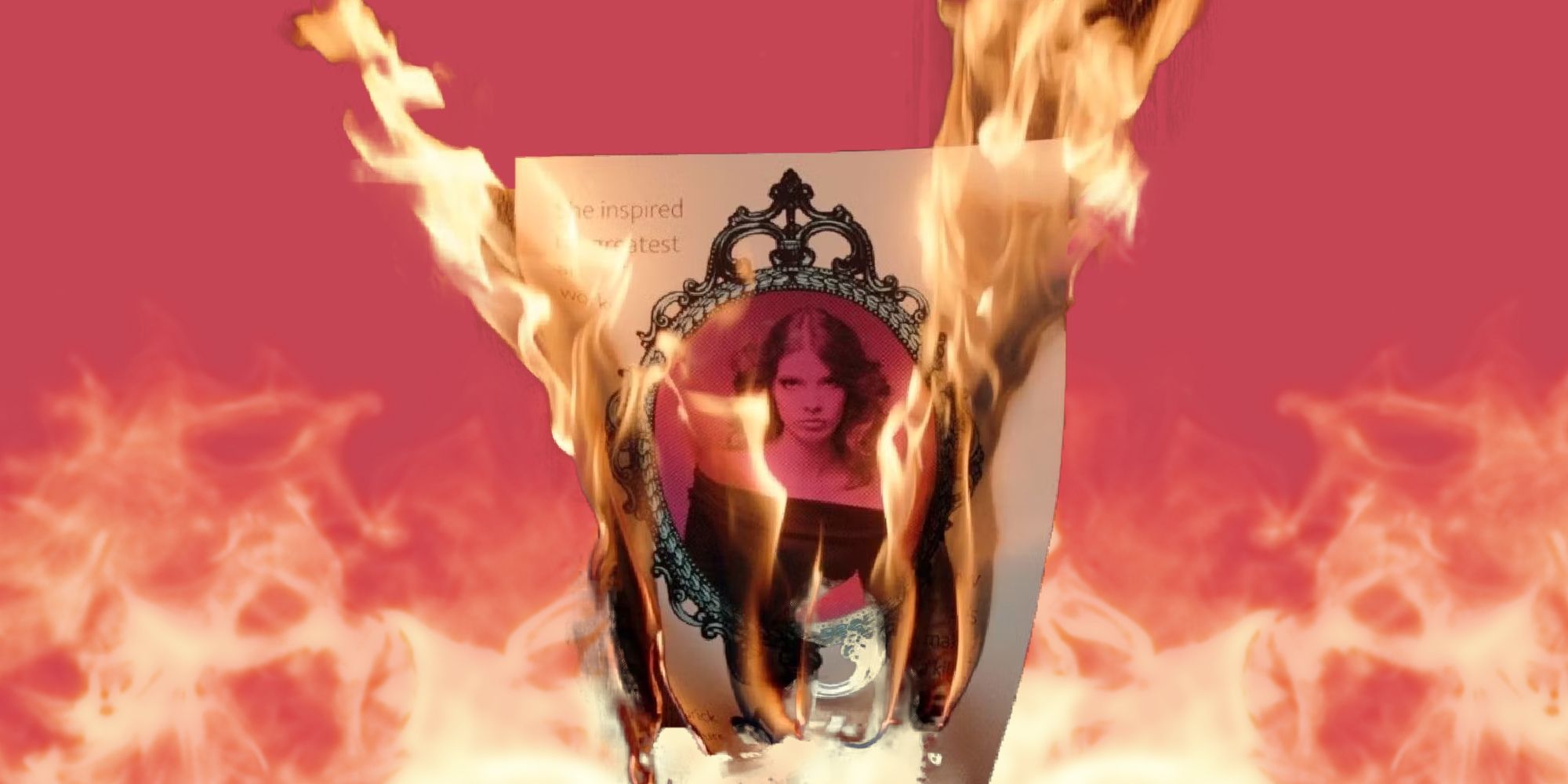
– Certain transitions can lead to “subverted” or phantom scenes, which often carry an eerie tone or unravel hidden layers of the narrative. Accessing these scenes requires precise timing; players may need to rewind to specific frames where they detect audio cues or experience controller vibrations, swiftly selecting the right element to transition into a hidden clip. This aspect adds a layer of mystery and necessitates patience and experimentation.
Limitations and Criticism
While the match cut mechanism is innovative, some players note several limitations:
– Mediocre Connections: Some transitions may only evoke shared objects or characters between clips without conveying deeper narrative significance, potentially leading to a sense of disappointment.
– Narrative Weakness: The transitions often function primarily as navigation tools rather than robust narrative devices, which can detract from the storytelling experience.
Practical Tips for Seamless Transition Handling
– Utilize a Controller: For optimal navigation, using a controller to smoothly rewind and fast-forward can enhance the experience. Pay attention to audio cues and feel for vibrations that may indicate potential hidden footage.
– Identify Visual Matches: Focus on recognizing objects or characters that visually correspond between scenes for a more meaningful transition experience.
– Experimentation is Key: Take time to experiment with rewinding and fast-forwarding to catch exact frames, especially for triggering “subverted” transitions. This might require some trial and error, but it can lead to deeper engagement with the narrative.
In conclusion, transitions in Immortality are masterfully managed through interactive match cuts that link visual elements across different clips, supported by a precise video playback control system that reveals hidden layers of narrative. Although the transitions can sometimes lean more toward navigation rather than storytelling, players can enhance their experience through patience, exploration, and an interactive approach.


Leave a Reply