
Upgrading your tools and vehicles in Subnautica: Below Zero is crucial for embarking on a safe and thorough exploration of the game’s complex underwater environments. Here’s a comprehensive guide to effectively enhance your equipment and vehicles for deeper excursions.
Upgrading Tools and Equipment
1. Crafting Upgrades:
– Essential tools, including the Flashlight, Repair Tool, and Scanner, are crafted at the Fabricator located in your Drop Pod or base.
– To enhance these tools, you need to locate and scan blueprints for upgrades or entirely new tools. This involves searching for fragments dispersed throughout the game world using your Scanner tool.
– For example, after scanning specific fragments, you may unlock blueprints for upgrades like improved battery capacities or enhanced scanning capabilities.
2. Essential Tools for Deep Diving:
– Air Pumps can be crafted to improve your oxygen supply when diving deep.
– Fins are available for crafting and significantly enhance your swimming speed, making navigation through deep waters faster and more efficient.
Vehicle Upgrades
Seatruck
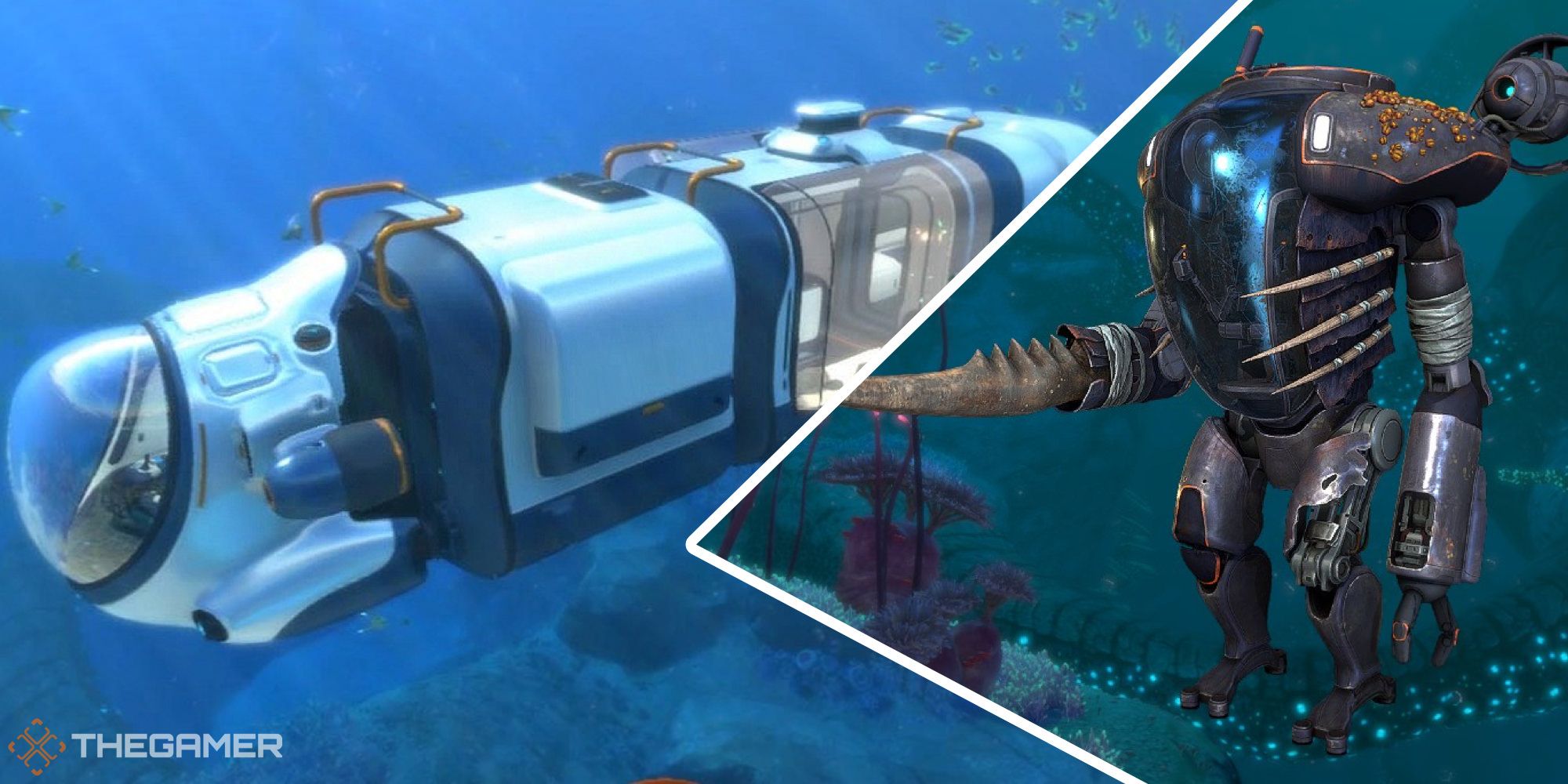
– The Seatruck serves as your primary exploration vehicle. Upgrades can vastly enhance its performance:
– Depth Upgrade MK1: Raises maximum depth to 300 meters. Requires:
– 1 Plasteel Ingot
– 1 Enameled Glass
– Depth Upgrade MK2: Further increases depth capability to 650 meters. Requires:
– 2 Rubies
– 1 Enameled Glass
– 1 MK1 Upgrade
– 1 Synthetic Fibers
– The upgrades are crafted at the Vehicle Upgrade Console (Modification Station), which you unlock by progressing through the game, including missions like Finding Outpost Zero.
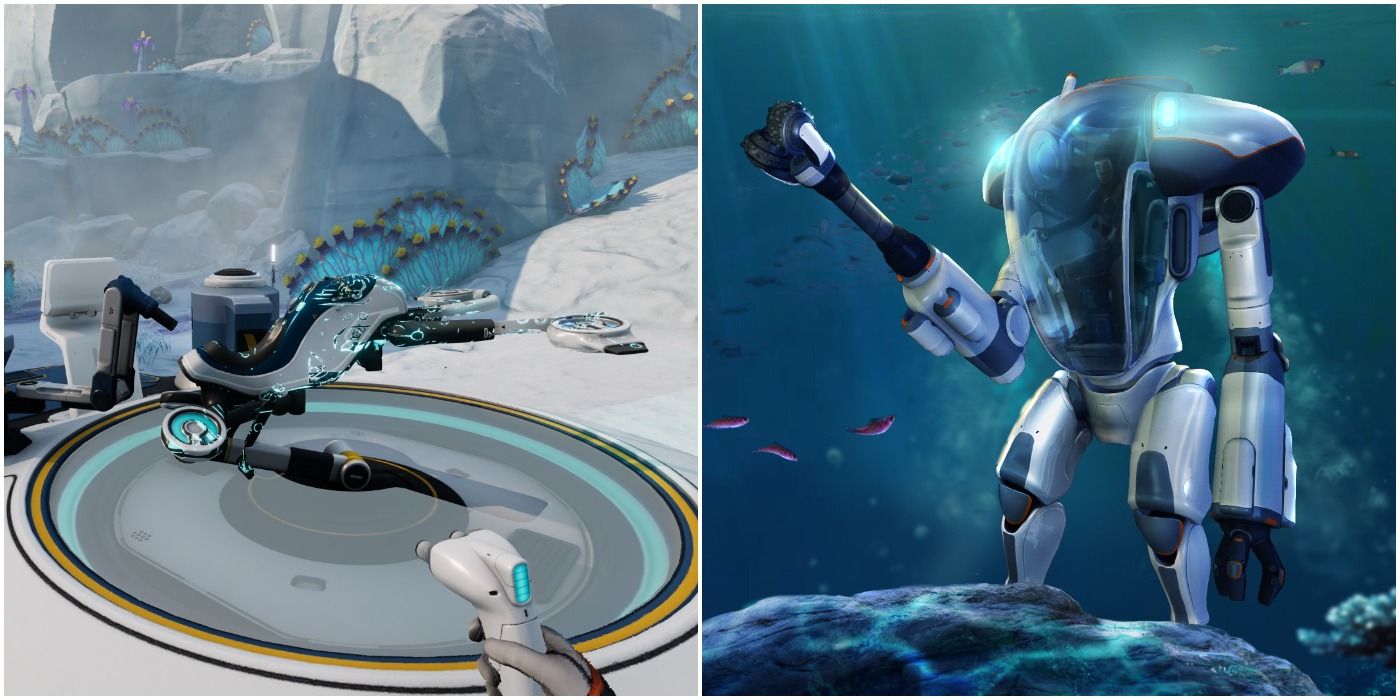
Prawn Suit
– The Prawn Suit is tailored for deep-sea exploration and mining operations beyond the Seatruck’s reach. Upgrade capabilities include:
– Depth Module MK2: Expands crush depth to 1,100 meters. Requires:
– 1 MK1 Module
– 1 Kyanite
– 2 Nickel
– Similar to the Seatruck, you craft this at the Modification Station after acquiring the necessary blueprints by scanning relevant fragments scattered across the world.
Cyclops (If Available)
– Although primarily relevant in the original Subnautica game, if the Cyclops is included in your exploration, it can also be upgraded. Upgrades are managed through its engine room mini-fabricator and enhance its functionality for deep-sea travel.
Unlocking Blueprints and Upgrade Stations
– Finding Blueprints:
– Blueprints for tool and vehicle upgrades are predominantly gathered through scanning fragments; the Scanner tool is indispensable for this task.
– Explore different biomes and structures to collect various blueprints scattered across the landscape.
– Upgrade Stations:
– Upgrade facilities like the Vehicle Upgrade Console (Modification Station) are found in key locations. Locate and scan these stations to gain the ability to craft upgrade modules.
– Your progression through the storyline and exploration of alien bases will yield further upgrade options, such as the Perimeter Security Upgrade for the Seatruck.
Summary
For successful and safe exploration in Subnautica: Below Zero:
– Leverage the Scanner to find necessary upgrade blueprints and vehicle upgrade station fragments.
– Craft upgrade modules for both the Seatruck and Prawn Suit at the Modification Station.
– Prioritize depth upgrades to expand your safe exploration range.
– Consider equipping additional tools and equipment like air pumps and fins to optimize your underwater survival and maneuverability.
By systematically enhancing your tools and vehicles, you can confidently navigate and thrive in the game’s treacherous depths.


Leave a Reply