
Using the Handheld Scanner in Subnautica: Below Zero
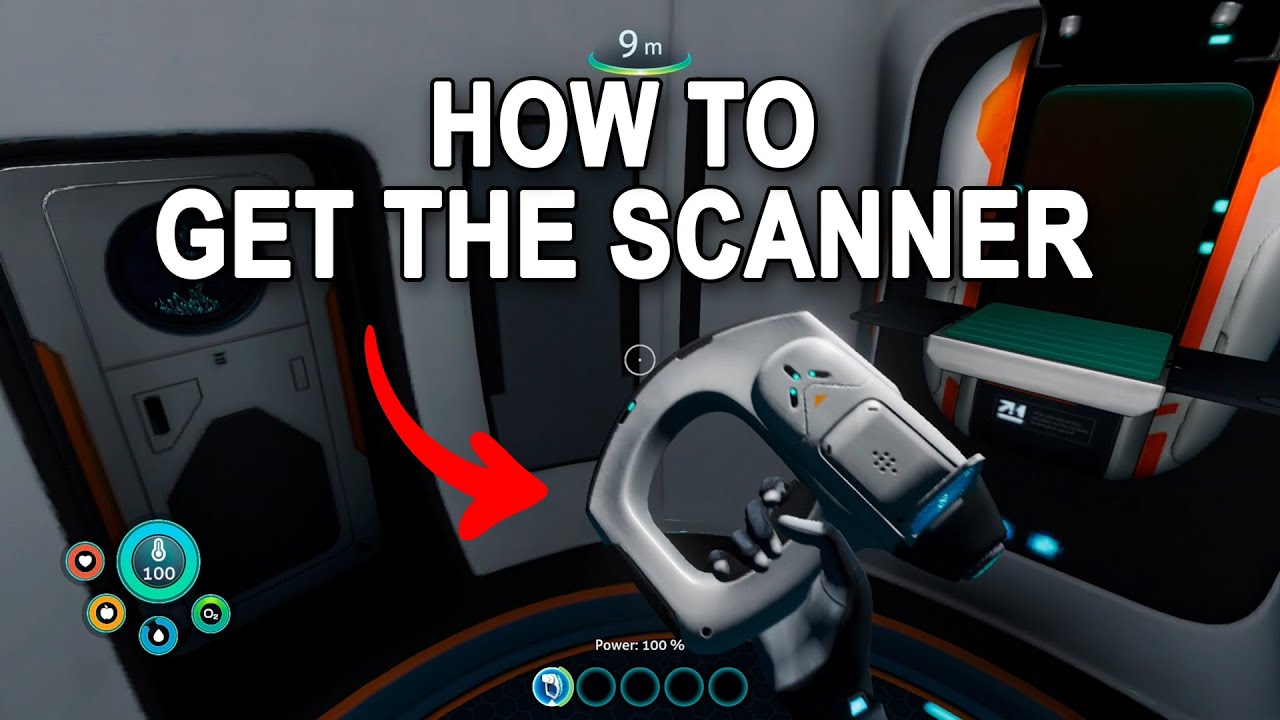
The Handheld Scanner, also known as the Alterra Spectroscope Scanner, is an essential tool for exploring the underwater world of Subnautica: Below Zero. This guide provides a comprehensive overview of how to craft the Scanner, utilize it to acquire essential fragments and blueprints, and optimize your exploration efforts.
—
How to Obtain the Scanner
1. Crafting the Scanner:
– Materials Required:
– Battery:
– Requires 2 Ribbon Plants and 1 Copper.
– Titanium:
– Harvested from breaking Limestone rocks.
– Crafting Process:
1. Gather Resources:
– Ribbon Plants can be found near the Drop Pod in small caves.
– Copper can be sourced by breaking Limestone rocks found in the area.
2. Craft the Battery:
– Use the Fabricator located in the Drop Pod to create a battery from your collected materials.
3. Craft the Scanner:
– Open the Fabricator, navigate to the “Personal” tab, select “Tools,” then choose “Scanner.”
– Add the crafted battery and titanium, then initiate the crafting.
– Outcome: After these steps, you will possess the Scanner, ready to aid in scanning fragments, technology, lifeforms, and more.
—
How to Use the Scanner to Locate and Acquire Blueprints
2. Finding Fragments:
– Recognizing Scannable Fragments:
– Look for wreckages, technological debris, and other scannable fragments. They are often located near crashed ships, sealed areas, or within caves.
– Scanning Process:
– Equip the Scanner and aim it at a fragment.
– If eligible, a holographic interface will appear. Hold down the scan button (default: left mouse button or the trigger on consoles) to initiate scanning.
– The scanning circle will fill, and once completed (after a few moments), the fragment will be logged in your PDA.
– Blueprint Completion:
– Many blueprints require scanning multiple instances of the same fragment type. The number needed varies based on the item, and once sufficient fragments are scanned, the blueprint will automatically be added to your PDA.
What You Can Scan:
– Fragments: For new equipment, vehicles, and habitats.
– Technology and Objects: To gain additional lore and information about the game world.
– Lifeforms and Harvesting Nodes: These scans enhance your PDA’s databank with valuable references.
—
Using the Scanner Room for Resource and Fragment Location
3. Scanner Room:
– This base module helps survey your surroundings for anomalies, valuable resources, and fragments. It makes locating significant items easier.
– Crafting the Scanner Room:
– Acquire its blueprint (usually found in databoxes at key locations such as Delta Island).
– Functionality:
– Once constructed and powered, the Scanner Room allows players to select specific items or resources to scan for. It will provide a mini-map displaying detected targets, which simplifies navigation to those locations.
—
Summary of Steps
1. Craft the Scanner: Create a battery and collect titanium using the Fabricator.
2. Explore for Fragments: Navigate through wreckages and caves to discover technology and fragments.
3. Aim and Scan: Point the Scanner at fragments or objects and hold the scan button until the process completes.
4. Collect Enough Fragments: Ensure you scan the required number for each blueprint.
5. Utilize the Scanner Room (optional): Build one for quicker resource and fragment location.
6. Check Your PDA: Review your PDA for new blueprints after each scanning session.
—
Additional Tips
– Inspect Wrecks: Wrecks often contain multiple scannable objects. Be thorough in your exploration.
– Mark Dense Areas: Use beacons or build Scanner Rooms to highlight regions with high concentrations of fragments.
– Focus on Lifeforms: Scanning wildlife can provide useful survival strategies and enhances the lore you collect.
—
This structured approach to using the Handheld Scanner will enhance your exploration experience in Subnautica: Below Zero, ensuring you gather the necessary blueprints and knowledge to thrive in this captivating underwater environment. Happy exploring!


Leave a Reply