
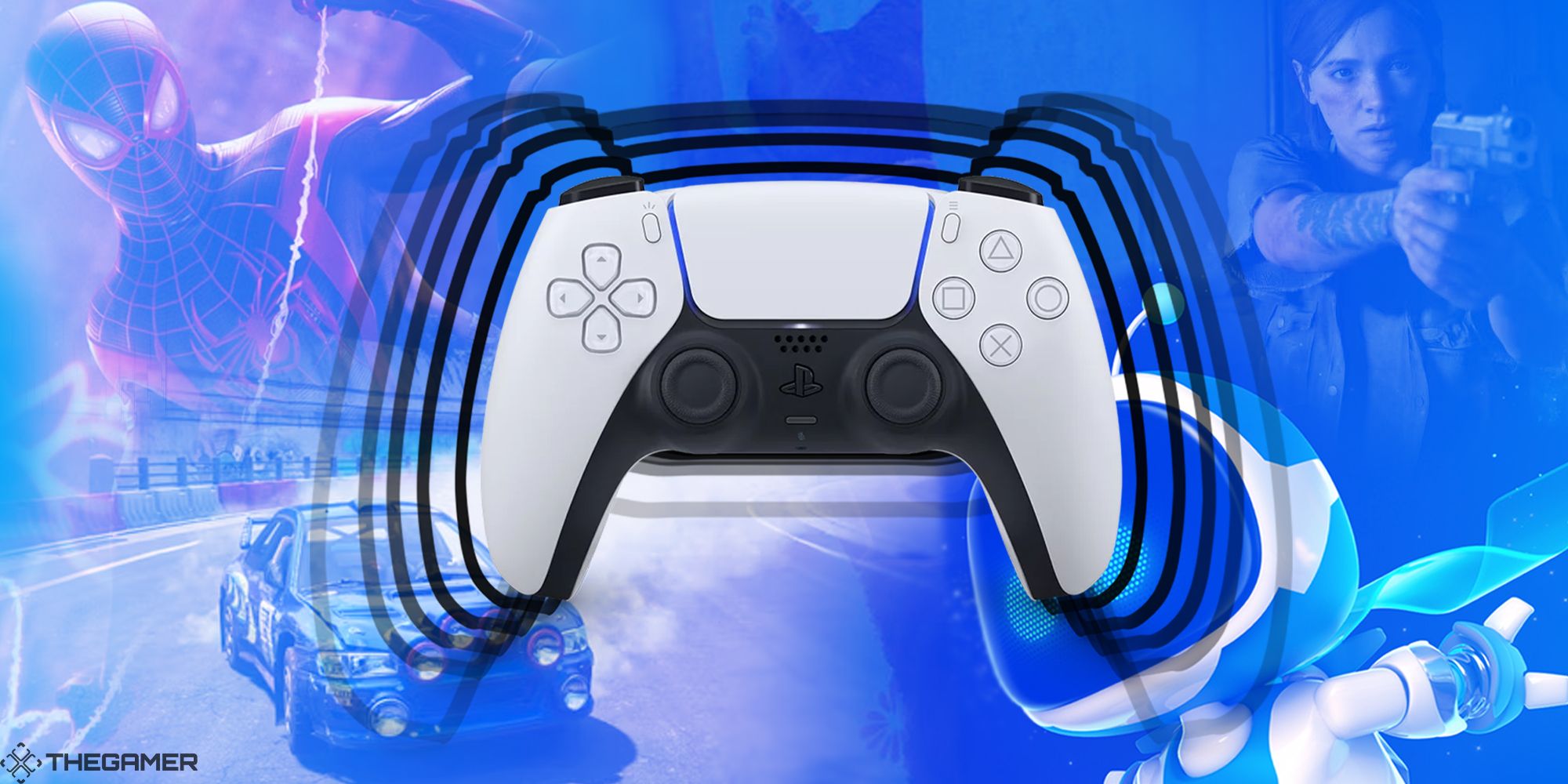
Astro’s Playroom is an engaging platformer designed to highlight the PlayStation 5’s DualSense controller, showcasing its innovative features such as haptic feedback and adaptive triggers. To optimize your gameplay experience and fully utilize these advanced capabilities, consider the following insights on efficient use.
Efficient Use of DualSense Features in Astro’s Playroom
Haptic Feedback
– Where It’s Used: Throughout Astro’s Playroom, haptic feedback is integrated deeply into the gameplay. As players traverse different environments, they will feel distinct vibrations that correspond to various surfaces—whether it’s the crunch of snow, the clink of metal, or the softness of sand.
– How to Leverage It: Pay close attention to the sensory feedback provided through the controller. This feedback can simulate a range of sensations, from raindrops falling to crescendoing wind, and even the subtle feeling of items rolling within the controller. These nuanced vibrations add a layer of immersion, often providing clues about in-game mechanics or areas that may contain secrets.
– Tips: Use the changes in haptic feedback as a tool for discovery. When you notice a shift in vibration, it could indicate proximity to a hidden collectible or distinctive surface that may aid your exploration.
Adaptive Triggers
– Where They’re Used: Adaptive triggers are fully utilized in specific scenarios throughout the game. For instance, in the rocket suit, pulling the triggers gives a realistic sense of engine resistance, where the pressure you apply correlates directly with the thrust experienced.
– How to Leverage Them: It’s crucial to use the triggers judiciously. In the spring suit, for example, you can feel the compression of the spring, allowing for greater control over your jumping arc—tightening your grip facilitates precise movements.
– Tips: Experiment with the pressure applied to the triggers while using various suits. By adjusting your tension on the triggers, you can influence your speed and jumping precision, creating optimal platforming tactics.
Other Unique Features
– Motion Sensing: Engage with puzzles or navigate in specific suits (like the ball suit) by tilting the controller. This motion sensor feature is especially effective in sections focused on rolling or balancing, enhancing gameplay interaction.
– Touchpad: Utilize the touchpad to execute special moves or contextual actions. A quick swipe or button press can unlock new abilities or navigate menus.
– Built-in Speaker: The DualSense controller’s speaker enriches the overall experience with immersive sound effects, such as the chattering of PlayStation “bots” or various environmental noises that add to the atmosphere.
– Microphone: Interacting with the game using the microphone—by blowing into the controller—can trigger specific actions, like moving obstacles or uncovering hidden items.
Summary Table
| Feature | How It’s Used in Astro’s Playroom | Tips for Efficient Use |
|————————|———————————————–|——————————————-|
| Haptic Feedback | Simulates various surfaces and actions | Listen/feel for subtle changes |
| Adaptive Triggers | In suits for precise movement control | Vary trigger pressure for greater control |
| Motion Sensing | Tilt for puzzles and ball/rocket movements | Use for precise rolling and balancing |
| Touchpad | Execute contextual actions and special moves | Swipe/press as prompted |
| Built-in Speaker | Adds immersive sound effects | Enhances feedback and game atmosphere |
| Microphone | Interact for effects and uncover hidden objects| Use creatively to reveal secrets |
Best Practices
– Experiment Freely: The purpose of Astro’s Playroom is to demonstrate the capabilities of the DualSense controller. Don’t hesitate to try out each feature to see how they enhance the gameplay experience.
– Immerse Yourself: Embrace the tactile feedback as it provides real-time cues that help direct your actions—pay attention to the vibrations, sounds from the speaker, and opportunities to interact via the microphone.
– Watch for Prompts: The game often encourages use of specific features through visual or audio cues. Keeping an eye (and ear) out for these prompts will allow you to maximize your interaction with the DualSense controller.
By engaging actively with the unique functionalities of the DualSense controller, players can transform their experience in Astro’s Playroom, mastering its gameplay and enjoying the depth of interaction that the PS5 has to offer.



Leave a Reply