
To optimize your exploration and minimize travel time in Genshin Impact, efficient navigation is essential. Here’s a comprehensive guide detailing how to make the most of the game’s in-game map and fast travel system:
Using the Map for Exploration
1. Accessing the Map:
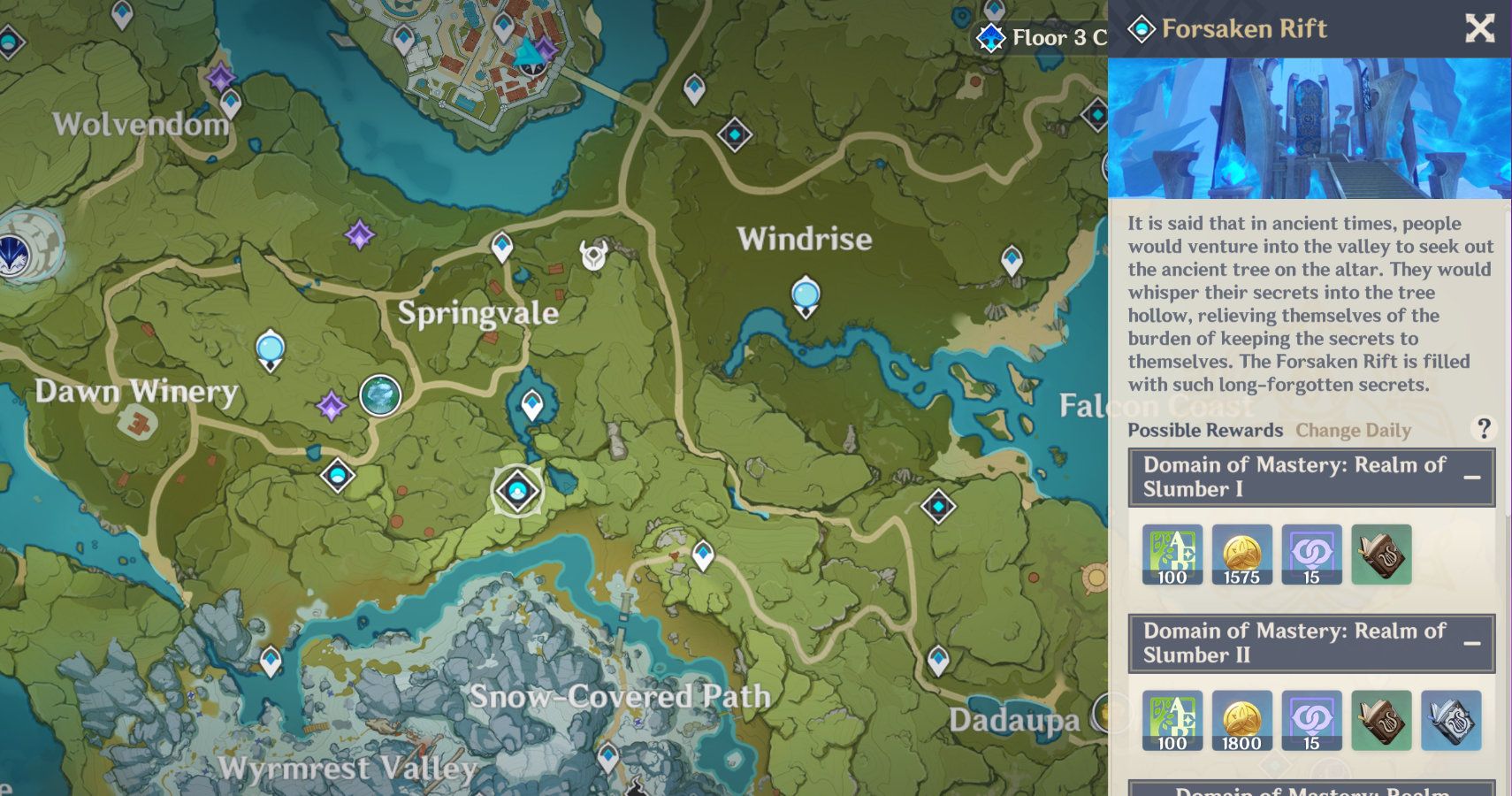
– You can open the map at any time via the main menu. The map showcases all known regions, landmarks, and significant points of interest (POIs) such as Statues of The Seven, Teleport Waypoints, Domains, Shrines of Depths, and more.
2. Markers and Objectives:
– Utilize custom markers to track various collectibles, puzzles, or quest objectives. This feature simplifies planning efficient exploration routes, ensuring you don’t overlook vital items or tasks.
3. Interactive Customization:
– Consider using external tools like the Teyvat Interactive Map, which enhance your experience by allowing you to save progress, bookmark locations, and access detailed guides for collectibles and events.
4. Regions and Sub-regions:
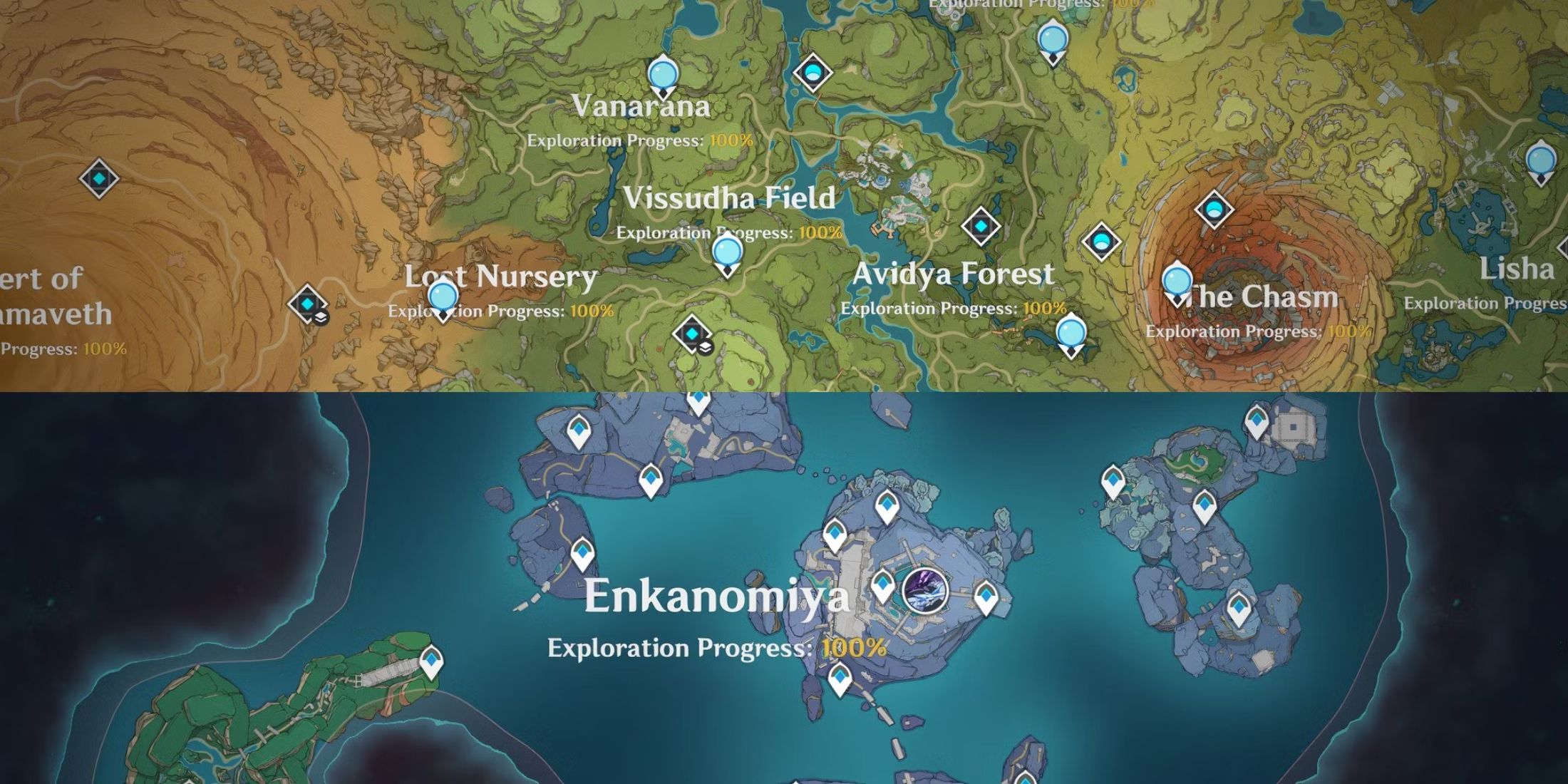
– The game’s expansive world comprises six main regions: Mondstadt, Liyue, Inazuma, Sumeru, Fontaine, and Natlan; each divided into sub-regions such as Dragonspine, The Chasm, and Chenyu Vale. Every area features unique resources, puzzles, and points of interest.
Fast Travel System: Teleport Waypoints and Statues
1. Unlocking Waypoints:
– You must physically reach and interact with a Teleport Waypoint or Statue of The Seven to unlock it. Once activated (indicated by blue and white icons on the map), you can teleport to these locations from anywhere by opening the map.
2. How to Fast Travel:
– Open the Map: Access it via the menu.
– Select a Waypoint: Click on any blue and white Teleport Waypoint or Statue of The Seven (grey icons indicate unactivated waypoints).
– Confirm Teleport: Choose the “teleport” option to instantly move your character to the selected location.
3. Strategies for Efficient Travel:
– Activate All Waypoints Early: Upon entering a new region, prioritize unlocking all visible Teleport Waypoints and Statues of The Seven to enable widespread fast travel.
– Plan Routes: Use the map to devise exploration routes that connect nearby objectives and waypoints, minimizing unnecessary backtracking.
– Combine with Gliding and Climbing: After teleporting to a high waypoint, utilize gliding and climbing to access lower or proximate points of interest swiftly.
– Look for Hidden Waypoints: Some waypoints may be concealed until you approach them. Thorough exploration can reveal these hidden fast travel points.
Additional Tips for Optimization
– Statues of The Seven: Not only do these statues serve as fast travel points, but they also unveil foggy areas of the map nearby, assisting you in spotting collectibles and objectives.
– Domains and Bosses: Mark Domains and world bosses on your map for efficient farming, especially during events or quests that require repetitive visits.
– Use External Tools: Platforms like the Teyvat Interactive Map are invaluable for tracking collectibles, quests, and daily commissions. This organization can help you maintain efficient progress and ensure you don’t miss critical unlocks.
– Routine Checks: Regularly revisit the map to check for new objectives, events, or collectibles you might have neglected earlier.
Summary Table: Key Map and Fast Travel Features
| Feature | Purpose | How to Use |
|————————|——————————————|———————————–|
| Teleport Waypoint | Fast travel to specific points | Interact to unlock, select on map |
| Statue of The Seven | Fast travel, reveal map, heal characters | Interact to unlock, select on map |
| Custom Map Marker | Mark objectives or collectibles | Place on map via menu |
| Interactive Map Tools | Track progress, find collectibles | Utilize external or in-game maps |
By adhering to these practices, you can significantly cut down on travel time and enhance your exploration experience in Genshin Impact. Focus on unlocking all waypoints and statues, plan your routes strategically, and consistently use the map to stay organized and efficient in your adventures.


Leave a Reply