
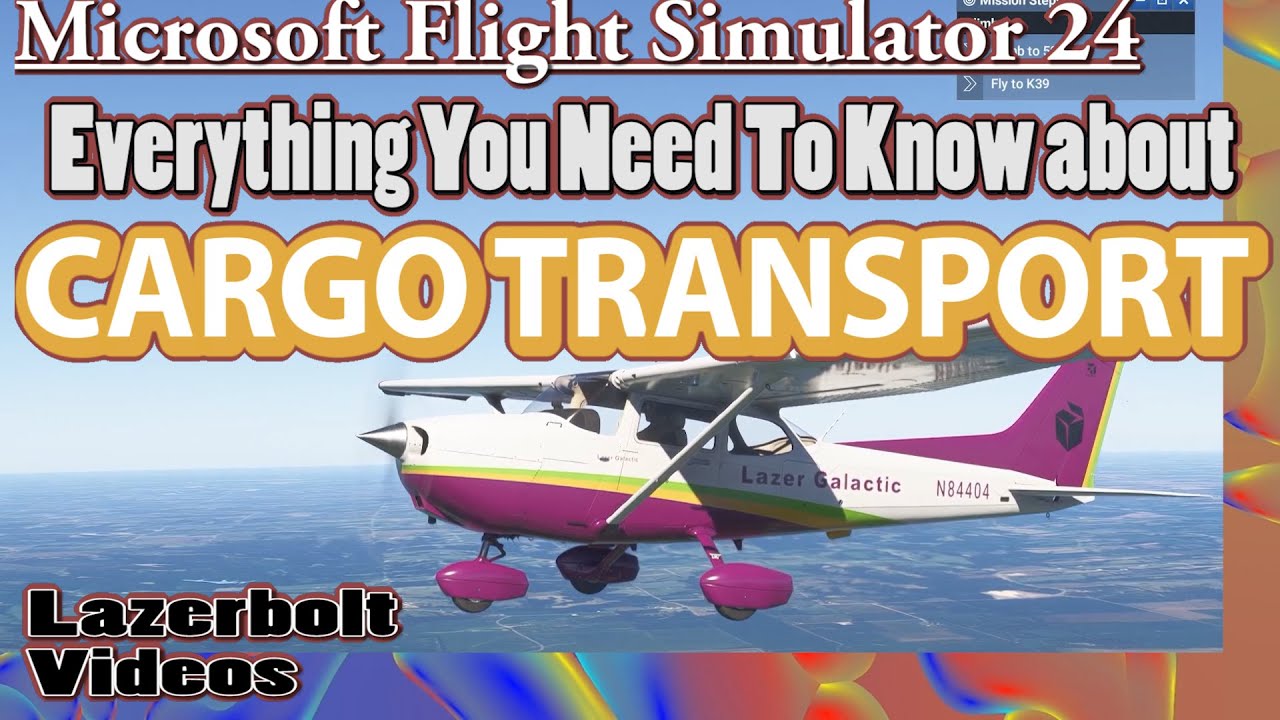
Here’s a comprehensive guide on how to effectively engage in cargo deliveries, scenic tours, and military training exercises in Microsoft Flight Simulator:
Cargo Deliveries
Setup and Preparation
1. Aircraft Selection:
– Opt for an aircraft designed for cargo transport, such as the Cessna 208B Grand Caravan or the Airbus A330 freighter. Ensure that the aircraft has ample cargo space and is equipped for the specific weight of the cargo.
2. Cargo Setup:
– If you are developing custom content using the SDK, familiarize yourself with the documentation on configuring aircraft for cargo missions, ensuring realistic load management and weight distribution.
3. Mission Selection:
– In the career mode, filter for cargo missions that match your aircraft’s range and capacity. Evaluate mission prerequisites such as cargo size, destination, and estimated flight time.
Completing Cargo Deliveries
1. Mission Briefing:
– Thoroughly review mission details to gather information about the type of cargo, the pick-up location, and the delivery airport. Note any special instructions like time constraints or air traffic considerations.
2. Flight Planning:
– Utilize maps and flight planning tools within the simulator to chart a course that avoids obstacles (e.g., mountains) and optimizes flight time. Consider waypoints that provide the best views but remain practical for cargo flights.
3. Pre-flight Checks:
– Conduct standard pre-flight checks, ensuring the aircraft is fueled based on the trip’s distance and reserves. Confirm that the cargo is loaded correctly, taking into account the aircraft’s balancing needs.
4. Execution:
– Navigate to the destination while adhering to ATC instructions and adjusting your flight path based on real-time weather updates. Maintain situational awareness, especially during departure and arrival.
5. Delivery:
– Upon arrival, execute a smooth landing at the appointed airport, following any specific landing procedures. Successfully completing the delivery may require parking at a designated area and confirming completion through mission prompts.
Scenic Tours
Setup and Preparation
1. Aircraft Selection:
– Choose an aircraft known for its visibility and comfort, such as a Cirrus SR22 or a Robinson R44 helicopter, which allows for capturing stunning scenery and ensuring a pleasant experience for any passengers.
2. Route Planning:
– Research and select a route that highlights notable landmarks, natural wonders, or urban landscapes. This could include national parks, coastlines, or city skylines that make for an enriching flight experience.
Completing Scenic Tours
1. Flight Planning:
– Plan a scenic route that allows for sightseeing at safe altitudes. Be mindful of airspace regulations and ensure the planned route is within safe flying conditions.
2. Pre-flight Checks:
– Confirm the aircraft is operational, checking fuel levels, navigation equipment, and the functionality of safety features.
3. Execution:
– Fly the predetermined route, taking moments to point out visible landmarks. Providing commentary can enhance the experience—whether for passengers in your simulation or for your own enjoyment.
4. Safety:
– Adhere to local aviation regulations, maintaining a safe distance from no-fly zones, and practice emergency procedures to ensure an enjoyable and safe flight.
Military Training Exercises
Setup and Preparation
1. Aircraft Selection:
– Select a capable military aircraft, such as the F-18 Hornet or an advanced trainer like the T-45 Goshawk, ensuring that it can handle high-speed maneuvers and various training scenarios.
2. Mission Briefing:
– Familiarize yourself with the objectives of the training exercise, which could range from basic flight maneuvers to more advanced tactical drills.
Completing Military Training Exercises
1. Pre-flight Checks:
– Conduct in-depth pre-flight inspections. Ensure armament is configured correctly if applicable and verify that navigation systems are functioning.
2. Mission Execution:
– Follow specified mission instructions, engaging in required maneuvers or scenarios such as dogfighting or formation flying, completing simulated objectives to improve proficiency.
3. Debriefing:
– After the exercise, analyze your performance in-flight. Reflecting on successes and identifying areas for improvement will enhance your skills for future missions.
General Tips for All Flights
– Weather Awareness: Keep an eye on real-time weather conditions and adjust your flight plan accordingly to avoid adverse weather effects.
– Air Traffic Control (ATC): Always remain in communication with ATC for guidance and to maintain safety during flights.
– Safety Procedures: Study and regularly practice emergency protocols. Familiarity with procedures like engine failure or emergency landings can significantly impact safe flying.
By following this guide, users of Microsoft Flight Simulator will be equipped to tackle a variety of flying challenges, enhancing their gaming experience while respecting the foundation of real-world aviation principles.



Leave a Reply