
Handling flying in busy airspace with effective air traffic control (ATC) communication in Microsoft Flight Simulator (MSFS) requires a solid understanding of ATC procedures and a strategic approach to navigation. Here’s a detailed guide to help you navigate such situations effectively:
1. Understanding Airspace Classes
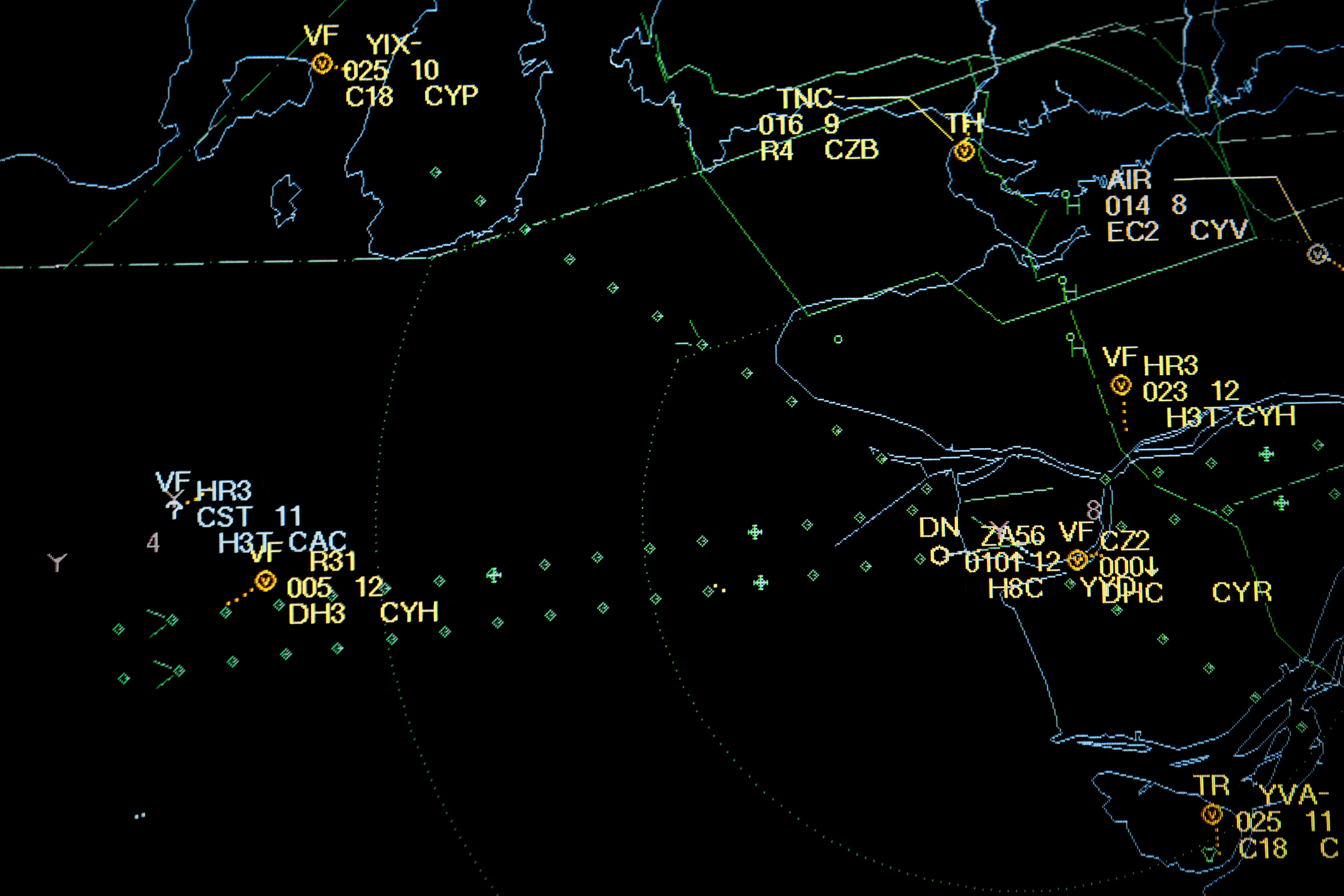
Understanding the different classes of airspace is crucial, particularly in busy environments. Here’s a brief overview of the classes:
– Class A: This airspace exists above 18,000 feet, where high-altitude flights occur. It requires an instrument flight rules (IFR) clearance, and pilots must follow strict ATC instructions.
– Class B: Surrounds the busiest airports, extending upwards to 10,000 feet. Pilots must obtain ATC clearance before entering.
– Class C: Encapsulates less busy yet significant airports with an operational control tower, extending up to 4,000 feet above the airport’s elevation. This airspace also requires ATC clearance to enter.
– Class D: Surrounding smaller airports with control towers, this airspace extends to 2,500 feet above the airport elevation. It mandates two-way radio communication with ATC.
– Class E: Generally used for transitional airspace and can accommodate both IFR and VFR flights; while it is less restricted, pilots must still adhere to basic VFR rules.
– Class G: This is uncontrolled airspace, typically employed for general aviation, often in rural or remote areas.
2. ATC Communication
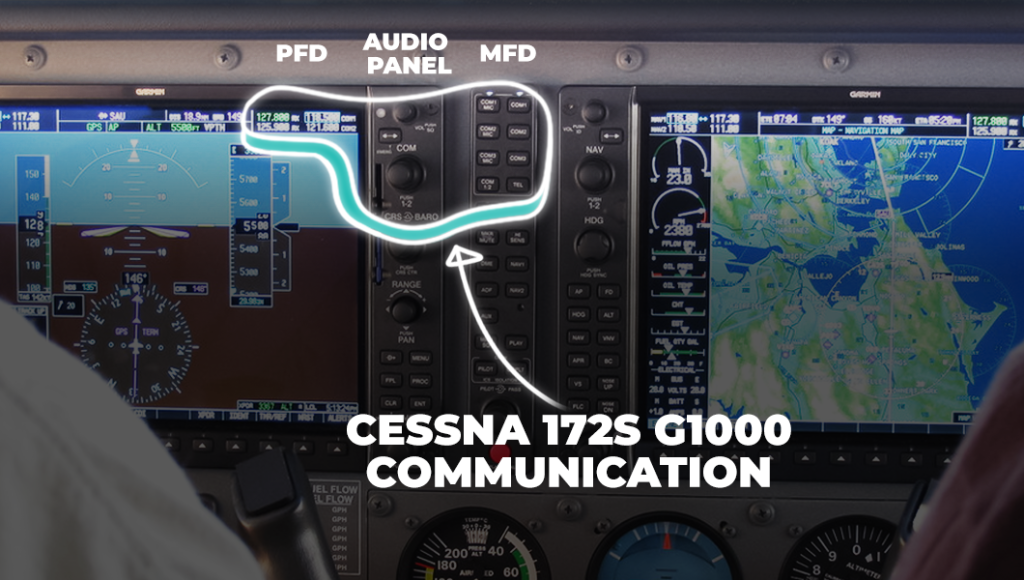
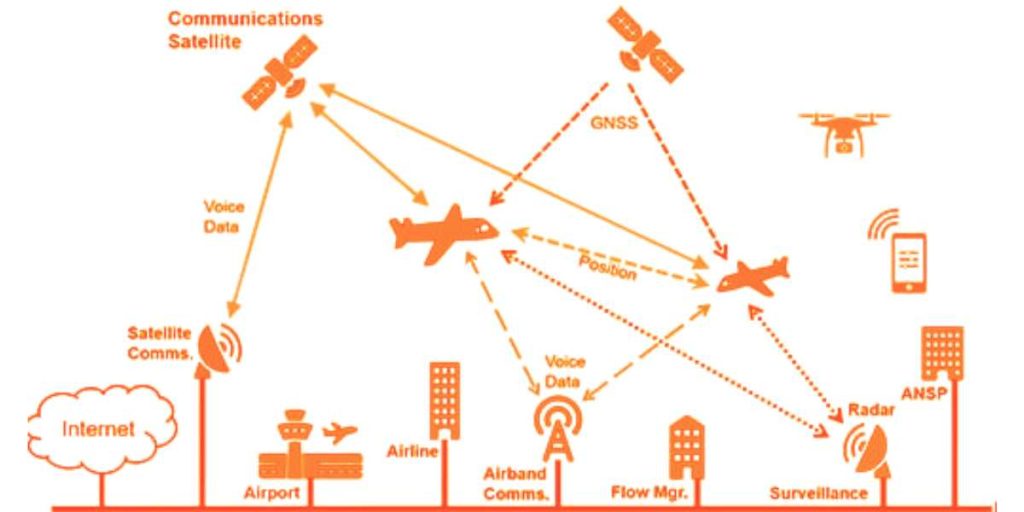
Efficient ATC communication is essential for safety and coordination. Here are some best practices:
– Listen Carefully: Maintain situational awareness by continuously monitoring ATC frequencies for any instructions or updates.
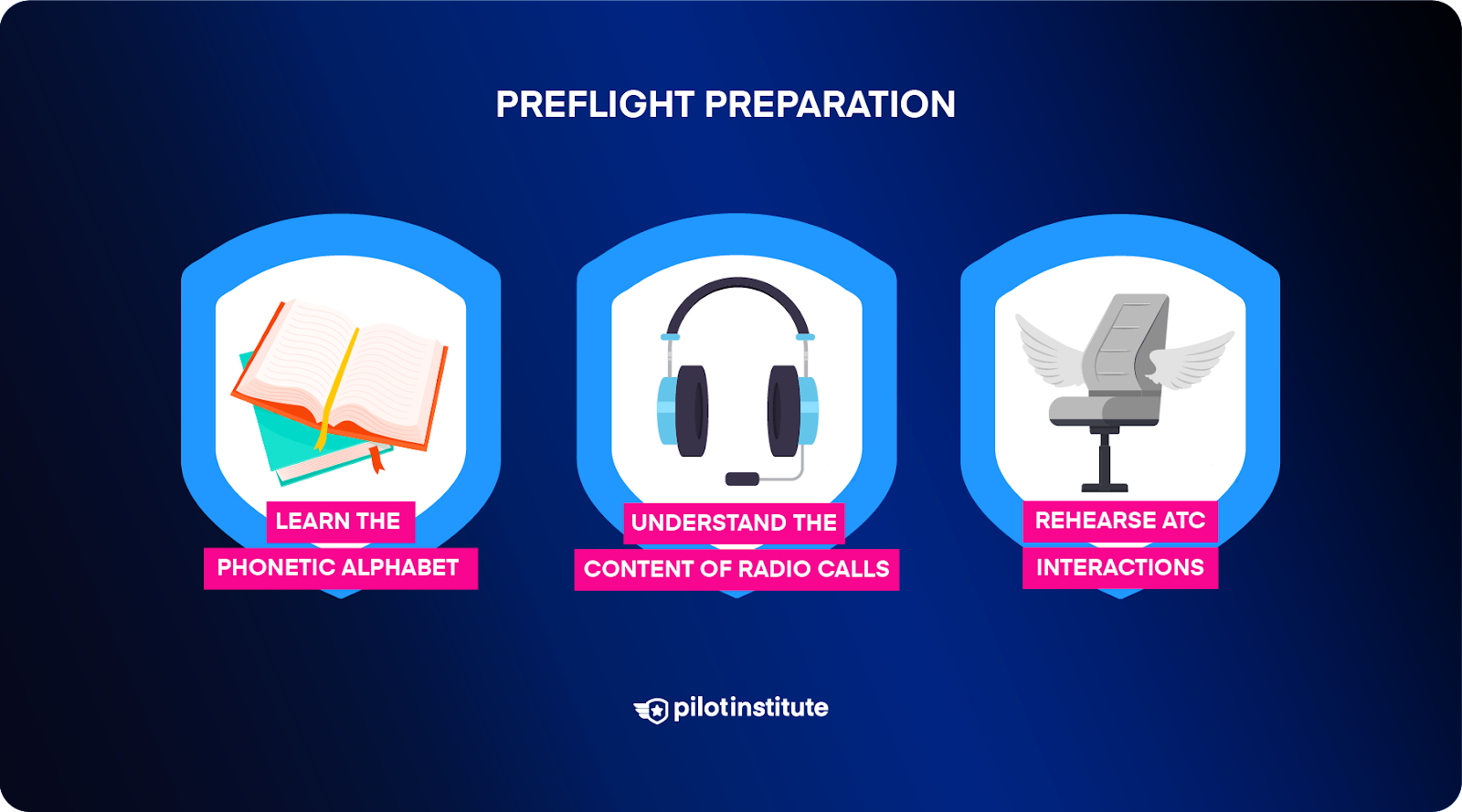
– Use Proper Phraseology: Familiarize yourself with standard aviation communication phrases—clearly state requests and acknowledgments, e.g., “Cleared for takeoff” or “Requesting landing clearance.”
– Be Concise: Keep your speeches brief and relevant to the instruction or request. ATC communication should be direct to avoid misunderstandings.
– Follow Instructions Promptly: Always respond immediately to ATC commands, such as “Climb to 3,000 feet” to maintain safety and efficiency.
3. Navigating Busy Airspace
When flying through crowded airspace, consider these practical steps:
1. Request Clearance Early: Reach out to ATC early concerning your intentions. For example, say, “Good morning, [Airport Name] Tower, this is [Your Call Sign]. Requesting clearance for takeoff.”
2. Plan Your Route: Utilize MSFS navigation tools to create a flight plan while avoiding areas of heavy traffic.
3. Stay Alert: Prepare for unexpected changes or deviations that may arise from ATC instructions due to shifting traffic patterns.
4. Utilize the ATC Window: The in-game ATC window is instrumental in requesting clearances and managing instructions efficiently.
5. Engage with VATSIM: If you’re using VATSIM, a community-based ATC network, practice and hone your communication skills with actual players facilitating air traffic control.
4. Handling Multiple Flights
If you’re managing multiple flights concurrently, consider these strategies:
– Use Multiple Monitors: If feasible, employ multiple screens to monitor different aircraft and ATC transmissions simultaneously.
– Prioritize Flights: Focus on the most critical flights, especially those approaching or entering crowded airspace.
– Stay Organized: Maintain a record of your flights through a spreadsheet or a note-taking application to easily track flight status and communication.
5. Additional Tips
– Stay Calm and Patient: Busy airspace can induce stress, yet remaining composed and adhering to established protocols promotes safe navigation.
– Use Realistic ATC Add-ons: Explore realistic ATC add-ons or mods available for MSFS, which can enhance the flight experience by simulating real-world operations.
By diligently following these guidelines and immersing yourself in the nuances of ATC communication and airspace navigation, you’ll enhance your flying proficiency in Microsoft Flight Simulator, ensuring a safer and more engaging sim experience.

Leave a Reply