
Managing fuel consumption and weight distribution is indeed vital for achieving optimal flight performance in Microsoft Flight Simulator. Below is an in-depth guide to help you effectively manage these aspects for a smoother and more efficient flying experience.
Fuel Management
Understanding Fuel Tanks
1. Fuel Tank Selector:
– Every aircraft is equipped with a fuel tank selector that allows you to choose which fuel tank to draw from. For many aircraft, including single-engine planes, fuel usually comes from the left tank first. To maintain an even balance, make it a habit to switch between tanks periodically during long flights, particularly if your aircraft lacks automatic tank selection.
2. Leaning the Mixture:
– Optimizing your fuel-air mixture can lead to significant savings in fuel. During cruising, gradually lean the mixture until you reach peak RPM, which helps in reducing fuel consumption. Remember to return the mixture to a full rich setting for takeoff and landing to ensure maximum power and safety during these critical phases.
Planning Fuel Consumption
1. Calculate Fuel Needs:
– When planning your flights, estimate fuel requirements based on the expected flight duration rather than just the distance. This is crucial because lower airspeeds typically result in higher fuel burns.
2. Use Tools for Estimation:
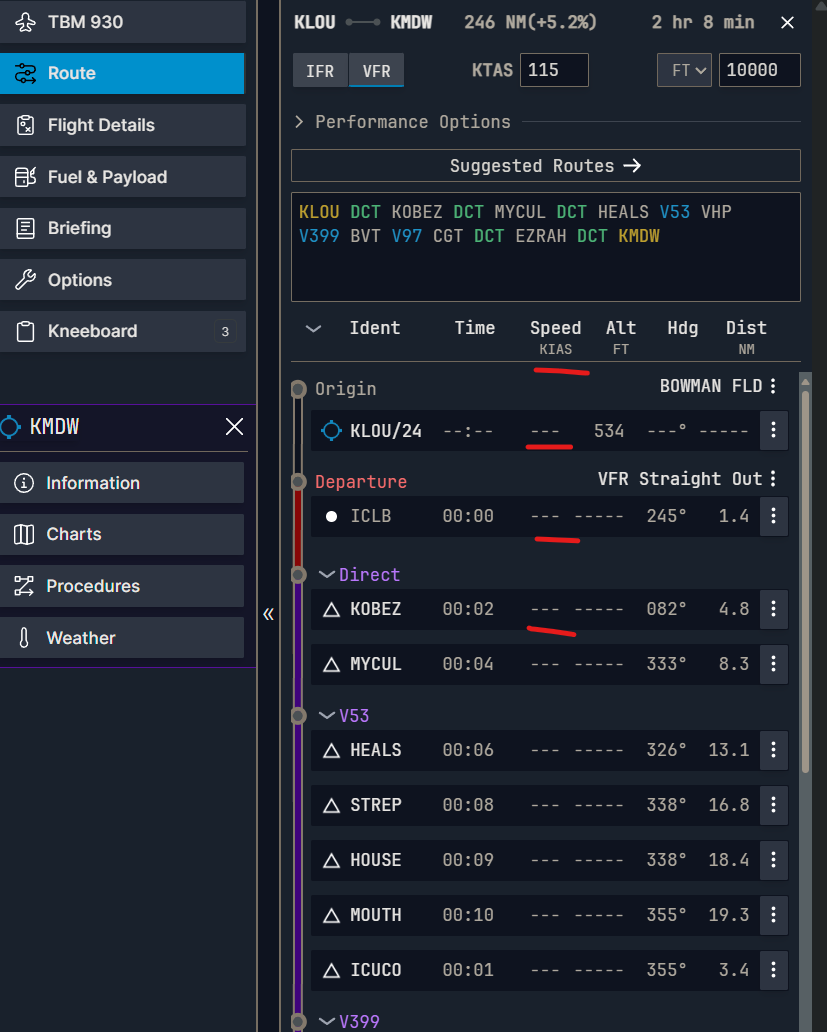
– Utilize the Multifunction Display (MFD) or the Electronic Flight Bag (EFB) to effectively track and estimate potential fuel usage. These tools provide real-time data which can significantly aid in planning your flight better.
Adjusting Fuel in Flight
1. Adding Fuel in Free Flight:
– In Free Flight mode, you can easily adjust fuel levels by accessing the EFB. Navigate to the aircraft icon and utilize the Quick Fill slider to choose your desired fuel percentage, thus allowing for immediate adjustments based on your flying needs.
2. Adding Fuel in Career Mode:
– In Career Mode, setting up a keybind for adding fuel is essential. Search for the “Add Fuel Quantity” option in your settings and assign it to a convenient key combo. Each key press adds 25% of your tank capacity, which is particularly useful in managing your fuel during longer missions.
Weight Distribution
Balancing Fuel Tanks
1. Manual Tank Selection:
– Certain aircraft models necessitate manual switching between fuel tanks. Ensure you regularly change your selection to prevent one wing from losing fuel too rapidly, which can lead to stability issues.
2. Automatic Tank Switching:
– Some aircraft, for instance, the TBM 930, are designed to automatically manage fuel distribution between tanks. Familiarize yourself with how this system operates in your specific aircraft to utilize it effectively.
General Tips
– Monitor Fuel Levels: Keep a constant check on your fuel levels throughout the flight. Running low on fuel can lead to catastrophic failures, so set alerts if your simulator allows.
– Lean Mixture Correctly: While leaning the mixture helps in optimizing fuel usage, excessive leaning can cause engine damage. Always monitor engine performance and listen for any irregularities when adjusting your mixture settings.
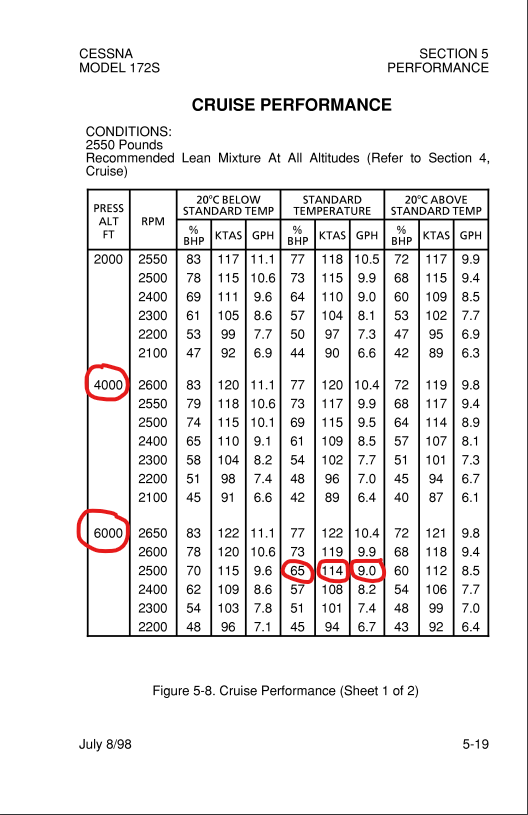
– Adjust for Altitude and Conditions: Remember that fuel efficiency can vary greatly with changing altitudes and weather conditions. Always be ready to adjust your flight plan based on these factors for optimal performance.
By applying these strategies, you can significantly enhance your flight experience in Microsoft Flight Simulator, achieving greater efficiency in both fuel management and weight distribution. Safe flying!



Leave a Reply