
Utilizing live weather data in Microsoft Flight Simulator (MSFS) to adjust your flight plan and make decisions based on real-world conditions can significantly enhance the realism and immersion of your flying experience. Below is a comprehensive guide outlining how to effectively use live weather data in MSFS:
Understanding Live Weather Integration
Live Weather Accuracy and Integration
– Seamless Integration: MSFS 2024 offers a seamless integration of live weather data, enabling real-time reflections of atmospheric conditions such as thunderstorms, strong winds, and turbulence. This heightened realism contributes to a more lifelike simulation experience [1][5].
– Partnerships for Accurate Data: Microsoft collaborates with meteoblue and other weather data providers to offer daily weather updates, ensuring that conditions in the simulator reflect current real-world scenarios as closely as possible [4].
Adjusting Your Flight Plan
1. Pre-Flight Planning
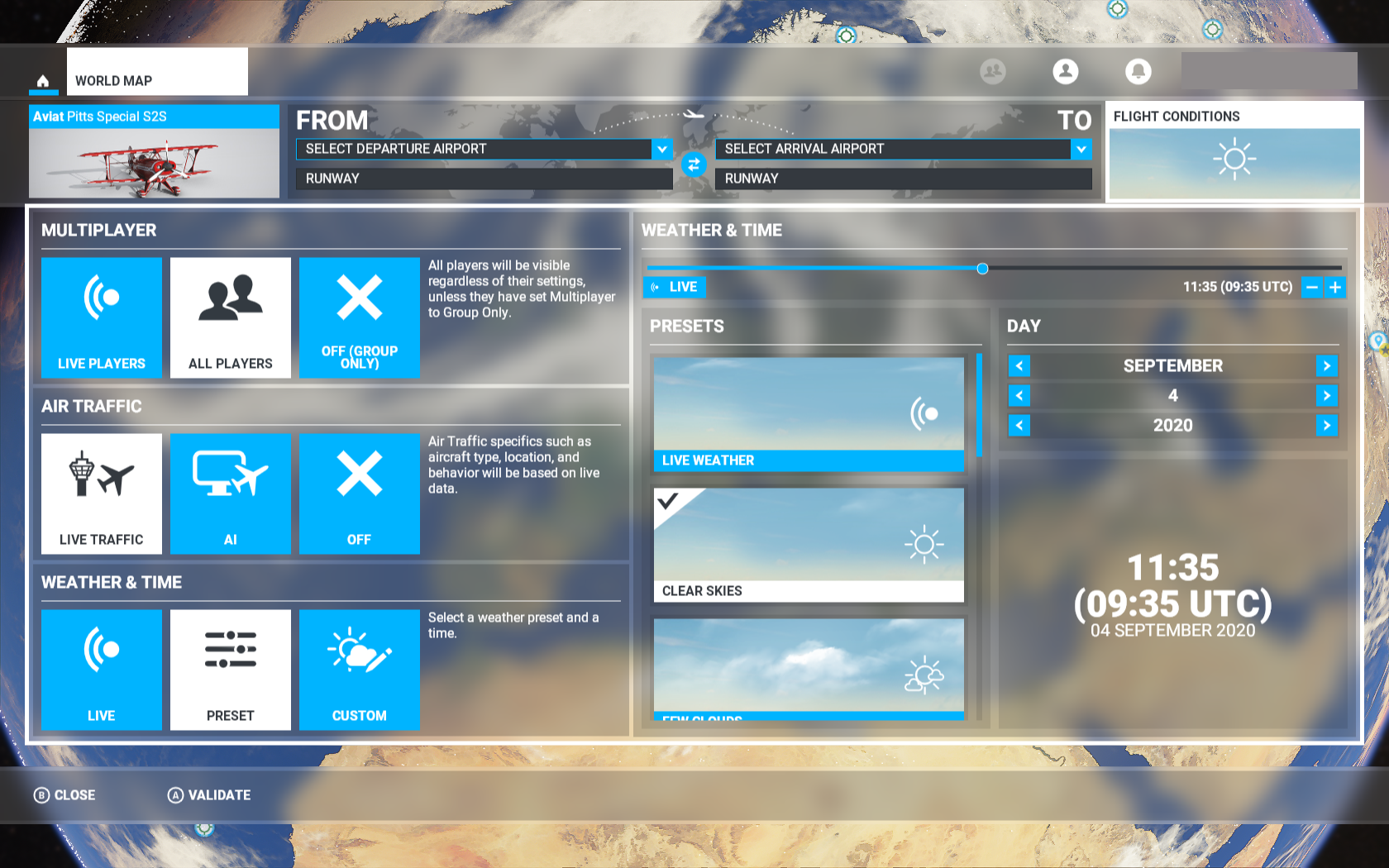
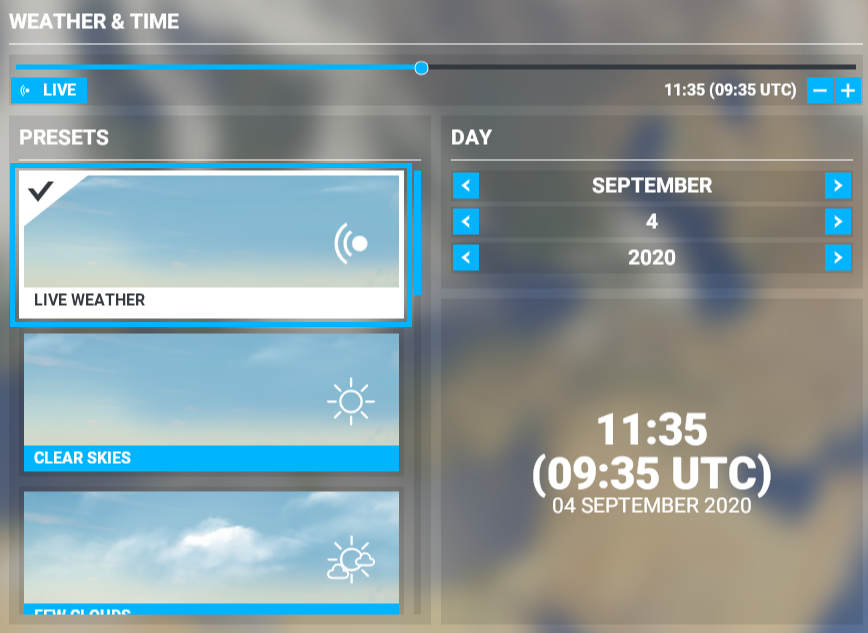
– Weather Checks: Before departing, utilize the in-game weather tools to assess the current and forecasted weather along your flight path. This foresight helps you identify potential hazards, such as thunderstorms or significant turbulence [3].
– Route Planning: Modify your flight plan to circumvent problematic weather. The flight planner allows you to chart a course that minimizes exposure to adverse weather conditions, enhancing safety and comfort [3].
2. In-Flight Adjustments
– Real-Time Updates: MSFS provides continuous weather updates during your flight. Regularly monitor these conditions and adjust your flight path as needed to navigate changing weather dynamics [5].
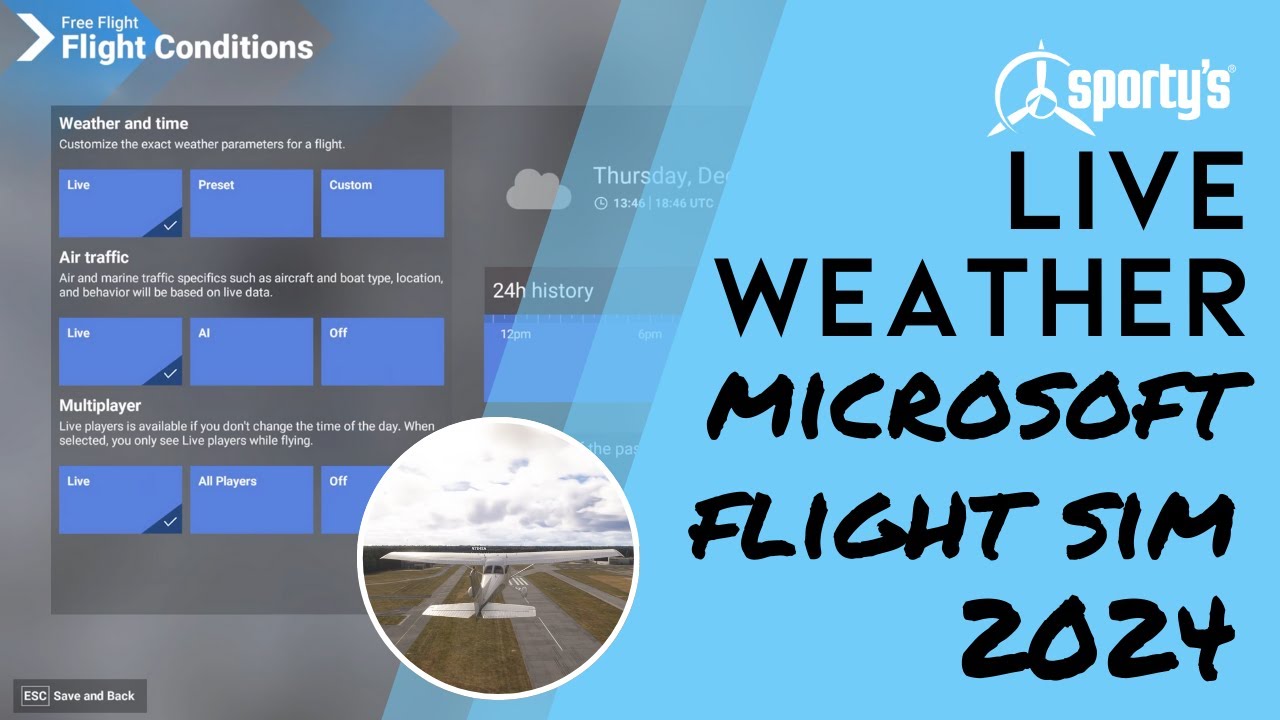
– Access to Historical Weather: The inclusion of a 24-hour historical weather feature in MSFS 2024 allows pilots to make more informed choices by analyzing how weather conditions have shifted over time [5].
Making Decisions Based on Real-World Conditions
1. Assessing Weather Conditions
– Visual Cues: Pay attention to visual indicators such as cloud formations, wind directions, and precipitation to gauge current weather conditions effectively.
– Instrument Readings: Rely on aircraft instruments for accurate data on weather-related elements, including wind speed, precipitation intensity, and levels of turbulence.
2. Decision-Making Strategies
– Avoidance: When possible, steer clear of severe weather conditions. Use live weather data to navigate around storms or other hazardous weather phenomena.
– Preparation for Adverse Conditions: If flying through challenging weather is unavoidable, prepare your aircraft accordingly—this may involve activating windshield wipers for rain, adjusting configurations, or modifying your flight dynamics to maintain control and safety [5].
3. Cockpit Management
– Functional Windshield Wipers: In MSFS 2024, realistic functionality like operational windshield wipers enhances visibility and realism in wet conditions [5].
– Aircraft Configurations: Tailor your aircraft settings (flaps, airspeed) to optimize performance for the weather conditions you are encountering.
Additional Tools and Features
1. Third-Party Add-ons
– Enhanced Weather Engines: Consider utilizing third-party add-ons, such as REX Atmos, which can provide advanced weather enhancements and atmospheric rendering for a more immersive flying experience [2].
2. Weather Engine Improvements
– Dynamic Flight Effects: The improved weather engine in MSFS not only enhances the visual representation of weather but also significantly affects flight dynamics, making each flight more realistic and challenging [5].
Conclusion
By following the outlined steps and effectively utilizing available features within MSFS, you can harness live weather data to make informed decisions and adjust your flight plan. This comprehensive approach ensures a more authentic and engaging flying experience, closely mirroring real-world aviation challenges.
Leave a Reply