
Efficient Use of Blueprints in Factorio
Blueprints are a cornerstone of factory management in Factorio, allowing players to replicate successful designs and optimize production with ease. Here’s a comprehensive guide on how to efficiently utilize blueprints throughout your playthrough.
1. Creating and Managing Blueprints
– Creation: To create a blueprint, select the area of your factory you wish to copy by holding `Ctrl` and pressing `C`. This action captures the selected area and adds it to your inventory as a blueprint.
– Customization: While creating a blueprint, hold down `Shift` to customize it with specific icons, names, and descriptions. This organization helps differentiate blueprints and makes it easier to identify their use in various factory setups.
2. Blueprint Placement and Alignment
– Grid Alignment: Factorio operates on a 32×32 grid system. Enabling the grid view is crucial for aligning blueprints accurately, particularly for rail systems and structured designs. This ensures that your factories are organized and maintain functionality.
– Snap to Grid: The “Snap to Grid” feature aids in placing blueprints by aligning them automatically according to the grid layout. This is especially useful when you need to install multiple instances of the same design quickly.
3. Blueprints for Different Game Phases
– Early, Mid, and Late Game: Utilize blueprints that cater to different phases of gameplay. There are resources available online providing blueprints that fit early, mid, and late-game logistics, allowing for adaptability as your factory progresses.
4. Using Blueprints with Bots
– Roboports and Logistics: For automated construction, pair blueprints with robot networks. Once you place a blueprint, logistic bots will come and construct the buildings, simplifying the replication process across your factory or the map.
5. Optimizing and Updating Blueprints
– Continuous Improvement: As you unlock new technologies and improve your production efficiency, regularly revisit and update your blueprints with these advancements. Doing so ensures that your factory remains competitive and your production chains are as efficient as possible.
– Sharing and Community Resources: Engage with the Factorio community by sharing your blueprints and utilizing designs created by others. Websites like the Factorio forums and Steam Workshop are excellent platforms for finding high-quality blueprints that may inspire or significantly enhance your own designs.
6. Blueprint Filters and Organization
– Filters and Icons: To manage your blueprints more effectively, use filters and icons to categorize and label them. Proper organization means you can quickly find the appropriate blueprint for any task without wasting time searching through your inventory.
7. Blueprints for Specific Designs
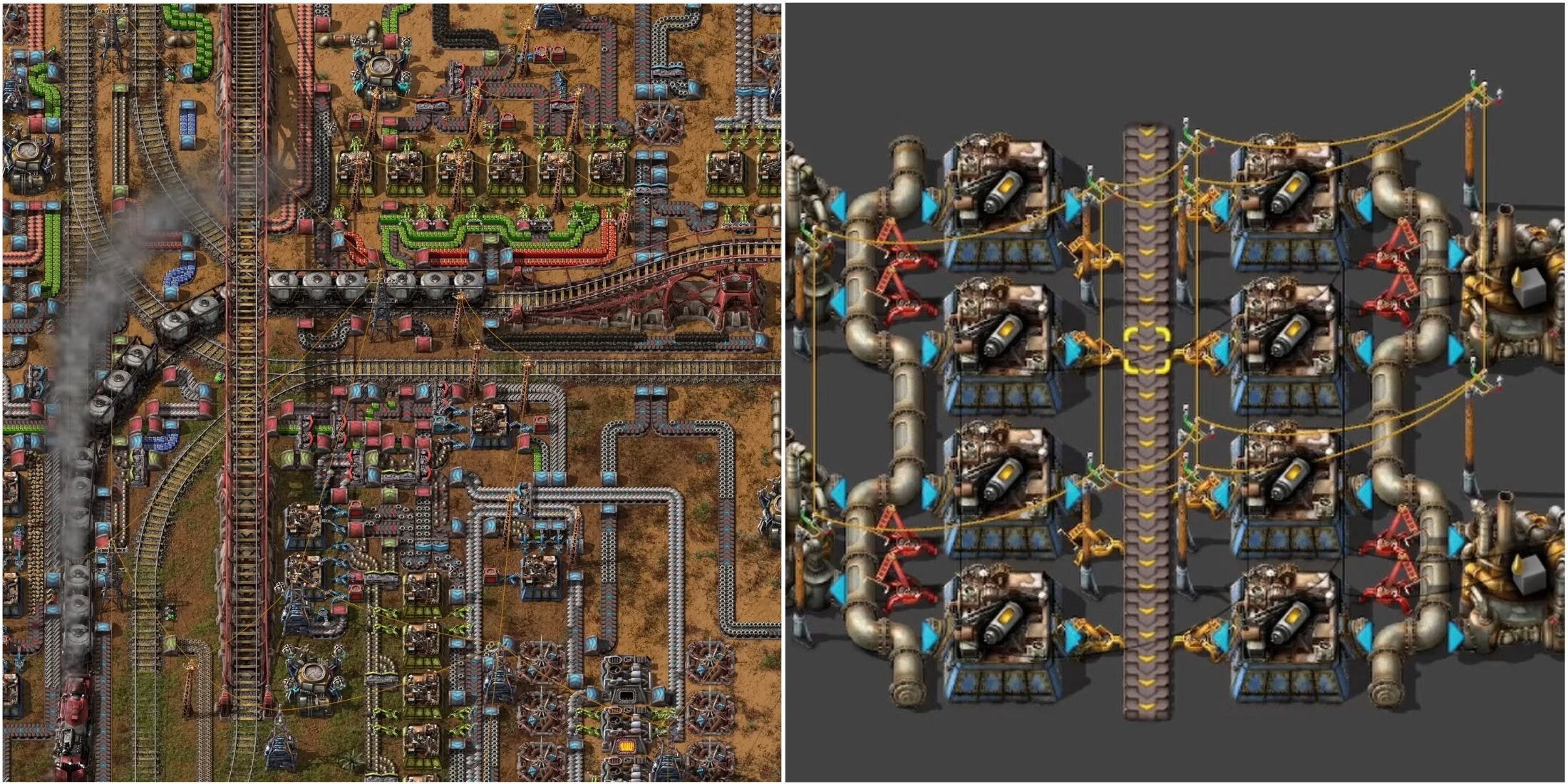
– Rail Systems and Rails: Blueprints shine when constructing intricate rail networks. They allow for the easy replication of complex transportation setups, streamlining logistics and enhancing overall factory efficiency.
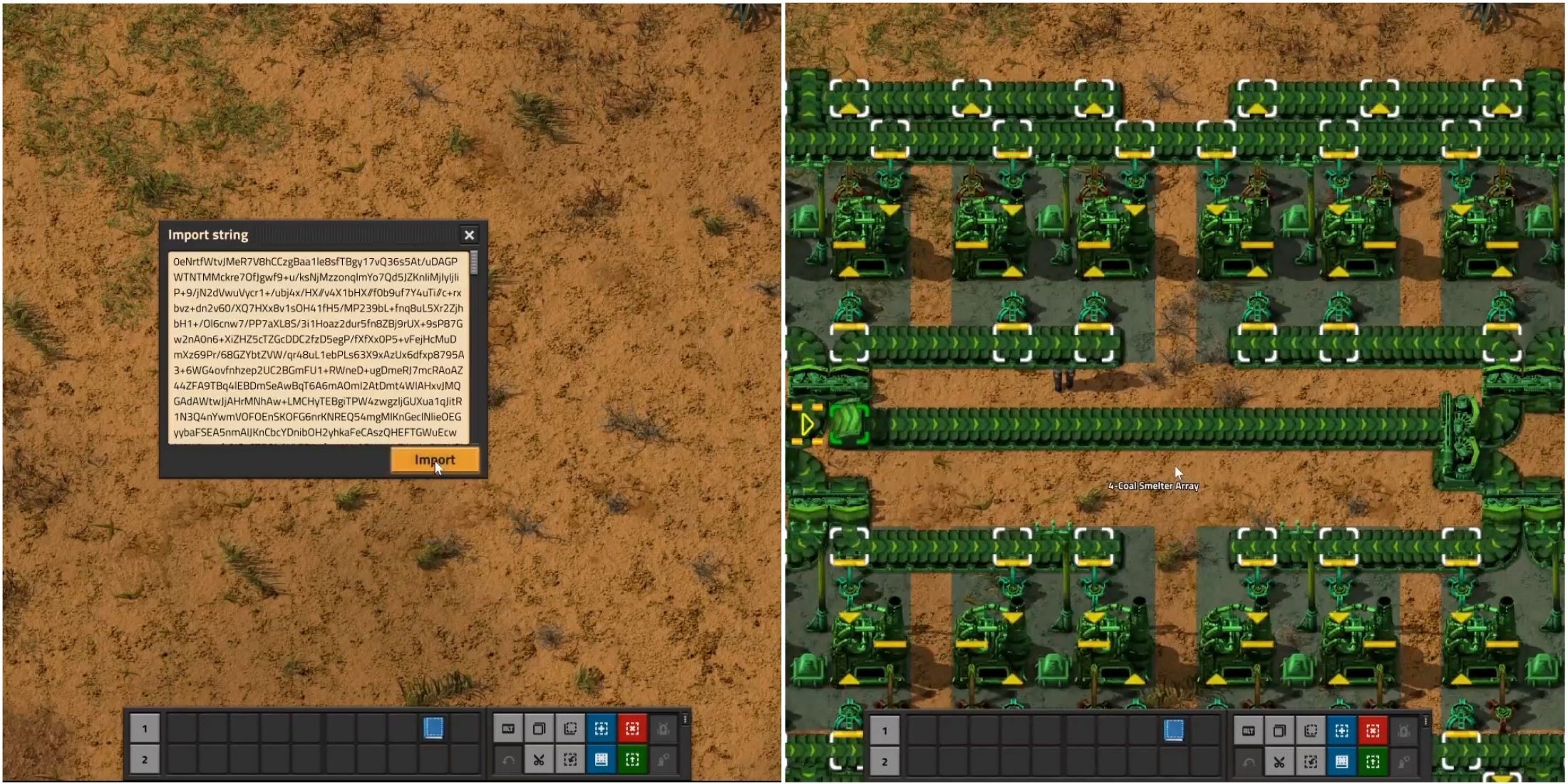
– Circuit Arrays and Other Complex Designs: Use blueprints to create uniform large-scale arrays of circuit designs or other complicated layouts. This method saves time and ensures consistency across your factory’s components.
Conclusion
By implementing these strategies, players can maximize the potential of blueprints in Factorio, facilitating smoother production flows and more organized factory layouts. Utilizing blueprints effectively not only saves time but also enhances the overall gaming experience, allowing you to focus on expansion and resource management.


Leave a Reply