
Using Split-Screen in It Takes Two for Synchronized Puzzle-Solving and Exploration
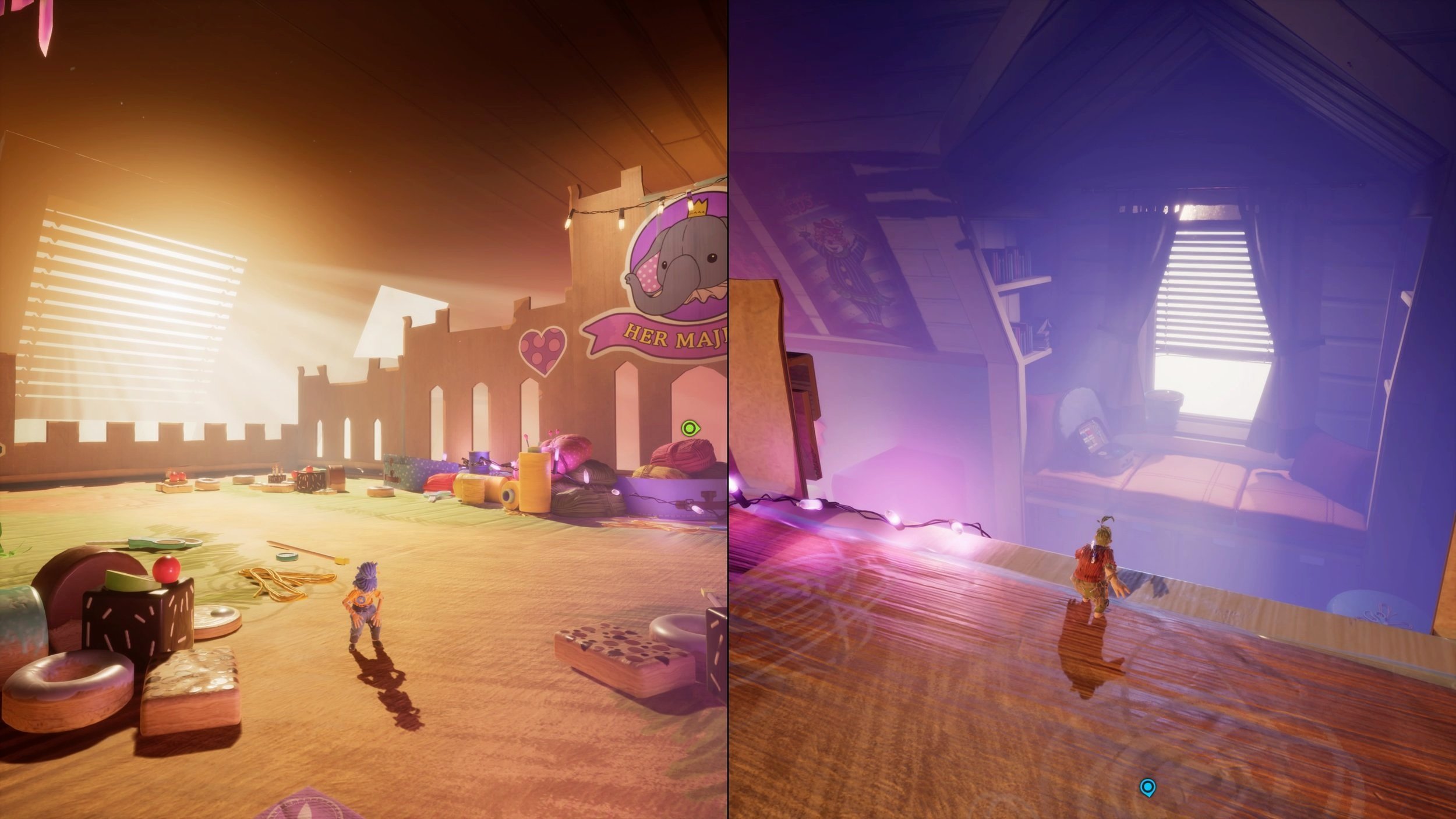
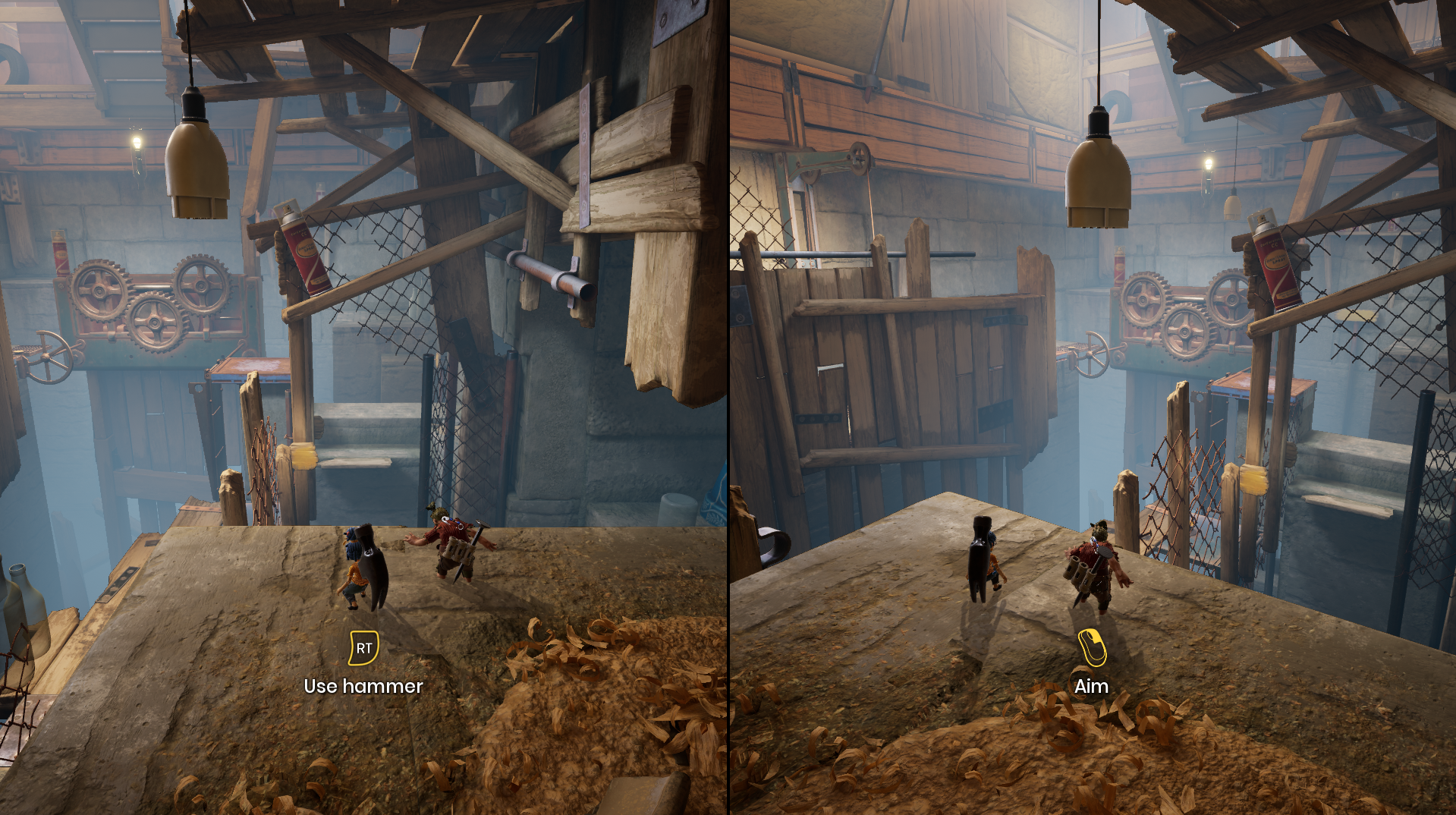
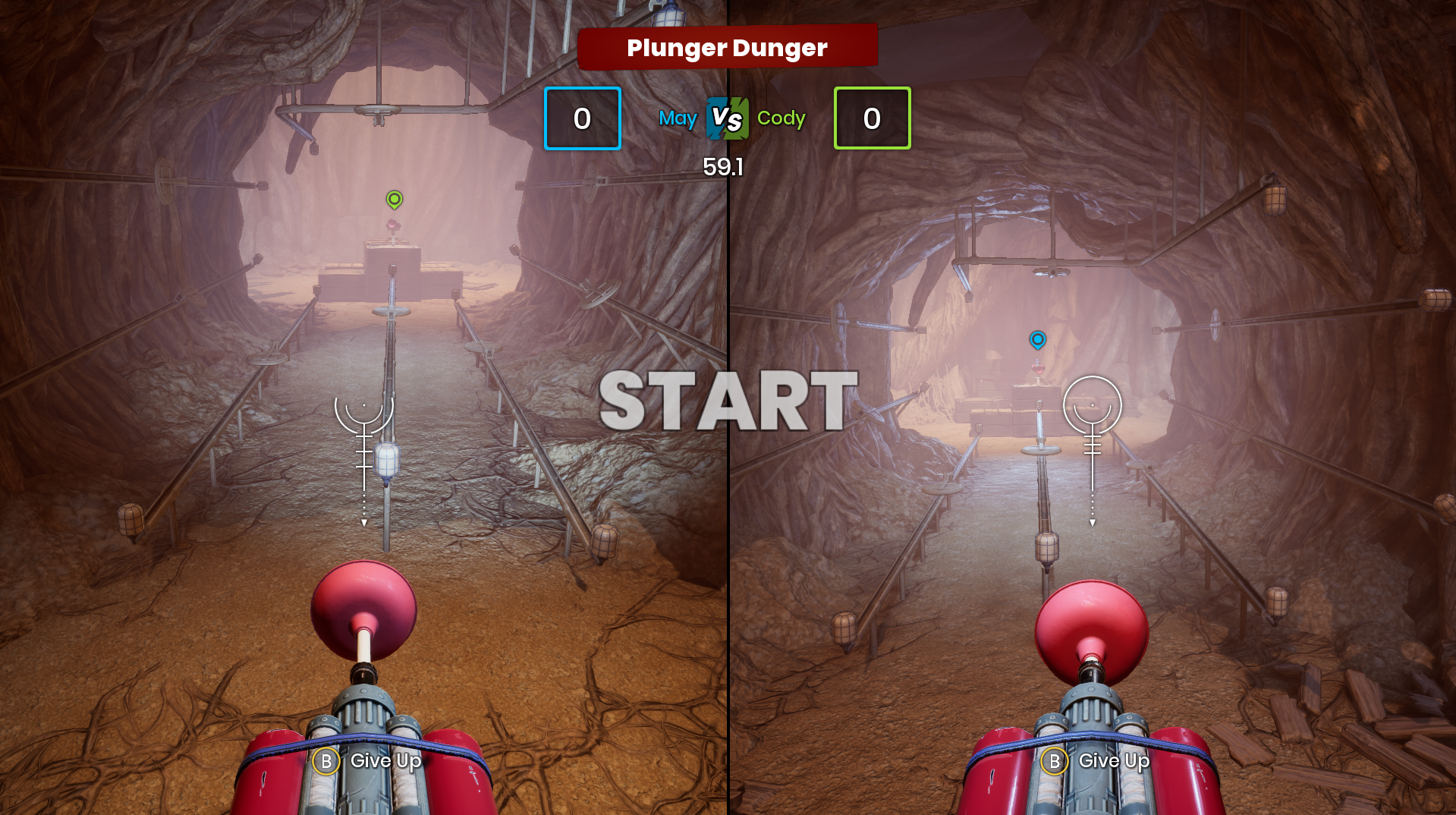
It Takes Two, developed by Hazelight Studios, is lauded for its unique cooperative gameplay, which brings players together in a shared gaming experience. One of the standout features of the game is its split-screen mechanic, which facilitates collaboration between players in local co-op mode. This guide outlines how to enable split-screen on various platforms, along with tips for effective synchronous puzzle-solving and exploration.
Enabling Split-Screen on PC
1. Launch the Game: Begin by starting It Takes Two on your PC.
2. Select Local Co-op: On the main menu, choose the option to play locally.
3. Join as Player One: Use your keyboard to press Enter, thereby joining as the first player.
4. Connect a Controller for Player Two: Obtain a second controller (Xbox or PS4) and connect it to your PC—either via USB or Bluetooth, depending on your configuration.
5. Join as Player Two: On the second controller, press the A button (Xbox) or the Cross button (PS4) to join the game.
6. Select Characters: Both players can now choose their respective characters and commence the adventure.
Enabling Split-Screen on Consoles (PS and Xbox)
1. Launch the Game: Start It Takes Two on your console.
2. Select Local Co-op: From the main menu, opt to play in local co-op mode.
3. Join as Player One: Use your primary controller to sign in as the first player.
4. Join as Player Two: Utilize the second controller and press the A button (Xbox) or X button (PlayStation) to join.
5. Select Characters: After both players have joined, they can select their characters and start their journey together.
Synchronization Tips for Puzzle-Solving and Exploration
1. Communication: Effective communication between players is crucial. Regularly discuss strategies and ongoing actions to stay on the same page.
2. Coordination: Many of the game’s puzzles necessitate precise timing and coordination. Spend time practicing challenging segments together to enhance your synchronization.
3. Role-Specific Tasks: Familiarize yourselves with each character’s unique abilities and master how to use them in unison to tackle puzzles and navigate the environment.
4. Monitor Each Other’s Screens: As the game is displayed in a split-screen format, pay attention to both screens to coordinate efforts and avoid missing important gameplay cues.
5. Utilize Environmental Interactions: The game often integrates environmental elements into its puzzles. Be observant and exploit both characters’ abilities to progress through challenges.
Dual Screen Setup
For those interested in a dual screen setup, It Takes Two does not officially support this outside of its designated split-screen mode on a single display. While some external software and display settings might allow for creative workarounds, such configurations are not supported by the game and can lead to suboptimal experiences.
Troubleshooting
1. Controller Issues: If a controller is not recognized, make sure it’s connected properly. Troubleshoot by trying a different USB port or restarting the game.
2. Split-Screen in Online Co-op: It is essential to remember that the split-screen mode is exclusive to local co-op. In online co-op, each player can use their full monitor without the split-screen feature.
By following these guidelines and tips, you can maximize your enjoyment and efficiency while navigating the beautifully crafted world of It Takes Two with a partner. The cooperation and creativity required to solve puzzles together can lead to a deeply rewarding gaming experience.


Leave a Reply