
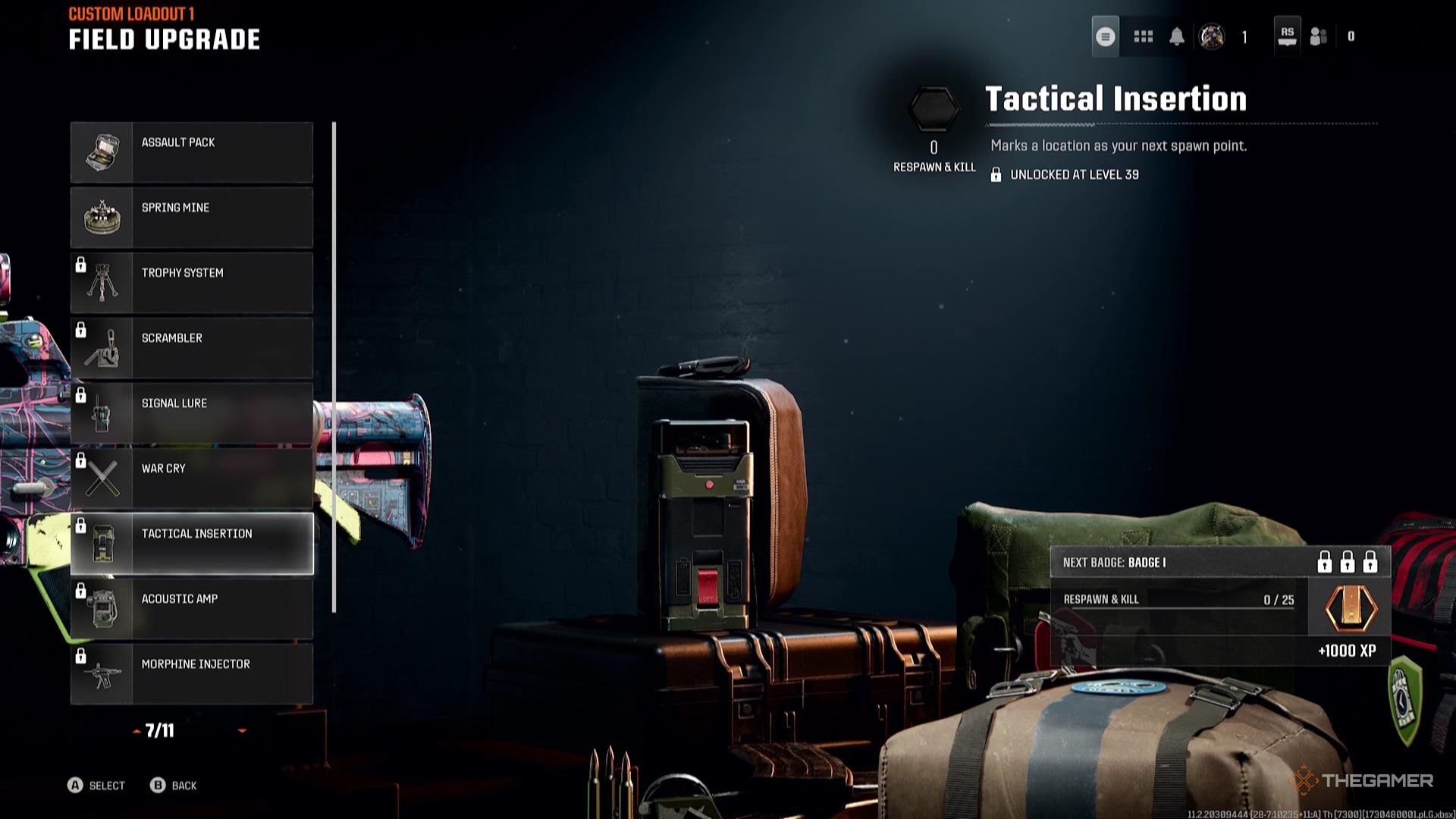
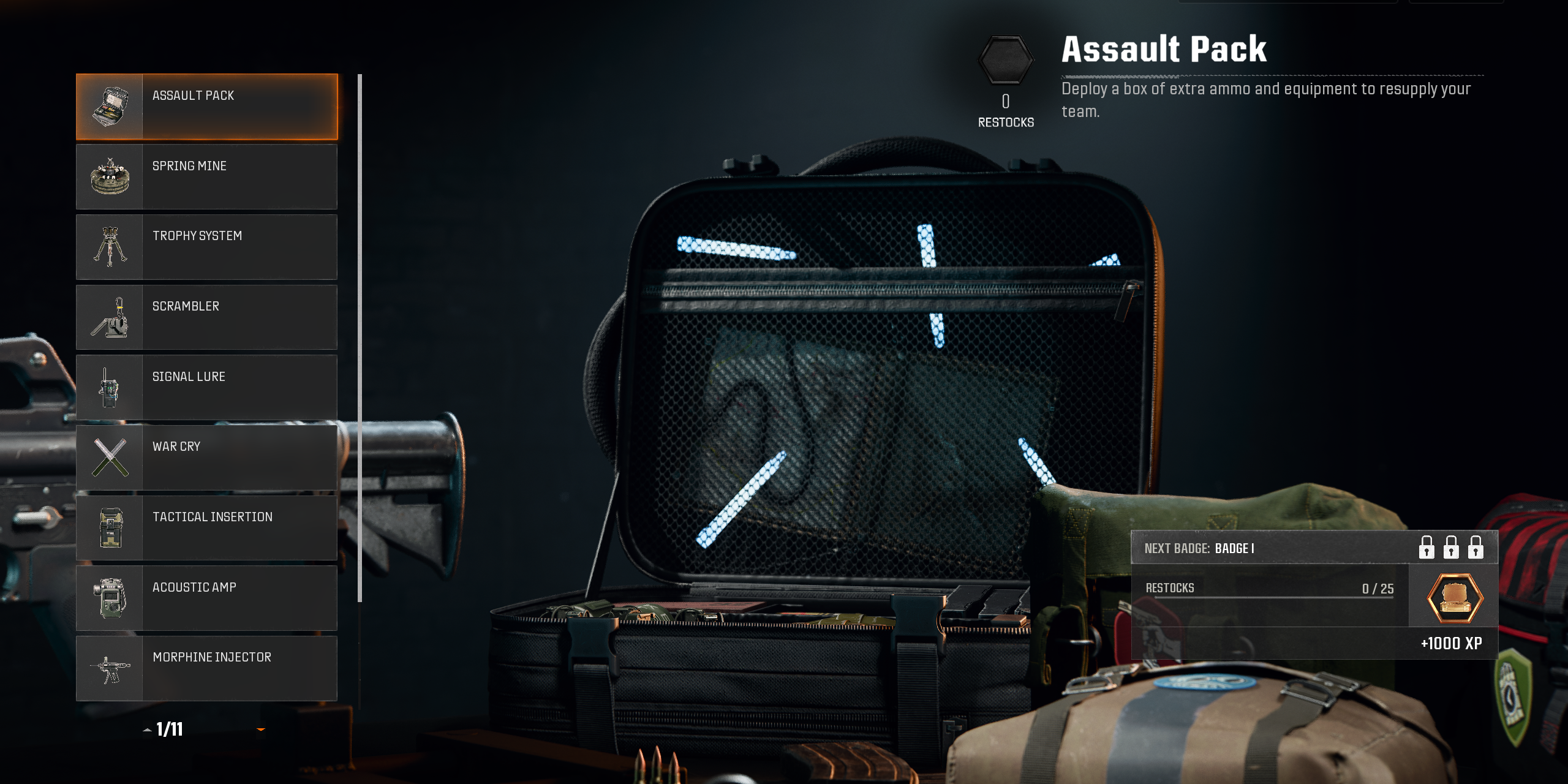
In Call of Duty: Black Ops 6, players can activate Field Upgrades on PC with a simple key press. Once the upgrade is fully charged and ready for use, you can activate it by pressing the X key. Make sure to keep an eye on the indicator, as a glowing number beneath the upgrade icon signals that it’s fully charged and available for deployment.
Additionally, if you have remapped your key bindings, it’s essential to check your settings in the keybind menu to ensure you’re using the correct key for activating Field Upgrades. Properly managing these upgrades can significantly enhance your gameplay experience, so be vigilant about their charging status during your matches.



Leave a Reply