
In Metro Exodus, managing your gas mask and filters is crucial for survival in the game’s toxic environments. The game cleverly sidesteps traditional gas mask maintenance by implementing a system that revolves around crafting and utilizing filters. Here’s a detailed guide on how to effectively obtain and manage your gas mask filters while maximizing your exploration in this post-apocalyptic world.
Obtaining and Using Gas Mask Filters
1. Crafting Filters:
– One of the most reliable ways to ensure a supply of gas mask filters is through crafting. You can create filters using various resources you collect throughout the journey. This process can be done from your inventory or at a workbench, making it a flexible option that you can utilize anytime you have the necessary materials.
– Resource Tips: Prioritize collecting items like gauze, rubber, and other crafting components during your travels. This ensures that you can craft filters whenever you lack found supplies.
2. Finding Filters:
– In addition to crafting, filters can often be found throughout the game world. Look for them in buildings, hidden compartments, and areas that require the use of a gas mask to navigate. These scavenging opportunities can significantly bolster your filter supply.
– Exploration Strategy: When scouring locations, keep an eye out for environmental clues and items that stand out. Utilize flashlights to spot hidden corners where filters might be tucked away.
3. Using Filters:
– To engage the filter, simply access your inventory, select your gas mask, and apply a filter to extend your safe breathing time in polluted areas. Staying aware of the time left on your filter is vital to avoid hazardous situations.
– Visual Cue: The gas mask displays a visual indicator of the filter’s duration, so always be mindful of this to plan your exploration effectively.
Repairing and Upgrading the Gas Mask
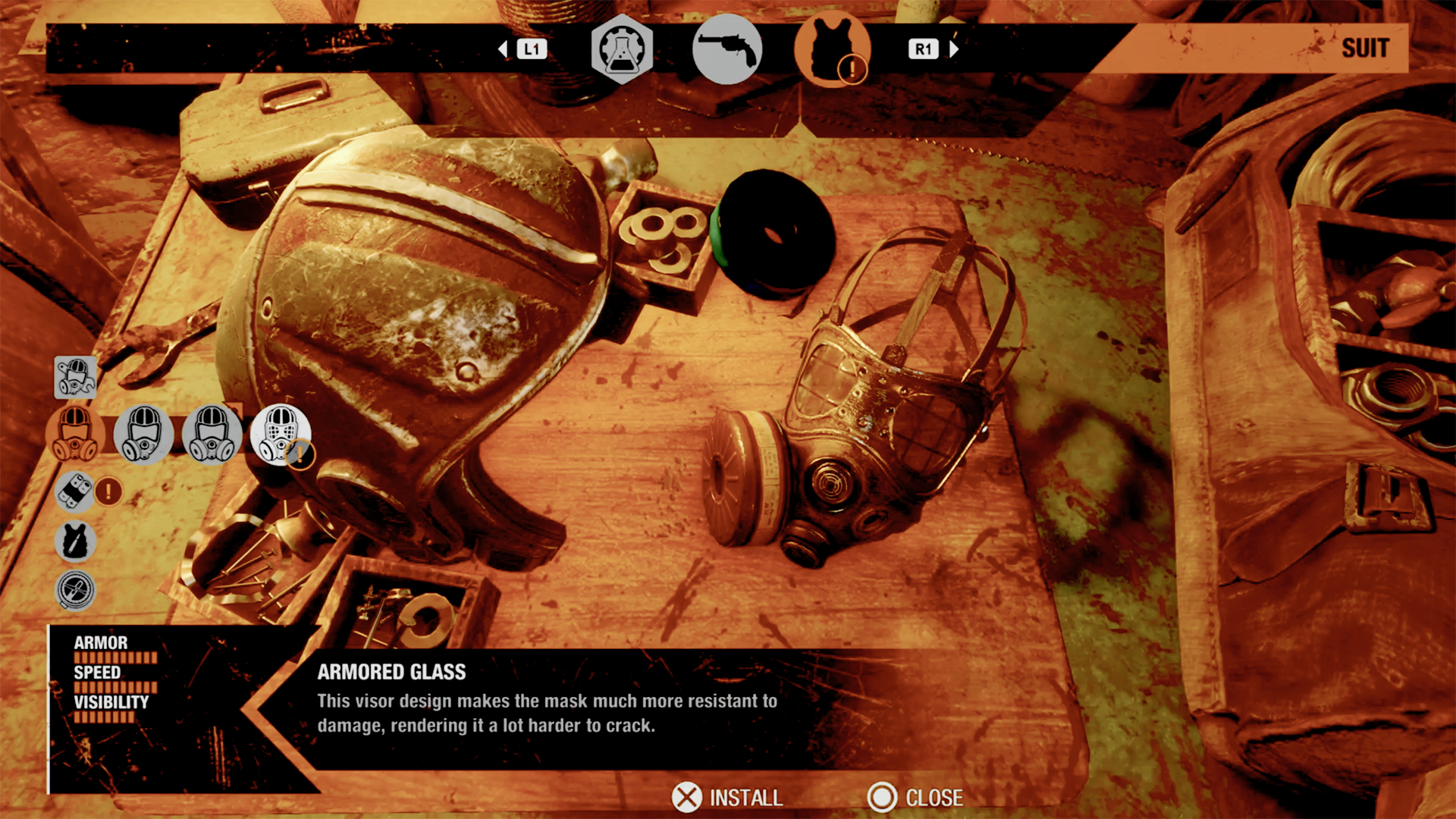
While you don’t repair the gas mask per se, you can enhance its functionality through the usage of filters and upgrades:
– Upgrading with Extended Filters:
– One specific enhancement worth noting is the Extended Gas Mask Filter, which boosts the filter’s operational time from 3 minutes to 5 minutes. This upgrade significantly increases your time in toxic areas, making it a worthwhile endeavor when exploring more dangerous zones.
– Acquisition of Upgrades: These upgrades can usually be found as loot or crafted when you’ve acquired the necessary components.
Additional Tips for Survival
– Resource Management:
– Always monitor your inventory for crafting materials. This foresight ensures you won’t find yourself in a predicament without filters, especially during critical exploration phases.
– Thorough Search:
– Make it a habit to explore every nook and cranny; valuable items often lie just out of sight or require a keen eye to spot.
– Difficulty Adjustment:
– Remember that filter effectiveness can be influenced by the game’s difficulty level. If you’re playing on a harder setting, you may need to be more strategic with your filter management and scavenging efforts.
Conclusion
Navigating the harsh environments of Metro Exodus requires effective gas mask filter management. By crafting filters, seeking out scavenged supplies, and utilizing vital upgrades like the Extended Gas Mask Filter, players can enhance their survivability and exploration capabilities. Through this methodical approach, you can turn the oppressive atmospheres into opportunities for discovery rather than dire situations, allowing for a more immersive gaming experience in this captivating post-apocalyptic landscape.

Leave a Reply