
Guide to Recharging Flashlight and Night Vision Goggles in Metro Exodus
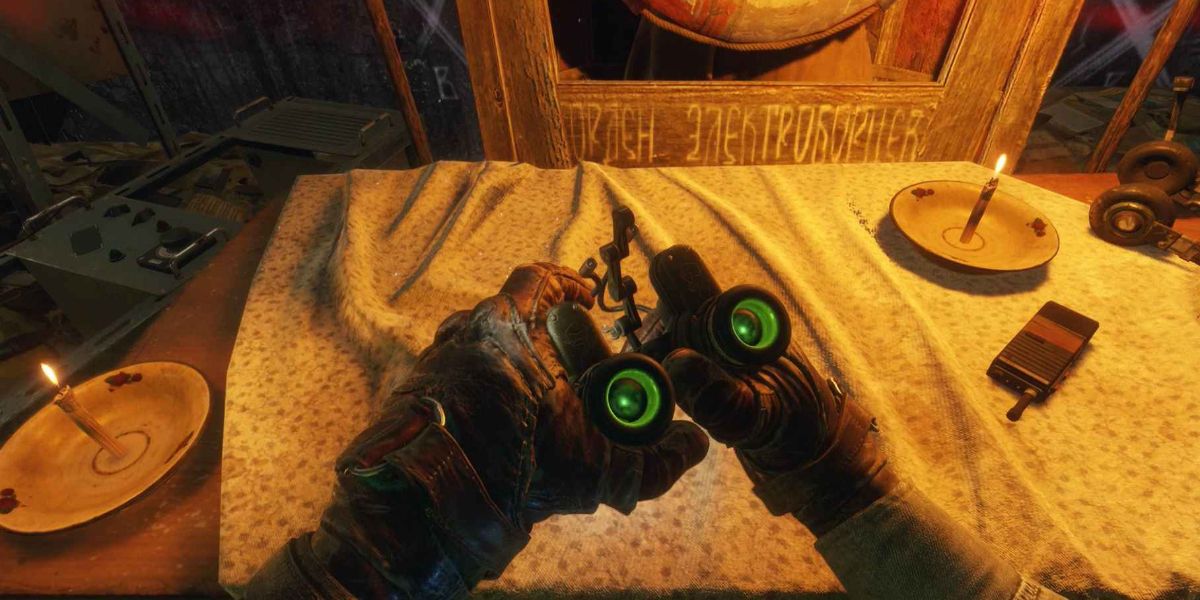
In Metro Exodus, maintaining an adequate charge for your flashlight and night vision goggles is vital for survival in the game’s dark and hazardous environments. Both devices rely on a single battery pack, which you can recharge manually. This guide will walk you through the process of ensuring your lighting devices are always ready for action.
Step-by-Step Recharge Process
1. Locate Your Battery Pack:
– The battery pack is a crucial item essential for powering both the flashlight and night vision goggles. It operates on a dynamo system that requires manual cranking to generate the necessary electricity. Make sure to carry at least one battery pack to avoid getting caught in darkness.
2. Initiate the Charging Process:
– On PC: To recharge, simply press and hold the ‘F’ key (default setting). This action will have Artyom pull out the battery charger and start cranking it to generate power.
– On Console: The equivalent button on your controller is typically used here. Look for the button assigned to toggle either the flashlight or the night vision goggles and press and hold it to initiate the recharging process.
3. Monitor Visual Indicators:
– While cranking the charger, keep an eye on the visual gauge on the battery pack. This gauge provides real-time feedback on how much power has been generated.
– Additionally, you will notice a change in brightness; if the flashlight dims or completely turns off, it’s time to recharge, as this indicates low battery power.
4. Consider Usage Factors:
– Remember that both the flashlight and night vision goggles share the same power source. If you alternate between them frequently, be mindful of their varying power consumption rates.
– Night vision goggles drain the battery significantly faster than the flashlight. Plan your usage accordingly to avoid running out of power.
– When battery power runs low and safe spots for recharging are scarce, consider using alternative light sources. For instance, Artyom’s Zippo lighter can serve as a temporary solution in pitch-black areas.
5. Switching Between Devices:
– To switch between the flashlight and night vision goggles, simply press the ‘N’ key for the night vision mode. Always remember to toggle your flashlight on and off by using the ‘F’ key, as this will help conserve battery power.
Tips for Effective Battery Management
– Recharge Regularly: Make a habit of recharging your battery pack whenever you have a safe moment, especially if relying more on the night vision goggles.
– Avoid Frequent Uses: If possible, conserve the usage of night vision goggles in areas where light sources are available.
– Stay Aware of Your Surroundings: Be vigilant while exploring; if you see areas with lots of potential hazards that could require light, ensure your battery is fully charged.
By following these steps and tips, you can expertly manage your flashlight and night vision goggles in Metro Exodus, ensuring you maintain visibility in the dark and treacherous world that lies ahead.


Leave a Reply