
Using Force Slow Effectively in Star Wars Jedi: Fallen Order
In Star Wars Jedi: Fallen Order, mastering Force Slow can be a game-changer in combat scenarios. This ability allows you to control the flow of battle by temporarily reducing the movement and attack speed of your enemies. Here’s a detailed guide on how to leverage Force Slow for optimal advantage.
1. Activate Force Slow Strategically
Force Slow can be used to create a significant tactical advantage. When activated, it reduces enemy movement speed and slows down attack animations. This delay provides you the opportunity to dodge incoming attacks or initiate your own offensive moves without the immediate threat of retaliation.
2. Combine with Other Force Powers
To maximize effectiveness, pair Force Slow with other Jedi abilities, such as Force Push or Force Pull. For example:
– Force Push: After slowing your enemies, use Force Push to stagger them. The stagger prevents them from recovering quickly, giving you time to land additional hits.
– Force Pull: Slow an enemy and then pull them to close the distance for a melee combo, catching them off guard and preventing them from retaliating.
3. Timing Is Key
Be mindful of the duration of the slow effect. The slow will dissipate as soon as you initiate an attack. It’s crucial to plan your actions immediately after activating Force Slow for maximum impact. Failing to do so can lead to the enemy snapping back to normal speed, allowing them to counter your attack.
4. Manage Your Force Meter Wisely
Force Slow consumes your Force Meter, which does not regenerate passively. Therefore, it’s important to use this ability strategically:
– Initiate Combat: Use Force Slow when engaging a group of enemies to ensure you can control the tide of the battle.
– Follow Up with Melee Attacks: After using Slow, immediately switch to melee attacks to build back your Force Meter through the damage you inflict. This may enable you to use Force Slow again before the fight concludes.
5. Control Multiple Enemies
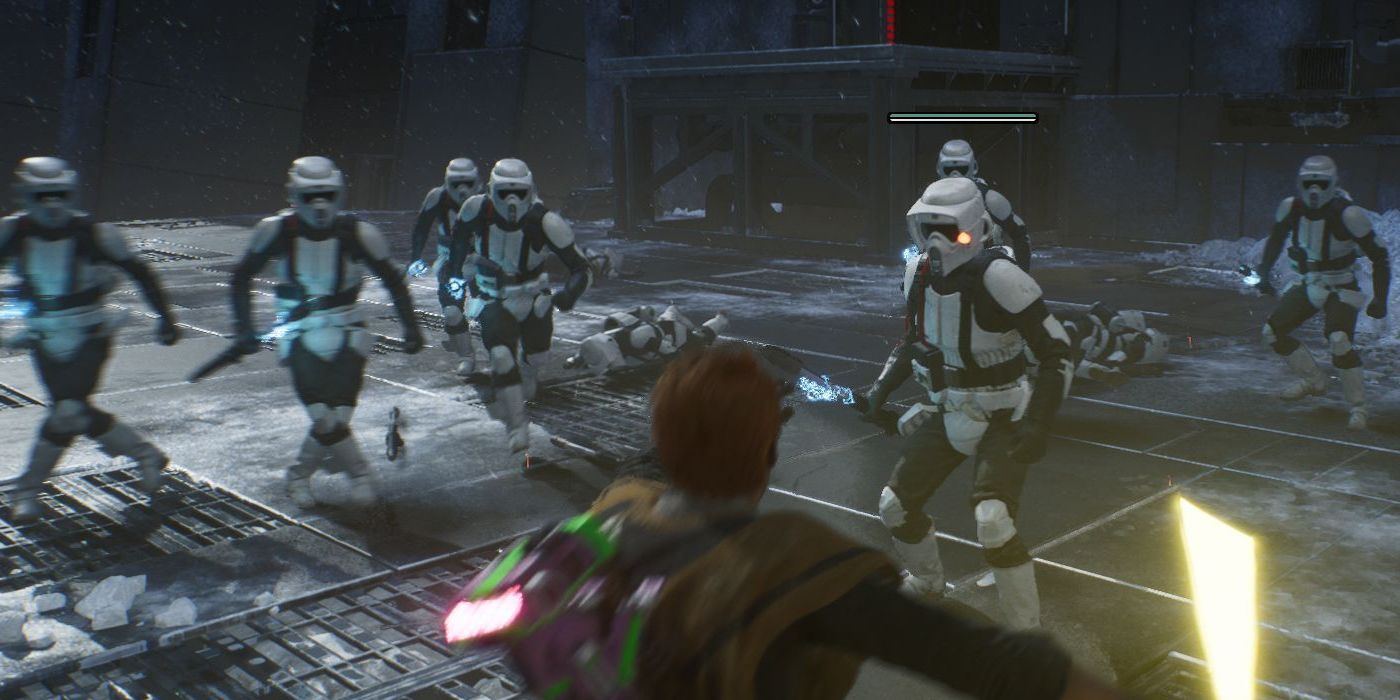
When facing multiple opponents, Force Slow becomes invaluable. By slowing several enemies, you can:
– Isolate Threats: Pick off enemies one by one while maintaining control over the remaining threats.
– Create Space: If you need to heal or regroup, utilizing Force Slow allows you to momentarily disable enemies, giving you the chance to manage your health and positioning without incurring damage.
Summary
To maximize the effectiveness of Force Slow in Star Wars Jedi: Fallen Order, remember the following key points:
– Activate Force Slow to gain control over enemies’ movements and timing.
– Combine it with other Force powers to enhance your attacks.
– Be strategic about your timing, as the effect ends once you strike.
– Manage your Force Meter by following up with melee attacks.
– Use Force Slow to your advantage against groups of enemies to mitigate risk and maintain control.
By incorporating these strategies, you will be able to use Force Slow not just as a defensive tool, but as a means to dictate the pace of combat, ensuring a significant advantage over your foes.


Leave a Reply