
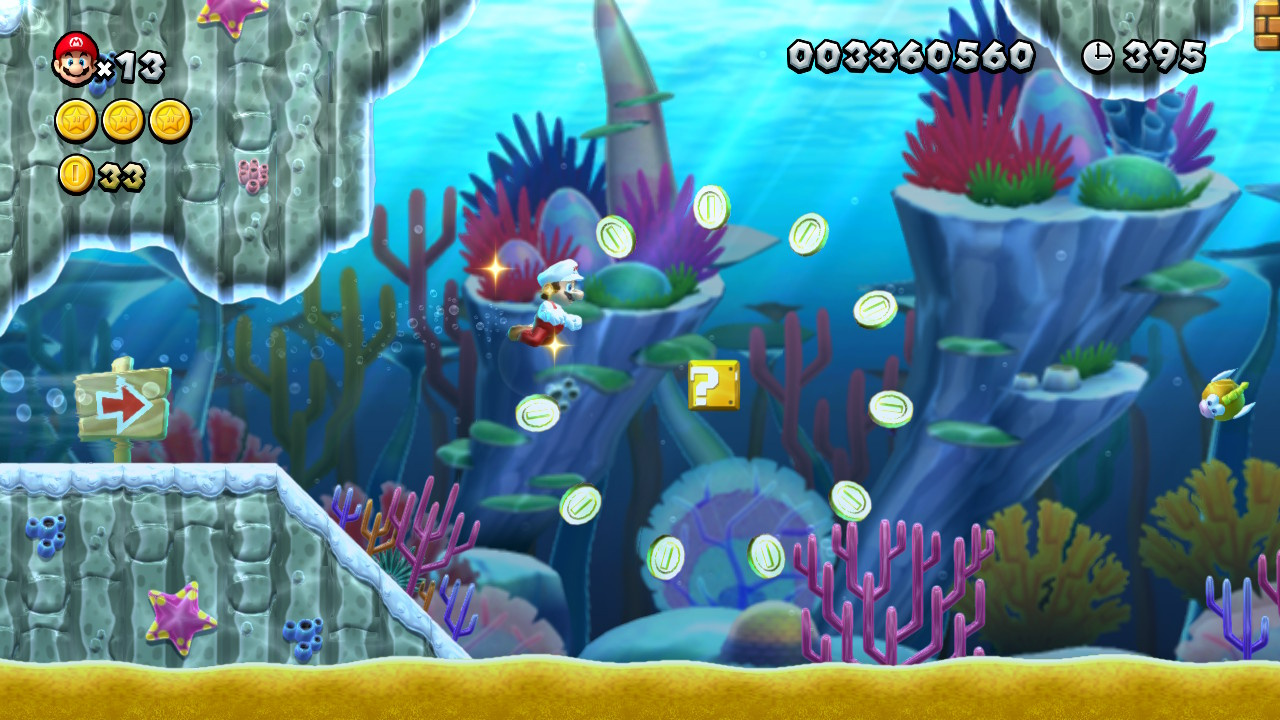
Creating engaging water or underwater levels in Super Mario Maker 2 can add a unique twist to your game design. By employing two primary methods—utilizing the Underwater theme or incorporating water dynamics in the Forest theme—players can experience innovative gameplay through carefully crafted levels. Here’s a detailed guide:
Creating Underwater Levels
1. Underwater Theme:
– Choose the Underwater theme to submerge the entire level, forcing players to master swimming mechanics, akin to classic Mario underwater stages from Super Mario Bros.
– Incorporate underwater enemies such as Cheep-Cheeps or Bloobers, and obstacles like jellyfish and spike traps to challenge players. These can create a sense of urgency and excitement as the player navigates through the level.
2. Interactive Elements:
– Utilize items like POW blocks that can serve multiple functions, such as stunning enemies or acting as a buoyancy aid, which can minimize repetitive button mashing when swimming.
– Consider placing collectible items, like coins or secrets, throughout the level to encourage exploration while swimming.
3. Atmospheric Effects:
– Enhance the underwater ambiance with visual effects like varying shades of blue to create depth. Use lighting sources, such as lanterns or POW blocks, for mood and to provide guidance through darker sections.
– Implement moving flora: Simulate vibrant underwater life by placing objects, such as Pokeys on tracks, that sway as if being moved by underwater currents. This can add a dynamic visual element to your design.
4. Level Layout:
– Structure your level to include a mix of wide-open spaces and tight corridors. This can help maintain pace and create varied gameplay experiences, balancing exploration with the thrill of enemy encounters.
Adding Water to Ground Levels
1. Utilizing the Forest Theme:
– Switch to the Forest theme to add water dynamics independent of the fully submerged mechanics. Here, the water can rise or fall, allowing for innovative gameplay opportunities.
– After selecting the Forest theme, access water elements by clicking the boat icon. A yellow bar will appear to adjust the water level, providing a visual cue for modifications.
2. Dynamic Water Levels:
– Set water fluctuations by moving the marker on the yellow bar. Create timing-based challenges that can affect the player’s path and enforce strategic thinking as they navigate through rising or falling water.
– Explore using the water mechanic to simulate other hazards: for example, substitute it with lava in the Castle theme or poisonous water in the Forest Night theme for variety.
General Tips for Effective Water Levels
– Movement Aids: Employ special items to facilitate smoother underwater navigation. This reduces the frustration players might experience with tedious swimming controls.
– Enemy and Obstacle Design: Positioning enemies and hazards thoughtfully can streamline gameplay; for instance, using jellyfish as both enemies and platforms can add depth to interactions.
– Exploration Incentives: Incorporate collectibles like pink coins scattered throughout the level. This encourages players to explore rather than just rushing towards the finish.
– Water Timing: When designing dynamic water levels, ensure that the changes in water height are not overwhelming. Proper pacing makes the level challenging yet manageable.
– Thorough Testing: After constructing your level, rigorously test the underwater physics and controls to guarantee fluidity in movement and player experience.
Conclusion
By integrating these techniques across the Underwater and Forest themes, creators can build engaging water-based levels in Super Mario Maker 2. Balance, visual appeal, and dynamic interaction are crucial for creating levels that are not only fun to play but also captivating to navigate. Experiment with the different mechanics available and continually iterate on your designs for the best possible player experience.



Leave a Reply