
In The Outer Worlds, upgrading weapons and armor is a crucial aspect of gameplay, primarily conducted through the use of workbenches. These workbenches are conveniently scattered throughout various locations, including major cities and your own ship, The Unreliable. Here’s a detailed guide to effectively using workbenches to improve your gear.
Accessing a Workbench
To access a workbench, simply approach it and hold the interaction button. Once opened, you will encounter a menu with four primary options: Modify, Tinker, Repair, and Break Down.
1. Modify
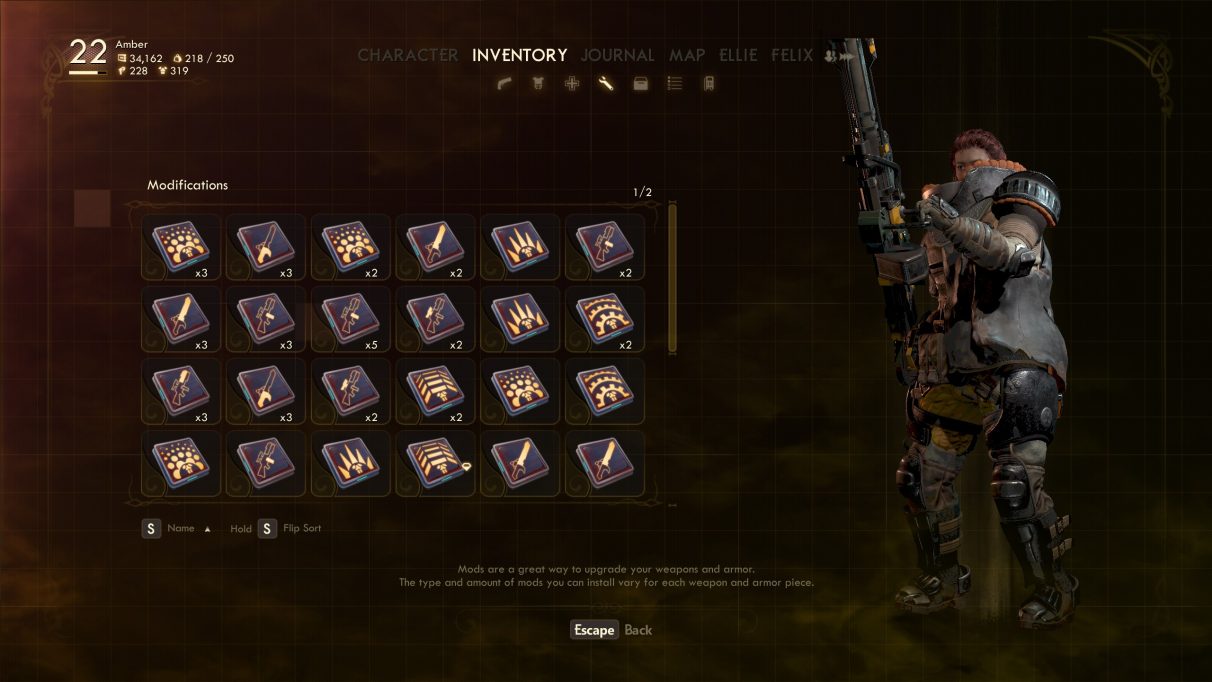
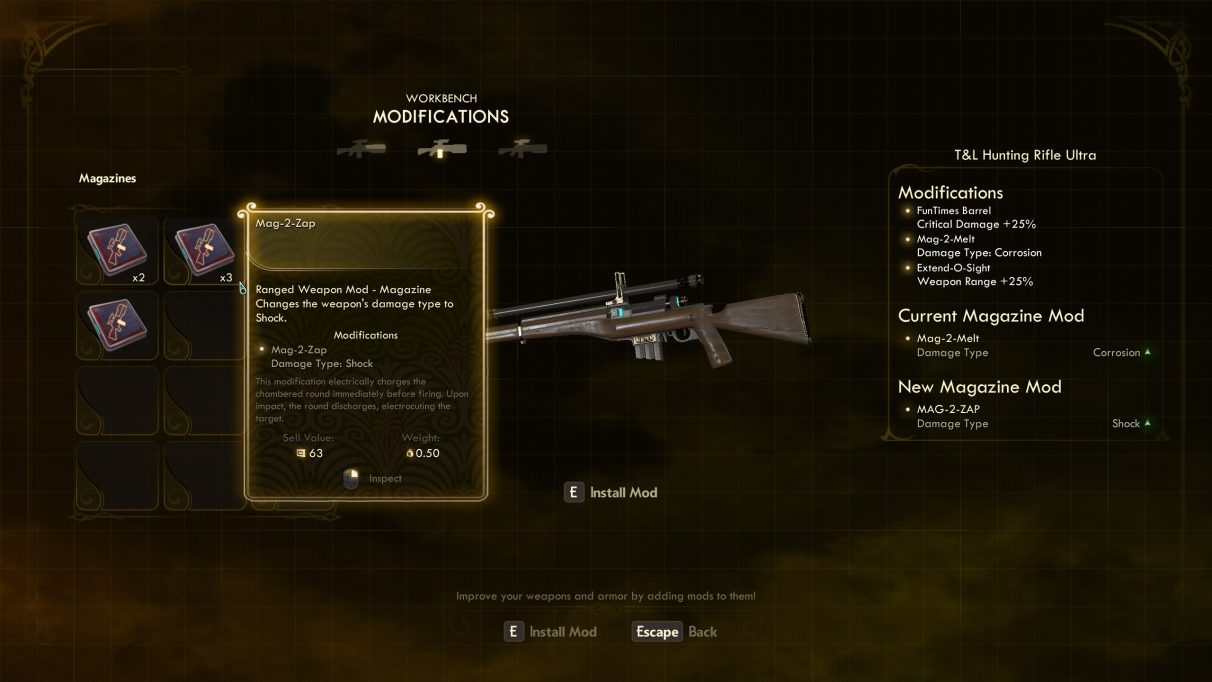
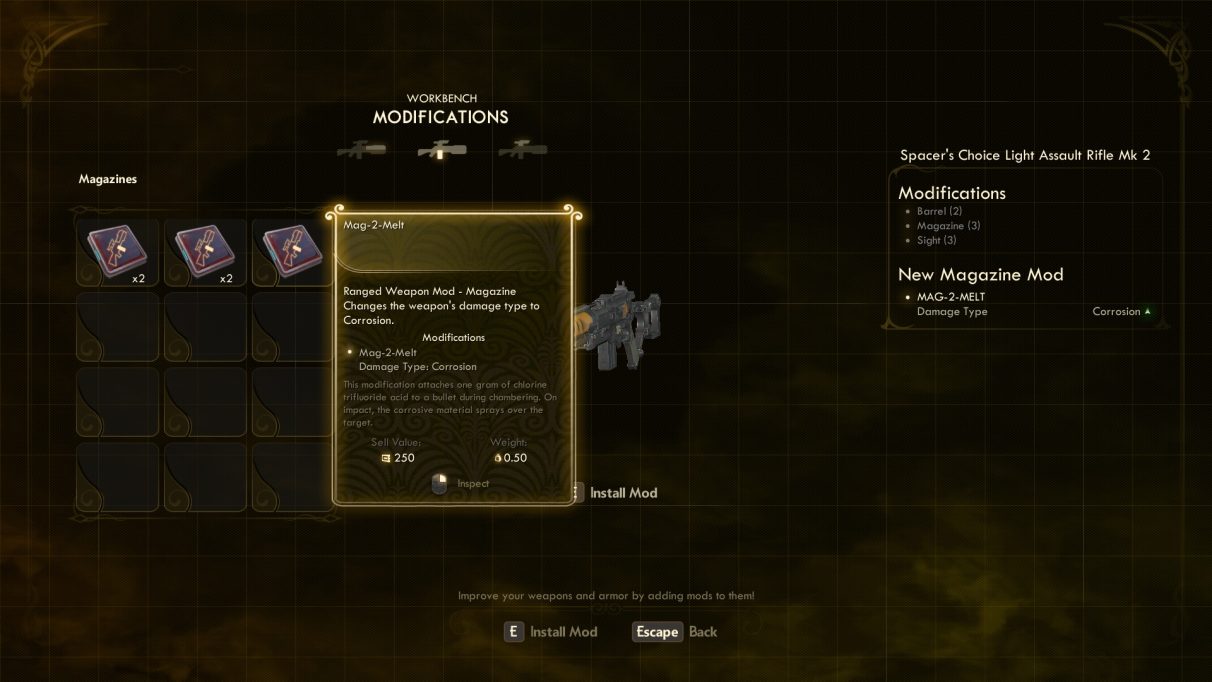
The Modify option allows you to enhance your weapons and armor by installing mods. Each item features specific mod slots visible under the “Modifications” tab. It’s important to note that:
– Inventory Requirement: Mods must be in your inventory prior to installation, and using a mod will consume it.
– Mod Recovery: If you break down items, there’s a chance you may recover some mods, although this is not guaranteed.
2. Tinker (Upgrade)
Tinkering is the main method for enhancing the base stats of your weapons and armor. The key points to remember about tinkering include:
– Base Stat Improvement: Tinkering increases weapon damage or armor rating by elevating the item’s level.
– Cost: Each tinkering action costs Bits, and the cost increases exponentially with each subsequent upgrade on the same item.
– Level Cap: You can only tinker items up to 5 levels beyond your current character level (for example, if you are level 15, you can upgrade items to a maximum of level 20).
– Tinker Ability Skill: The Tinker skill not only allows the act of tinkering but also enables additional upgrades and increases the durability of your equipment.
3. Repair
This function allows you to restore the durability of your worn-out weapons and armor. Key aspects of the Repair feature include:
– Restoration of Durability: Regular repairs are essential to maintain your gear’s performance during intense encounters.
– Required Perks: To repair items outside of workbenches, you need specific perks, such as the level 20 Field Repair in the Engineering skill.
4. Break Down
The Break Down option allows you to dismantle unwanted weapons and armor. This process provides:
– Crafting Materials: Dismantling items grants you crafting materials that can be used for future upgrades.
– Potential Mod Recovery: Occasionally, you might recover mods during this process.
Summary of Workbench Utilization
To effectively upgrade your gear at a workbench, follow these steps:
– Select the item you wish to modify and choose Tinker to improve its performance at the cost of Bits.
– Use Modify to install or change mods to enhance specific attributes or effects of the item.
– When your gear starts to wear down, utilize the Repair option to restore its durability.
– Lastly, leverage the Break Down function for crafting materials and potential mod recovery.
The ability to upgrade and maintain your gear allows for a tailored playstyle, enabling you to keep your favorite equipment rather than constantly seeking replacements as you advance in the game. Moreover, having access to your ship’s workbench serves as a convenient upgrade station between missions, and workbenches in cities are marked on maps to facilitate easy navigation. By mastering these features, you can ensure that your equipment remains effective against the challenges you face throughout your journey in The Outer Worlds.

Leave a Reply