
Navigation Guide for DayZ: Using Compasses and Road Signs Effectively
Navigating in DayZ, whether in Chernarus or Livonia, can be a daunting task without the right tools and knowledge. This guide details how to effectively use compasses and road signs to ensure you reach your destinations while minimizing the chances of getting lost.
Using a Compass in DayZ
Types of Compasses:
– Basic Compass: A simple tool to determine direction.
– Tourist Compass: Offers enhanced visibility and features for navigation.
How to Use the Compass:
1. Accessing the Compass:
– Equip your compass from your inventory to view the directional needle.
2. Identifying Directions:
– The needle points to magnetic north. Align the needle with the north marking on the compass dial to find true north.
3. Setting Bearings:
– Once north is established, you can deduce other directions (east, south, west) and set a specific bearing for your destination.
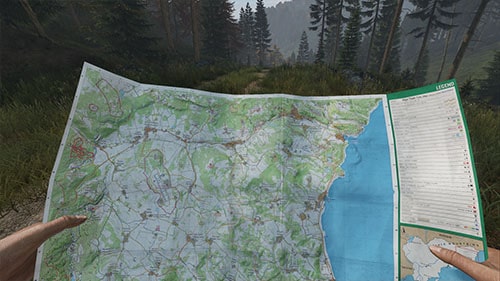
4. Combining with a Map:
– Use the bearing to plot a course on your map, taking note of potential landmarks and routes.
Practical Tips:
– Keep your compass in your hotbar for quick access.
– If disoriented, follow natural features like streams downhill or identify power lines that typically lead to populated areas.
– Use visible landmarks (e.g., cranes, hospitals) in conjunction with your compass and map to pin down your location.
Utilizing Road Signs for Navigation
What to Look For:
– Town Names and Distances: Road signs indicate nearby towns, offering a crucial reference point for confirming your position.
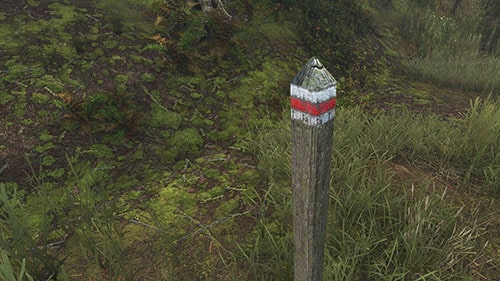
– Trail Markers: Look for time posts on trails, which provide directions and trail colors to guide you safely.
Following Trails and Road Signs:
– Trails often come with colored markers leading through forests, providing safer paths to desired locations without frequent map checks.
Interpreting Road Signs:
– Upon spotting a road sign, cross-reference it with your map to confirm your location.
– Use the compass to align your direction to that indicated by the sign. Knowledge of commonly referenced landmarks enhances your confidence in your travel direction.
Additional Navigation Tips
– Map Familiarity: Spend time understanding the map’s layout, taking note of key landmarks and significant terrain features.
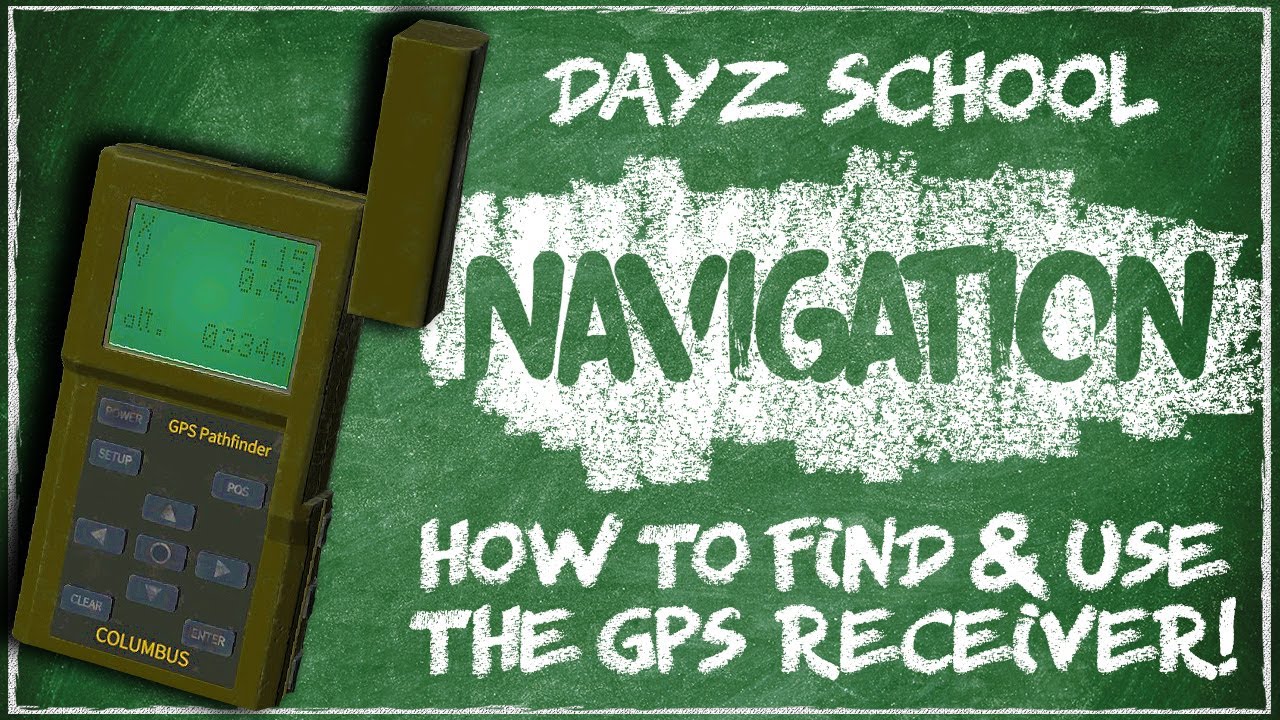
– Use Navigation Tools: Attaching a GPS to your map can centralize navigation efforts and utilize zoom features for detailed views.
– Natural Navigation: If lost, use the sun or moon to approximate direction. The sun rises in the east and sets in the west, providing a general sense of orientation.
– Vantage Points: Climbing to elevated terrain allows you to observe your surroundings, helping identify landmarks and guides for orientation.
Summary
– Use your compass to pinpoint north and establish directional bearings.
– Cross-reference your compass with road signs to gather information about town names and distances.
– Follow marked trails and road signs to ensure safe and efficient navigation.
– Utilize landmarks and vantage points to confirm your navigation accuracy.
– Become familiar with the map, enhancing your navigation experience with attached tools like GPS and compasses.
By effectively utilizing compasses and road signs, you can navigate through DayZ’s vast environments with confidence. Enrich your gameplay by continuously refining your navigation skills, maintaining awareness of your surroundings, and regularly referencing your map and tools.


Leave a Reply