
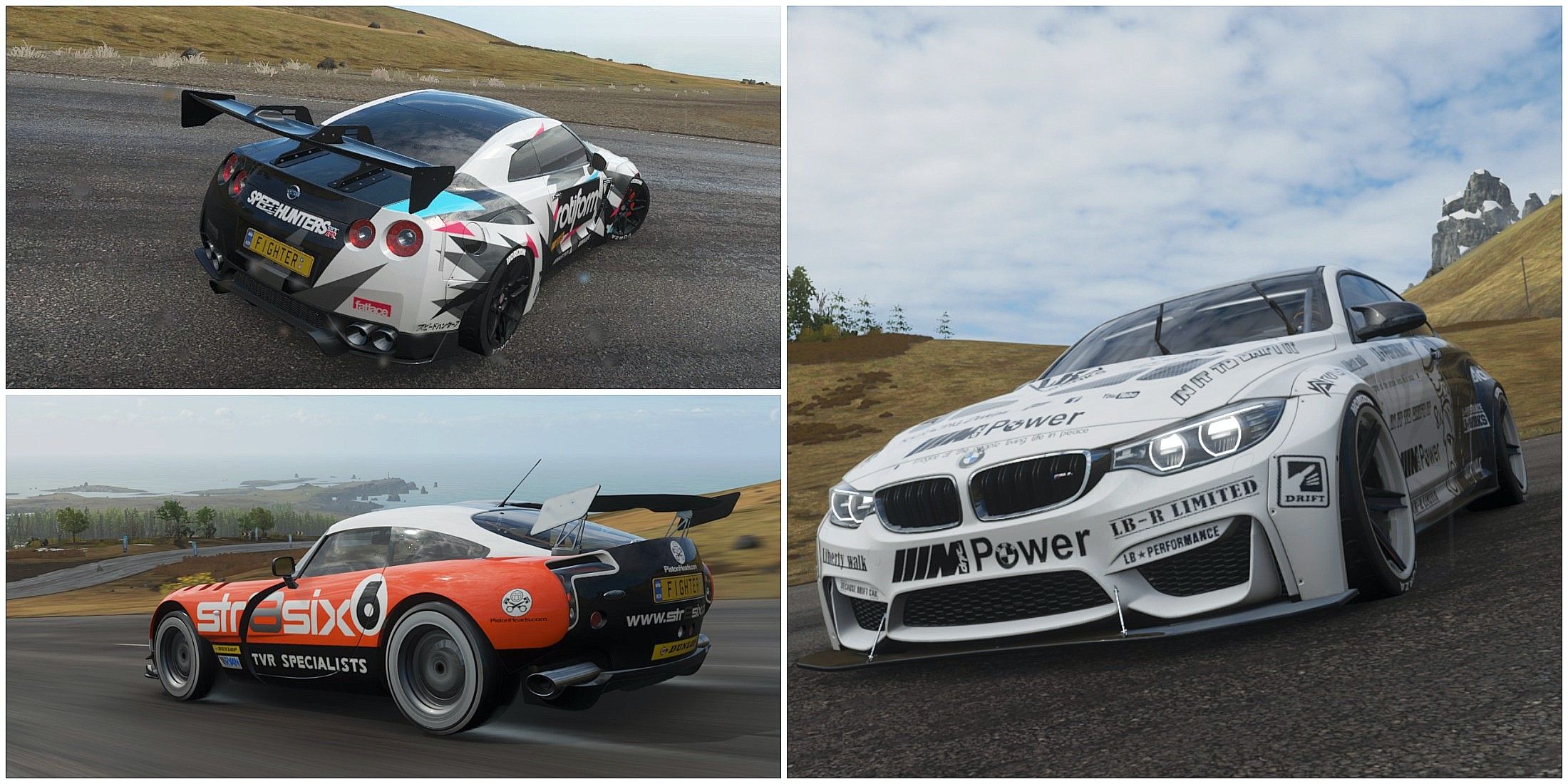
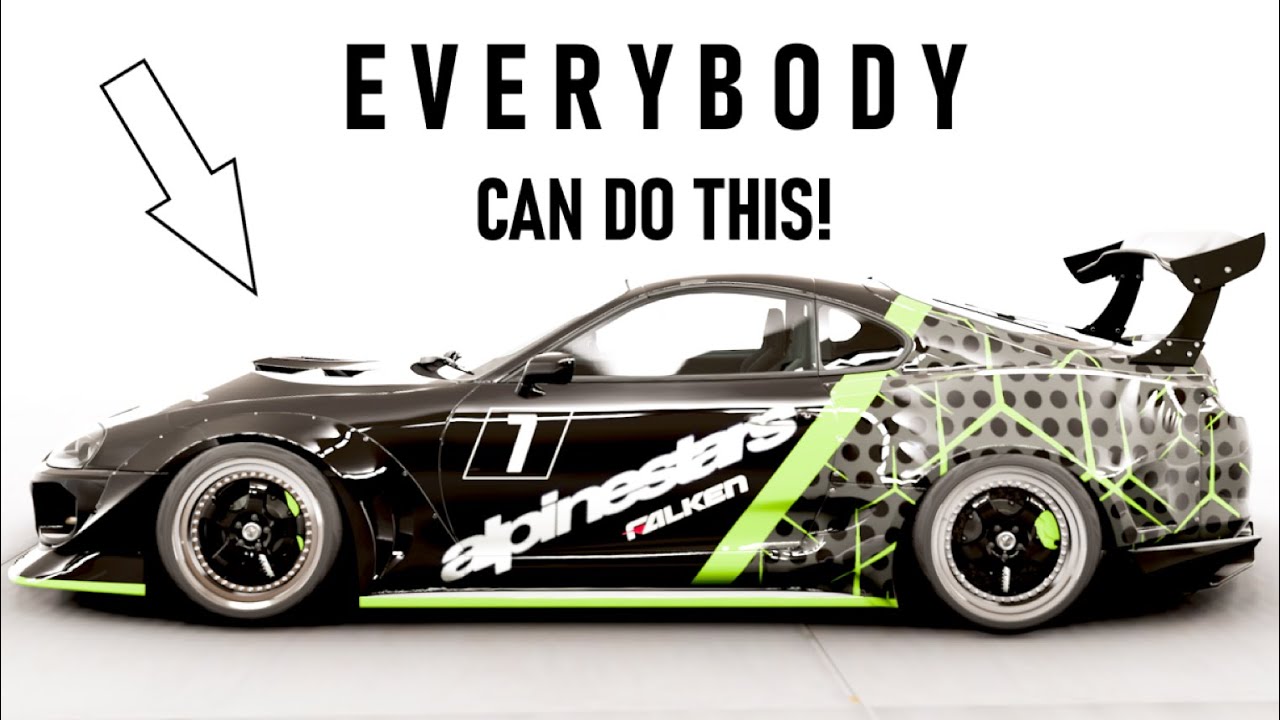
In Forza Horizon 4, customizing vehicle liveries is a creative process that allows players to express their artistic vision through the Livery Editor. Here’s a detailed breakdown of how to navigate this feature effectively:
Step-by-Step Workflow for Customizing Vehicle Liveries:
1. Select Your Vehicle:
– Begin by choosing the car you want to customize. Once selected, enter the Paint Shop to access the Livery Editor.
2. Enter the Livery Editor:
– Inside the Paint Shop, you will find options to create or edit vinyl groups. Vinyl groups allow for layering shapes and decals, facilitating a comprehensive design.
3. Design Your Livery:
– Layering and Grouping: Start creating your design by grouping elements effectively. You can add and adjust various shapes and decals.
– Adjust Colors and Sizes: Utilize the tools to change colors, resize, and reposition elements to achieve your desired design. Experimentation is encouraged to maximize creativity.
4. Applying Custom Modifications:
– To ensure that your livery reflects any modifications made to your vehicle (like custom parts or upgrades), it’s crucial to apply these modifications before saving your design. For accuracy:
– Duplicate Your Design: Some players find it helpful to first create a duplicate of their design on a stock version of the car.
– Apply Custom Mods: Once you’ve finalized the stock design, make your modifications.
– Save Your Design Again: This step ensures that the thumbnail preview accurately displays your modified vehicle.
5. Saving Your Design:
– After completing your livery, save your full design, as well as any vinyl groups as “vanilla groups.” This allows for easy reuse and application on other vehicles or different sections of the same car.
6. Publishing Your Design Online:
– Once satisfied with your design, share it with the Forza community:
1. Open the pause menu.
2. Go to My Horizon and then the Garage or Paint Shop section.
3. Select your design and choose the option to publish or share it.
– This allows other players to find, download, and utilize your liveries.
7. Earning In-Game Credits:
– Your creative contributions can reward you with in-game credits based on the engagement your designs receive, such as downloads, uses, and likes from the community. This incentivizes players to create and share unique liveries.
Summary of the Process:
– Preparation: Customize your car’s mods first for accurate previews.
– Designing: Use the Livery Editor to craft the look of your vehicle.
– Saving: Save your design and vinyl groups for future use.
– Sharing: Publish your design online for community access.
– Earning Credits: Benefit from the creative sharing system through community engagement.
By following these steps, players in Forza Horizon 4 can easily showcase their unique vehicle aesthetics and engage with a vibrant community of fellow car enthusiasts. This customization system not only fosters creativity but also enhances the overall gameplay experience.

Leave a Reply