
Finding and Decoding PDA Signals in Subnautica
In Subnautica, Personal Data Assistants (PDAs) serve as essential tools for players, enabling them to locate wrecks, blueprints, and other vital resources. Here is a comprehensive step-by-step guide to effectively find and decode these signals.
—
1. Locating Lifepods and PDAs
Lifepods
– Begin your adventure by locating Lifepods. These are small escape pod-like structures scattered across the ocean floor. Their distinctive, often brightly-colored design makes them easier to spot.
– Approach these lifepods as they may contain PDAs that hold essential information regarding your journey.
PDAs
– After locating a lifepod, enter it to find the PDA inside. These devices can contain various useful information, including coordinates for wreck sites and survival tips.
—
2. Accessing PDA Signals
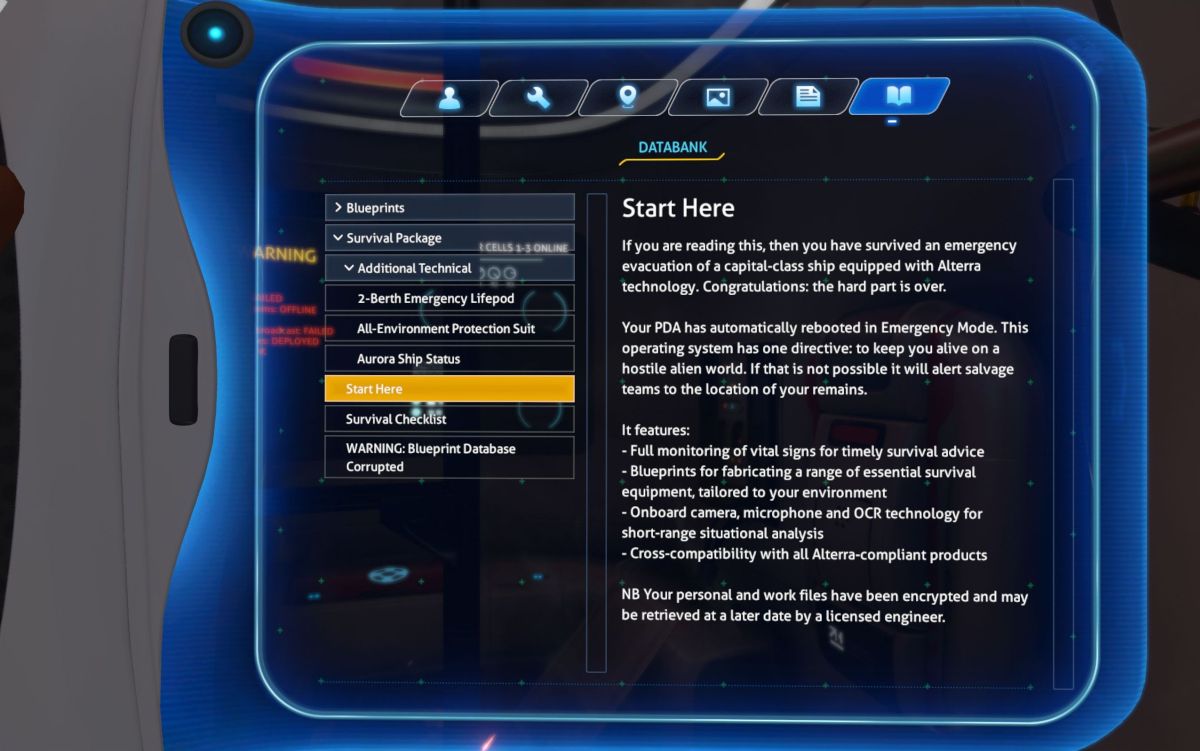
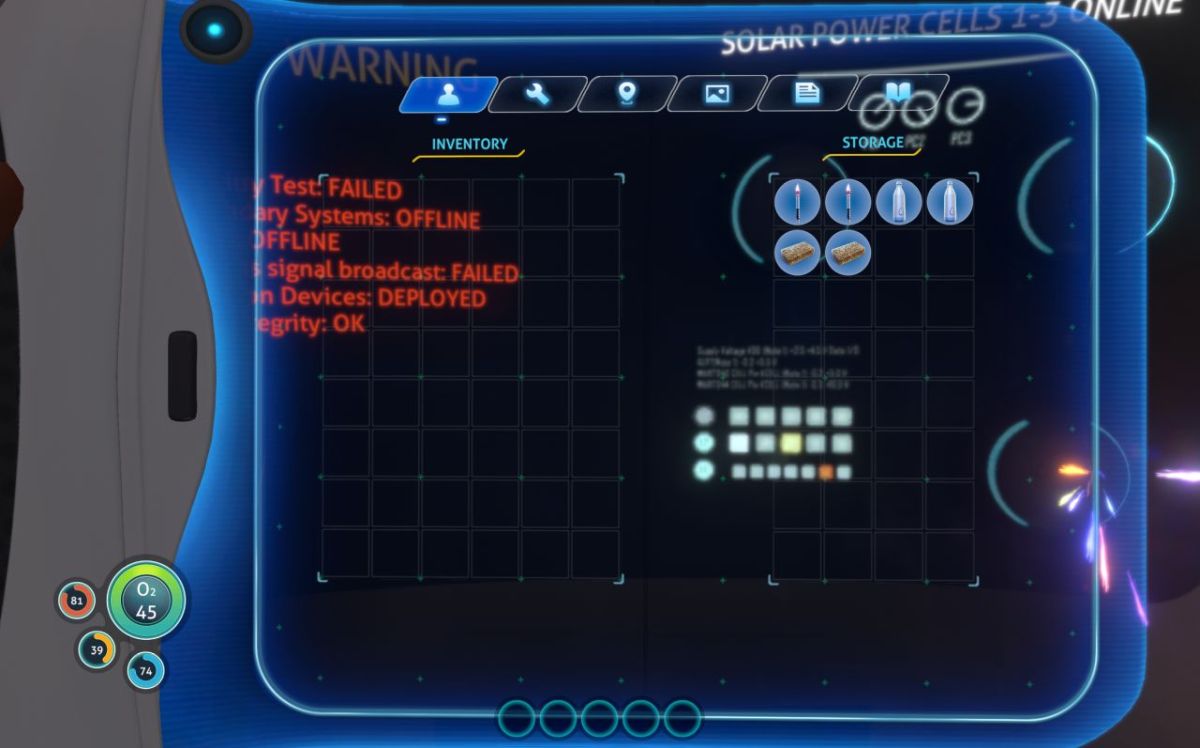
– With a PDA in your inventory, access its functionality through the in-game PDA menu.
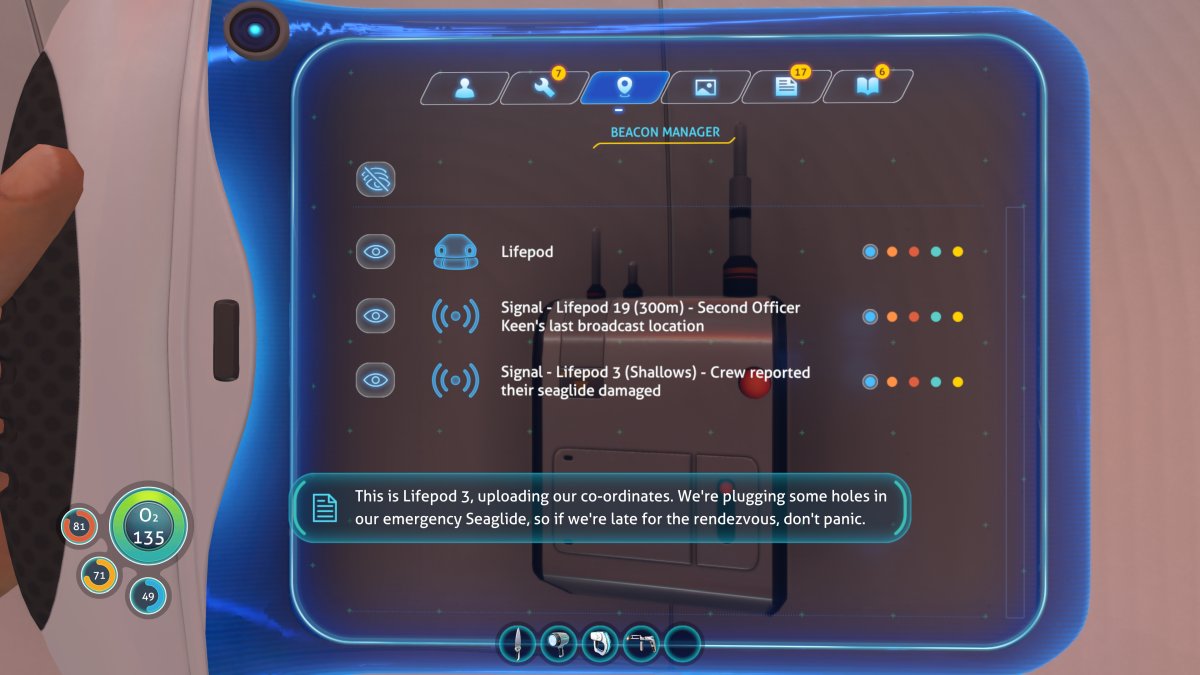
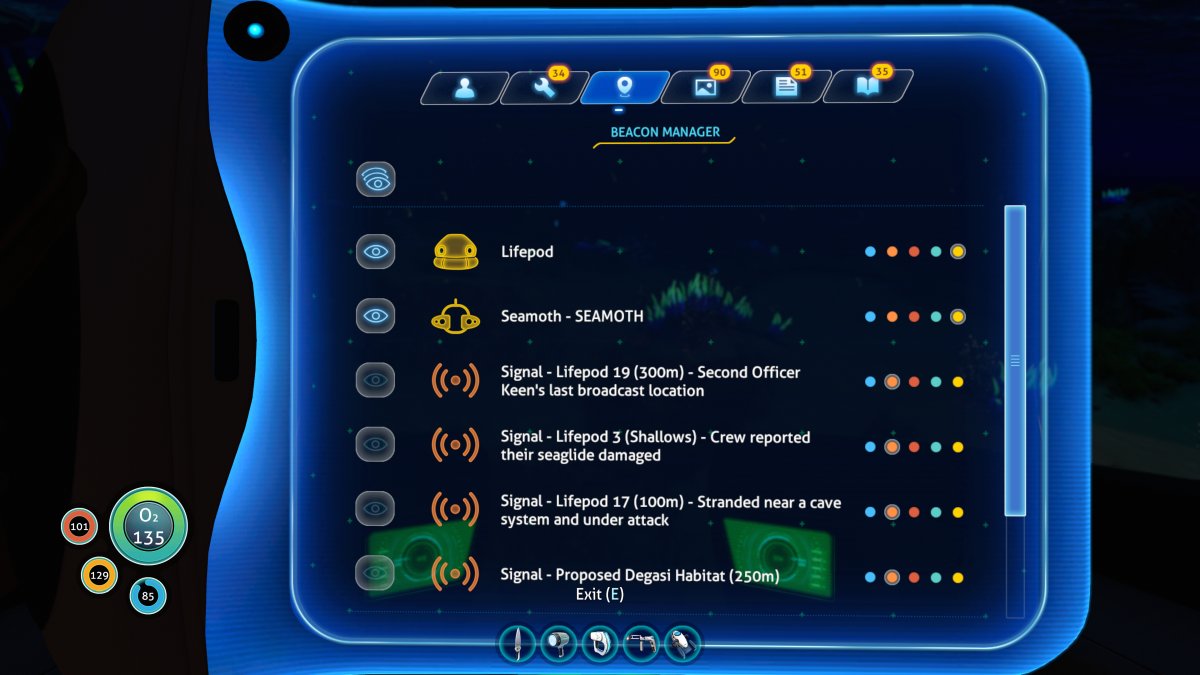
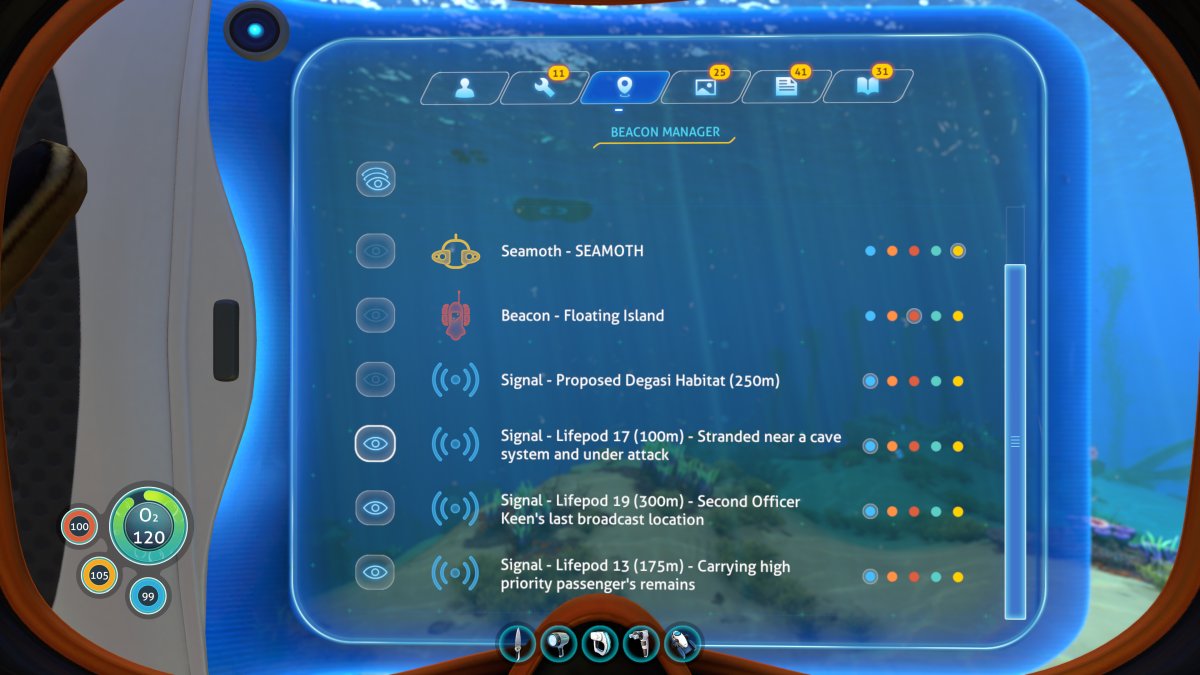
– Within this menu, you’ll find a section displaying all active signals your PDA has detected. Each signal typically includes coordinates that guide you to potential wrecks or points of interest.
—
3. Decoding PDA Signals
– While it might seem like decoding is necessary, the process is more about interpreting the messages and coordinates provided by the PDA.
– Use the coordinates to set a course for exploration. If you have a Scanner Room in your base, utilize it to scan for fragments or items that might help you unlock blueprints or resources you may find in wrecks.
—
4. Locating Wrecks and Blueprints
Wrecks
– Navigate to the wrecks indicated by the coordinates from the PDA signals. These structures often contain valuable resources, blueprints, and potential hazards to look out for.
Blueprints
– Inside the wrecks, search for Databoxes—these rectangular white containers usually hold blueprints for various upgrades or new technologies.
– Additionally, remain vigilant for scannable fragments, as these can also provide blueprints when scanned using your scanner tool.
—
5. Managing Signals
– Within the PDA menu, you can manage your signals and beacons. This feature allows you to track multiple locations and prioritize particular areas for exploration.
– Organizing signals can enhance your efficiency during exploration, ensuring that you don’t miss out on crucial sites.
—
6. Tips for Exploration
– Combine Signals and Map: Use the coordinates from the PDA in conjunction with your game’s map to enhance navigation and make your search more effective.
– Continuous Exploration: Keep an eye out for additional lifepods and wrecks as you wander around. Each one can potentially provide new signals and blueprints that will aid your quest for survival.
– Utilize Vehicles: Consider utilizing vehicles such as the Seamoth for faster ocean travel and the Prawn Suit for deeper dives into wrecks. These vehicles significantly enhance your exploration capabilities and safety.
—
By following these strategic steps, you’ll efficiently uncover and decode PDA signals in Subnautica, allowing you to discover wrecks and vital blueprints that will enhance your survival and exploration within the vast underwater environment. Happy exploring!
Leave a Reply