
In Tetris Effect, the integration of music and sound effects creates a unique and immersive gaming experience. The dynamic responsiveness of the audio to player actions and game states enhances the flow of gameplay, contributing to an engaging atmosphere. However, some players may seek to adjust the audio settings for better focus. Here’s a detailed guide to managing the audio experience in Tetris Effect:
Options for Adjusting Audio
1. Disabling Background Music:
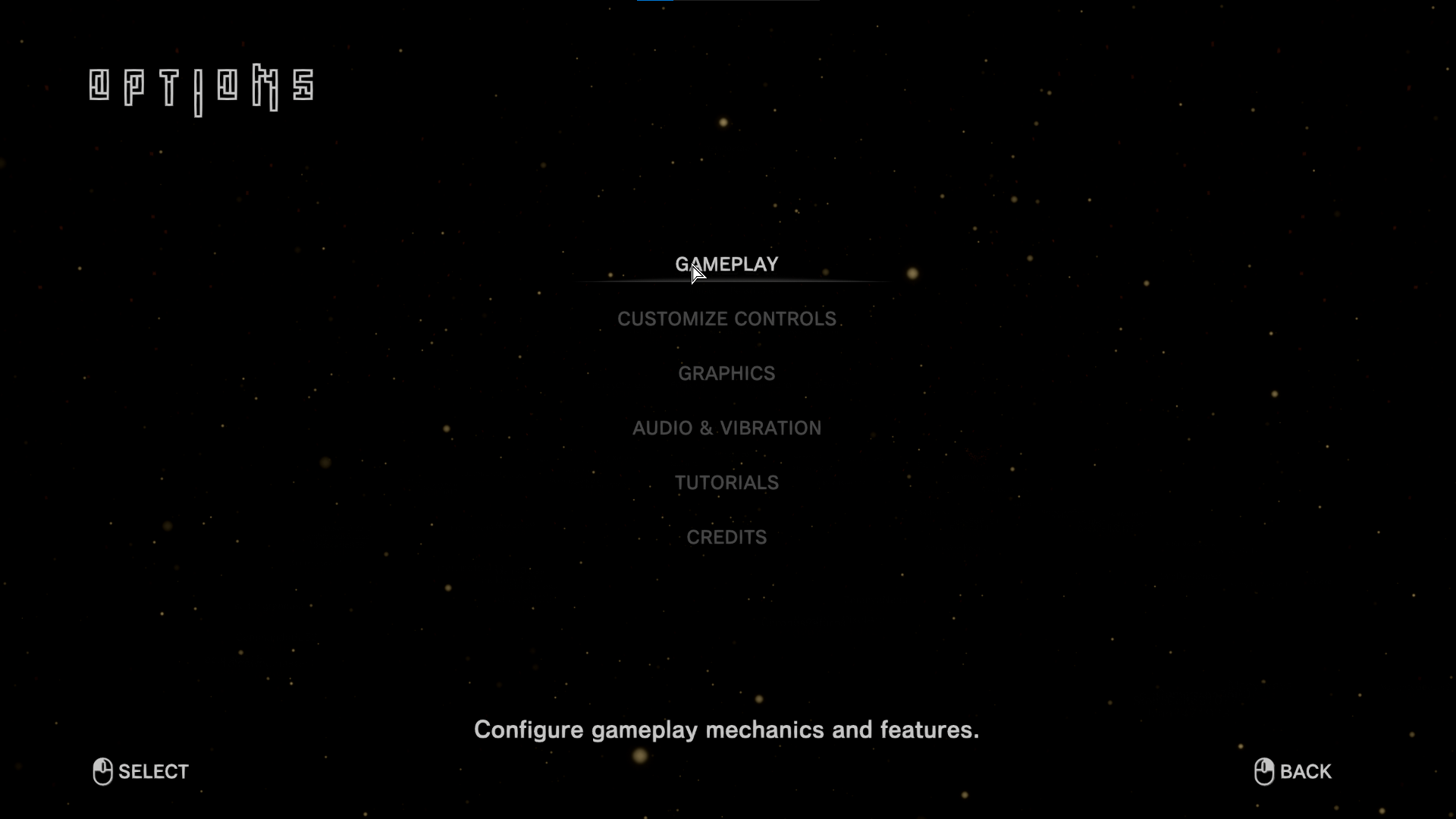
– Navigate to the options menu within the game to turn off the background music. However, it’s important to note that this action does not completely silence the game; gameplay-related sound effects, such as sounds triggered by piece rotation or placement, will still play. These sounds are an integral part of the game’s feedback system and cannot be independently muted.
2. Muting Entire Game Sound:
– For complete silence or minimal distractions, the most effective method is to mute the entire game audio using your device’s volume controls. This approach will silence all sound, including music and gameplay feedback. While this provides a quiet experience, it may remove auditory cues that some players rely on to enhance their gameplay.
3. Balancing Audio for Focus:
– Unfortunately, Tetris Effect does not offer an in-game feature that allows players to selectively balance or reduce only the gameplay-related musical effects while keeping other sounds intact. The game’s sound design is crafted as a cohesive feedback loop, meaning the audio is intended to work together to create an immersive experience.
4. Playing with External Music:
– Many players opt to play their own music through external applications like Spotify while muting or lowering the game’s volume. This allows for a more customized audio experience, although it’s worth noting that the external music will not sync with the game as the original soundtrack does.
Summary of Recommendations
Given Tetris Effect’s design philosophy, fully muting or balancing the music effects independently isn’t feasible within the game. Your best options for tailoring the audio experience to enhance focus during play are:
– Disable Background Music: This reduces the audio but keeps gameplay sounds active.
– Mute Entire Game Audio: Use system controls for complete silence, sacrificing auditory feedback.
– Play Your Own Music Externally: Mute the game sound and enjoy personalized music, although it lacks synchronization with gameplay.
These methods provide flexibility in audio experience according to personal preferences, allowing players to choose how much immersion they want while playing Tetris Effect.


Leave a Reply