
Understanding Layering in Gorogoa
Gorogoa is a standout puzzle game that intricately weaves its storytelling through a unique mechanic of layering images within panels. This feature not only encourages players to engage creatively but also to think critically about how different scenarios and elements relate to one another. The manipulation of images serves as a pathway towards deeper narrative exploration and puzzle-solving.
How Layering Works
Basic Interaction:
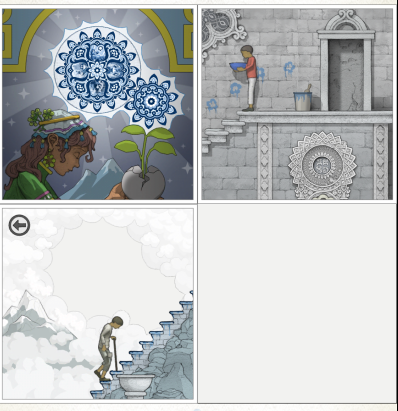
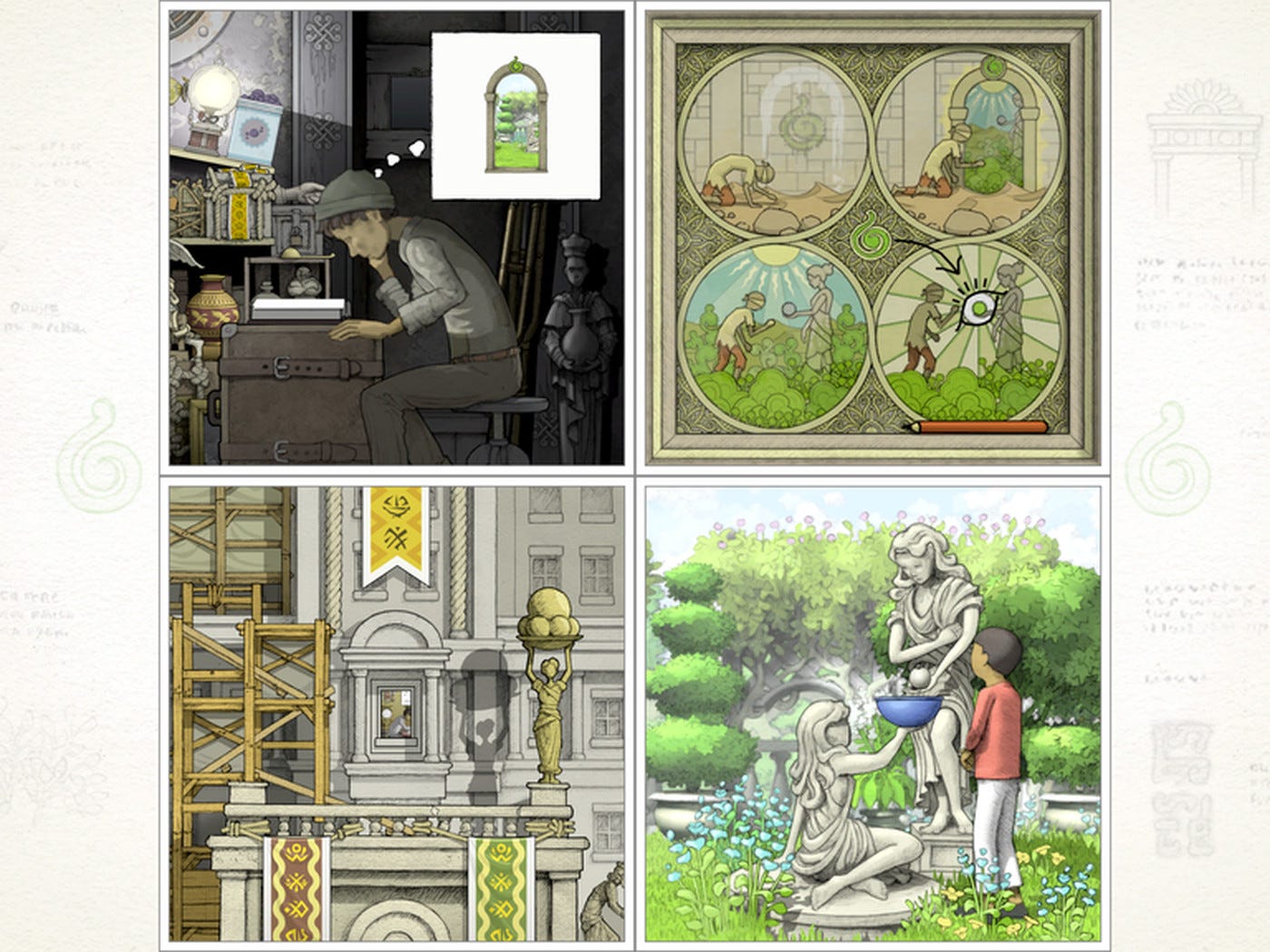
– Panels: The game presents four panels at a time, each showcasing distinct images or scenes that can be explored interactively.
– Zoom In/Out: Players can zoom into specific scenes to discover hidden details or shift perspectives that are critical for problem-solving.
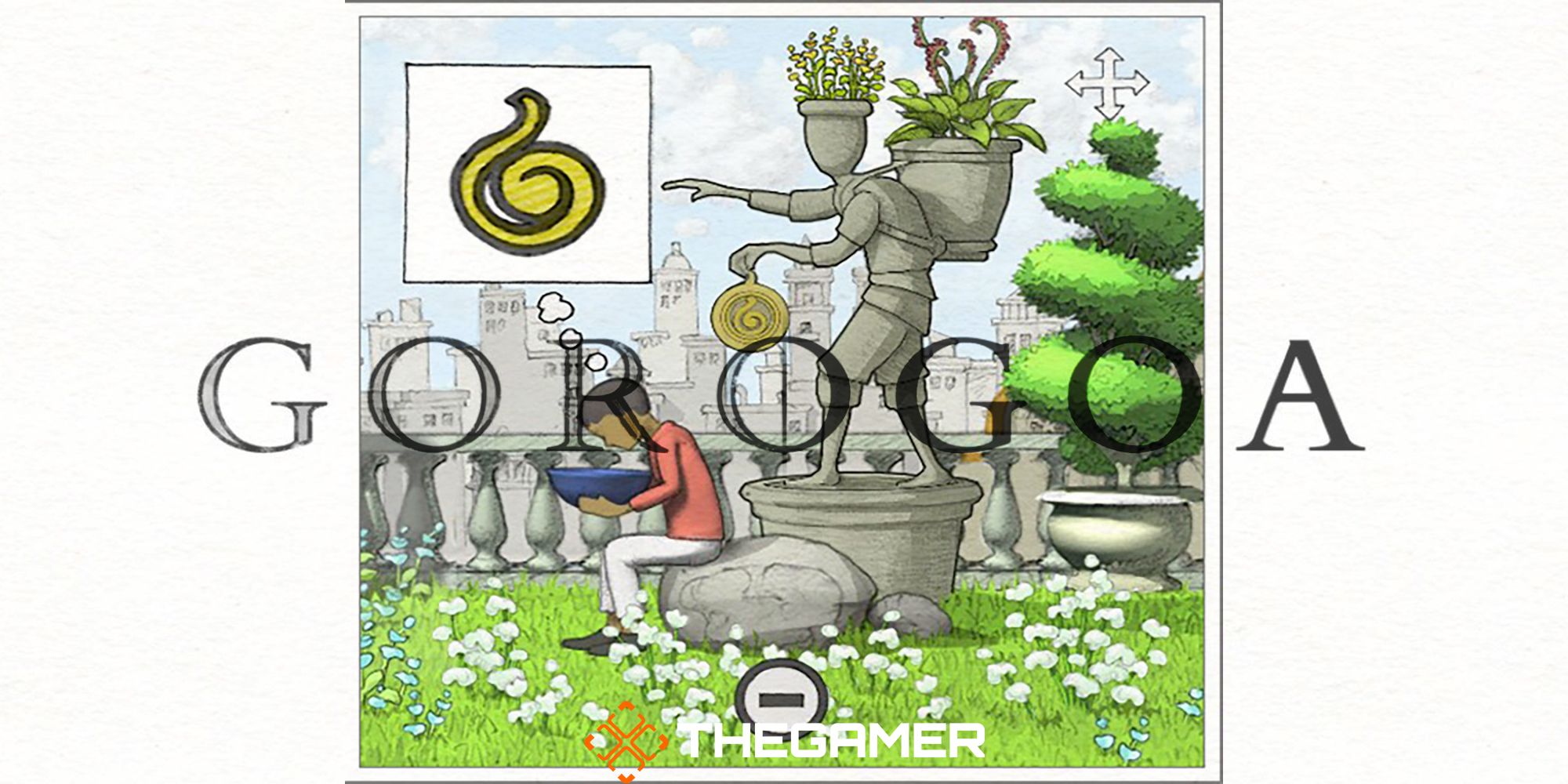
– Drag and Drop: Users can drag and reposition panels or individual parts of panels, creating new alignments and relationships within the artwork.
Layering Images:
– Creating New Contexts: By overlapping one panel over another, players can form new meanings or relationships between the images. This visually merges scenes and opens up previously unavailable interactions.
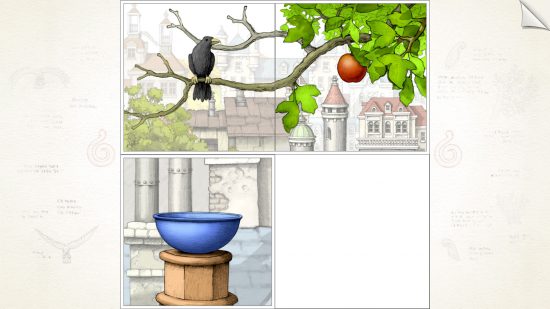
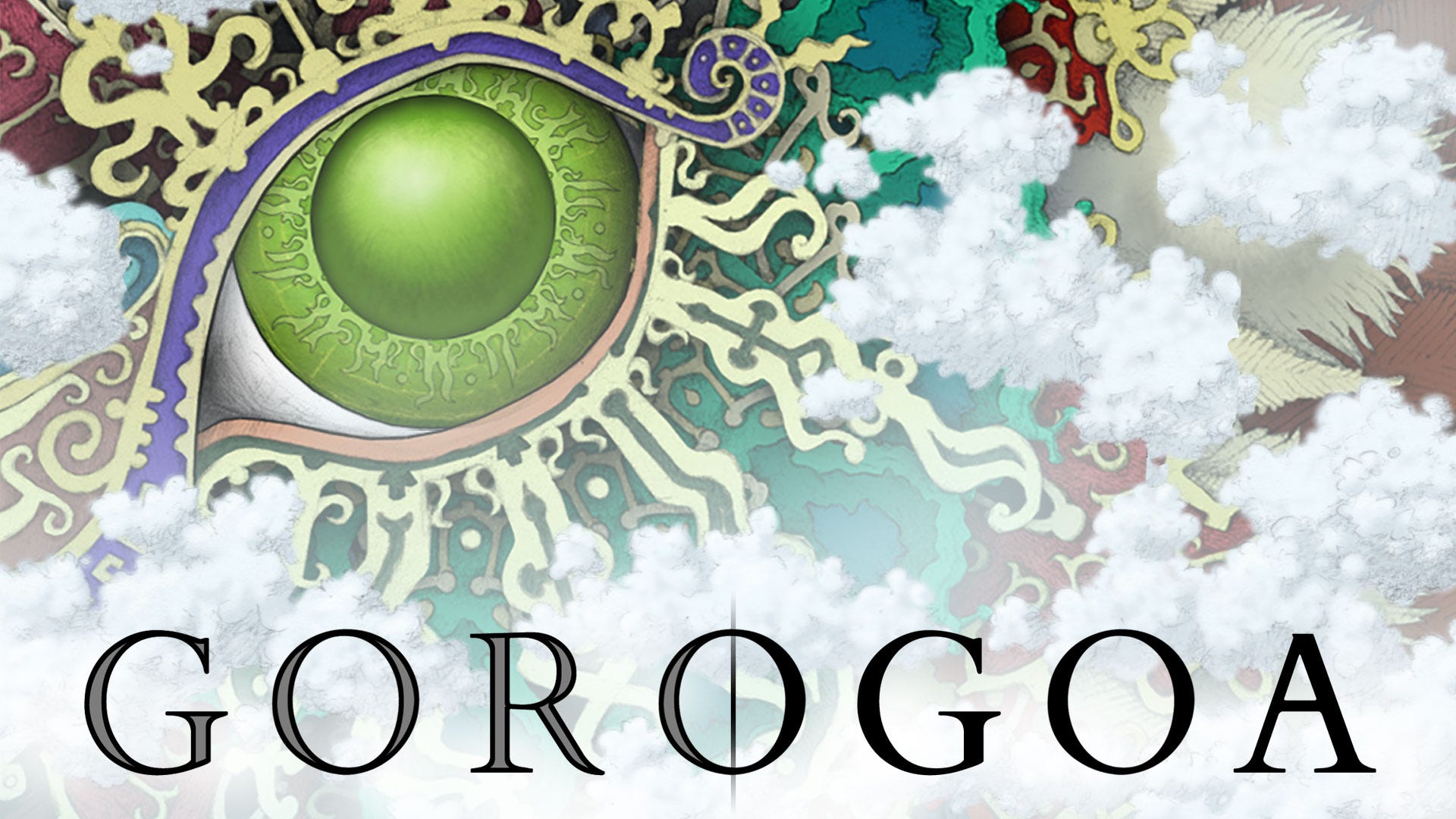
– Triggering Events: For example, in Chapter Two, layering a panel of an apple silhouette over another with a green eye leads to a narrative progression where the apple falls into a bowl—highlighting how actions can catalyze story events.
– Revealing Hidden Paths: Layering can often unveil concealed elements or paths within the game. Scenes might seem isolated at first, but when combined, lead to threads of connection that advance the storyline.
Step-by-Step Example (Chapter Two):
1. Zoom In/Out: Start by manipulating the view on panels to uncover otherwise hidden facets of the images.
2. Find Key Elements: An instance in Chapter Two involves zooming into a pattern on a wall until it displays a notable color shift.
3. Move Panels: Rather than solely layering, move panels to expose different segments of the scene. For example, dragging a panel to access a view of a green eye.
4. Layer to Progress: Position the apple silhouette panel over the green eye. This layering action triggers a narrative event, leading to progression in the story.
Advanced Layering (Chapter Three Example):
– Rearranging Elements: Later in the game, players may need to reallocate scenes or elements to adjust object interactions effectively.
– Timing and Quick Actions: Some puzzles demand rapid movements, layering scenes while animations unfold, such as positioning elements to set off cascading effects.
– Visual Merging: Combining panels strategically can activate animations that contribute to puzzle completion, demonstrating the seamless interaction among different visual elements.
Key Details
– Visual Feedback: The game is designed to provide immediate visual responses following successful layering or alignment, enhancing the player’s sense of achievement.
– Intuitive but Deep: Controls are user-friendly (click, drag, zoom), but the underlying logic and creativity needed to solve puzzles offer a rich and satisfying experience.
– Story Integration: Each newly created layer or interaction not only progresses the gameplay but also propels the narrative forward, peeling back layers of the protagonist’s journey and the world’s mysteries.
Summary Table: Layering Techniques in Gorogoa
| Technique | Effect | Example |
|———————-|————————————————–|————————————————–|
| Zoom In/Out | Uncover hidden details or new scenes | Zoom into a crumbling wall pattern[1] |
| Drag and Drop | Reposition panels for new contextual interactions | Shift a panel to reveal a hidden green eye[1] |
| Layering Panels | Merge images for innovative gameplay | Layer an apple silhouette over a green eye[1][2] |
| Quick Reposition | Activate timed events or animations | Adjust elements during a falling rock scenario[3] |
In conclusion, the layering mechanic in Gorogoa offers a playground for experimentation, where visual storytelling and creative problem-solving converge. By discovering how various images interact when combined, players are constantly engaged in a magical experience, making each puzzle uniquely captivating. The game not only entertains but also stimulates curiosity and creativity, ensuring a memorable journey through its rich visual narrative.
Leave a Reply