
To upload your created courses in Super Mario Maker 2 for others to enjoy, follow these structured steps:
1. Design Your Course: Begin by creating and meticulously designing your course within the game. Utilize various blocks, enemies, and mechanics to bring your ideas to life.
2. Playtest Your Level: After production, play through your course to ensure it is enjoyable and playable. This step is crucial, as you must clear your own level to verify its playability.
3. Save Your Course: Once you’re satisfied with your level and have successfully cleared it, look for the save icon located on the right side of the screen. Select this icon to save your course.
4. Upload to Course World: After saving, you can proceed to upload your course. To do so, navigate to the option to upload your course to Course World. Remember that an active Nintendo Switch Online subscription is necessary for this step.
5. Publishing Your Course: Upon uploading, your course will be published and made available for players around the world to discover and play.
Important Considerations:
– You can only upload courses that you have personally cleared, ensuring they are indeed playable by others.
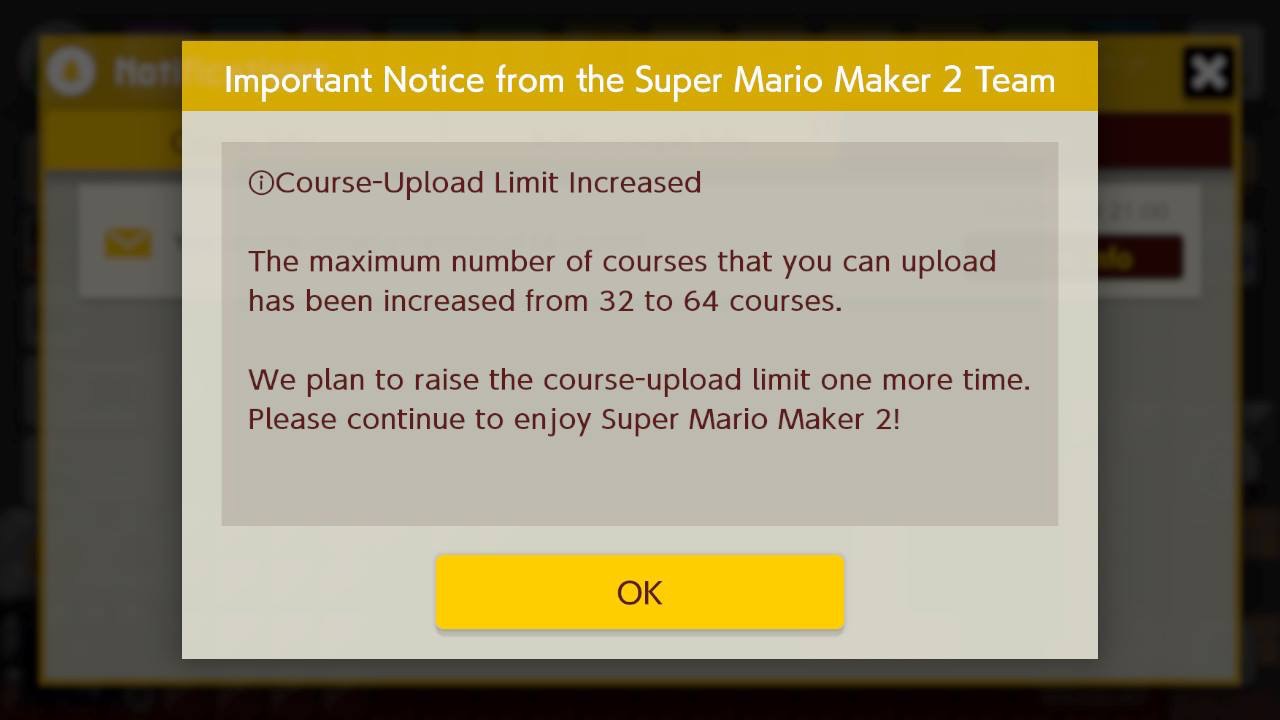
– There is a limit to the number of courses you can post on Course World, so be strategic about which ones you choose to share.
Summary:
In summary, to successfully upload a course in Super Mario Maker 2, you need to finish and clear your level, save your design, and then upload it through Course World using your Nintendo Switch Online membership. This process allows you to share your creativity with the global gaming community.



Leave a Reply