
In Super Mario Maker 2, players have the exciting ability to switch between different Game Styles while designing levels in the level editor. These styles represent nostalgic iterations of the Mario franchise, each bringing its own unique gameplay mechanics, power-ups, and aesthetics. The main Game Styles available are:
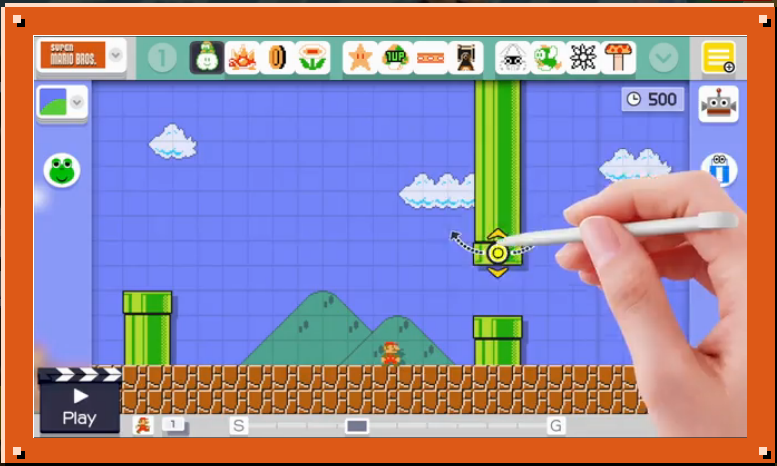
1. Super Mario Bros.
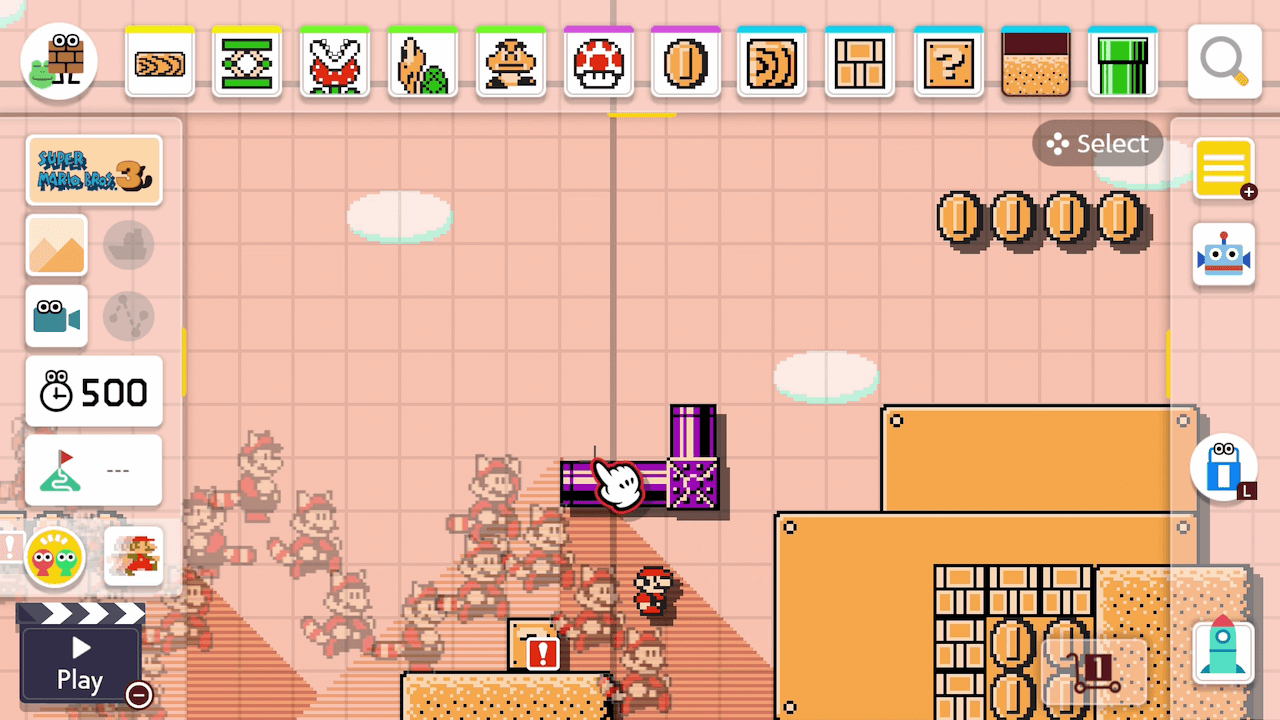
2. Super Mario Bros. 3
3. Super Mario World
4. New Super Mario Bros. U
When creating or editing a level, you can select your preferred Game Style from the options available in the editor interface. However, it is essential to be cautious when switching between styles, especially since some styles feature mechanical differences that may lead to the loss of your current edits. Specifically, changing to Extra Game Styles (those not in the main four) can result in a complete reset of your work.
To avoid any potential setbacks, it is advisable to finalize your chosen Game Style at the beginning of your level creation process, or prior to making significant edits. This will help you maintain your level’s integrity and ensure all features function as intended within the chosen style.
While there has been speculation about future updates or mods incorporating features such as “game style warp pipes,” where styles could change mid-level, this functionality is not currently available within the official gameplay of Super Mario Maker 2.
In summary, utilize the level editor’s options menu or toolbar to select your Game Style carefully, keeping in mind that switching may lead to the loss of your current edits, particularly when venturing beyond the primary styles. Enjoy crafting your levels with the distinct mechanics each style offers!



Leave a Reply