
Creating a mod for a game can be an exciting and rewarding endeavor, providing you the opportunity to enhance gameplay or introduce new features. Here’s a structured and detailed guide to help you navigate the modding process effectively:
1. Choose a Game
The first step in modding is selecting the right game. Opt for a game known for its modding support, which means it should ideally have:
– Official Mod Tools or SDKs: Look for games that provide official modding kits; these can ease many aspects of mod development.
– Active Modding Communities: Games like Arma 3 or Ravenfield are great examples, as they host vibrant communities and extensive resources for modders.
2. Gather Tools and Resources
Once you’ve selected a game, it’s time to gather the necessary tools:
– Mod Tools or SDKs: Download the official modding tools provided by the game developers, if available.
– Programming Languages: Familiarize yourself with the languages required for modding; for instance, C is typical for Unity-based games, while C and C++ might be used for others.
– Modding Communities: Joining forums like Nexus Mods, Mod DB, or specific Discord servers can offer valuable resources, tutorials, and support.
3. Understand Game Architecture
A solid understanding of the game’s structure is crucial:
– File Formats: Investigate the types of files the game uses—this includes archives (.zip, .rar), models (.obj, .fbx), and audio (.wav, .mp3).
– Game Engines: Learn about the underlying game engine, be it Unity, Unreal Engine, or a proprietary engine. This knowledge is instrumental in understanding how to implement your changes effectively.
4. Extract and Modify Game Files
After you have a good grasp of the architecture, the next steps involve:
– Extracting Archives: Use tools like WinRAR or 7-Zip. For games with custom formats, you might need specialized extraction tools.
– Editing Files: Utilize appropriate editing software; for example, use a text editor for configuration files, or a 3D modeling software (e.g., Blender) for asset modifications.
5. Implement Your Mod
This step evolves your ideas into actionable modifications:
– Code Modifications: Use code editing tools, such as dnSpy for .NET games, to alter or add game logic. Dig into scripts to see how game mechanics work and where they can be adjusted.
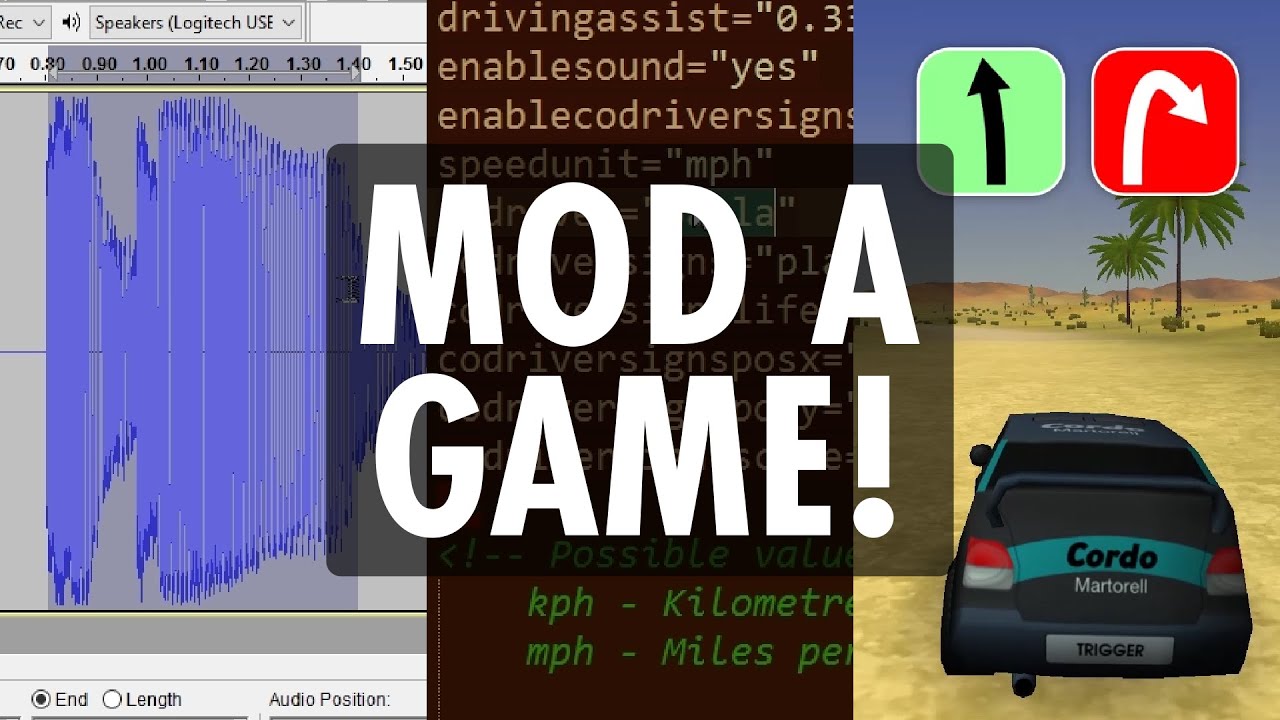
– Asset Creation: If creating new assets, ensure you use the correct formats required by the game. This may entail designing graphics or recordings and employing software like Audacity for audio adjustments.
6. Test Your Mod
Testing is critical to ensure your mod functions smoothly:
– Load the Mod: Place modified files in the designated folders stipulated by the game.
– Run the Game: Start the game to verify that your changes work as intended, keeping an eye out for any bugs or issues to resolve.
7. Share Your Mod (Optional)
If your mod turns out successfully and you wish to share your creation:
– Package It Properly: Organize your files and create clear installation instructions.
– Distribute: Share your mod on platforms like Nexus Mods or through community forums, adopting feedback from users to improve future versions.
Example Scenarios
– Modding Ravenfield:
1. Obtain Tools: Utilize dnSpy for scripting changes.
2. Modify Code: Alter weapon characteristics or unit behaviors.
3. Test: Launch the game to ensure your modifications function correctly in gameplay.
– Modding Trigger Rally:
1. Extract Archives: Gain access to editing materials by exploring the game’s file structure.
2. Modify Assets: Adjust audio or vehicle textures to personalize the game experience.
3. Test: Play the game to notice the effects of your additions.
Additional Tips
– Backup Original Files: Always maintain backups of the original game files to safeguard against potential mistakes.
– Engage with Communities: Active participation in modding forums can lead to learning opportunities and constructive criticism.
By adhering to these structured steps and utilizing the additional tips, you’ll be well-equipped to create engaging and innovative mods, enhancing the gaming experience for yourself and others. Happy modding!

Leave a Reply