
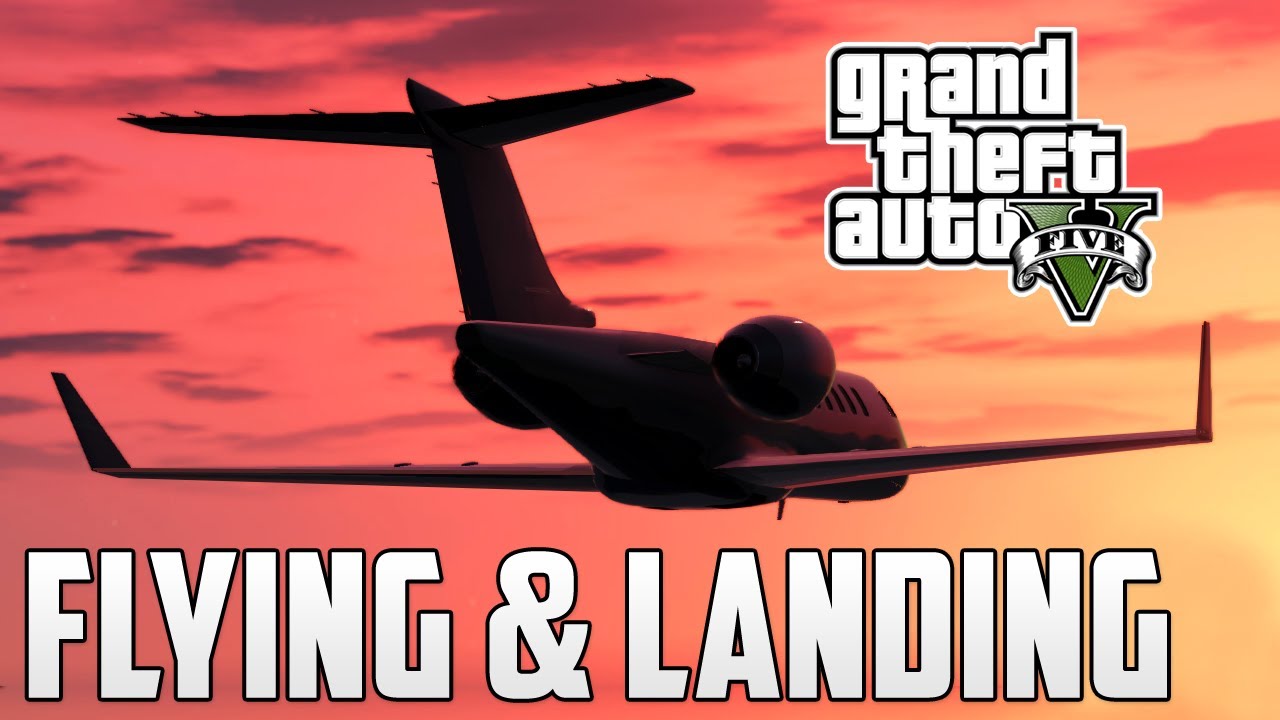
Flying a plane in Grand Theft Auto V (GTA 5) can be one of the most thrilling experiences in the game, offering players a sense of freedom and adventure. However, mastering the art of aviation requires some practice and familiarity with the controls. Below is a comprehensive guide that outlines the general steps and tips for flying a plane in GTA 5 across various platforms.
General Steps to Fly a Plane in GTA 5
1. Locating a Plane
Before you can take to the skies, you’ll need to find a plane. Here are a few common methods to locate one:
– Spawn Locations: Aircraft can spawn at various locations throughout Los Santos. Popular sites include:
– Los Santos International Airport
– Sandy Shores Airfield
– Purchasing an Aircraft: If you have sufficient in-game currency, consider buying a plane from websites like ‘Warstock Cache & Carry’ and ‘Elitás Travel’.
2. Entering the Plane
To get into the aircraft, simply approach it and use the designated button:
– PC: Press ‘Enter’ or ‘F’ to enter.
– PS5/PS4: Press ‘Triangle’.
– Xbox: Press ‘Y’.
3. Taking Off
Taking off requires a blend of acceleration and control. Here’s how you do it for each platform:
– PC:
– Hold ‘W’ to accelerate.
– Press ‘Num5’ to lift the nose of the plane.
– Once airborne, press ‘G’ to retract the landing gear.
– PS5/PS4:
– Hold ‘R2’ to accelerate.
– Tilt the left joystick back to lift the nose and gain altitude.
– Xbox:
– Hold ‘RT’ to accelerate.
– Tilt the left joystick back to lift off.
4. Maneuvering
Once in the air, controlling your plane effectively is crucial. The controls vary slightly by platform:
– PC:
– Use W (up), S (down), A (left), and D (right) to control direction.
– Num4 and Num6 for rolls left and right, respectively.
– Num8 pitches down, and Num5 pitches up.
– PS5/PS4:
– Use the left joystick for pitch (up/down) and roll (left/right).
– Xbox:
– Similar to PS5/PS4; use the left joystick for pitch and roll directions.
5. Landing
Landing requires careful attention and skill. Here’s how to do it across platforms:
– PC:
– Look for a long, straight road or runway.
– Lower the landing gear with ‘G’ and slow down.
– Once on the ground, press ‘S’ to brake.
– PS5/PS4:
– Lower the landing gear by pressing the left joystick in.
– Align with the runway and reduce speed with ‘L2’.
– Press ‘L2’ again to brake after touchdown.
– Xbox:
– Similar to PS5/PS4: lower the landing gear by pressing the left joystick in, manage speed with ‘LT’, and brake with ‘LT’ once on the ground.
Additional Tips for Mastery
– Practice Makes Perfect: Start with simple flights to build your confidence. As you become familiar with the controls, attempt more complex maneuvers.
– Attend Flight School: Participating in flight school missions will enhance your flying skills dramatically.
– Utilize Checkpoints: In GTA Online, make use of checkpoints to practice your landings and takeoffs effectively.
By following these steps and consistently practicing, you will quickly become proficient at flying planes in GTA 5. Enjoy the thrill of soaring above the iconic landscape of Los Santos and have fun navigating through the skies!




Leave a Reply