
In Atomfall, players are immersed in a unique exploration experience that eschews the conventional gaming approach of reliance on quest markers and handholding. This design choice is intended to foster a sense of discovery and autonomy throughout the gameplay.
Key Features of Quest Tracking in Atomfall
1. No Quest Markers by Default:
– The default setting of Atomfall does not feature visible quest markers or waypoints. This design encourages players to engage with the environment rather than simply following a path laid out by directional indicators. It challenges players to rely on their intuition and exploration skills to progress through the game.
2. Exploration and Interpretation Required:
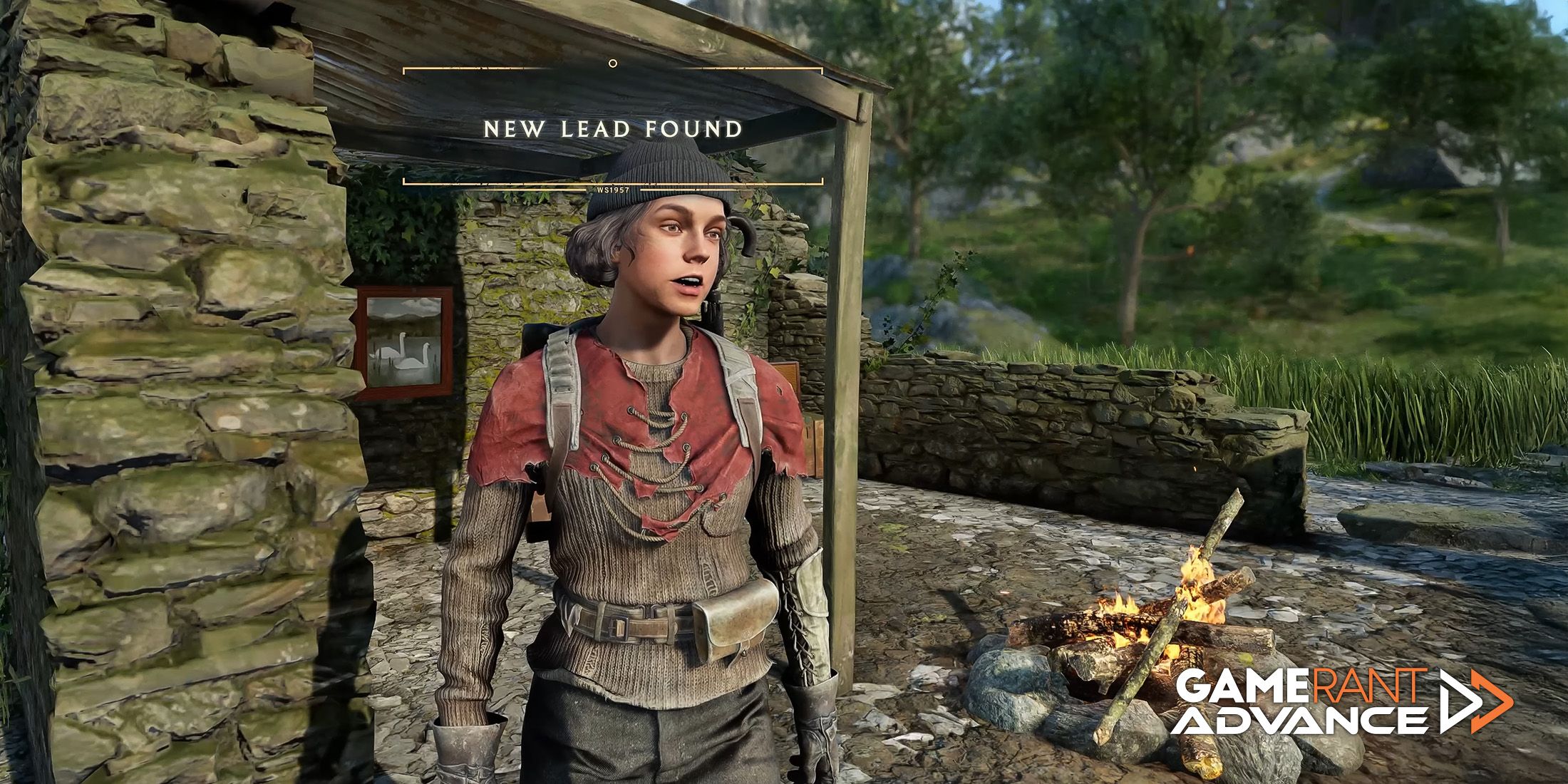
– Players are encouraged to thoroughly explore the game world, engage with Non-Playable Characters (NPCs), and pay close attention to notes and other in-game documentation. These documents, collectively known as “leads,” serve as the primary method for uncovering quest-related objectives, requiring players to interpret clues instead of following explicit instructions.
3. Leads Instead of Markers:
– Quests are delineated via “leads,” which consist of evidence and hints tied to specific quest lines. Players must analyze these leads to determine their next moves, promoting critical thinking and investigation over passive gameplay.
4. Manual Map Use and Landmarks:
– While the automatic quest marker function is absent, the game does provide a map featuring various landmarks and points of interest. Players need to manually navigate using these features, enhancing the sense of immersion. Identifying and visiting these landmarks becomes essential for progressing through quests.
5. Optional Waypoints:
– For players who may find themselves struggling with navigation, the game allows for optional waypoints to be activated. However, this feature is turned off by default to maintain the intended experience focused on exploration and self-guided discovery. Activating waypoints can simplify navigation but may detract from the overall challenge and enjoyment of uncovering objectives organically.
Summary
The core gameplay experience of Atomfall emphasizes non-linear exploration, critical interpretation of clues, and an active engagement with the game world, wherein players are tasked with figuring out objectives without explicit directions. This approach aligns seamlessly with the overarching design philosophy of encouraging player-driven discovery and exploration.
Tips for Finding Objectives
Here are some strategies to effectively navigate the game and find objectives:
– Engage with NPCs: Make sure to converse with every NPC you come across, as their dialogue often contains valuable hints and leads pertaining to quests.
– Examine Documents and Clues: Pay close attention to all documents, notes, and collected evidence. Analyzing these items is crucial for piecing together the information needed to progress.
– Use the World Map: Familiarize yourself with the world map to locate named landmarks and points of interest. After identifying these sites, explore them on foot to uncover hidden quests or further leads.
– Look for Environmental Cues: Stay alert for clues in the environment, such as unusual formations, caves, or camps that may hold significance in your quest.
– Consider Optional Waypoints: If you find yourself stuck, don’t hesitate to activate the optional waypoints. However, be mindful that doing so may impact the immersive experience of exploration.
By embracing Atomfall’s exploration-heavy design, players can effectively uncover hidden objectives and enhance their gameplay experience, ultimately enjoying a uniquely rewarding journey through the game’s rich world.


Leave a Reply