
Customizing your loadout in Call of Duty: Black Ops 6 Multiplayer is an essential part of optimizing your gameplay experience. This guide provides a comprehensive step-by-step process to ensure your loadouts align perfectly with your preferred playstyle.
Requirements to Access Loadout Customization
To unlock the Custom Loadouts feature, you must first reach Level 4 in the game. Once you do this, you’ll have access to the Custom Loadouts menu, where you can begin personalizing your weapon setups and equipment choices.
Customizing a Loadout
Step 1: Access the Loadouts Menu
1. Start by navigating to the Multiplayer menu.
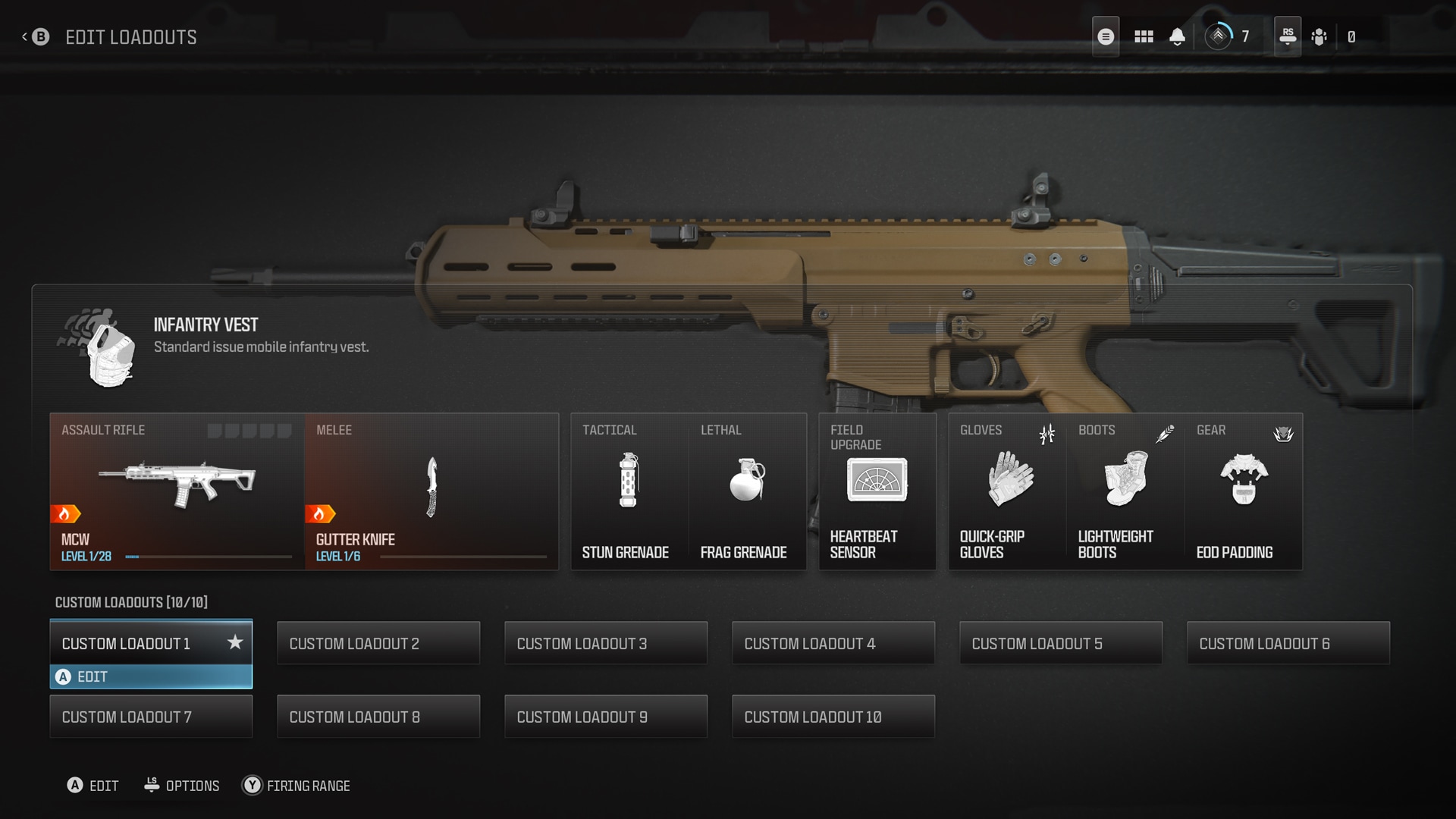
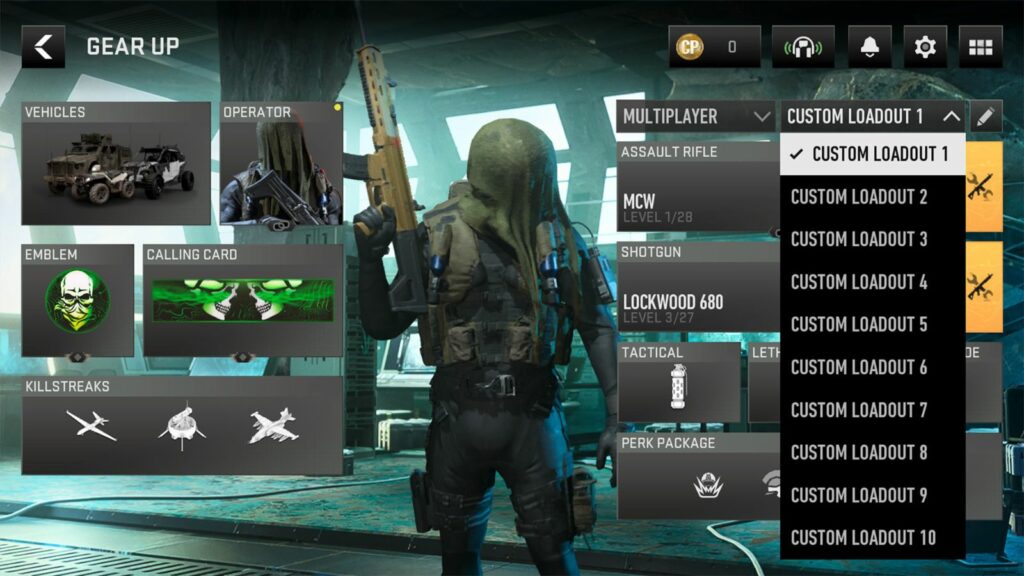
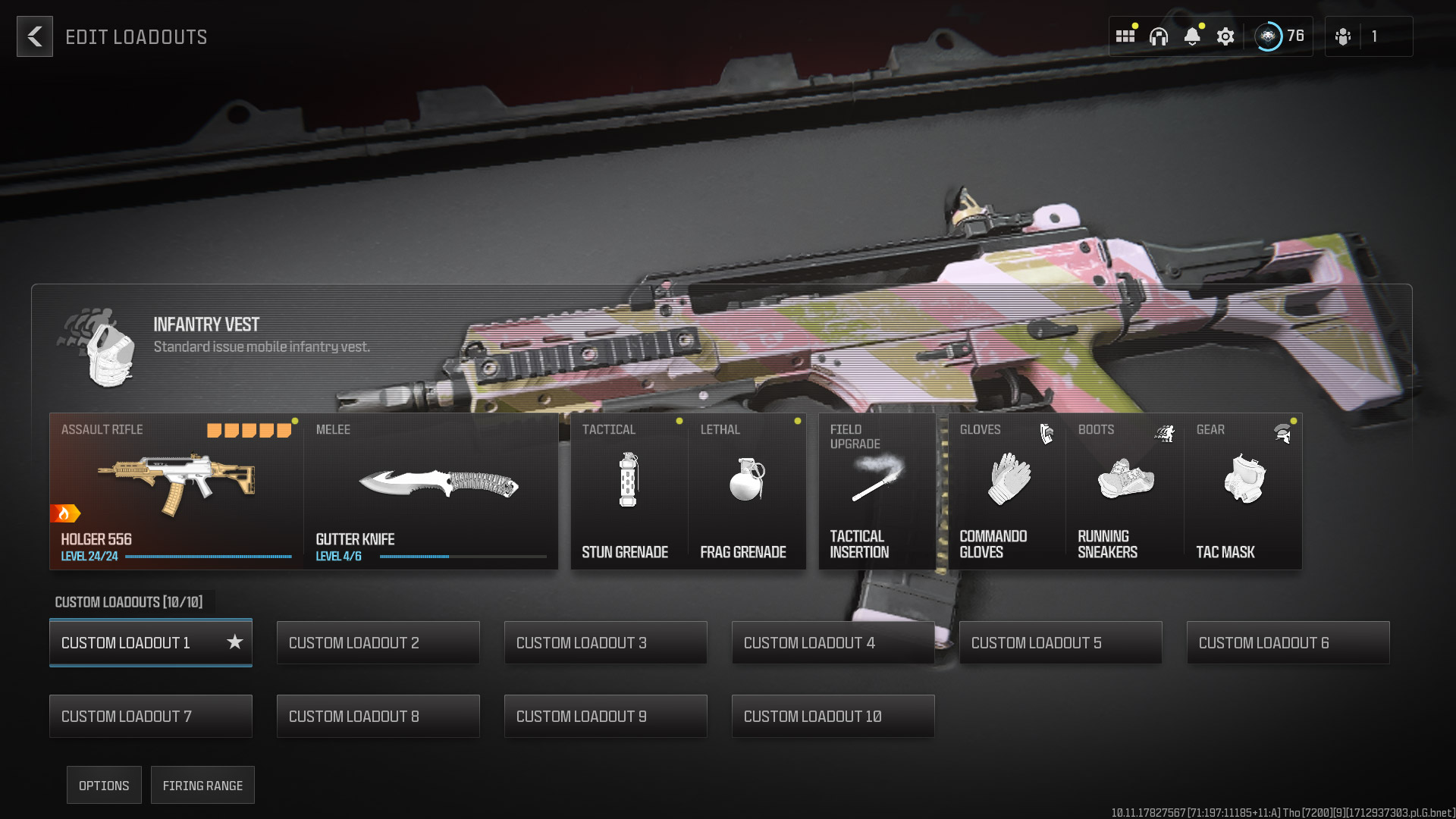
2. Select “Create a Class” or “Loadouts” to enter the loadout customization interface.
Step 2: Choose Your Primary and Secondary Weapons
– Primary Weapon: Select from various categories, including:
– Assault Rifles
– Sniper Rifles
– Submachine Guns (SMGs)
– Shotguns
– Light Machine Guns (LMGs)
– Secondary Weapon: Choose a secondary firearm, which can be:
– Pistols
– Launchers
– Another primary weapon if you take the Overkill Wildcard.
Step 3: Add Tactical and Lethal Equipment
– Tactical Equipment: Options include:
– Smoke Grenade
– Concussion Grenade
– Flashbang
– Proximity Alarm, etc.
– Lethal Equipment: Choices here consist of:
– Frag Grenade
– Sticky Grenade
– Claymore
– Battlefield Trap, etc.
Step 4: Select Perks and Field Upgrades
– Perks: Depending on your Wildcard choice, you can select three to four perks, such as:
– Ghost (stay off UAV)
– Fast Hands (faster reloads)
– Scavenger (replenish ammo from fallen enemies), etc.
– Field Upgrades: Choose from powerful utilities like:
– Neurogas
– Assault Pack
– Trophy System, which can provide tactical advantages in battles.
Step 5: Choose a Wildcard
– Wildcards: Wildcards provide unique advantages; options include:
– Gunfighter (more attachments for your primary weapon)
– Overkill (carry two primary weapons)
– Perk Greed (extra perks, allowing for more versatility).
Step 6: Finalize Your Combat Specialty
– Combat Specialty: This adds specific skills tailored to your playstyle. For instance, the Enforcer specialty may enhance your overall performance in combat scenarios.
Loadout Management
Once you have created your loadout, you can manage it effectively:
– Renaming: Identifying each loadout by purpose can streamline your gameplay (e.g., Sniper Class, Rush Class).
– Duplicating: This lets you create a copy of your loadout for alterations while preserving the original.
– Deleting: If needed, you can remove a loadout from your list; however, this action is typically irreversible.
Global Builds
A significant feature introduced in Black Ops 6 is Global Builds, which allows you to use the same loadout configuration across different game modes, including Multiplayer, Zombies, and Warzone. This means you no longer have to recreate your loadout for each mode, enhancing convenience and gameplay cohesion.
Conclusion
By exploring the various equipment and perks catered to your style, and regularly adjusting your loadouts, you can significantly enhance your effectiveness in multiplayer matches in Call of Duty: Black Ops 6. Embrace the customization options available to discover the best combinations that suit your tactics, whether it’s aggressive, stealthy, or balanced gameplay. Happy gaming!

Leave a Reply