
Interacting with Orb-Linked Switches, Gates, and Lifts in Cocoon: A Comprehensive Guide
Cocoon offers a rich puzzle experience that revolves around the unique abilities granted by colored orbs. Your ability to navigate the intricate mechanisms within this world hinges on understanding how to leverage the properties of these orbs in relation to switches, gates, and lifts. Here’s a detailed breakdown of the mechanics and best practices for mastering interactions in Cocoon.
Basics of Orb Abilities
Each orb introduces a distinct power that can transform gameplay:
1. Defeat World Bosses: Each orb’s ability is unlocked upon defeating the corresponding world boss.
– Examples:
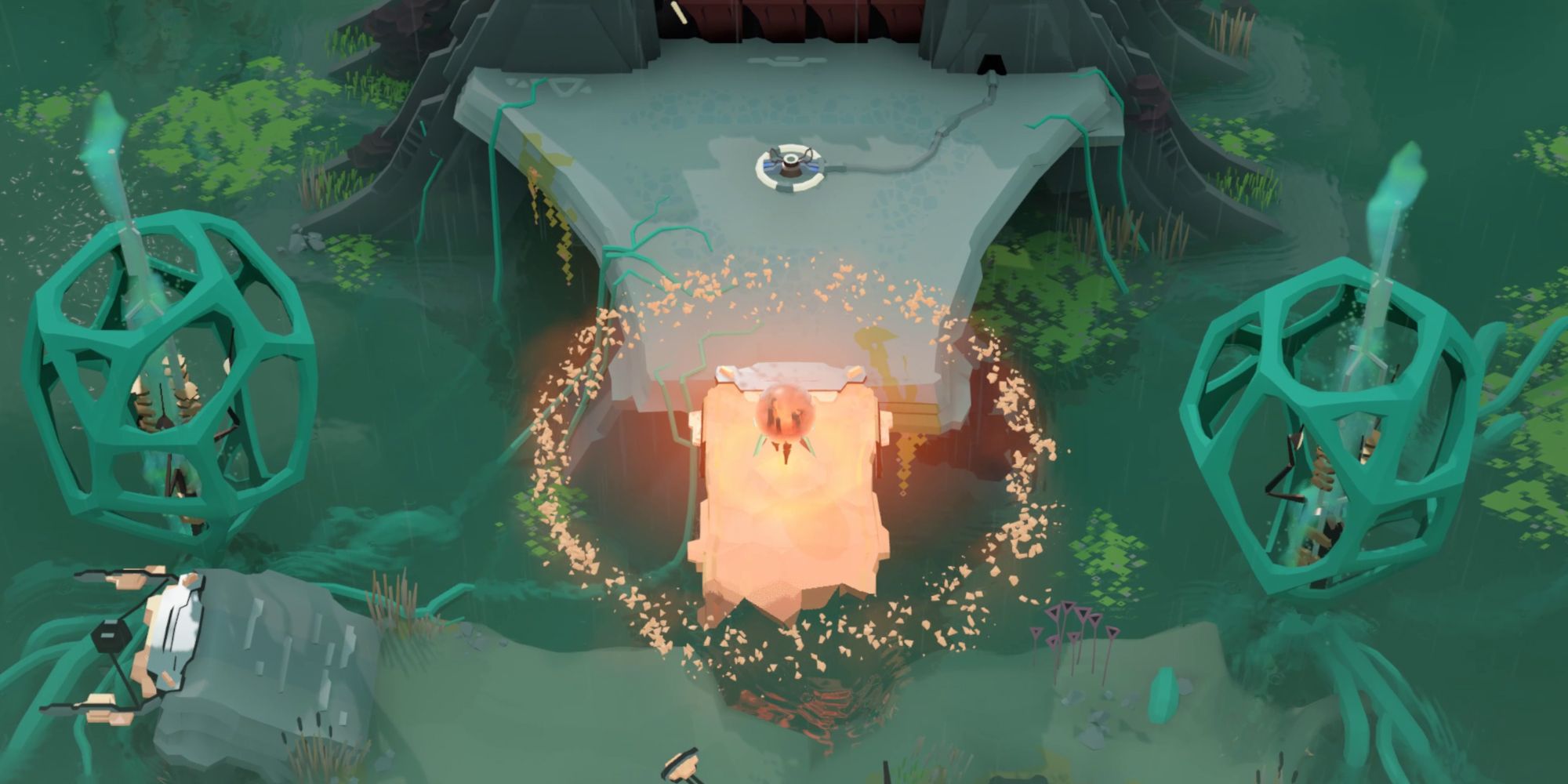
– Orange Orb: Creates paths.
– Another Orb: Switches platforms between solid and vapor states.
– Purple Orb: Generates imitation orbs that can mimic its abilities.
2. Carrying and Nesting Orbs: Players can carry orbs and often need to nest them within each other for certain puzzles, allowing for manipulation of reality layers to solve intricate challenges.
3. Warping: Entering and exiting orbs lets players traverse different layers quickly, essential for progressing through complicated puzzle setups.
—
Interacting with Switches, Gates, and Lifts
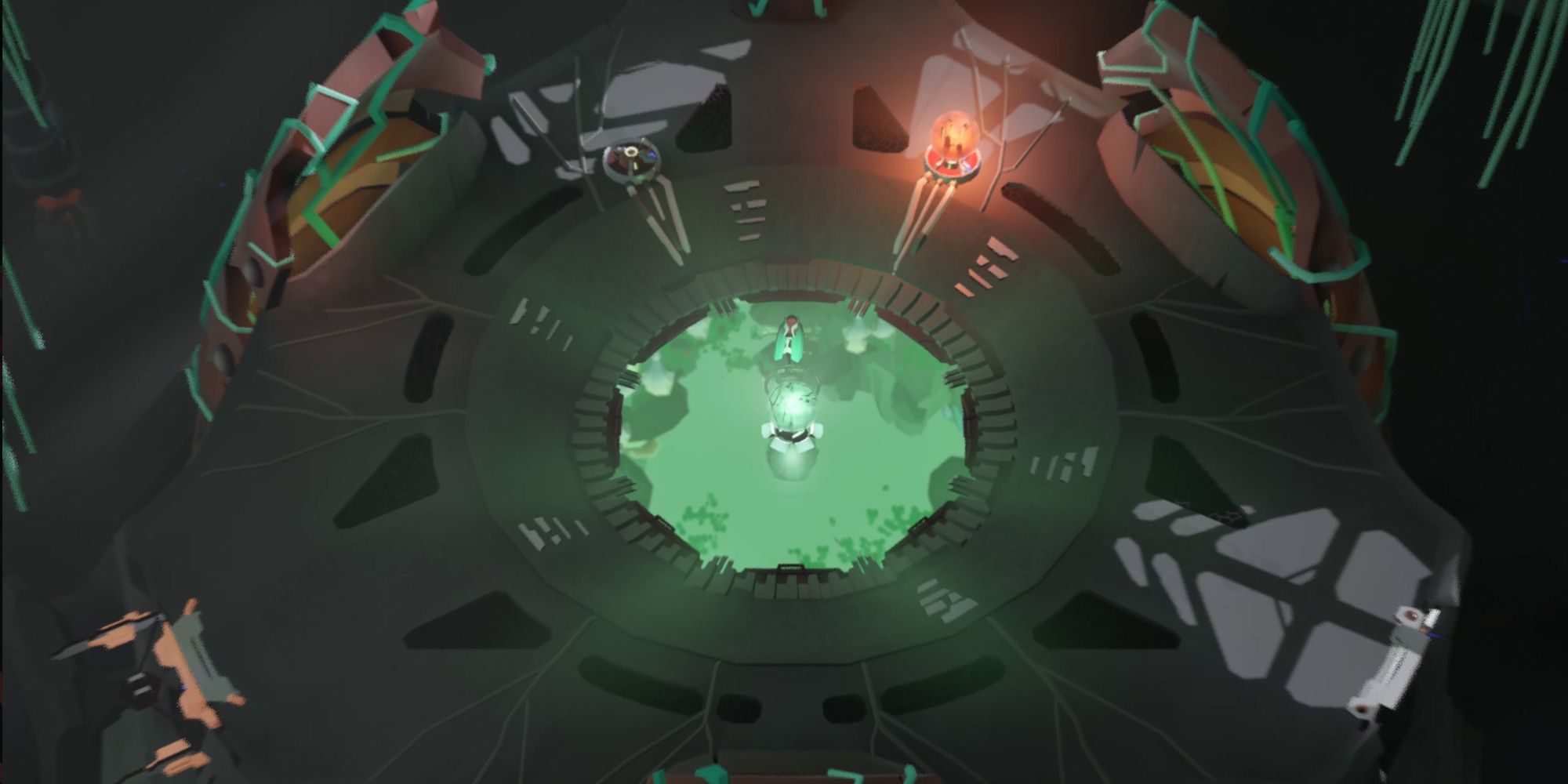
1. Orb Switches and Pads
– Switch Pads:
– Action: Stand on or interact with switch pads.
– Access: Some pads require specific orbs to be equipped or nearby.
– Functionality: Certain switch pads can launch imitation orbs or orb walkers to access elevated mechanisms.
– Weight Pads:
– Action: Utilize yourself or an orb walker to activate.
– Functionality: These pads can open doors, gates, or raise bridges when an adequate weight is applied.
2. Gates and Doors
– Orb-Activated Doors:
– Action: Open gates by placing a specific orb on a nearby pedestal or activating the orb’s ability.
– Strategies: For example, moving an orb to a pedestal might unlock a previously secured door, while using an orb’s special ability can reveal hidden entryways.
– Nesting Orbs:
– Some gates require nesting to function, wherein one world’s orb must be nested inside another to access intricate mechanisms locked in a deeper layer.
3. Lifts and Platforms
– Orb-Operated Lifts:
– Action: Lifts may only respond when a corresponding orb is present or its ability (like switching a platform state) is utilized.
– Tactics: Navigate to the lift using the appropriate orb, employ its ability, and ride the lift to access new areas.
—
Step-by-Step Example: Using Orb Abilities with Switches and Gates
1. Identify Required Orb: Assess the environment for color coding and thematic clues to pinpoint which orb’s abilities are necessary.
2. Carry or Place the Orb: Obtain the relevant orb and transport it to the interaction point (switch, pedestal, etc.).
3. Use the Orb’s Ability: Activate the orb’s unique power as specified (e.g., pressing the action button).
4. Trigger Mechanisms: Engage with switch pads or weight pads to enact changes in the environment (moving platforms, opening gates).
5. Nest or Warp as Needed: If faced with intricate puzzles, utilize warping to switch between different worlds or nest orbs as necessary.
—
Advanced Interactions: Orb Nesting and Paradoxical Puzzles
– Nesting Orbs: Certain advanced puzzles necessitate placing one orb inside another, presenting layers of complexity that unlock deeper functionalities.
– Paradoxical Loops: In late-game scenarios, players may have to traverse from the overworld to an orb world, necessitating a carried orb to solve specific puzzles that involve self-contained loops.
– Teleportation (Warping): Instantaneous movement between worlds allows efficient navigation to switches and mechanisms otherwise out of reach.
—
Summary Table: Orb-Linked Interactions
| Interaction Type | Required Orb(s) | Player Action | Result |
|———————|——————————|———————————————–|—————————————–|
| Switch Pad | Imitation/Real Orb | Press interact button | Activates lifts, platforms, or walkers |
| Weight Pad | Orb Walker or Real Orb | Place orb/walker on pad | Opens gate/bridge |
| Orb Pedestal | Specific Orb | Place orb on pedestal | Opens door/gate |
| Platform Switching | Specific Orb (e.g., vapor) | Use orb’s ability near platform | Solidifies/vaporizes platforms |
| Warp/Teleportation | Any Orb (world inside) | Enter orb (warp) | Move between world layers |
—
Key Tips
– Experimentation: Don’t hesitate to try different combinations of nesting orbs and warping to see the effects on switches and gates.
– Observation: Make note of environmental hints to discern which orb ties to specific interactions.
– Layered Thinking: Acknowledge how actions in one realm can influence others, particularly with nested orbs.
By mastering these interactions, players will fully exploit the intricate design of Cocoon’s puzzles, unlocking hidden paths and advancing through its richly layered worlds. Happy puzzling!



Leave a Reply