
Navigating the Orb Worlds in Cocoon: A Comprehensive Guide
Understanding Orb Mechanics
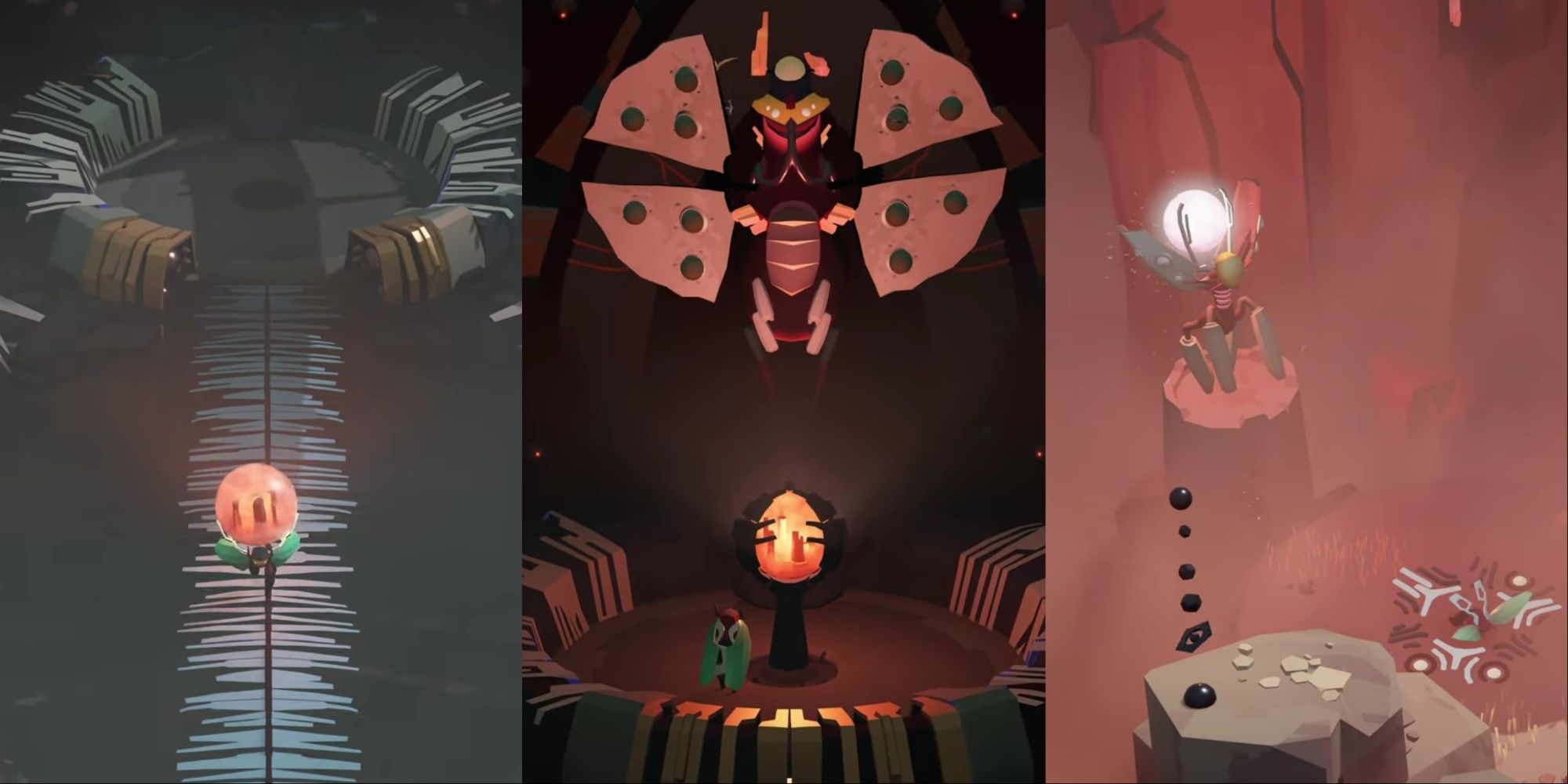
Cocoon’s unique gameplay revolves around the concept of orbs, each of which encapsulates a distinct world. When you enter an orb—typically through a warp pad or portal—you are immersing yourself in that new world. Importantly, players can only carry one orb at a time, which allows for the transport of that entire realm. This mechanic is key to unraveling the game’s complex inter-world navigation.
Visual Cues for World Recognition
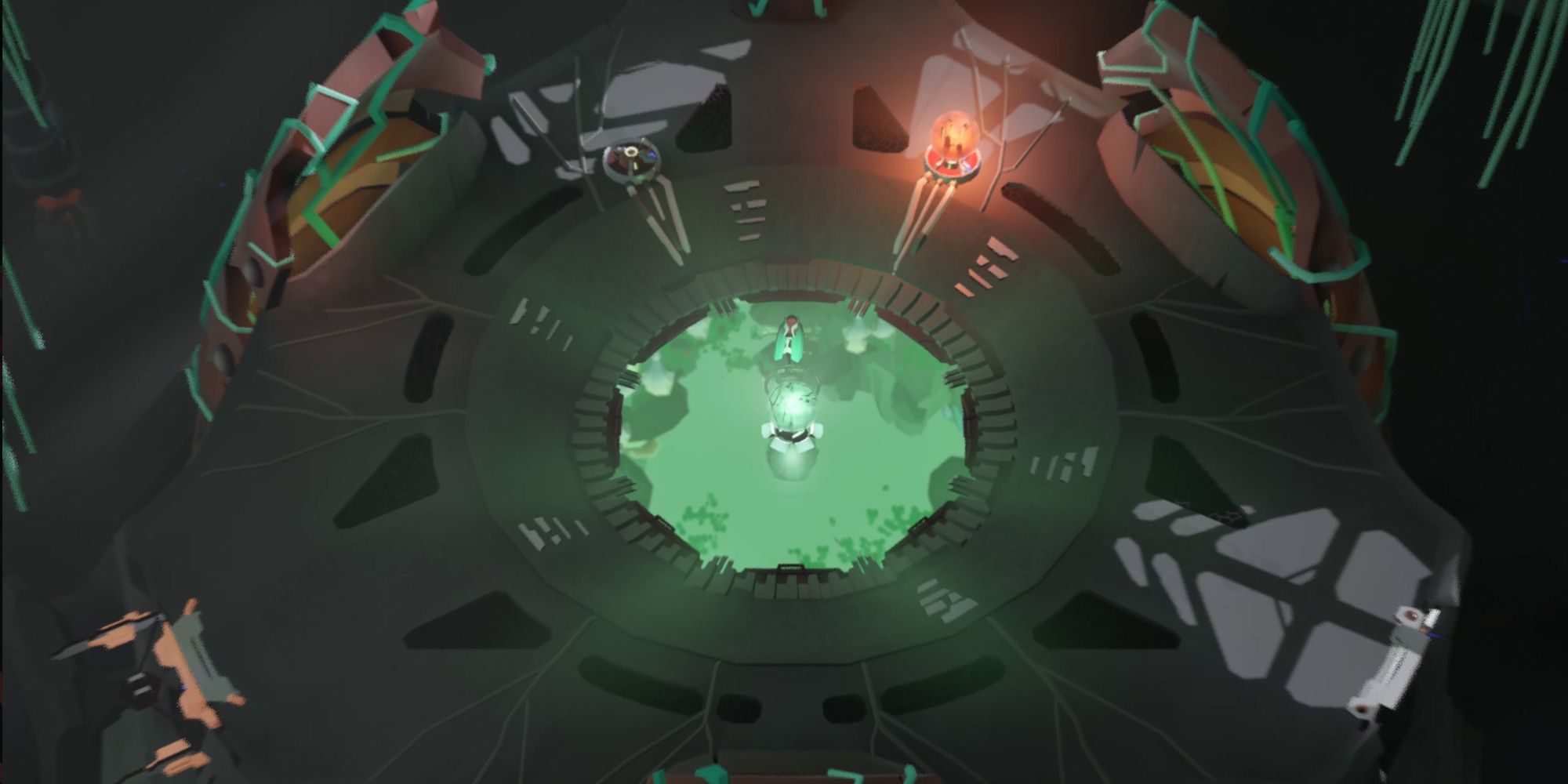
1. Color of the Environment: Each world boasts a predominant color scheme that reflects the orb’s characteristics. For instance, green hues may indicate the presence of a nature-centric world, while reds could suggest a more hostile or industrial environment. Getting familiar with these color codes will significantly enhance your ability to identify which world you are in at a glance.
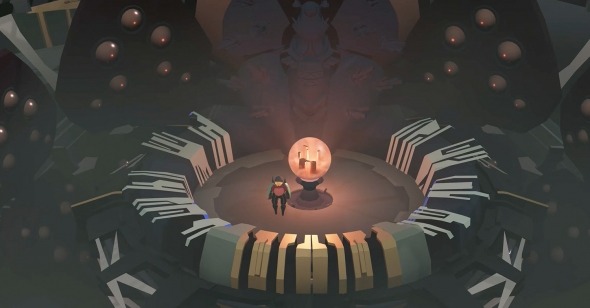
2. Orb Placement: When you exit a world and place your orb on a stand, it serves as a visual anchor. Upon returning to the larger world, the orb you left behind becomes visible, allowing you to instantly recognize which realm you just departed from.
Portals and Transitions
– Appendage Portals: These are crucial for moving between different worlds. For example, if you are in a green world and find an appendage portal, entering it can return you to a previous world, such as a red one. Knowing the location and purpose of these portals is essential for efficient navigation.
– Tall Vertical Gates: These gates function as significant transition points between major worlds. If you hold a green world in a red orb and approach a tall vertical gate, you’ll likely be transported to the green world, with your green orb in tow. It’s critical to recognize these gates as they often signify a major shift in the narrative and gameplay.
Tracking Progress Across Worlds
To maintain an understanding of your position within the nested worlds:
1. Visual Feedback: Stay alert to changes in the environment, enemy types, and challenges, as these elements often vary significantly across different worlds.
2. Orb Stand Interactions: When placing an orb on its designated stand, observe how the surroundings react. Certain mechanisms might activate or structures may change, providing clues about the world you’re currently navigating.
3. World Events: Dynamic events, such as projectiles or items traversing between worlds, can indicate that transitions are occurring, alerting you to changes in your environment.
Strategic Approach for Efficient Navigation
Given the complexity of Cocoon’s mechanics, developing a mental map of the worlds you’ve explored is invaluable. Consider diagramming the sequence of worlds you’ve entered and exited, alongside notes on which orbs reside within those realms. This systematic tracking will facilitate easier navigation as you progress through the game.
Final Thoughts
Cocoon demands a blend of patience and keen observation to master its nested world mechanics. By familiarizing yourself with the visual cues, portal functions, and ways to track your journey, you’ll find yourself navigating the orbs with increasing confidence. Over time, your ability to discern the nuances between worlds will sharpen, enhancing your overall gaming experience. Embrace the challenge, and enjoy the intricate beauty of Cocoon’s universe!


Leave a Reply