
In Dead Space, effective management of oxygen and stasis energy is critical for navigating through extended combat sequences and environmental hazards. Here’s a comprehensive breakdown to enhance your gameplay experience:
—
Oxygen Management
1. Refill Stations
– Identification: Keep an eye out for Oxygen Refill stations marked with green tanks or highlighted interactable objects. These are strategically placed near significant objectives or after intense combat scenarios.
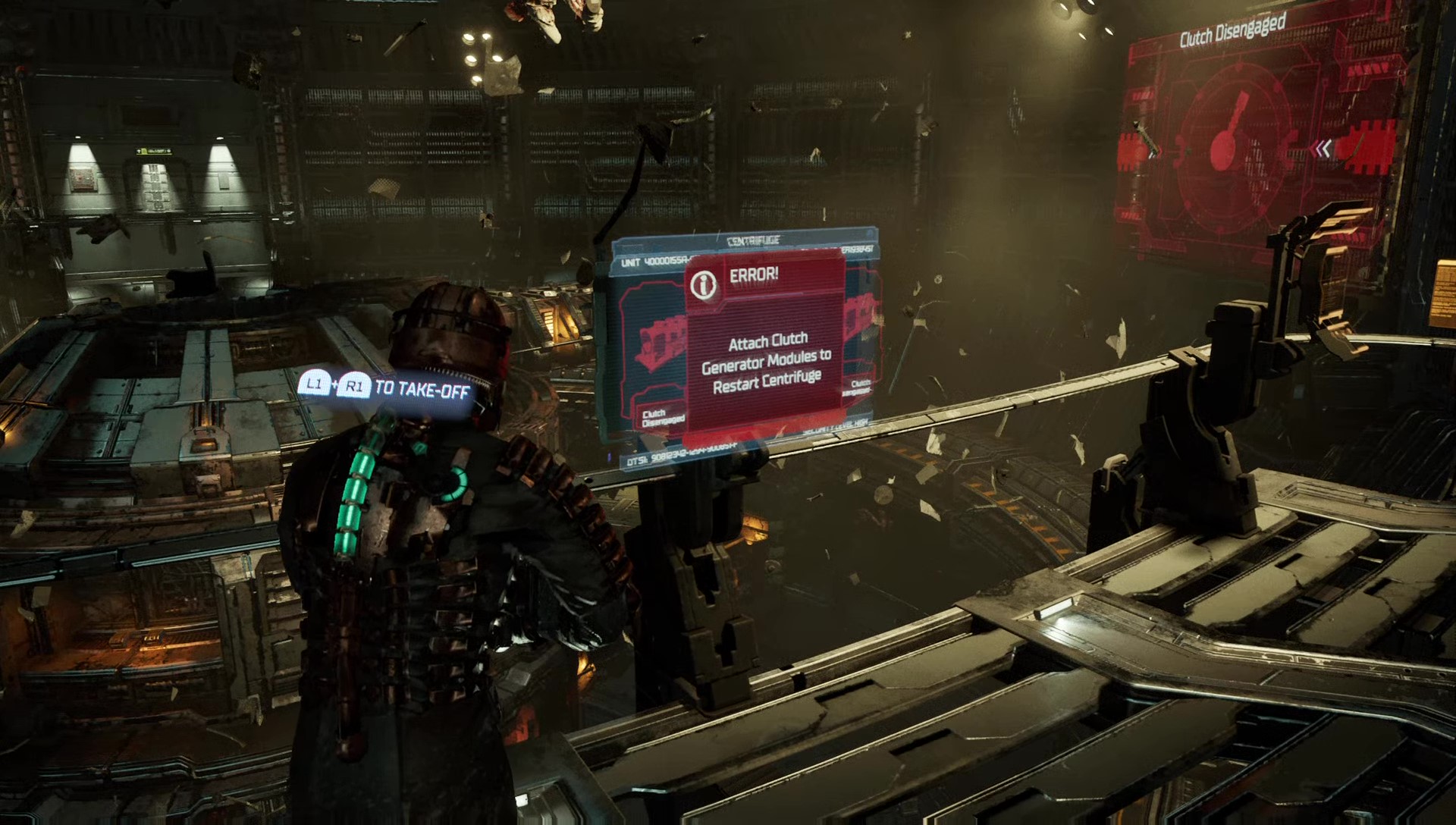
– Example: In Chapter 3’s Centrifuge section, be sure to refill at the station close to the control panel prior to activating the centrifuge. This will ensure that you don’t run low during critical tasks.
– Pro Tip: Utilize Kinesis to access elevated platforms or hidden areas, as these may house additional oxygen refill stations that are off the beaten path.
2. Conserve Supply
– Movement Reduction: To decrease the rate of oxygen depletion, refrain from sprinting in vacuum zones. This cautious movement extends your oxygen supply, especially during extended segments.
– Upgrade Considerations: Invest in Oxygen Tank Capacity upgrades at stores to enhance your overall survivability in oxygen-deprived environments.
– Route Planning: Tackle environmental puzzles swiftly (e.g., utilizing Kinesis to maneuver platforms) to reduce exposure time in vulnerable areas.
—
Stasis Energy Optimization
1. Strategic Use
– Targeting Fast Movers: Slow down aggressive enemies such as Lurkers or Enhanced Slashers using Stasis to mitigate damage risks and give yourself a tactical advantage.
– Utilizing Environmental Hazards: In zero-gravity sections, freeze obstacles like rotating machinery or hazardous debris (e.g., near Centrifuge chasms) to create safe paths for navigation.
2. Refill Sources
– Inventory Management: Always carry at least 1-2 Stasis Packs for emergencies. This will ensure you have backup resources to recharge your Stasis when caught off-guard.
– Stasis Stations: Make use of dedicated recharge stations (denoted by blue icons) during downtime to replenish your Stasis for upcoming encounters.
– Upgrade Path: Enhance Stasis Duration at upgrade benches for more effective usage, maximizing the time you can immobilize enemies and obstacles.
—
Combat Synergy
– Weapon Pairing: Combine Stasis with high-damage weapons such as the Plasma Cutter or Contact Beam to systematically eliminate threats before they can reach you. This not only conserves your health but also manages resource expenditure efficiently.
– Limb Dismemberment: Utilize Stasis strategically to dismember Necromorphs methodically. This approach can minimize the need for extensive ammunition, while also conserving health through controlled combat engagement.
—
Exploration Tips
– Thorough Scavenging: Always check Equipment Storage rooms, particularly before entering high-stakes areas such as the Centrifuge in Chapter 3, for available oxygen and stasis refills. These can be lifesavers in emergencies.
– Navigating Zero-G: Use Kinesis not only for interacting with items but also for expediting the movement of obstacles. This will reduce your time spent in hazardous zones and enhance overall safety.
– Frequent Saving: Utilize save stations regularly, particularly before entering challenging sequences, to safeguard progress and prevent the need to replay resource-intensive segments.
By employing these strategies, you’ll significantly reduce resource strain during some of the game’s most intense moments, allowing for a more fulfilling experience in Dead Space. Remember, foresight and resourcefulness will aid you in surviving the horrors that await!



Leave a Reply