
To respec skill points in Diablo IV, players have a couple of methods available to them, each with its own considerations. Below are detailed steps and strategy tips to successfully navigate the respec system.
Respec Methods
1. Individual Skill Refund
– How to Access:
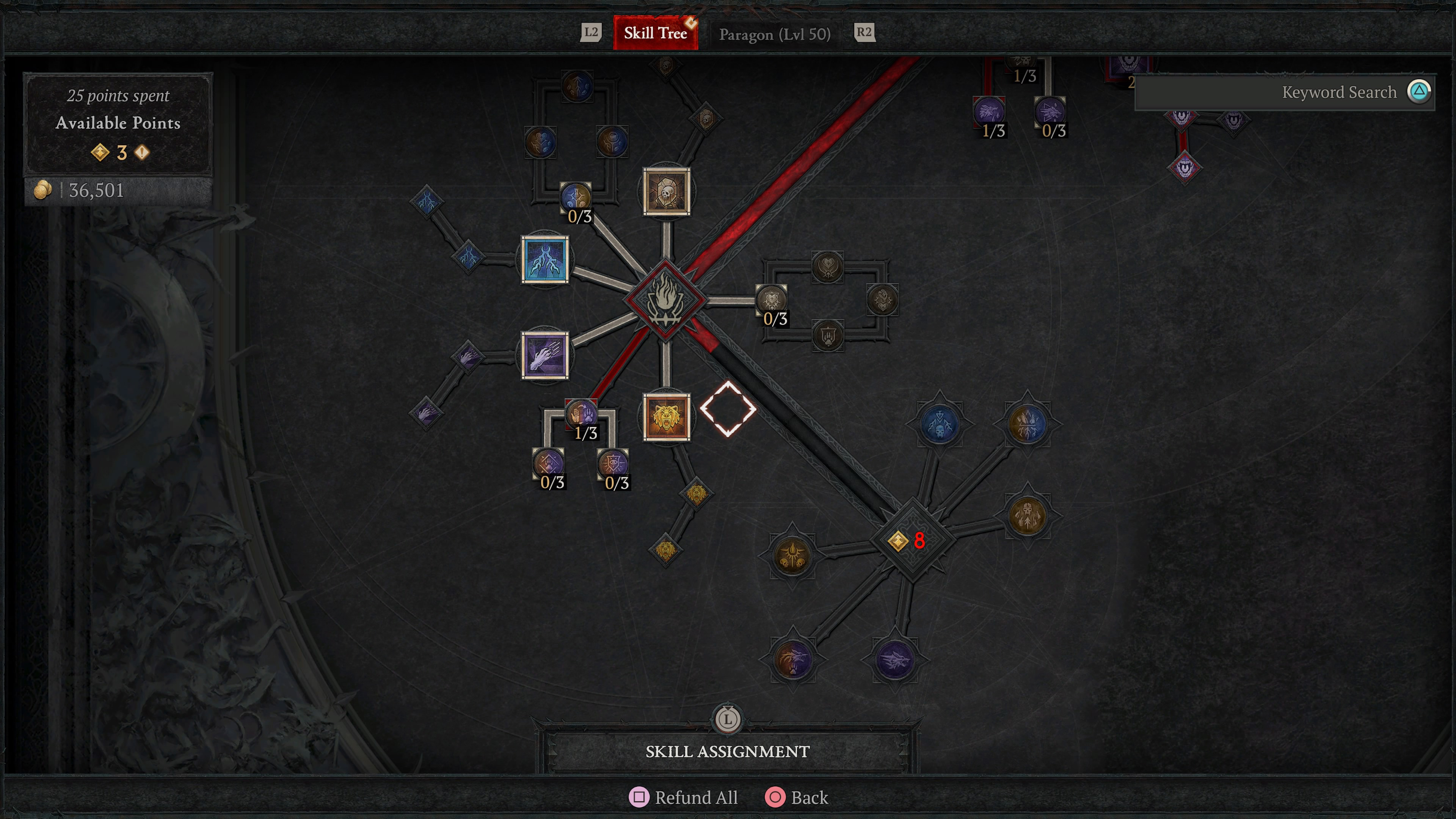
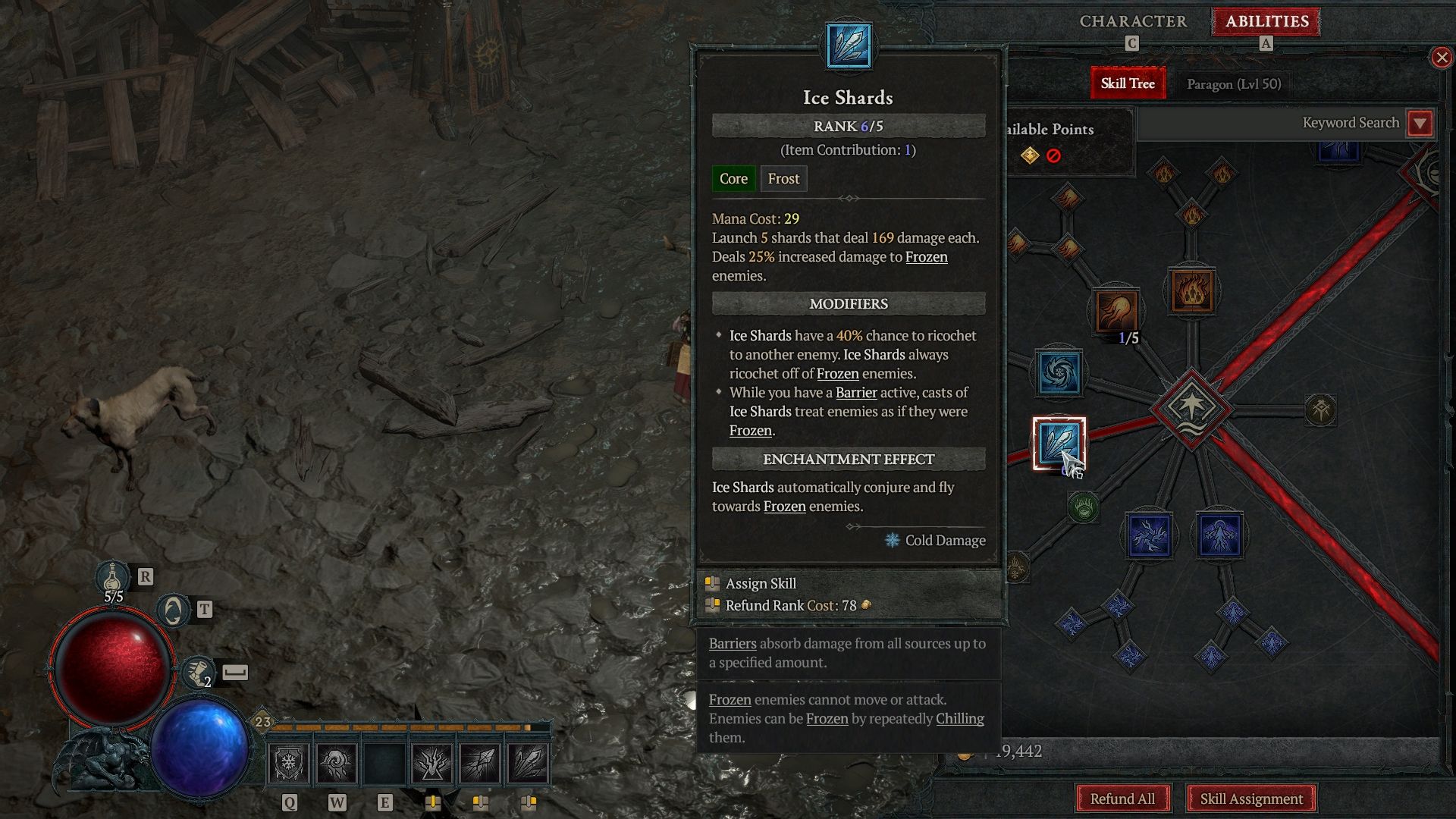
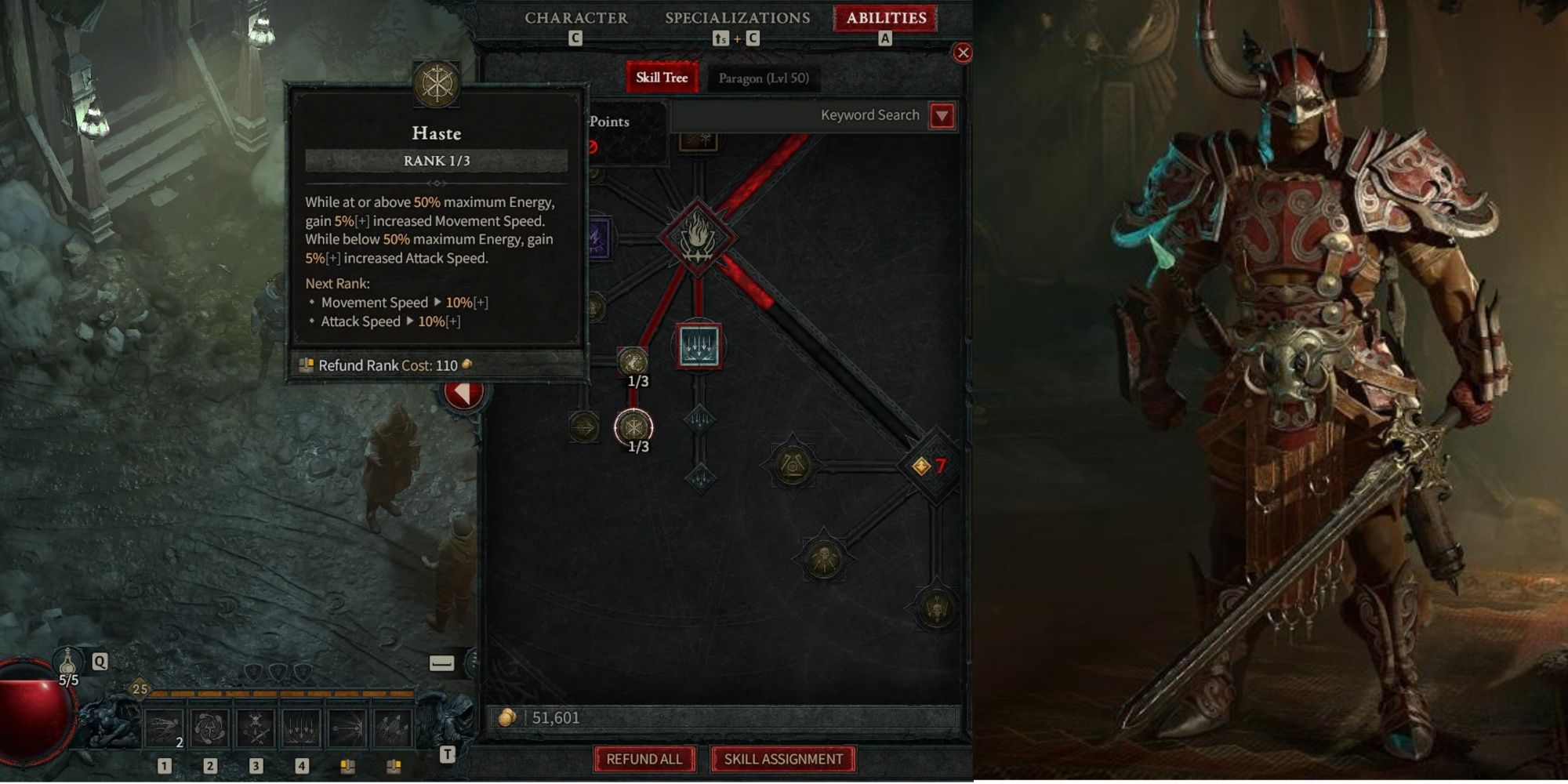
– Open the Skill Tree through the “Abilities” tab found in your inventory.
– Hover over the specific skill or passive you wish to refund and hold the designated refund button:
– PC: Right-click.
– Console: Use the button prompt (e.g., X for PlayStation, A for Xbox) to initiate the refund.
– Cost:
– Each refund costs Gold, and importantly, the cost escalates with your character’s level. Refunds for lower-tier skills (such as Basic Skills) will be less expensive compared to higher-tier skills.
2. Full Respec (“Refund All”)
– How to Access:
– Within the Skill Tree, scroll to the bottom of the screen and select the “Refund All” option.
– Cost:
– The total Gold cost for this action will be shown before you confirm it. As with individual refunds, the cost scales with both your level and the total number of skill points you’ve allocated.
Key Details
– Accessibility: You can perform a respec anywhere in the game, meaning there’s no need to return to towns or interact with vendors.
– Free Respec: Players are allowed a free respec until they reach level 8, making it an excellent time for experimentation without financial concern.
– Cost Scaling:
– As your character levels up, the Gold cost for respecs increases significantly.
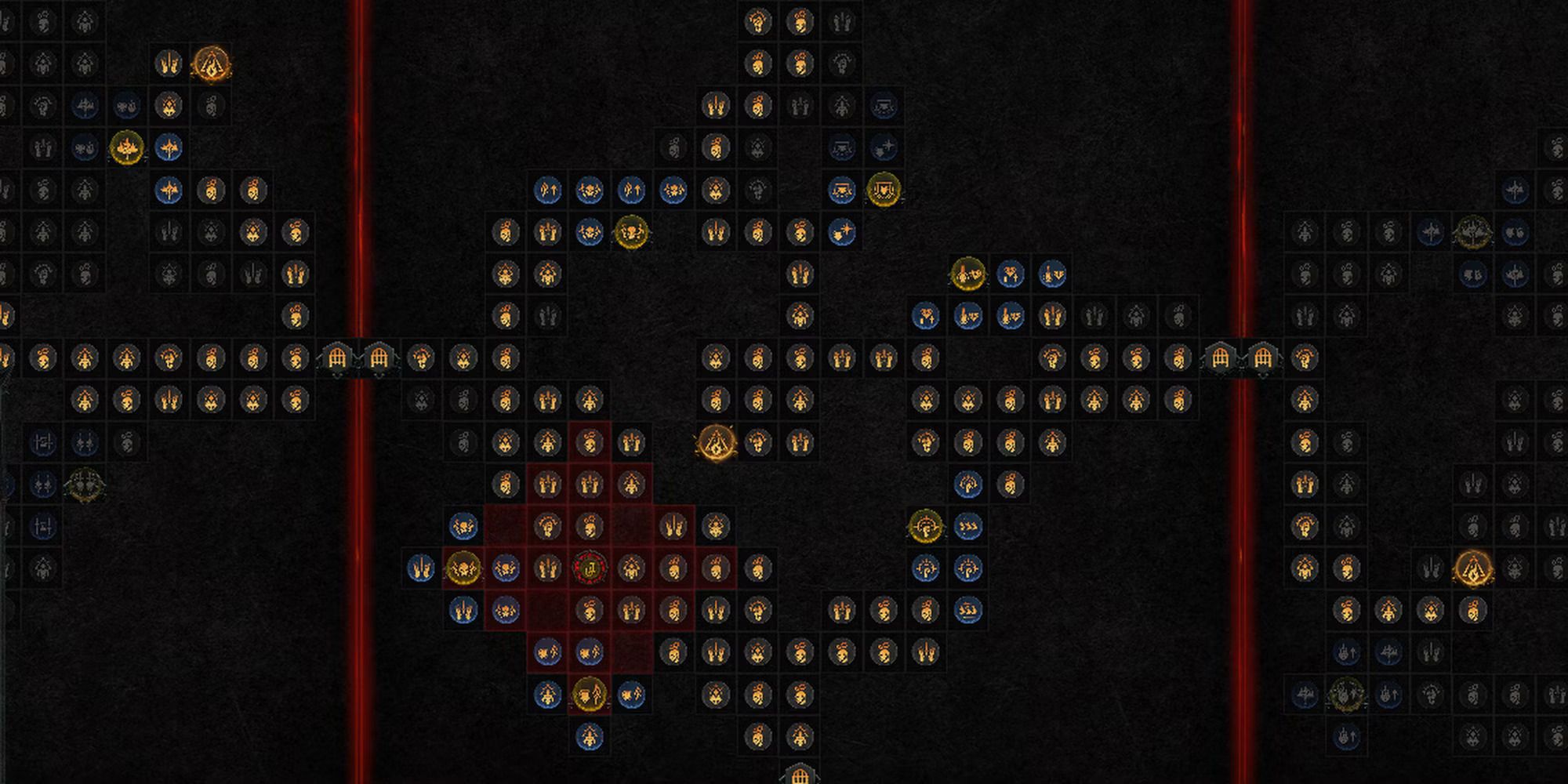
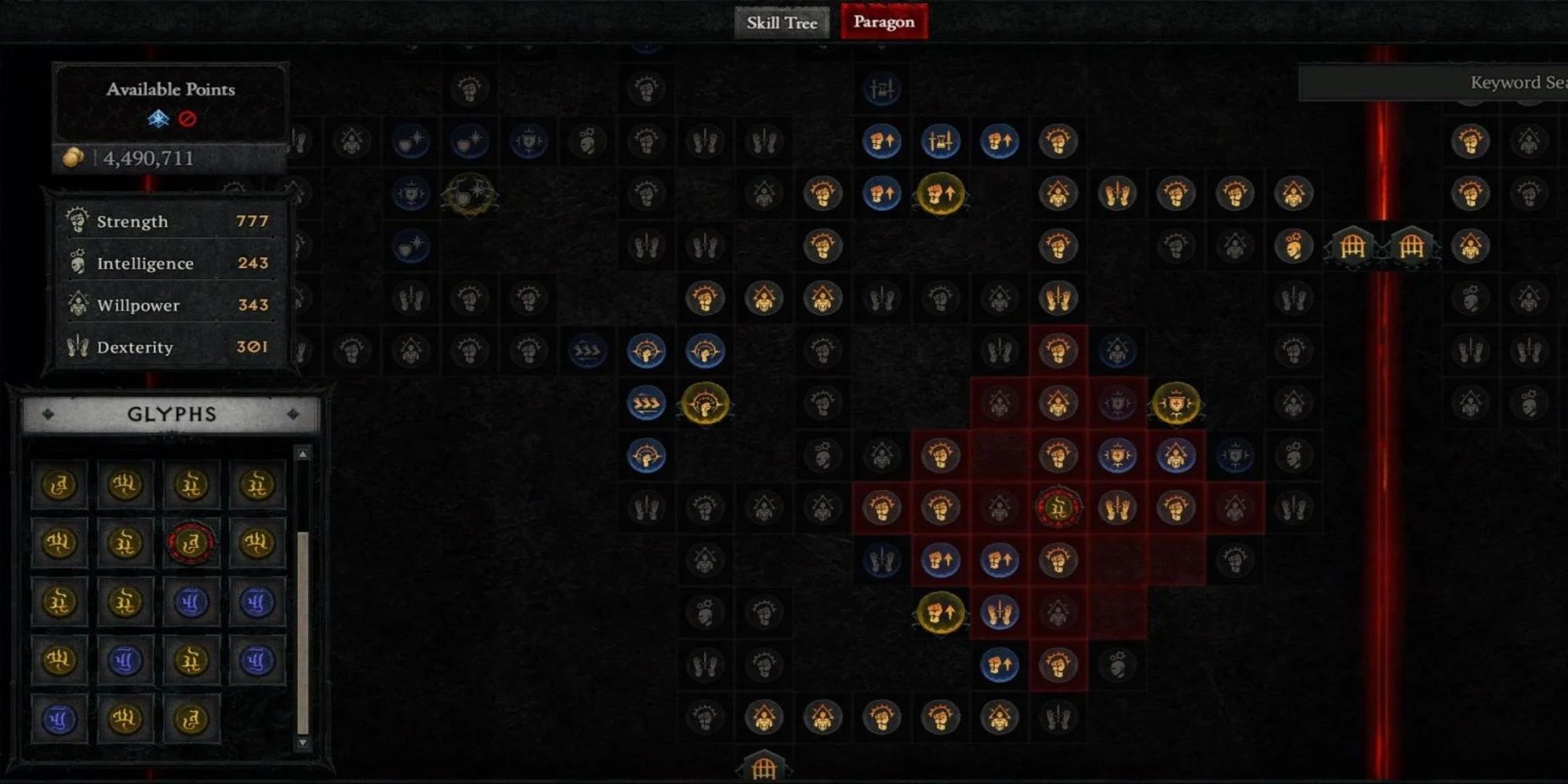
– After level 50, when you begin interacting with the Paragon Board, the costs for respecs become particularly high compared to standard skill tree adjustments.
Strategic Tips
1. Partial Rebuilds:
– It’s advisable to refund skills from the bottom-up, starting with Ultimate Skills first. This strategy helps maintain dependencies on higher-tier passives.
– Focus on removing secondary modifiers, such as upgraded skill variants, before taking out core skills to avoid complications in your build.
2. Gold Management:
– Early-game: Feel free to experiment with the “Refund All” option due to minimal costs.
– Endgame: For minor tweaks to your build, utilize single-point refunds to prevent draining your Gold reserves.
Console vs. PC Controls
| Platform | Action | Input |
|———-|——————-|———————|
| PC | Refund Skill | Right-click |
| Console | Refund Skill | Hold button (e.g., X/Square) |
For significant build changes, such as transitioning to a new build (for instance, a Season 6 Spiritborn build), consider using “Refund All” and then take the time to reallocate your skills methodically. Consistently check the Gold costs involved for any full respecs to avoid unexpected expenses.
By following these steps and tips, players can efficiently manage their skill points and enhance their gameplay experience in Diablo IV. Happy hunting!
Leave a Reply